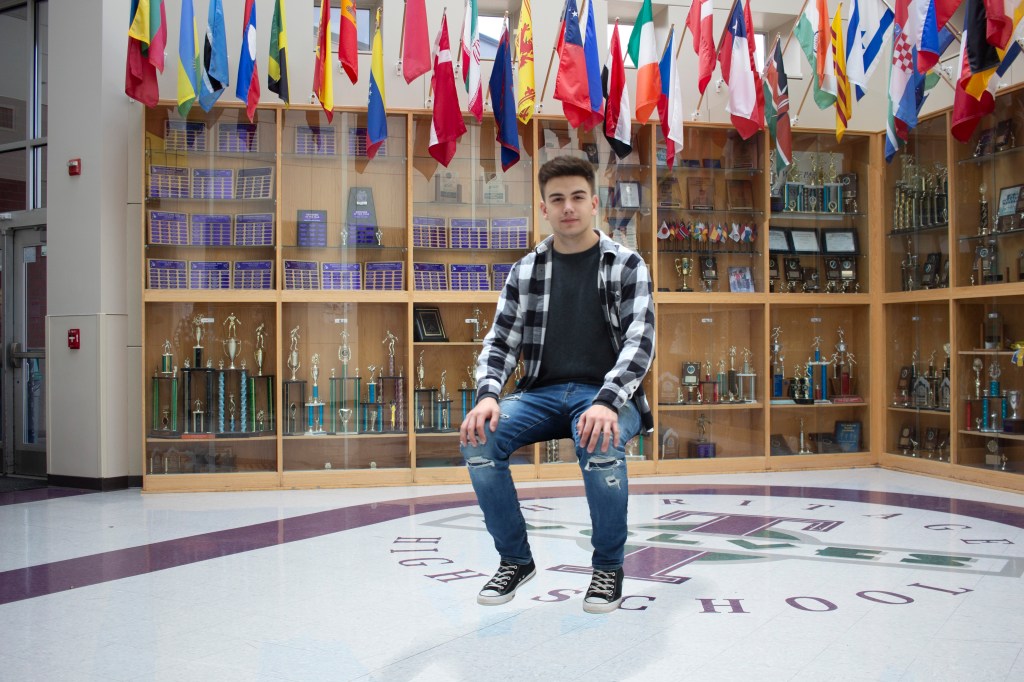
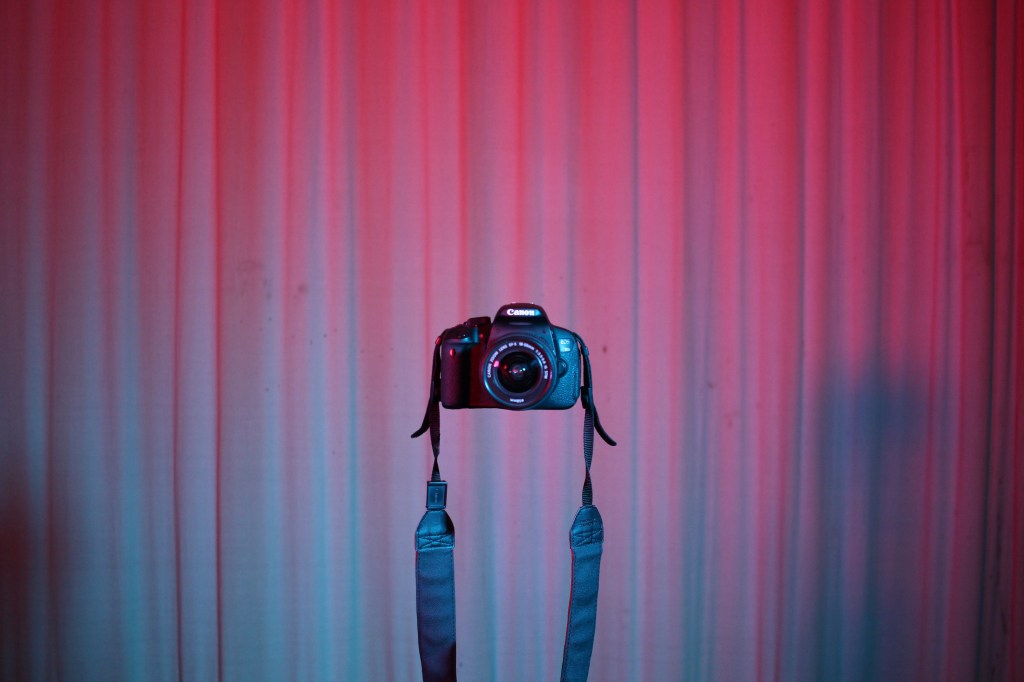
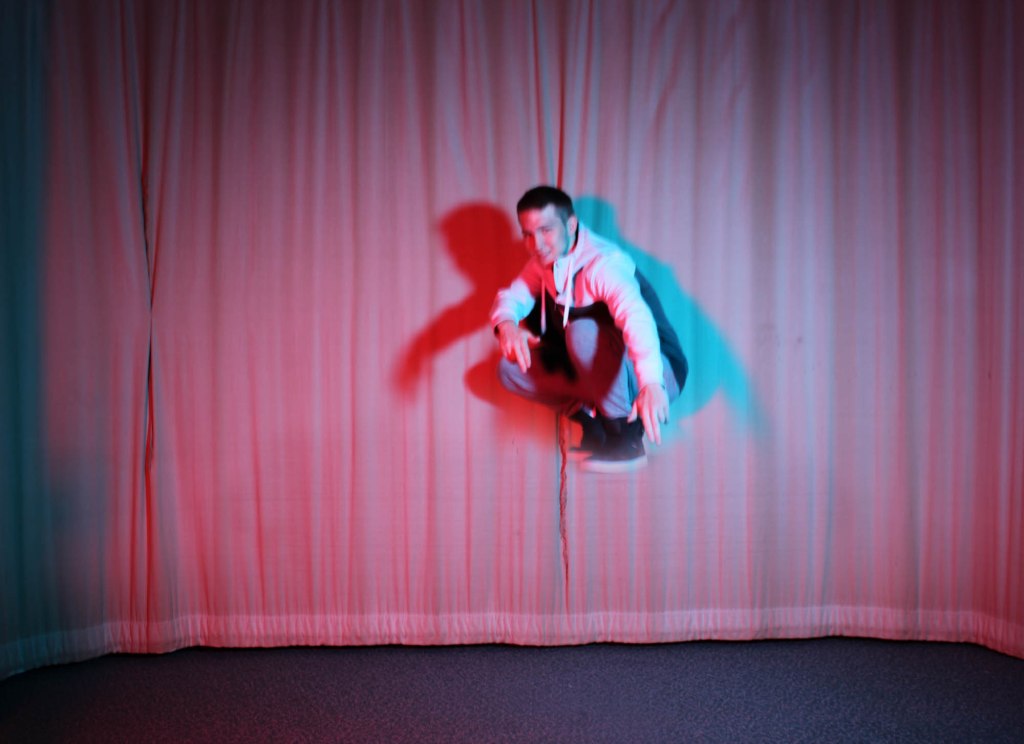
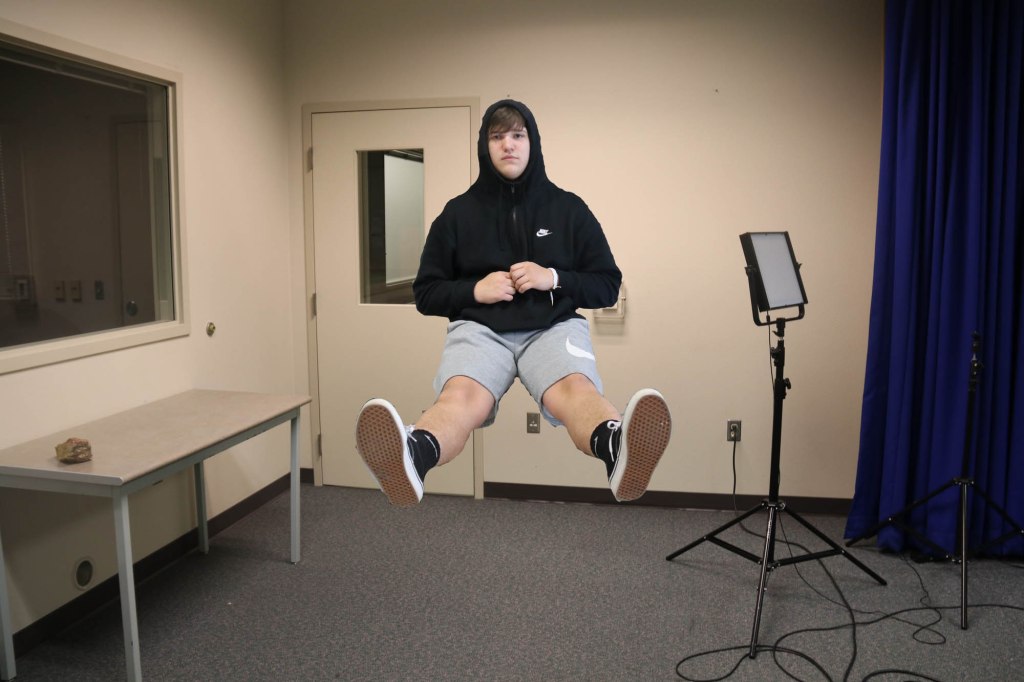
To Do List for 11/25

Learning Target:

  • I can use the sketch I made last week to make a practice image for the Multi Image Self Portrait.
  • I can add the text from my sketch onto my practice photo.
  • I can have a practice image ready before the end of the period tomorrow.

Steps:

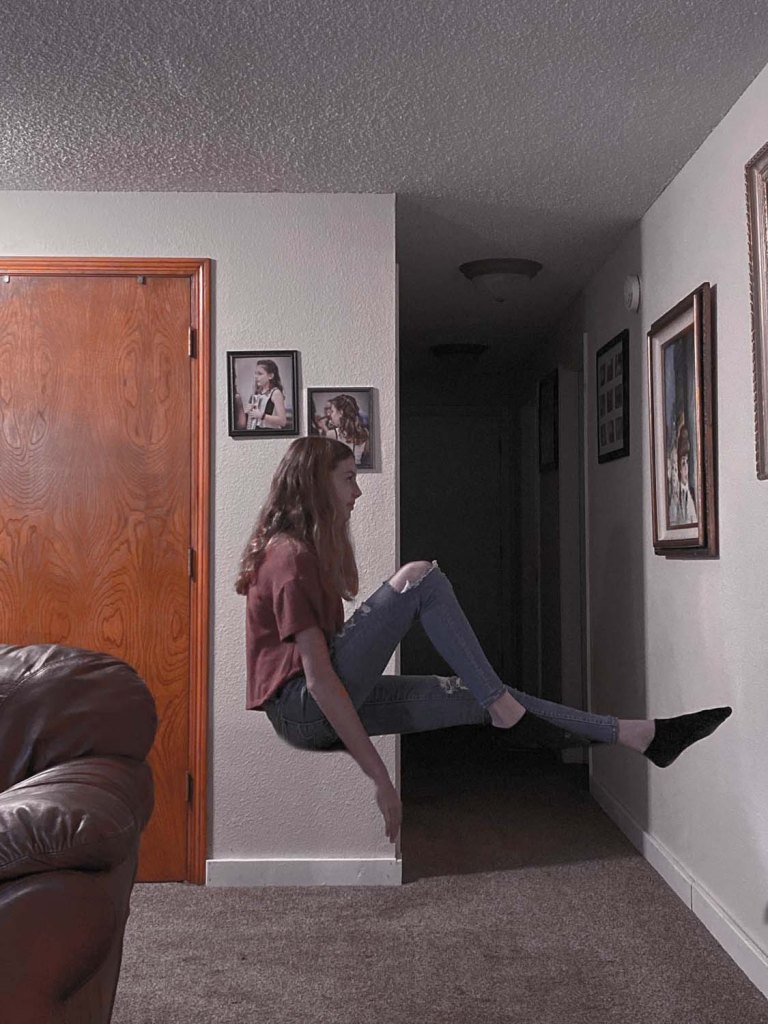
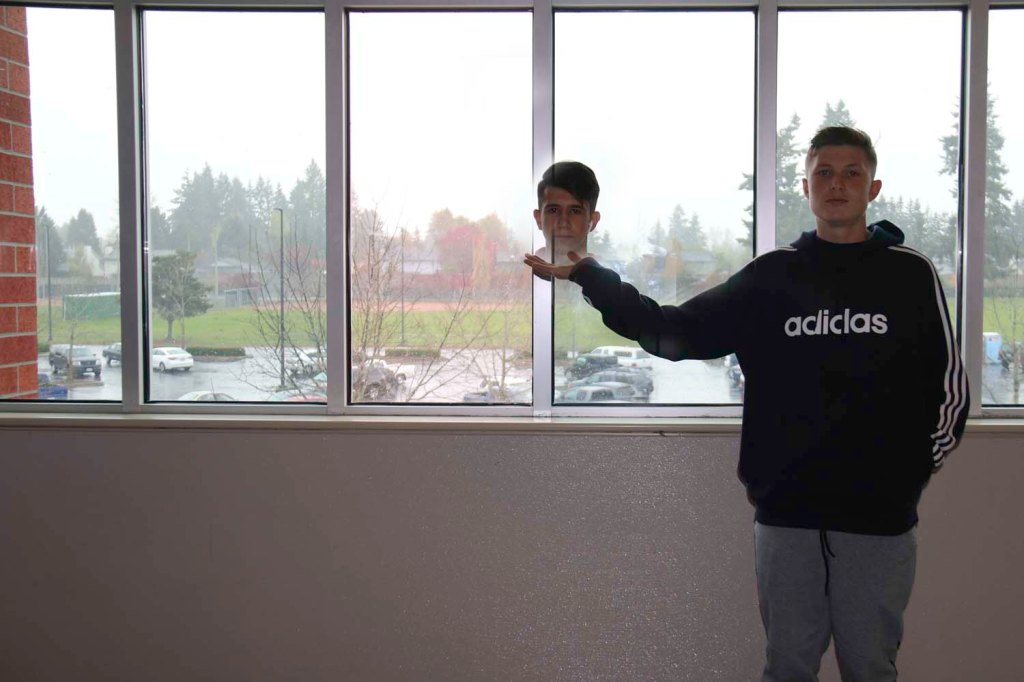
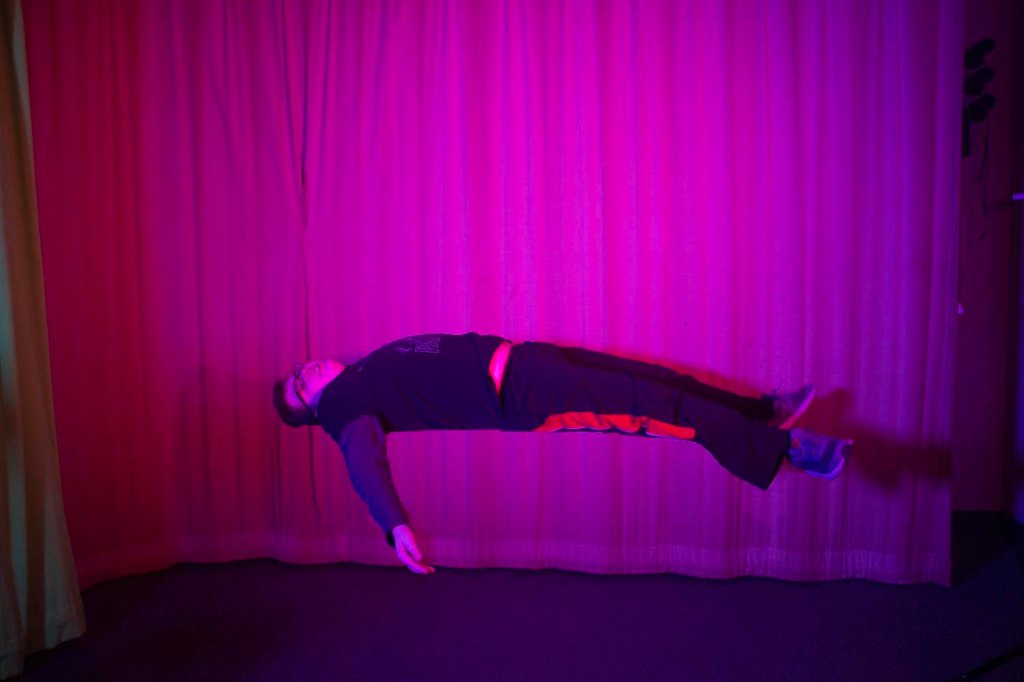
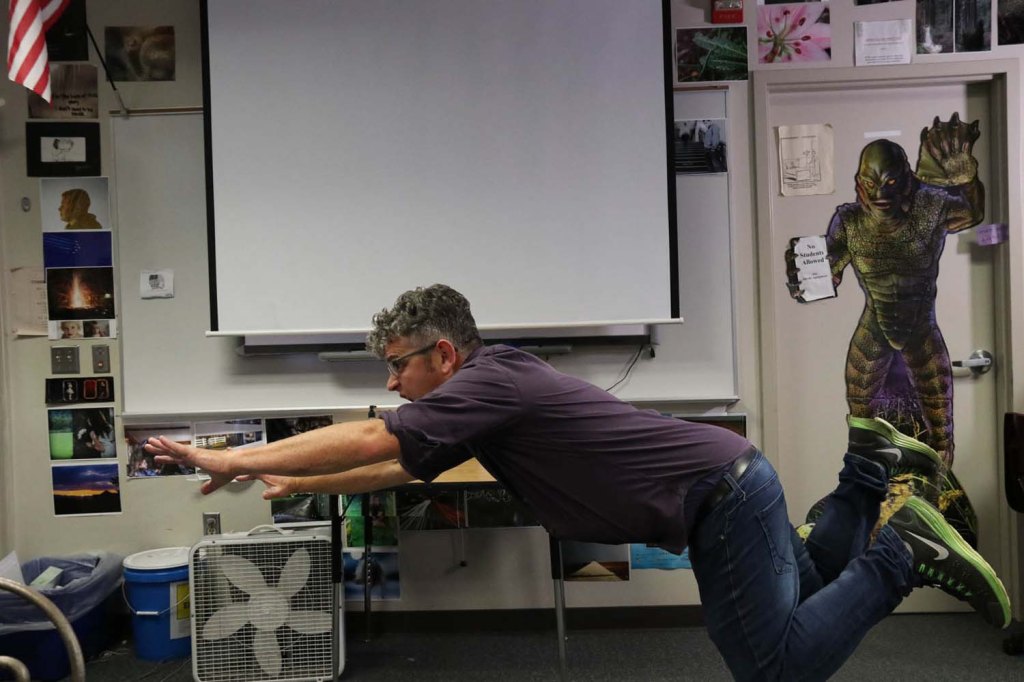
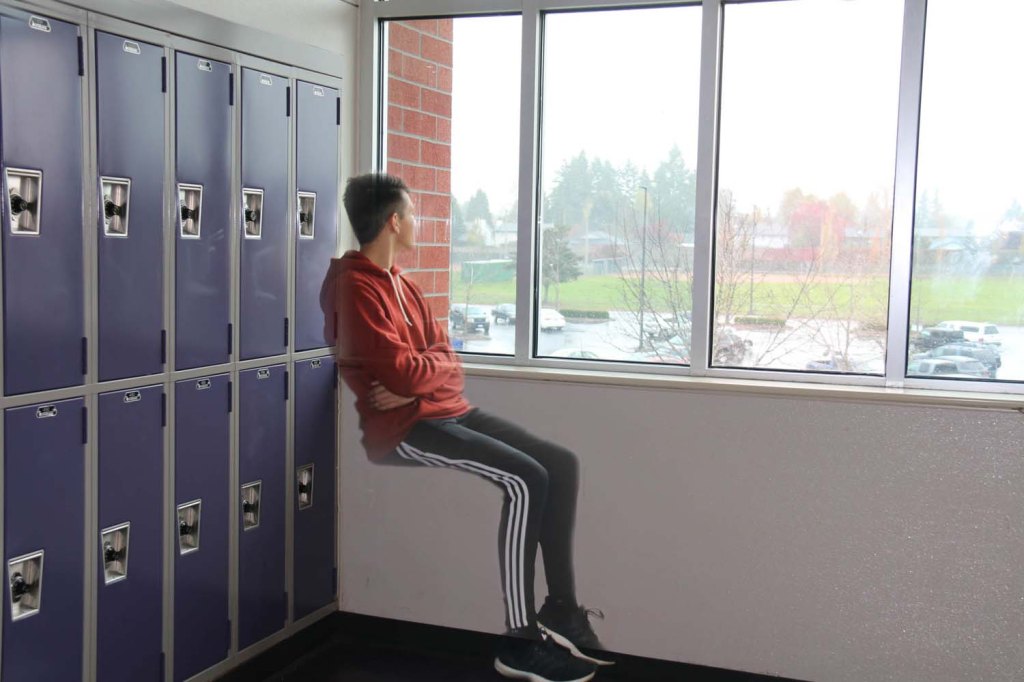
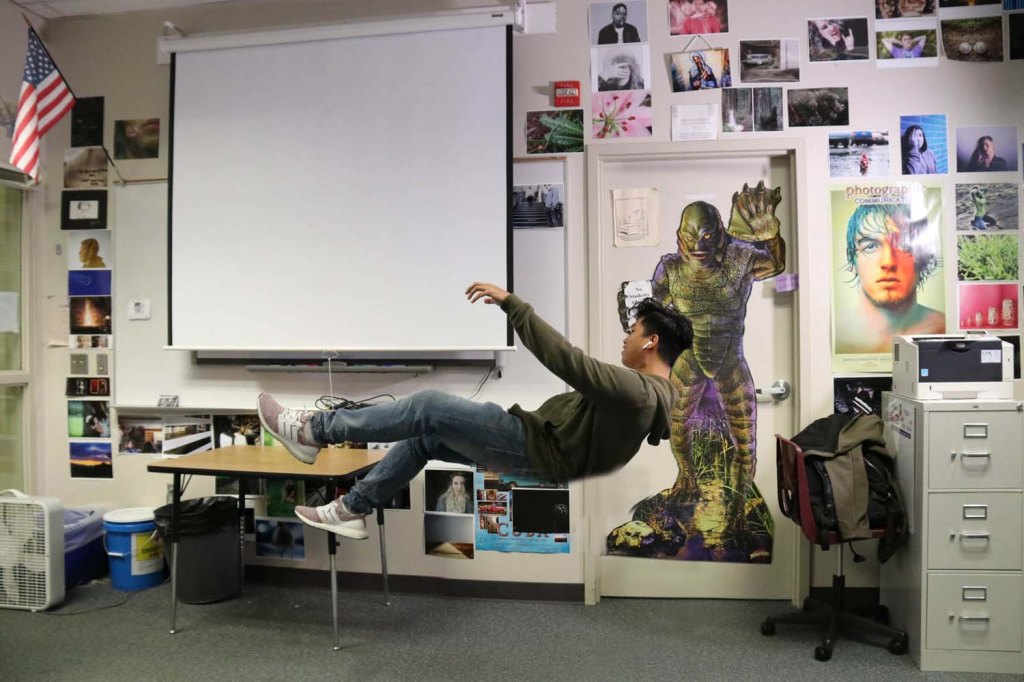
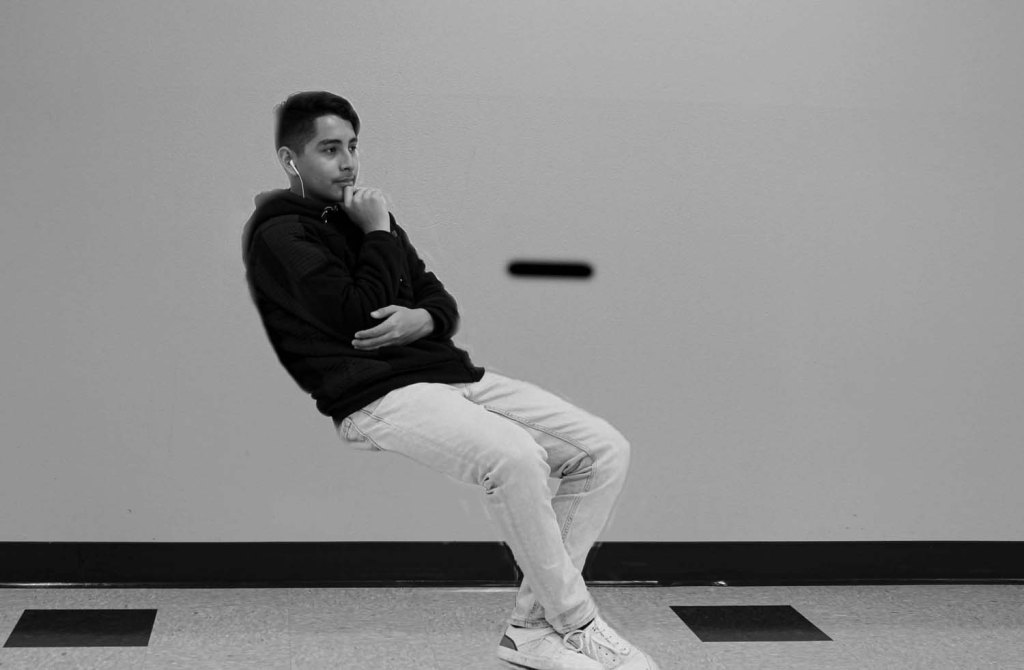
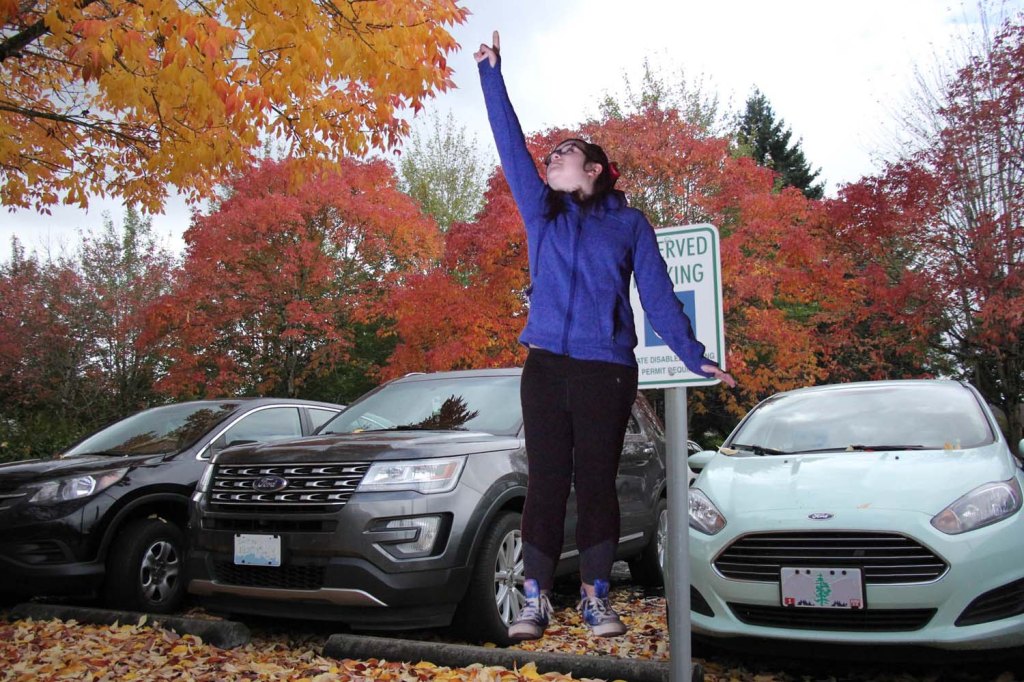
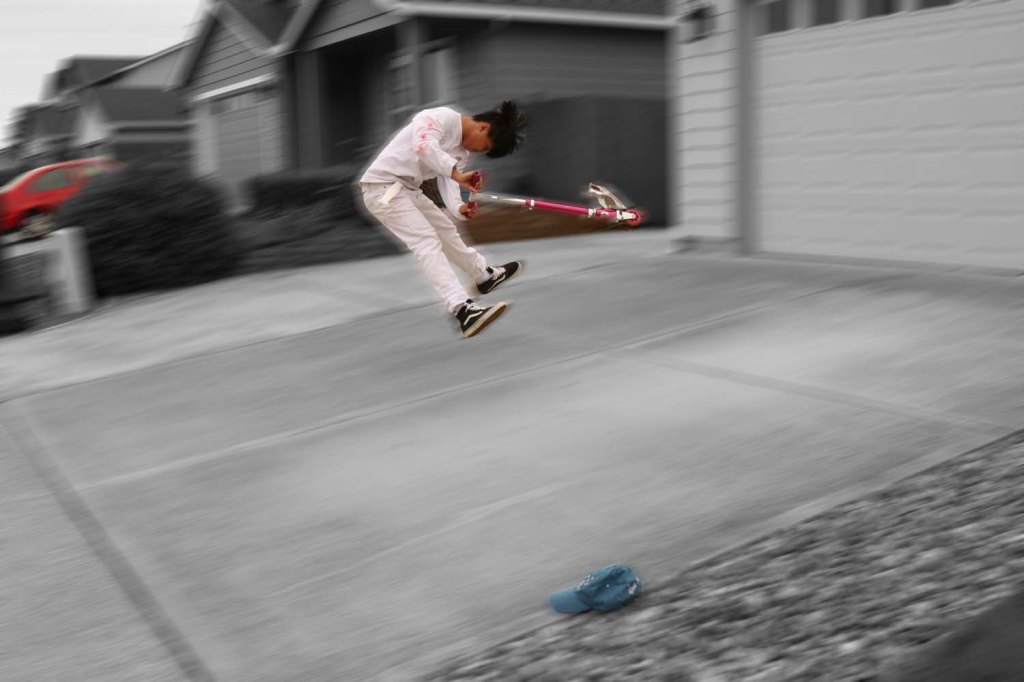
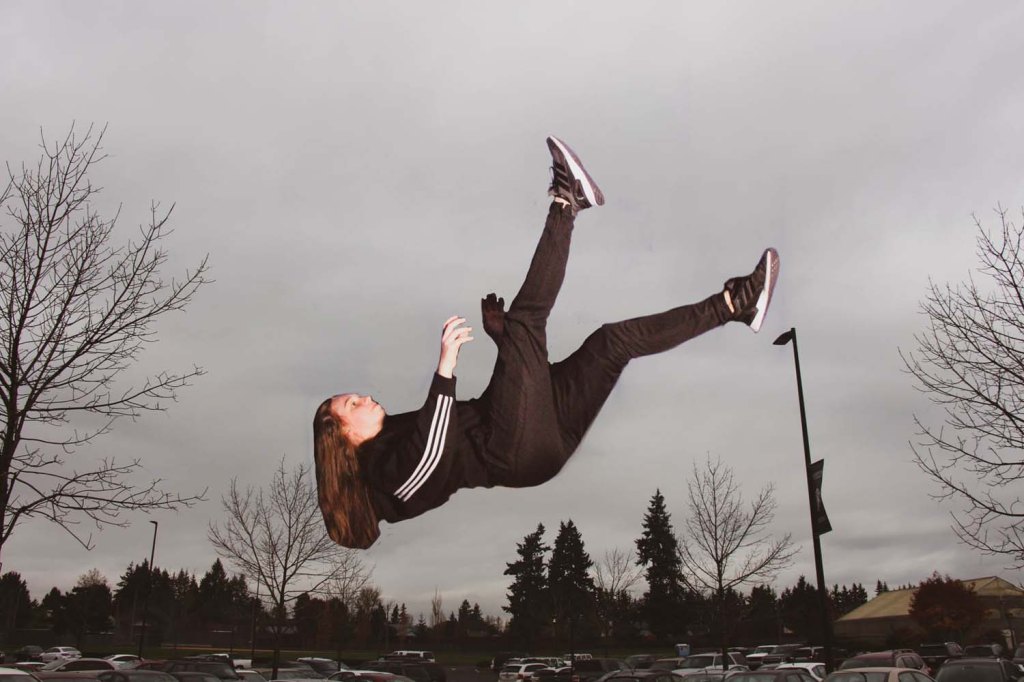
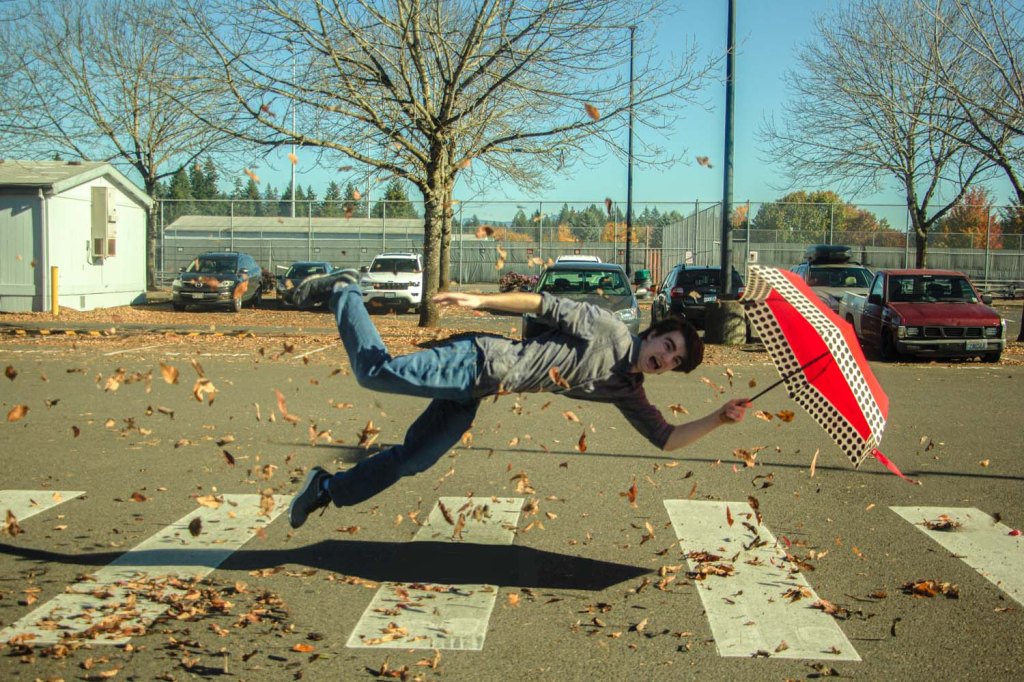
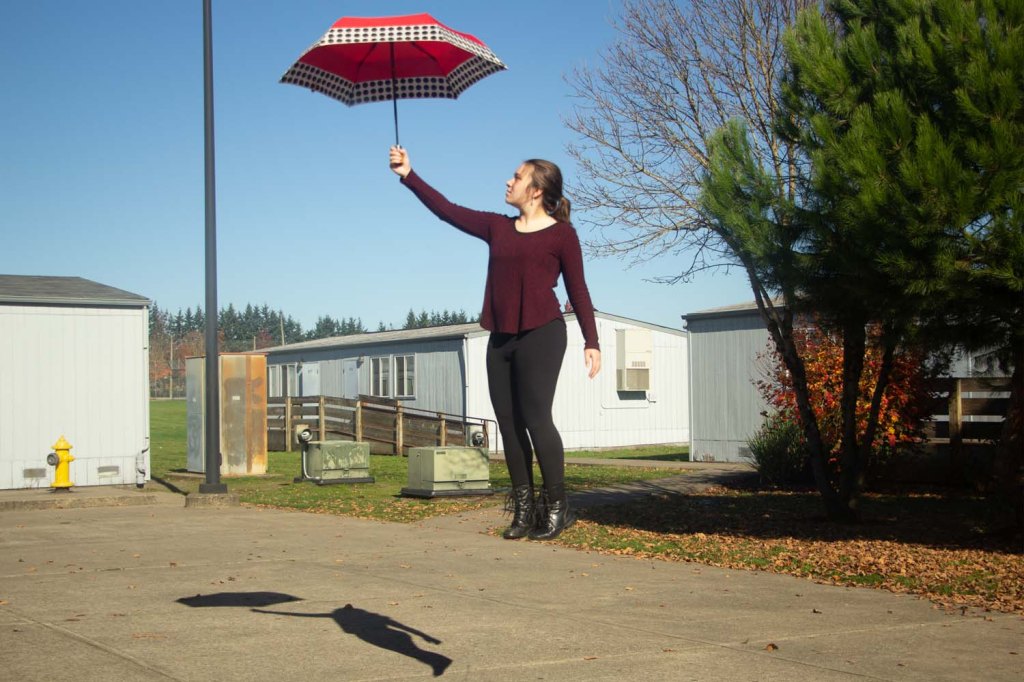
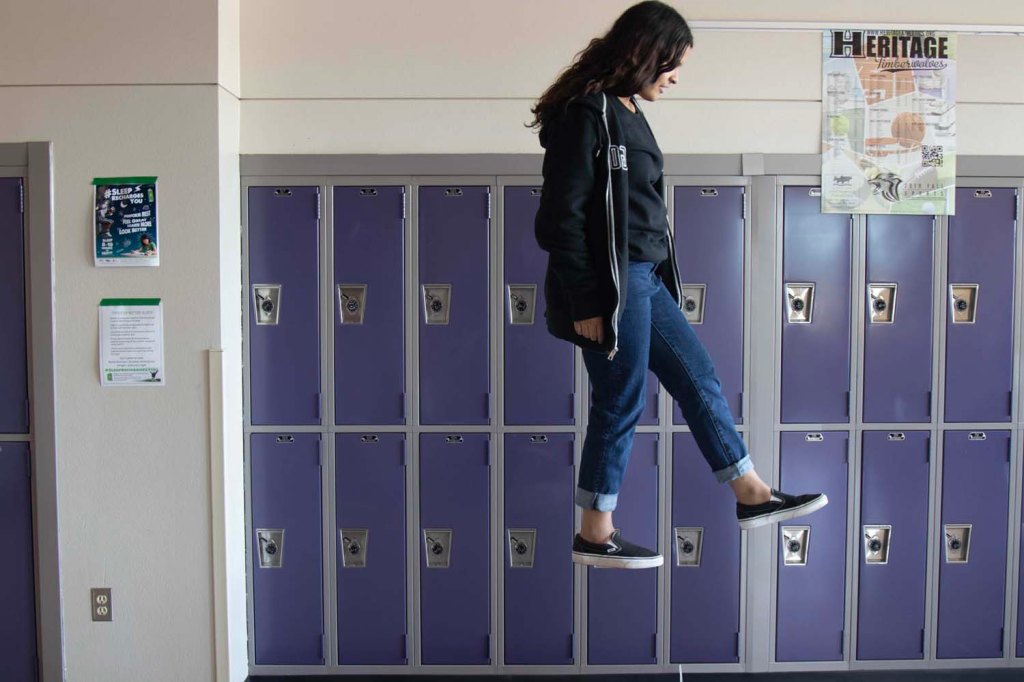
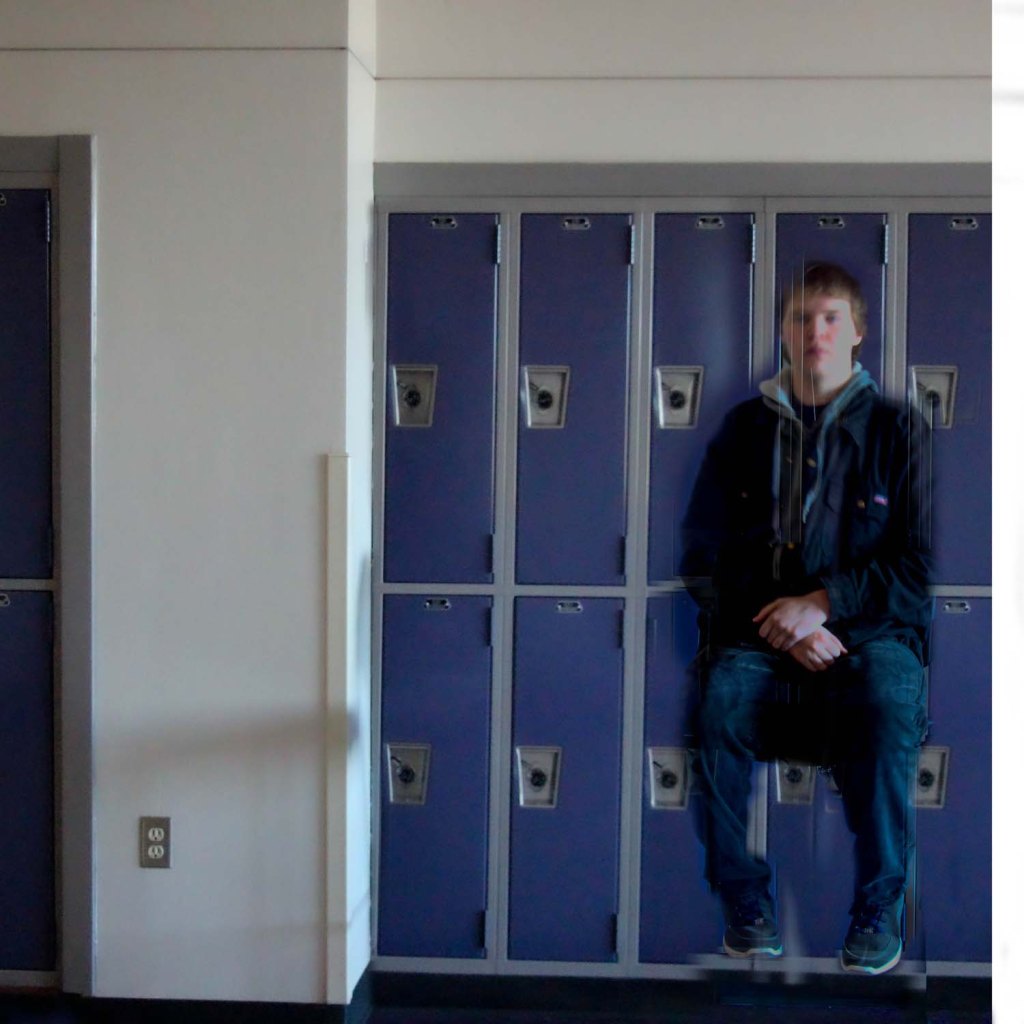
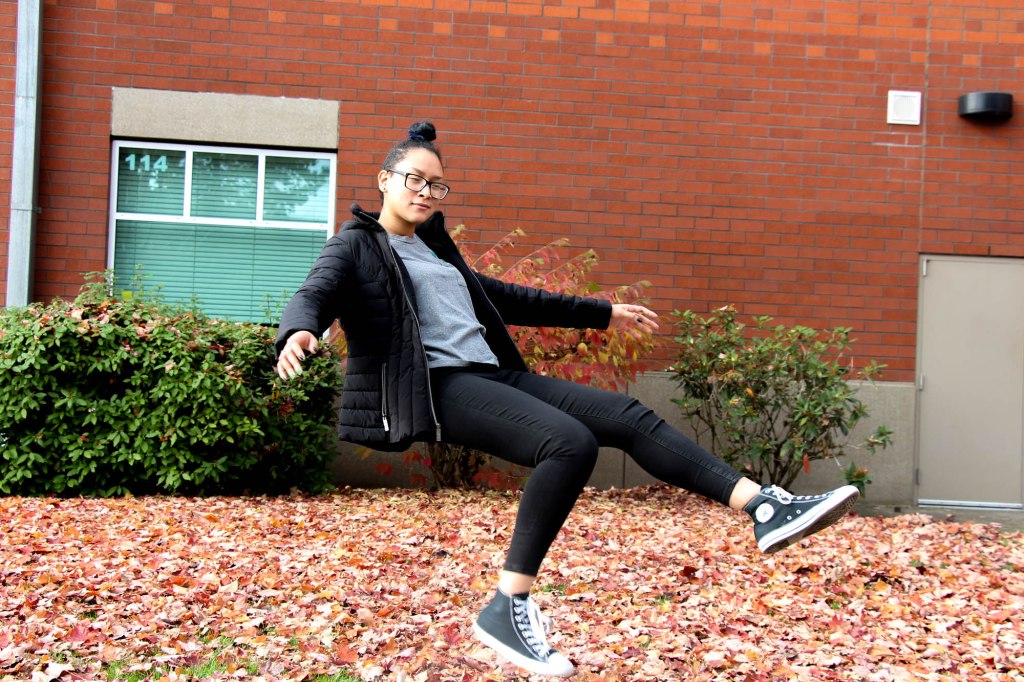
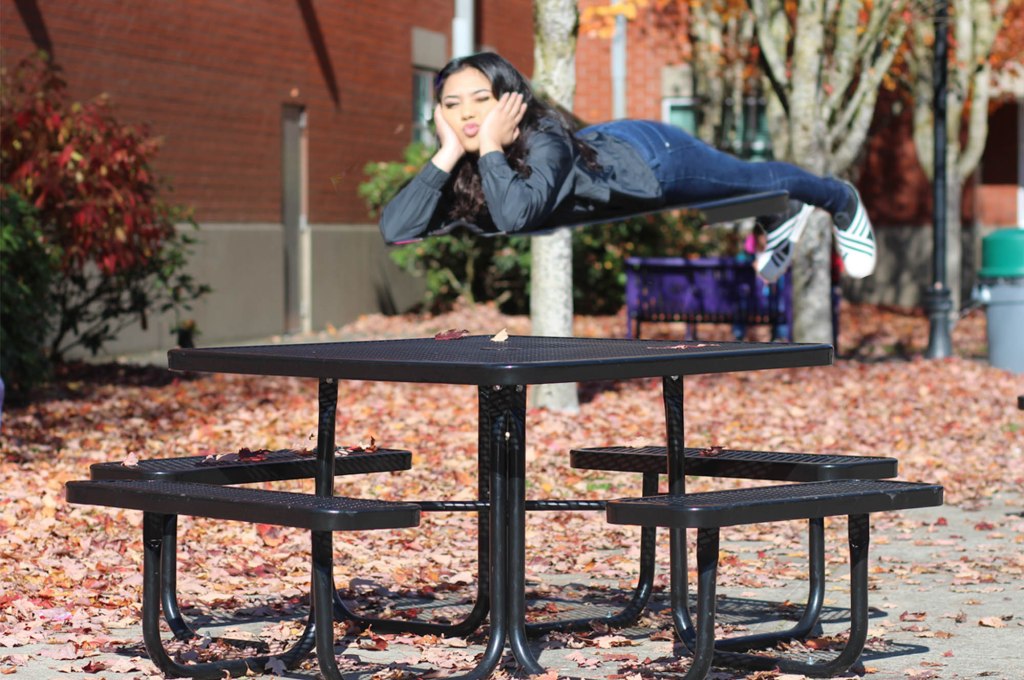
  1. Vote on your period’s Levitation Photos: 4,5, & 6.
  2. Turn in an updated link your Visual Journals. into Google Classroom.
  3. Use the sketch I made last week to make a practice image for the Multi Image Self Portrait
  4. Add the text from the sketch to your practice image.
  5. Have a practice image ready to turn in before the end of the class tomorrow.

Monday

Turn in the rough draft of your Multi Image Self Portrait. We will critique with an elbow partner.

To Do List for 11/22

Learning Target:

  • I can turn in an updated visual journal and turn in that link into Google Classroom.
  • I can sketch out an idea for the Multi Image Self Portrait.
  • I can research what kind of lighting defines me.
  • I can plan out the lighting I want in my multi image self portrait.

Steps:

  1. Vote on your period’s Levitation Photos: 4,5, & 6.
  2. Turn in an updated link your Visual Journals. into Google Classroom.
  3. Draw out a sketch for your Multi Image Self Portrait. using pen, pencil or the Wacom Tablets.
  4. Shoot the idea for your Multi Image Self portrait.

Monday

Turn in the rough draft of your Multi Image Self Portrait. We will critique with an elbow partner.

To Do List for 11/20

Learning Target:

  • I can turn in the photograph the Famous Photographer recreation photo.
  • I understand the effect lighting has on mood.
  • I can choose what sort of lighting I want in my multi image self portrait.

Steps:

  1. Vote on your period’s Levitation Photos: 4,5, & 6.
  2. Turn in your Famous Photographer Photo Recreation – as a .jpg- Strong_Famous.jpg
  3. Turn image into Google Classroom.
  4. Strong goes over How Lighting Effects Mood. Write the written response in your Visual Journals.
  5. Catch up on your visual journal entries. Journal check in is due on Friday.

Thursday

Turn in an updated link to your visual journal. Start making photos for Self Portrait.

Next Assignment: Multi Image Self Portrait.

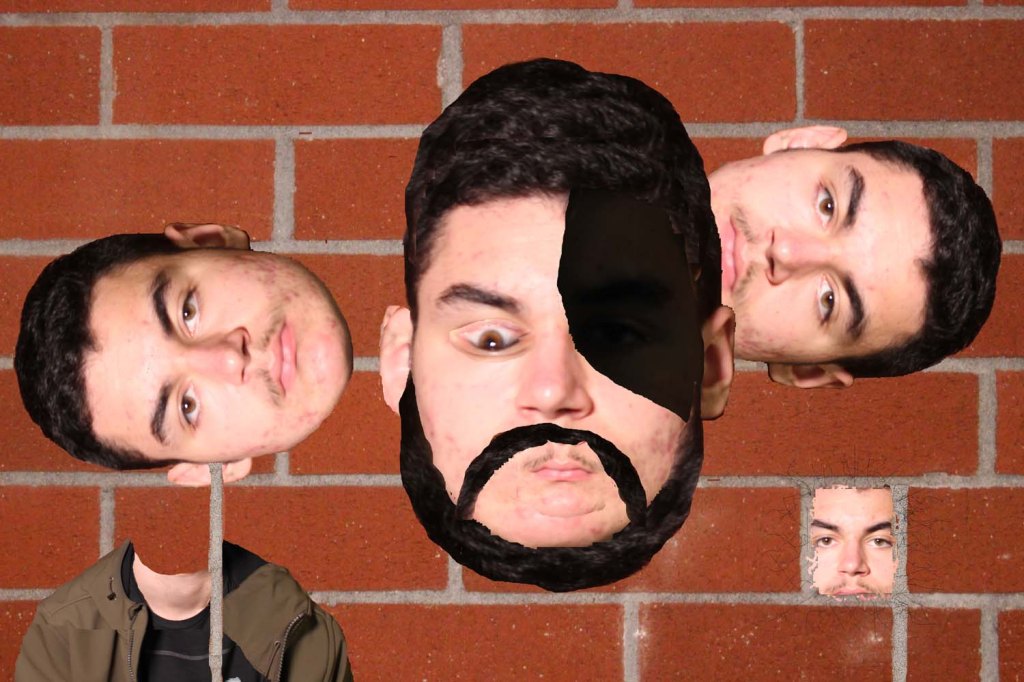
For this next image you will combine two or more photos to create a moody self portrait that describes who you are.

Last week you learned about how to use layer masks in Photoshop. You will use this technique along with lighting in a creative and expressive way to reveal something interesting or personal about you in a portrait that you take of yourself. If you are an athlete you may want to photograph something that relates to a sport. If you are a dancer maybe you choose something that relates to dancing. If you are a writer maybe a book, letters, or a pencil may relate to you.

Beginning steps:

  •  I can sketch multi-image self portrait ideas using a WACOM tablet and pen on a letter sized Adobe Photoshop document.
rds-example-edited

Note how you would like to use light in your photograph.

  • I can open my online portfolio and write a paragraph, using good grammar and punctuation, about what my multi-image portrait will say about me.
  •  After brain storming and sketching ideas I can work with an elbow partner and begin making photographs of myself and objects in preparation to create a multi image self portrait using Adobe Lightroom and Photoshop.
camacena_selfportrait
dhaliwal_mipfinal
franklin_selfportrait
sosene_selfportrait

It is important to take a moment and reflect about who you are and what is important in your life as you carefully consider what you want to say in your multi image self portrait.

Here’s the one I did. Notice how the light I used in this shot creates the mood for the photographs. This lighting gives me a place to start, gives me a starting place where I can write.


Multi_Image_Strong

Think metaphorically or symbolically.

I’m using the tunnel in the image below as a metaphor for emotional well being.

Multi_image_Strong_2

One practice  photo due on Tuesday, 11/26

Final photo due on Tuesday, 12/3.

To Do List for 11/19

Learning Target:

  • I can photograph the Famous Photographer recreation photo.
  • I can lay the two photos next to each other in Photoshop.
  • I can save it as a .jpg in Lightroom and turn it into Google Classroom.

Steps:

  1. Vote on your period’s Levitation Photos: 4,5, & 6.
  2. Finish editing your Famous Photographer Photo Recreation
  3. Edit them in Lightroom. Open as layers in Photoshop. Move one next to the other.
  4. Crop out the rest.
  5. Try to download a large version of the file so that the recreation will be as large as the image you download.
  6. Turn image into Google Classroom.
  7. Catch up on your visual journal entries. Journal check in is due on Friday.

Wednesday

Turn in your famous photographer recreation.

To Do List for 11/18

Learning Target:

  • I can photograph the Famous Photographer recreation photo.
  • I can lay the two photos next to each other in Photoshop.
  • I can save it as a .jpg in Lightroom and turn it into Google Classroom.

Steps:

  1. Respond to Today’s Quote of the day.
  2. Vote on your period’s Levitation Photos: 4,5, & 6.
  3. Finish editing your Famous Photographer Photo Recreation
  4. Edit them in Lightroom. Open as layers in Photoshop. Move one next to the other.
  5. Crop out the rest.
  6. Try to download a large version of the file so that the recreation will be as large as the image you download.
  7. Turn image into Google Classroom.
  8. Catch up on your visual journal entries. Journal check in is due on Friday.

Tuesday

Catch up on your visual journal entries. Strong goes over the new assignment. Self portrait with Lighting.

Visual Journal Turn in October – November

That’s right. Its time to turn in another update to your visual journal. This grade will cover all content from October to November so far.

This includes: Two paragraphs for each reflection and each photo you have turned in. Please write in complete sentences and write whole paragraphs.

Please include a photo for each of these assignments with the two paragraph written reflections.

Assignments in October/November:

  • Indoor/Outdoor Photo Challenge & Paragraphs.
  • Complementary Colors Photo Challenge & Paragraphs.
  • Cd Album Cover Photo Challenge & Paragraphs (2 photos)
  • Critique for CD Album Cover
  • Collage with Layer Masks
  • Levitation Photo Challenge & Paragraphs
  • Cloning Photo Challenge & Paragraphs

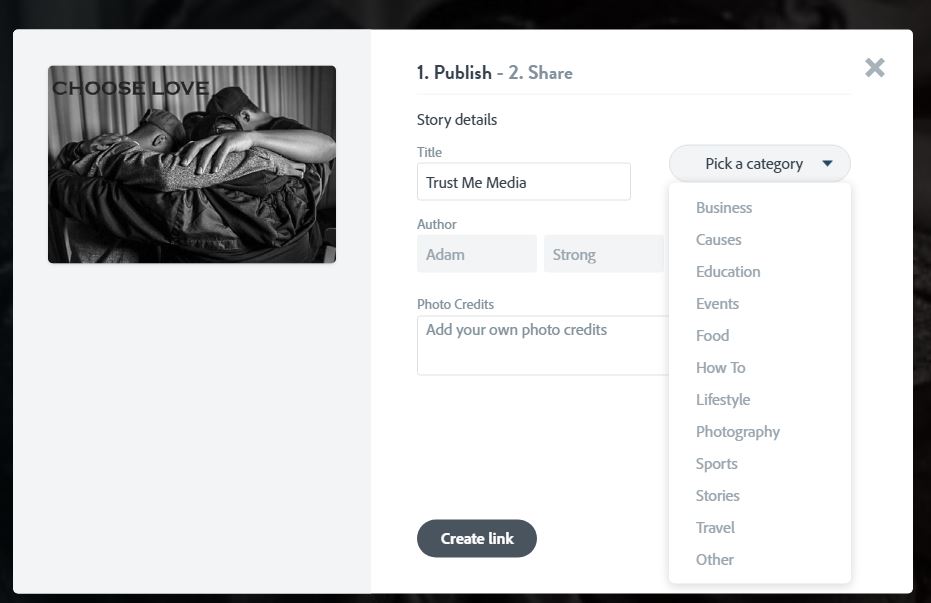
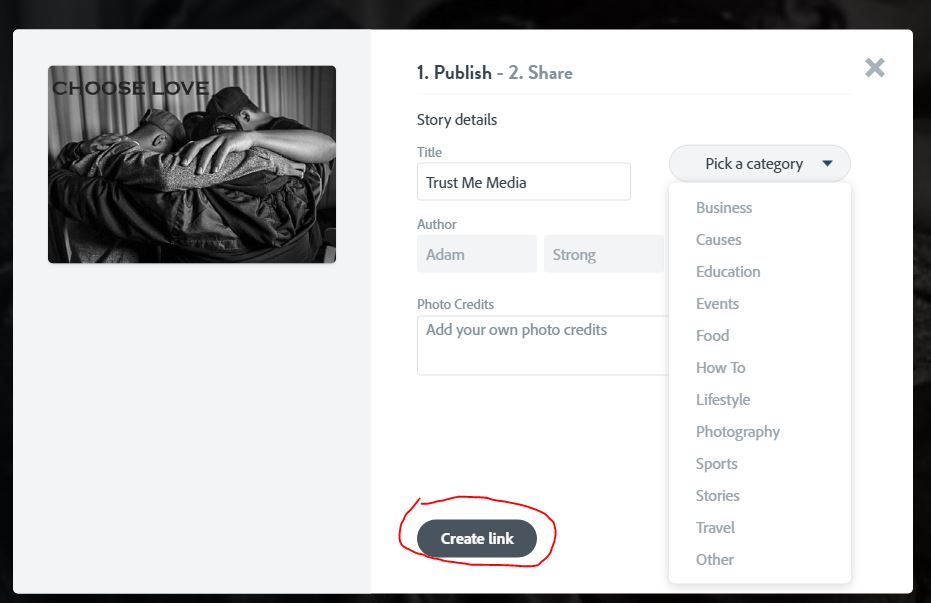
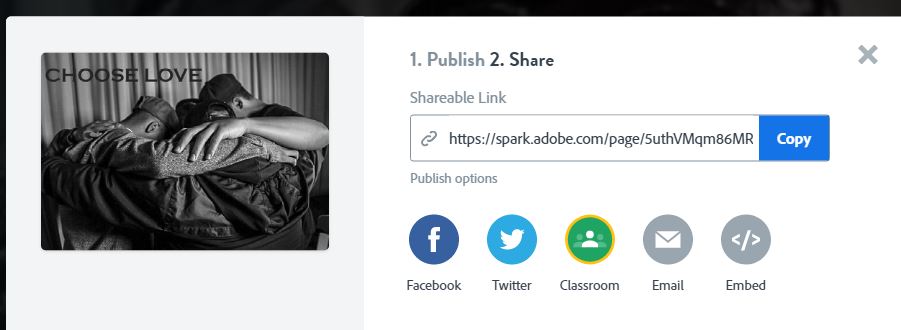
Here’s how to turn in an updated link to your Adobe Spark page. Everyone must do this to make sure the updated version is being turned in.
Click Share at the top of your Adobe Spark Interface.

Click Publish and Share Link.

Click on the Drop down menu for “Pick a Category”

Choose Education

Click on Create LInk

Click Copy.

Paste the link into Classroom. Or click on Classroom and see if you can turn it in that way.

SEPTEMBER CHECK IN IS DUE ON FRIDAY, 11/22

Design a site like this with WordPress.com
Get started