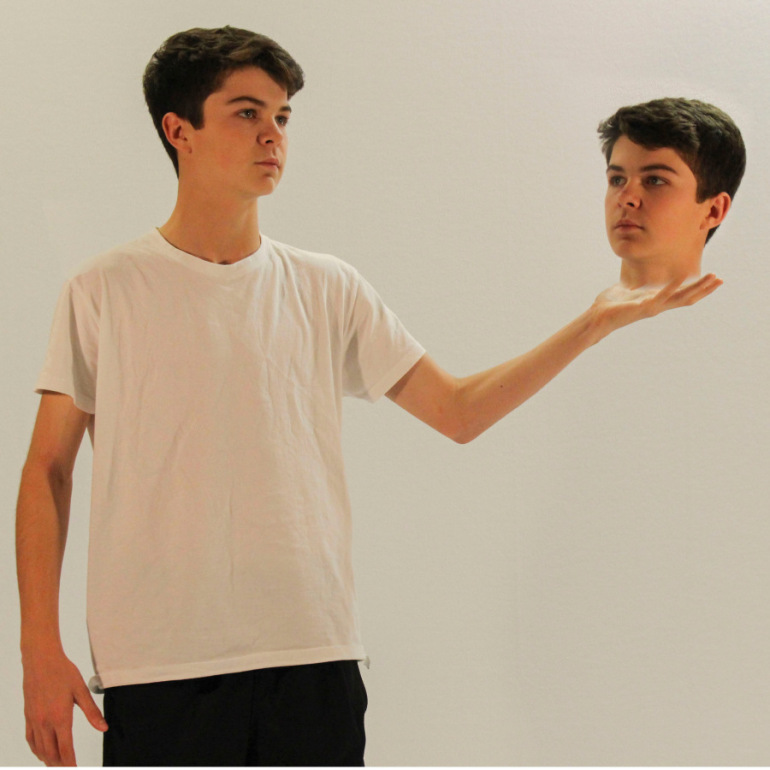
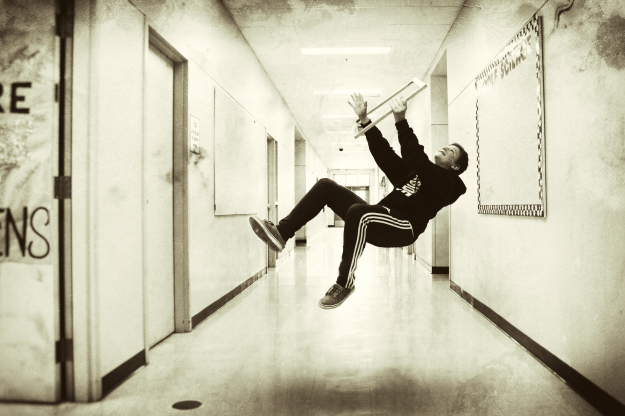
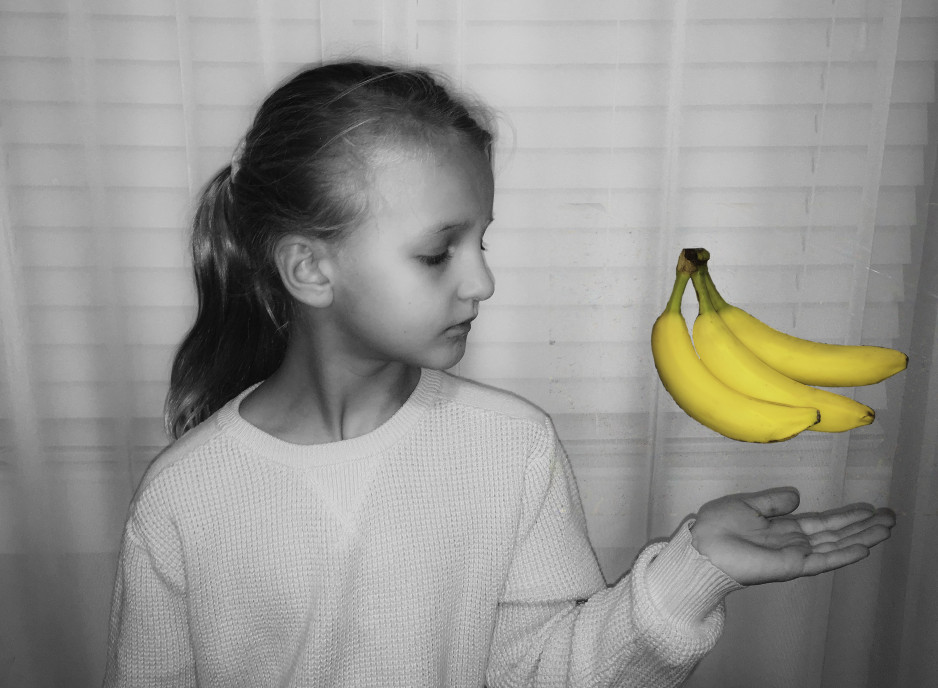
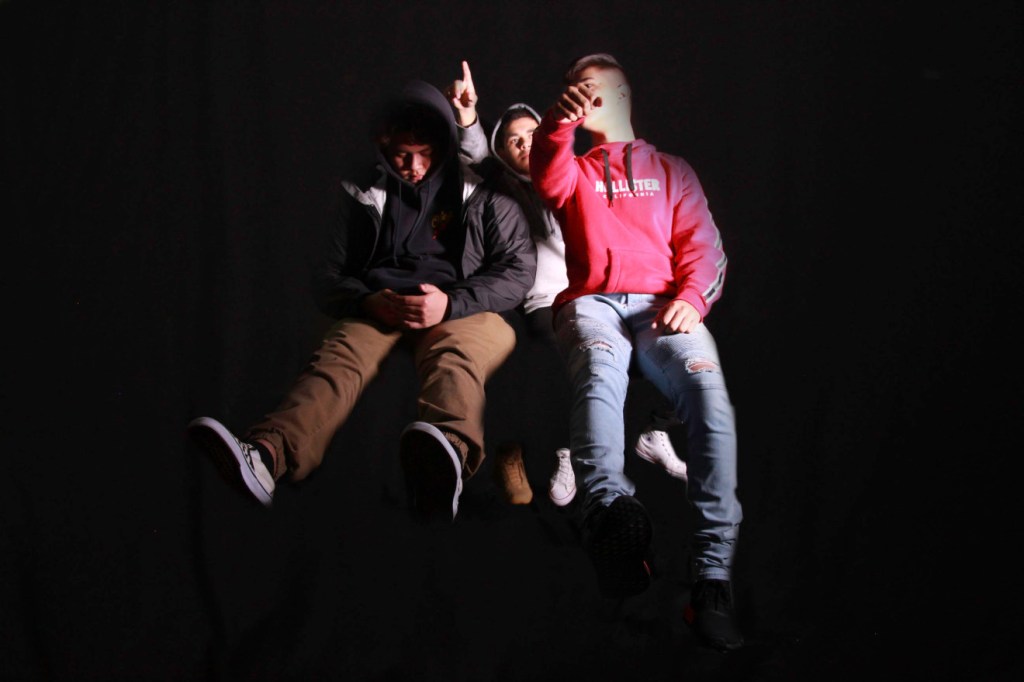
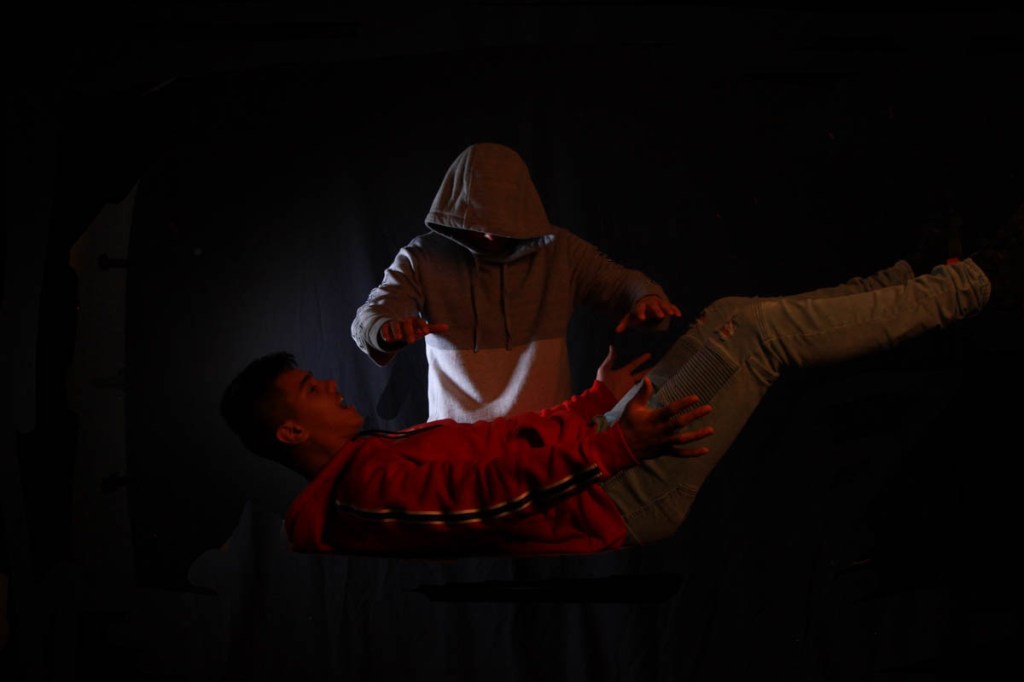
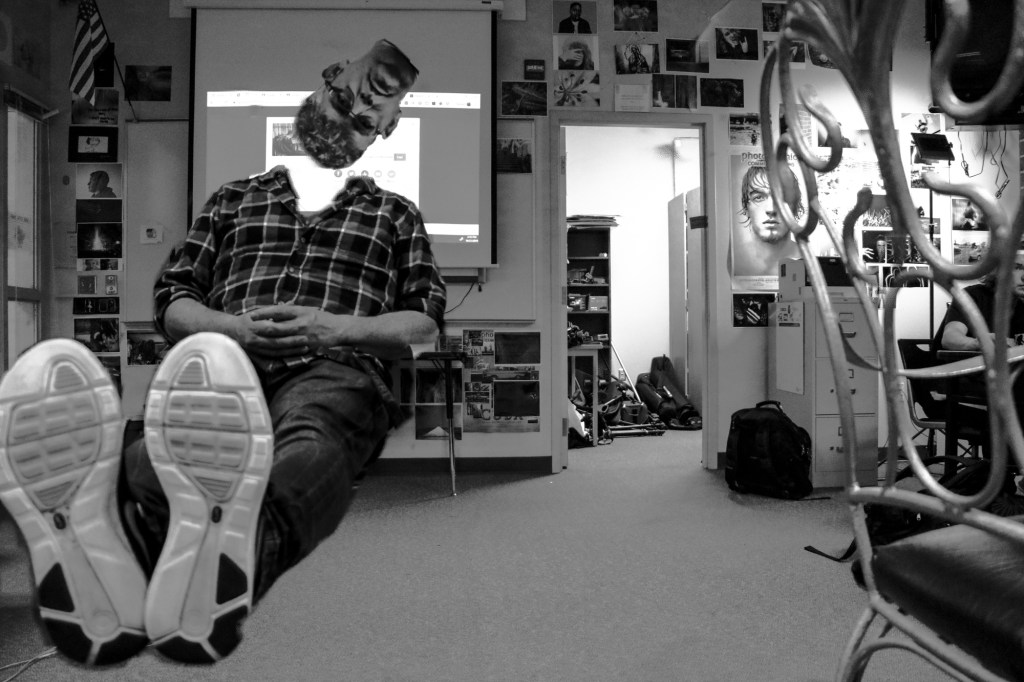
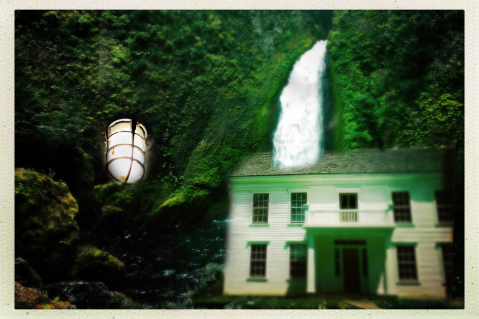
For this week’s photo challenge, you will use layer masks to create a levitation photo like the ones above.
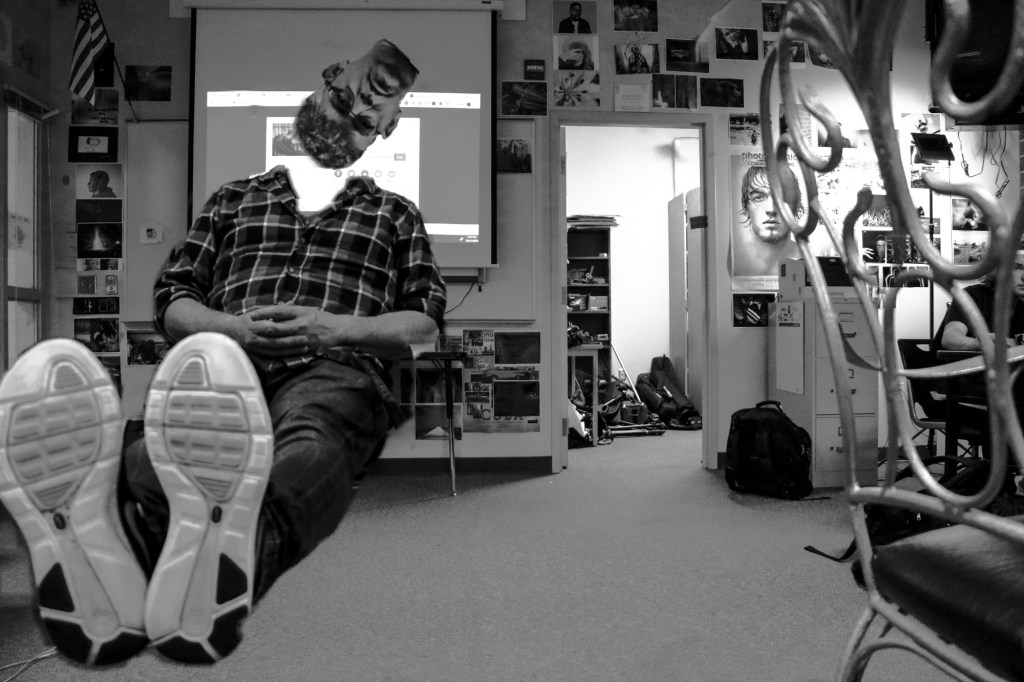
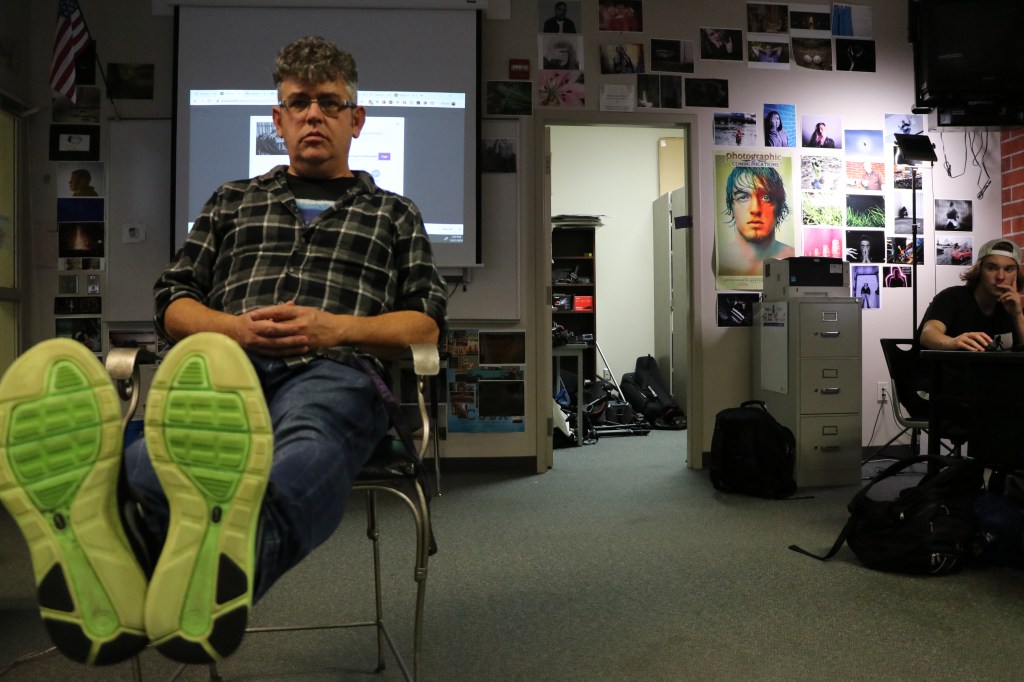
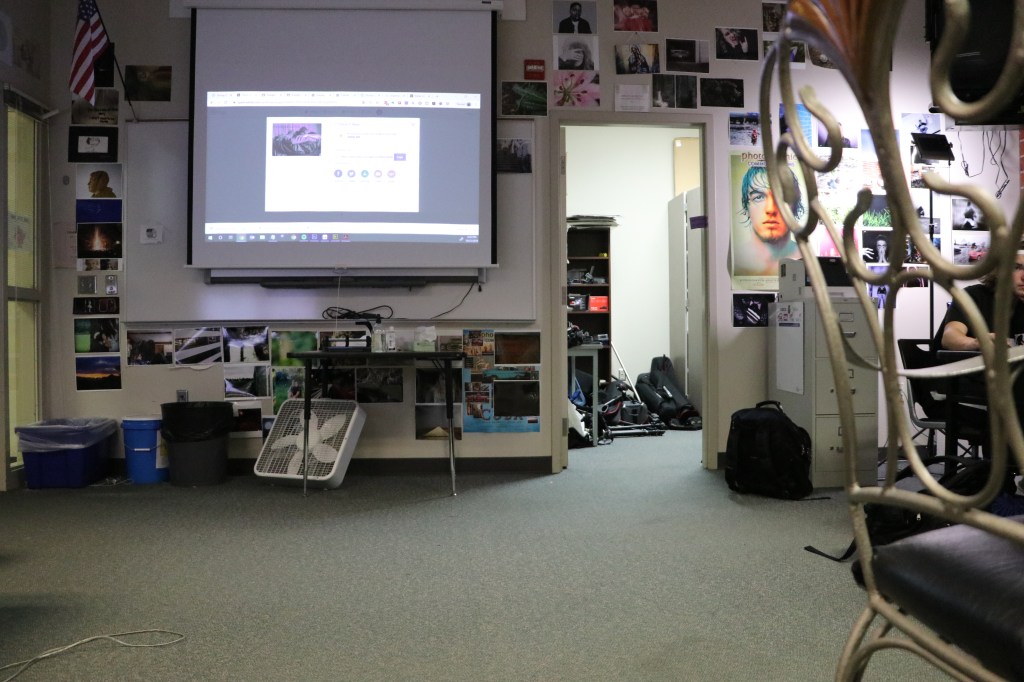
To make mine I used the following photos:
YOU WILL NEED TO USE A TRIPOD FOR THIS PROJECT.
Take two photos, one with your subject in a chair or on a stool, or on a table.
The 2nd photo is a blank shot of the background with the table or chair removed from the image.
Line up the photos in Photoshop, then use a layer mask to erase the evidence of the table, stool, chair, etc.
I think erased my head, duplicated the clip, erased my body, to create the headless floating head effect.
I then took the photo into Lightroom and made it black and white, and tweaked the exposure to cover up some of the smudges that made the image look less than professional.
Either way you do it, spend some time, plan out your shots, check out examples of what others have done, record those in your visual journal.
Plan out your shot, get your materials, and make some people float. Don’t be limited by just one person, why not two, three, four or five people?
ONE FINAL IMAGE IS DUE ON 10/29.
What I’ll be grading you on:
Clear, in focus shots.
Editing effects is clean, not sloppy.
Photo has been edited after the effect has been achieved.
For today’s activity, you will need access to five different photos of yours. Using layer masks, Photoshop and Lightroom, you will make a collage simliar to the one below.
Collage consisting of three images. You will do Five!
Start by opening Lightroom and selecting the five photos for your collage. One of them should have a person in it, for variety’s sake.
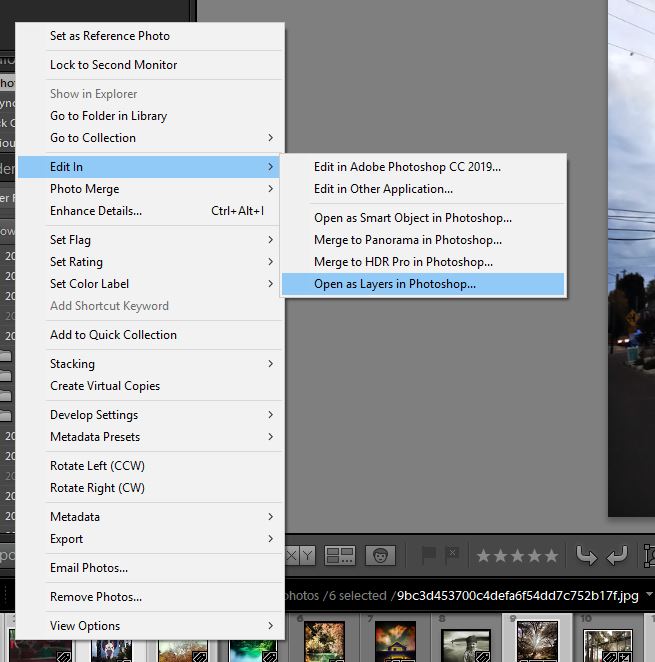
Select the five photos in Lightroom. Right click and choose, open as layers in Photoshop.
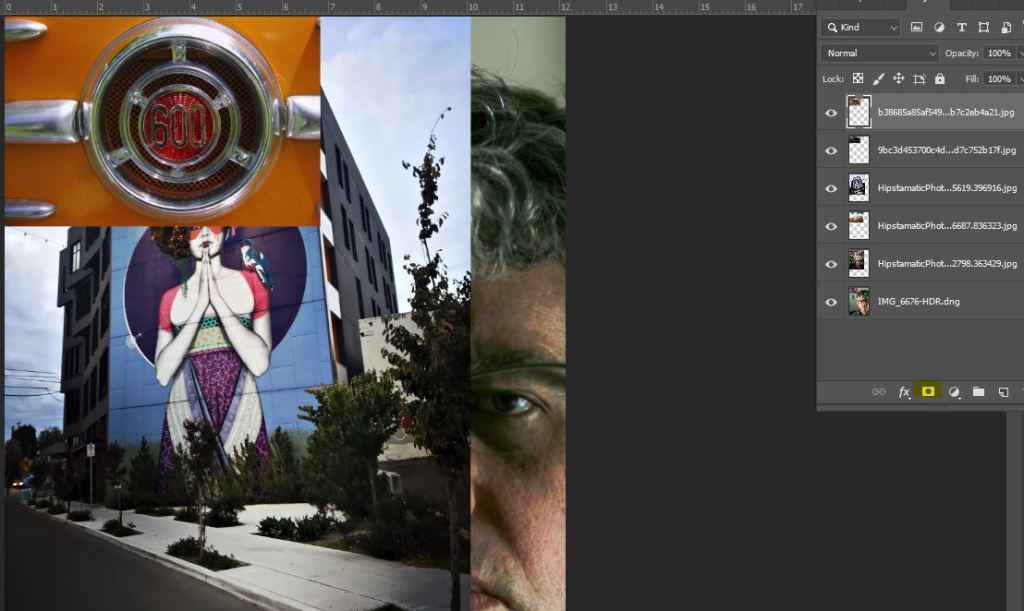
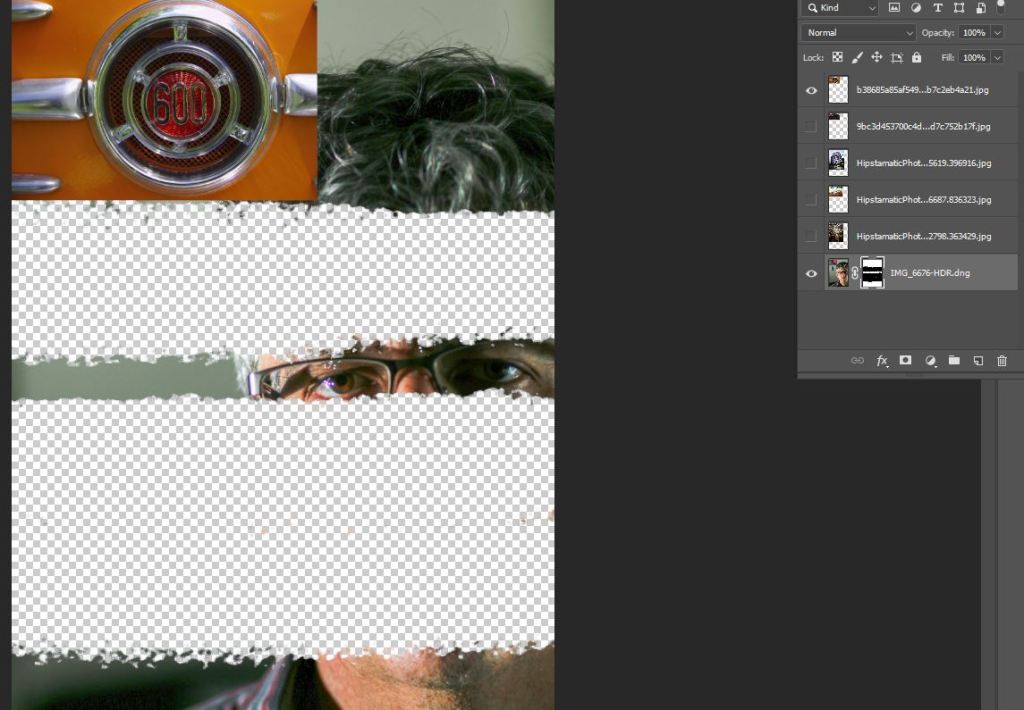
This will load all of the images as layers in Photoshop. Once you have them in Photoshop, that’s when Layer masks come in.
You see the layers opened up all in one image. The circle inside the square, the part that’s highlighted, that’s the layer mask.
The white part of the layer mask shows what is visible. If I paint black inside the layer mask, I can erase part of my scowling, scowling face.
The layer mask shows black in the area of my face that is now erased. In this way i can erase certain parts of my image and make others pop up under the layers.
Continue to do this until you have your final collage consisting of five faces.
Collage is due at the beginning of class on Wednesday.
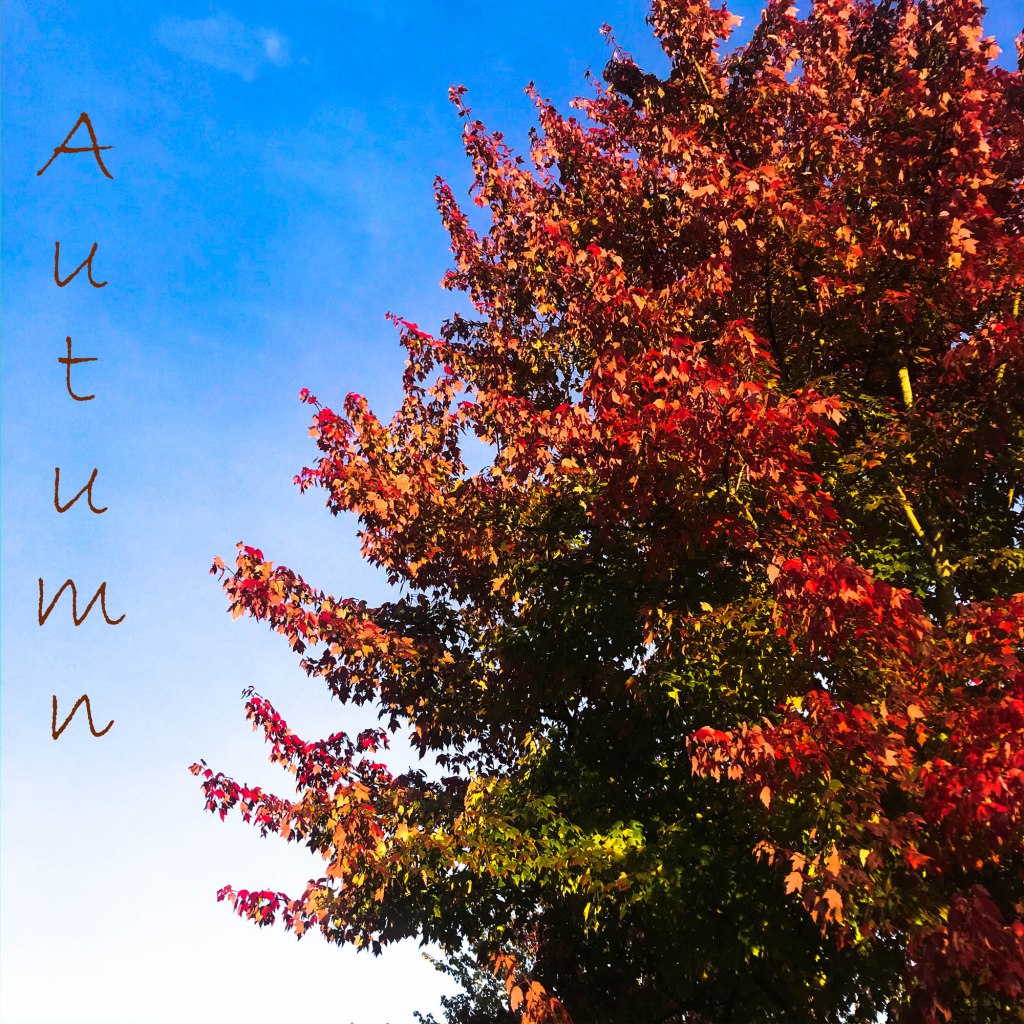
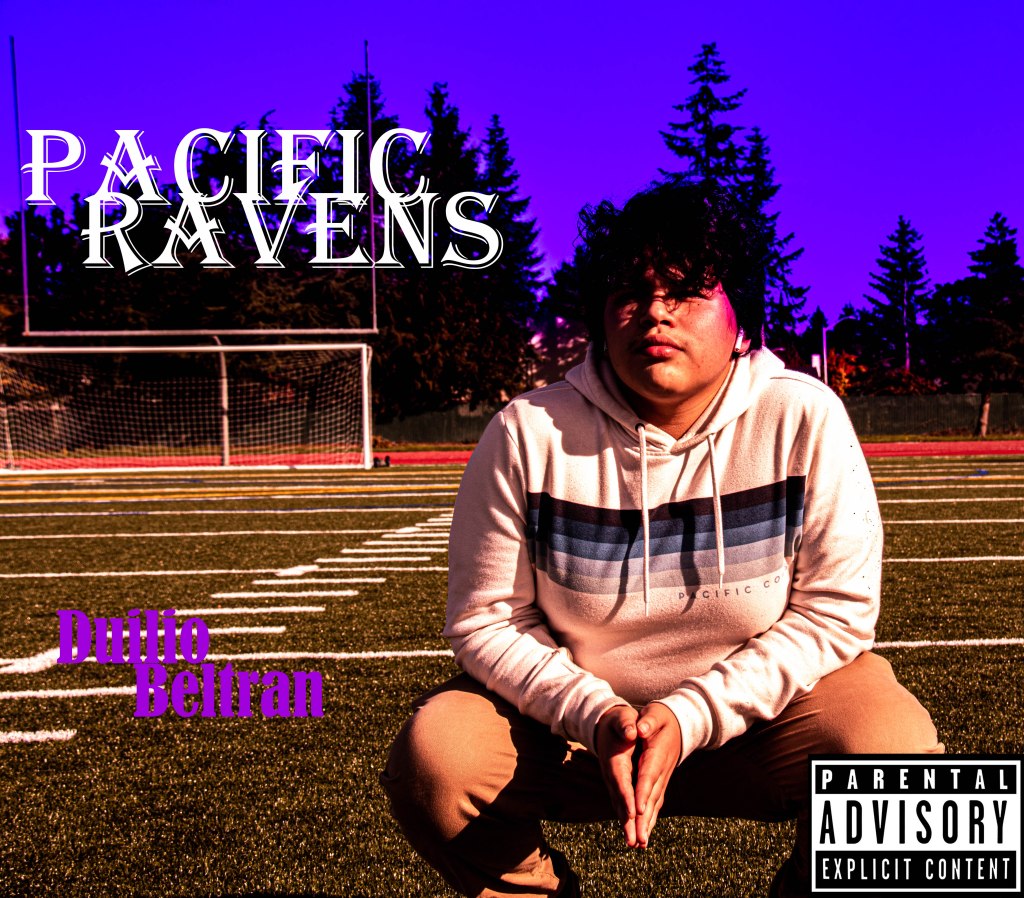
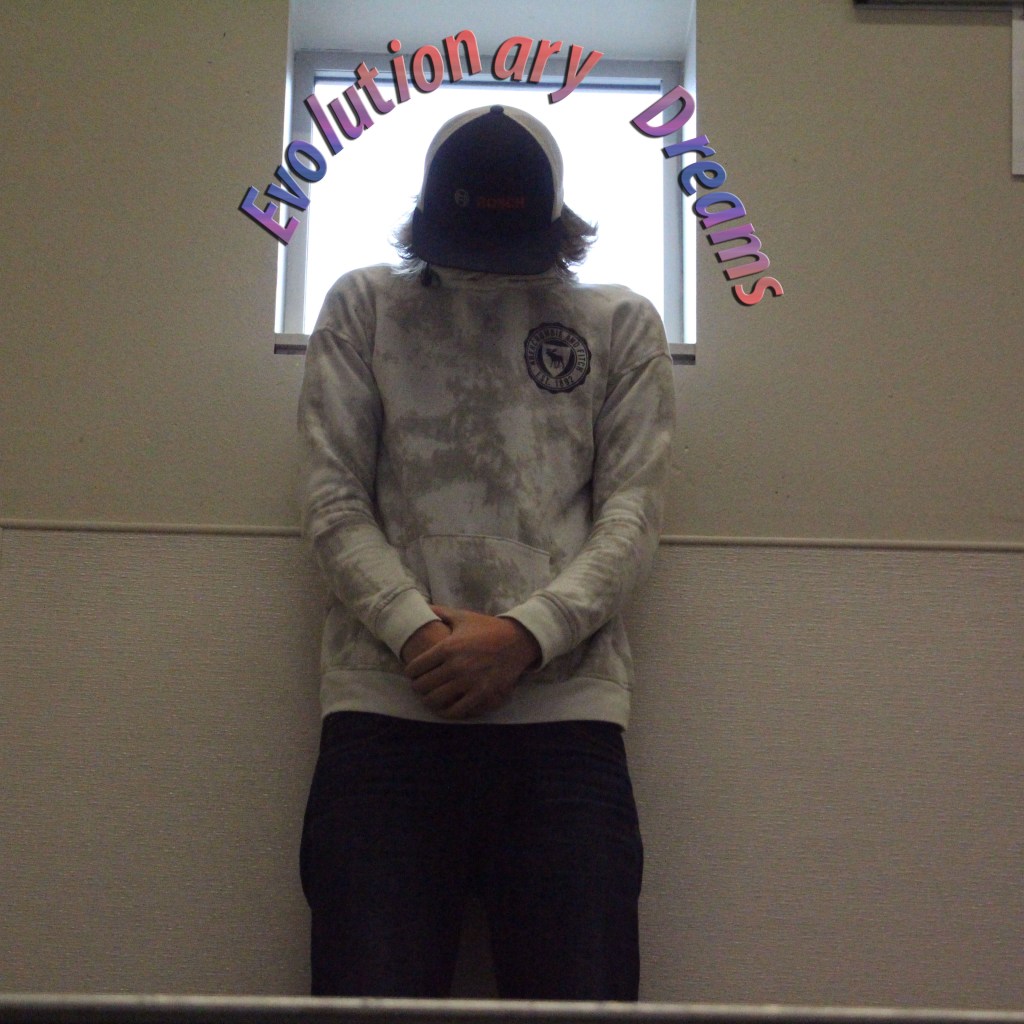
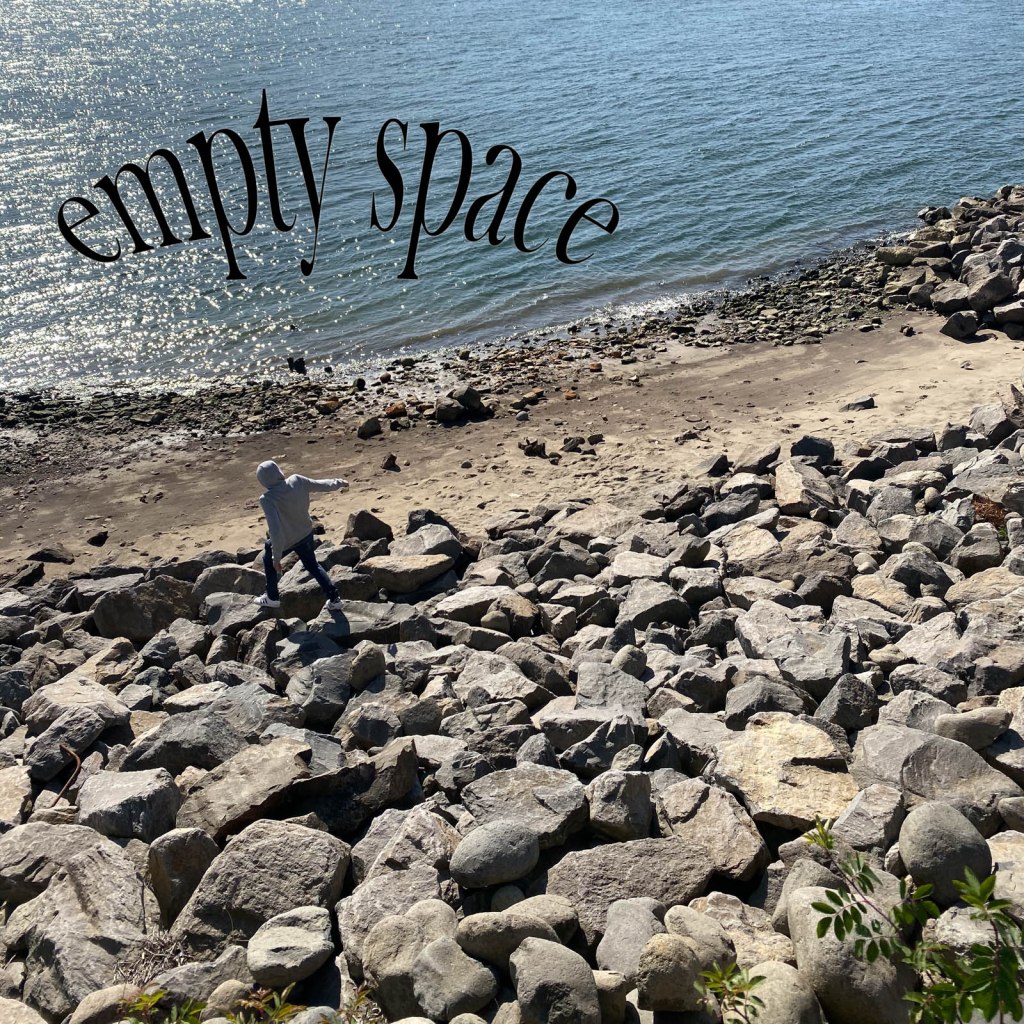
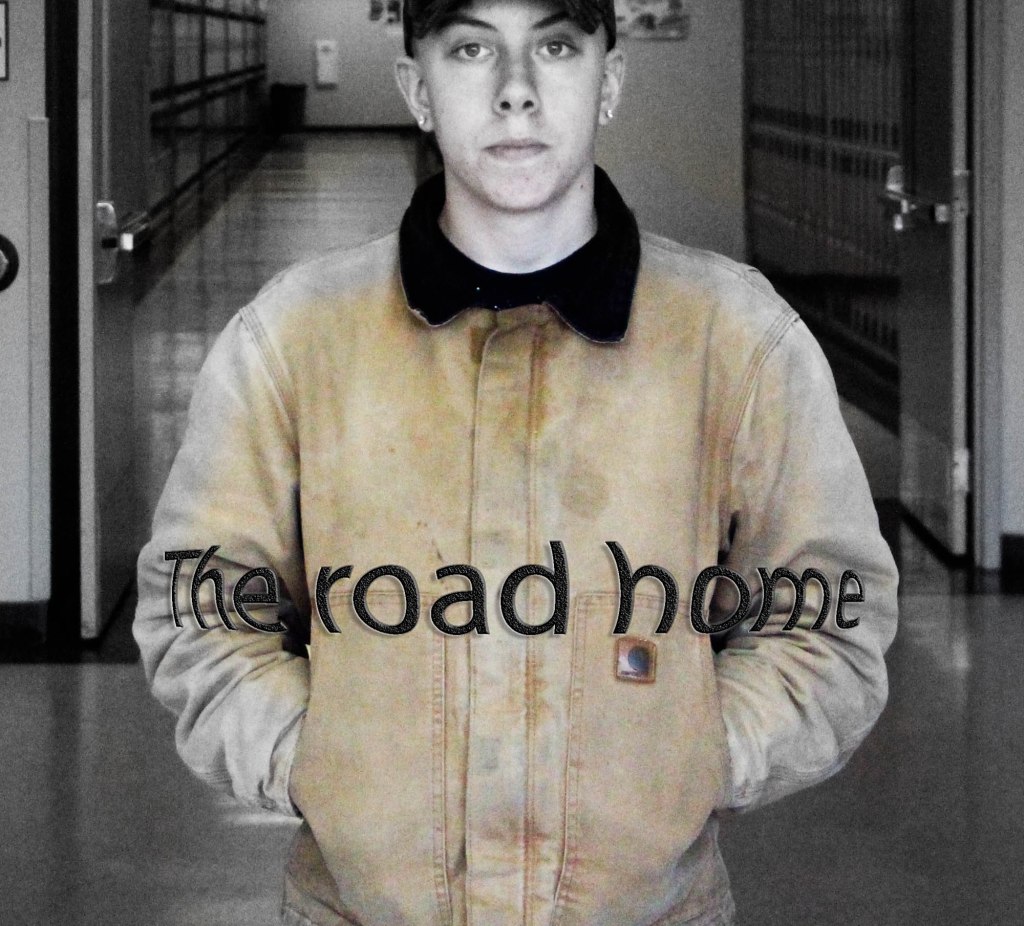
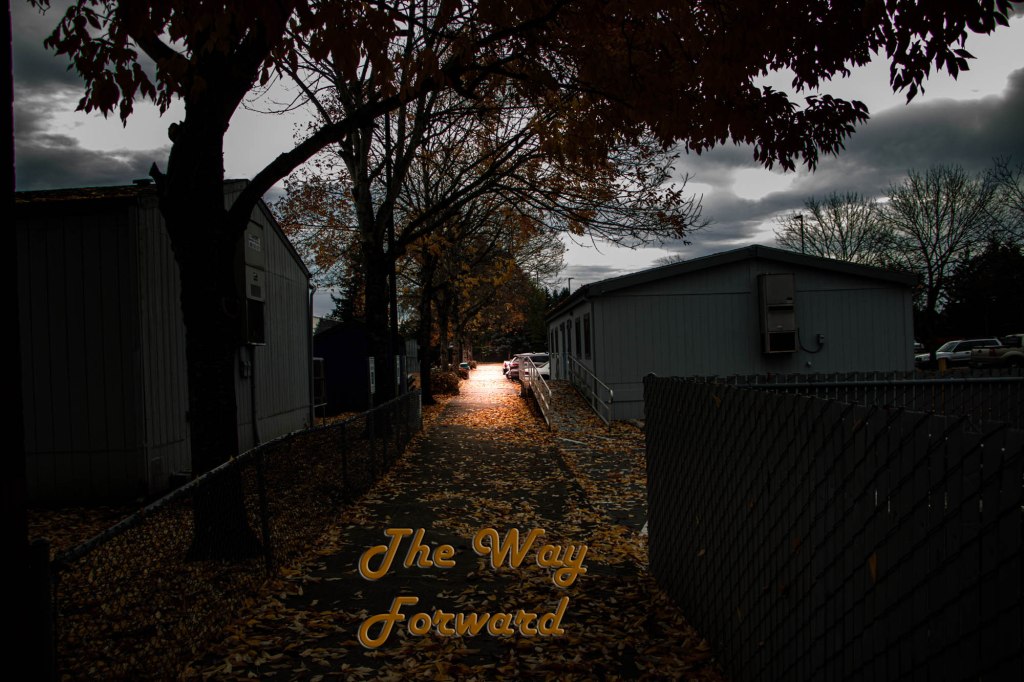
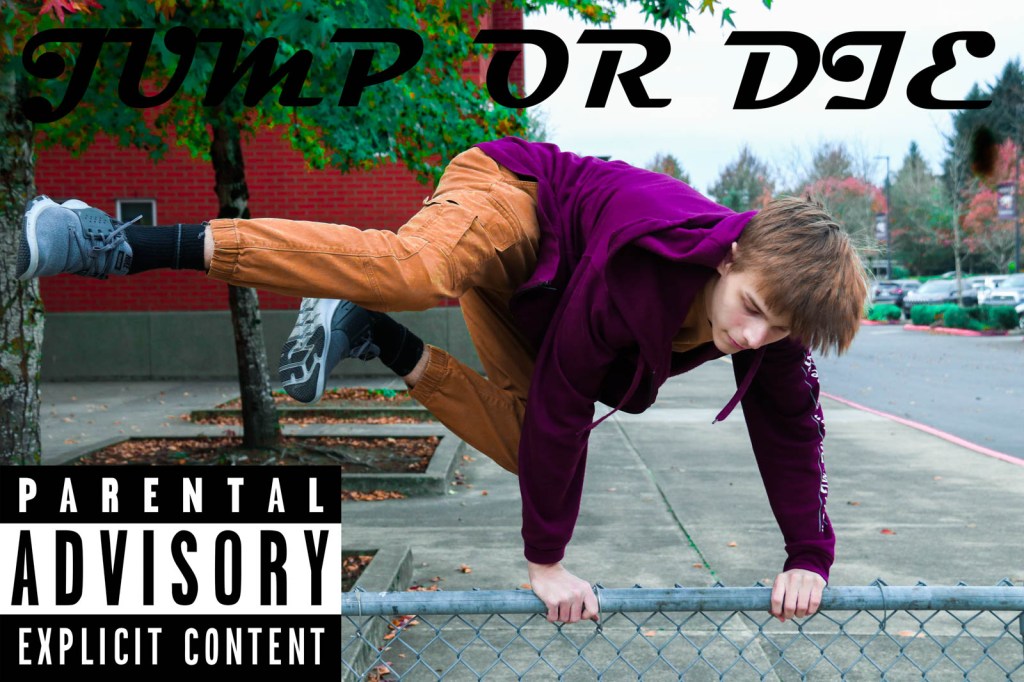
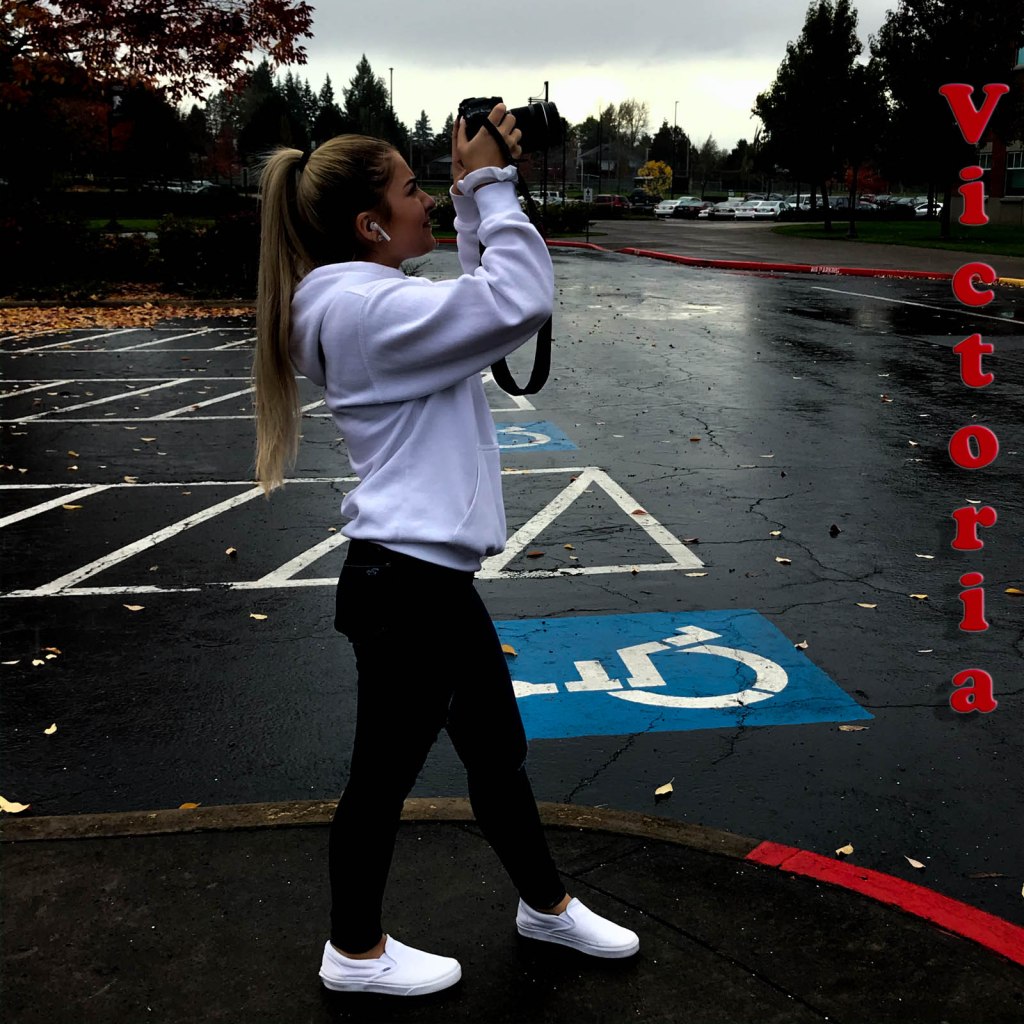
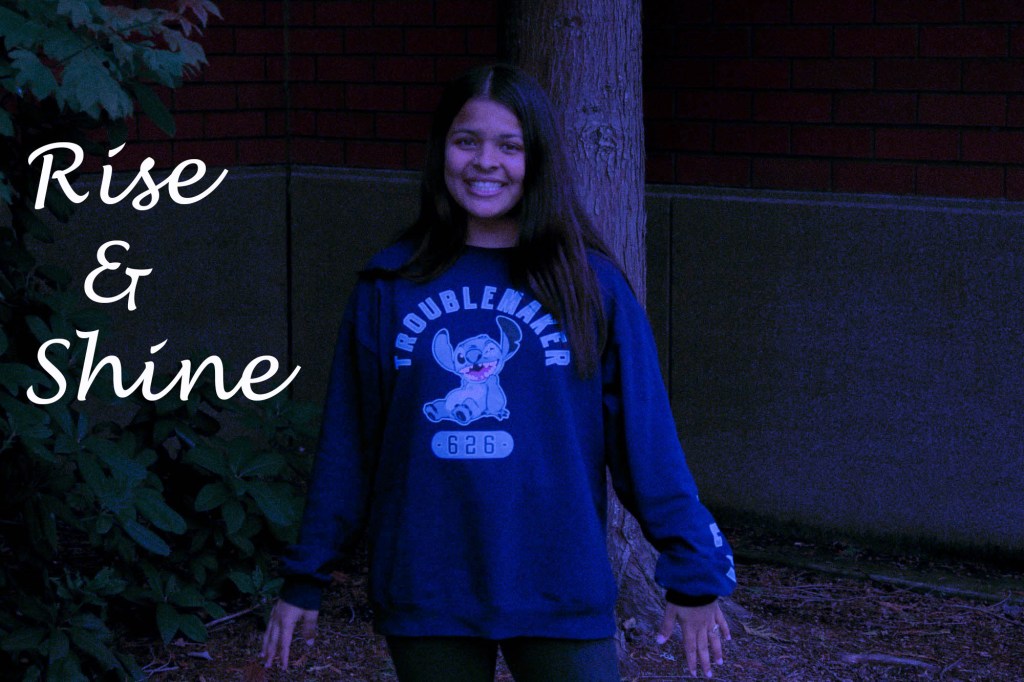
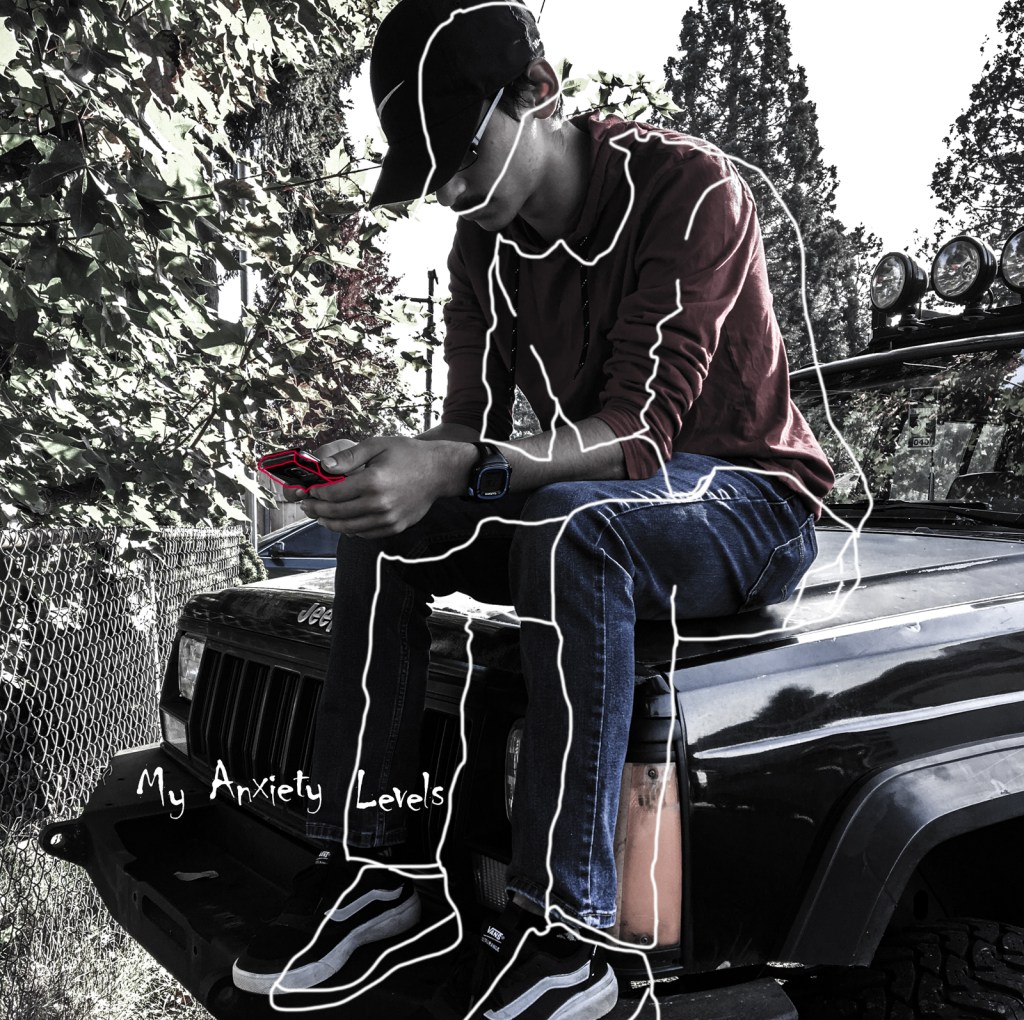
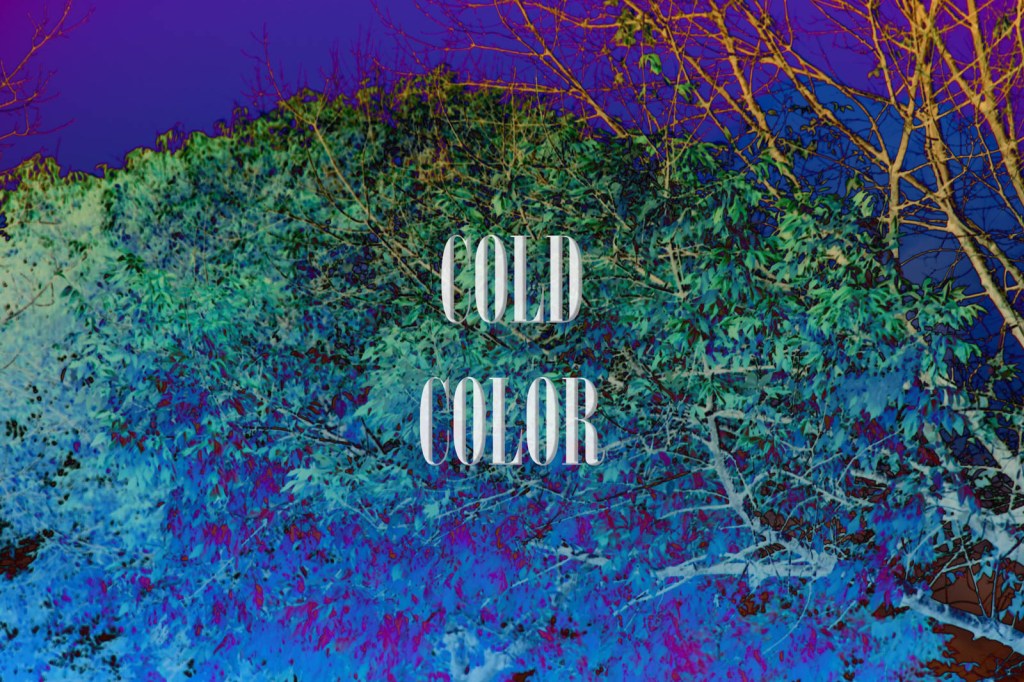
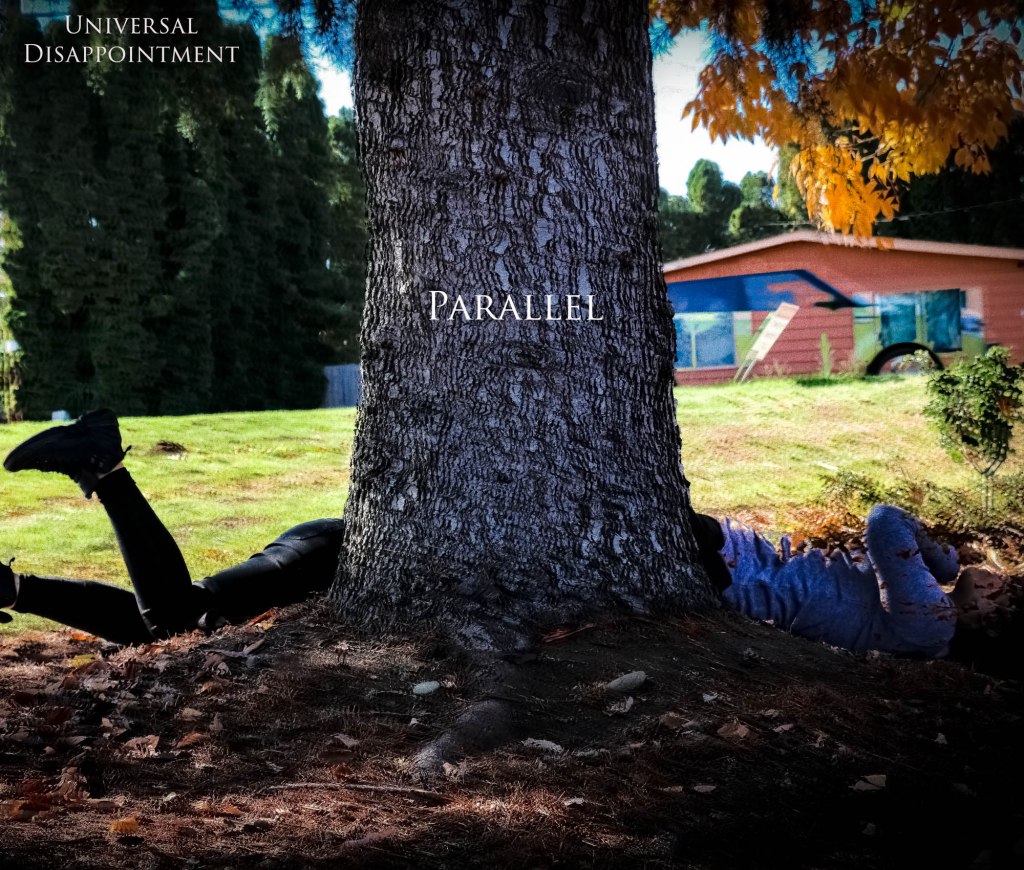
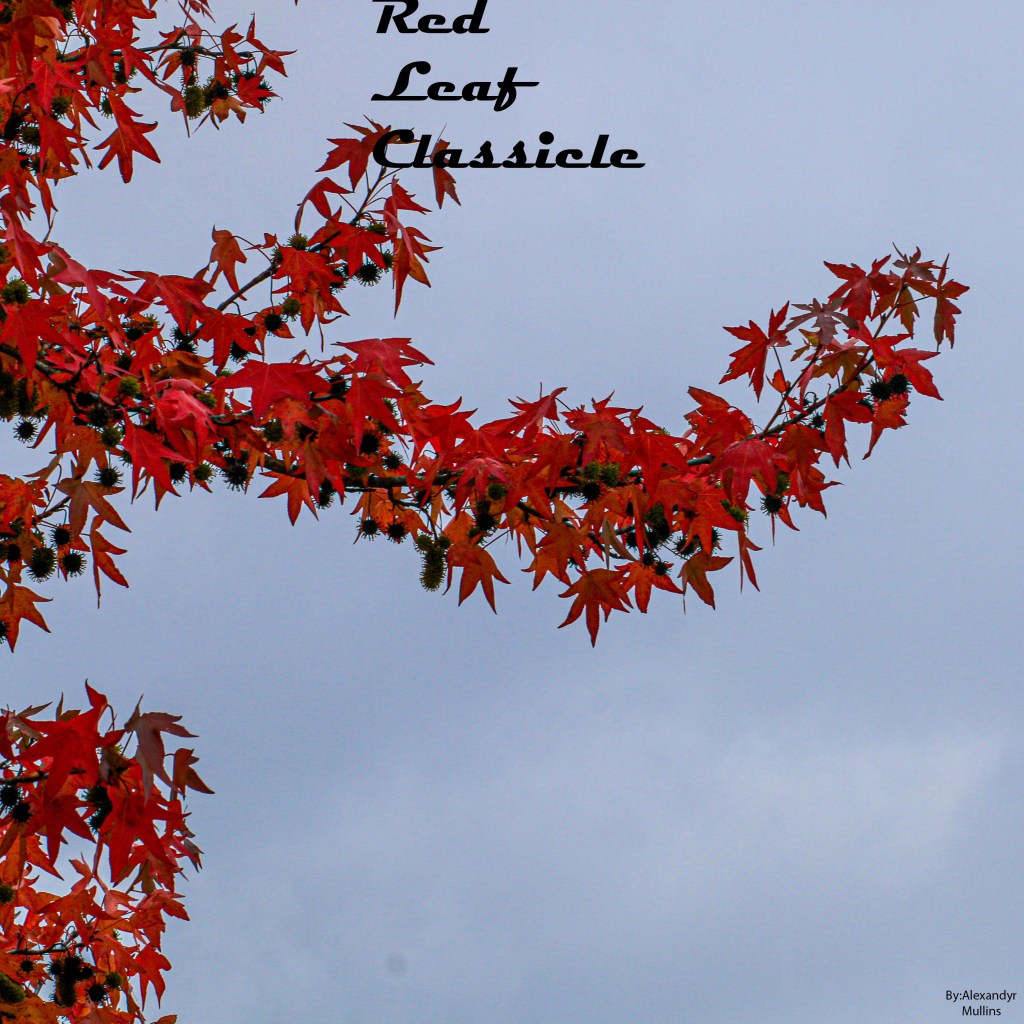
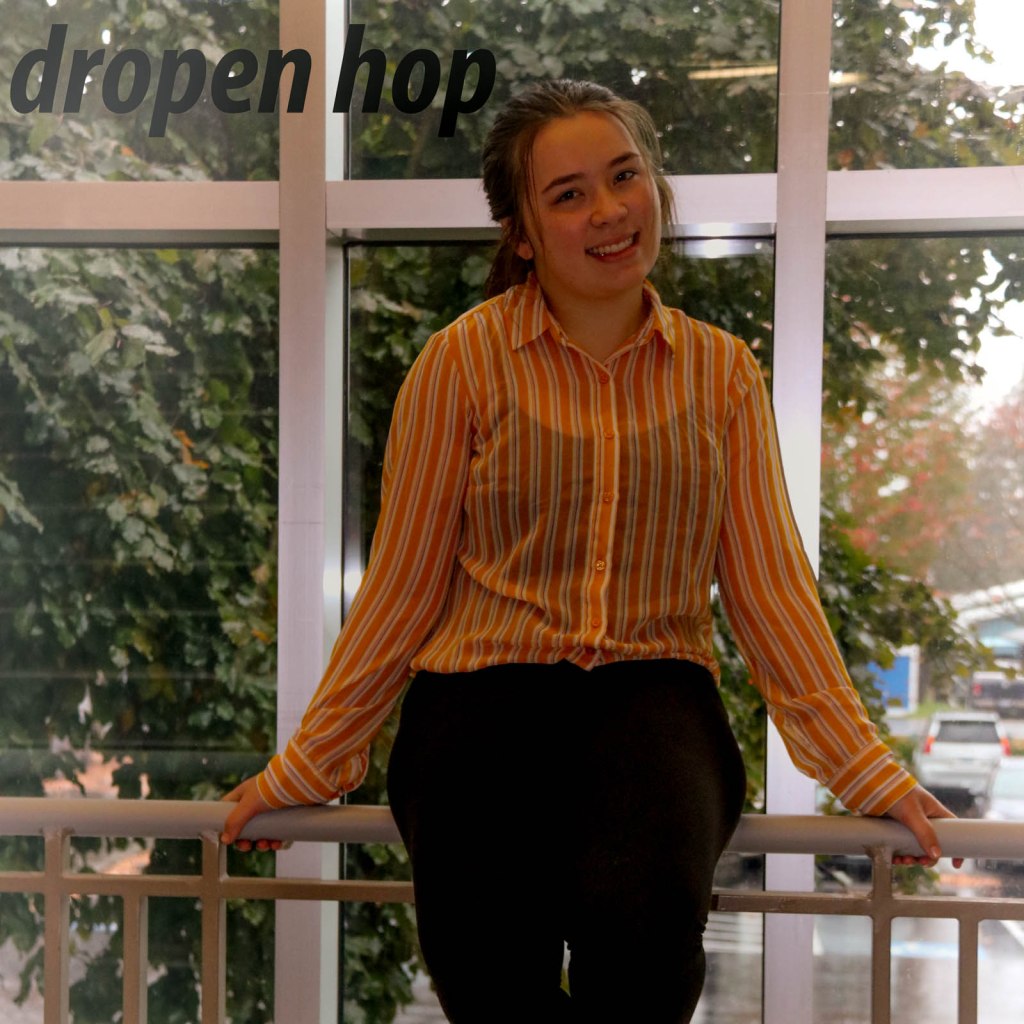
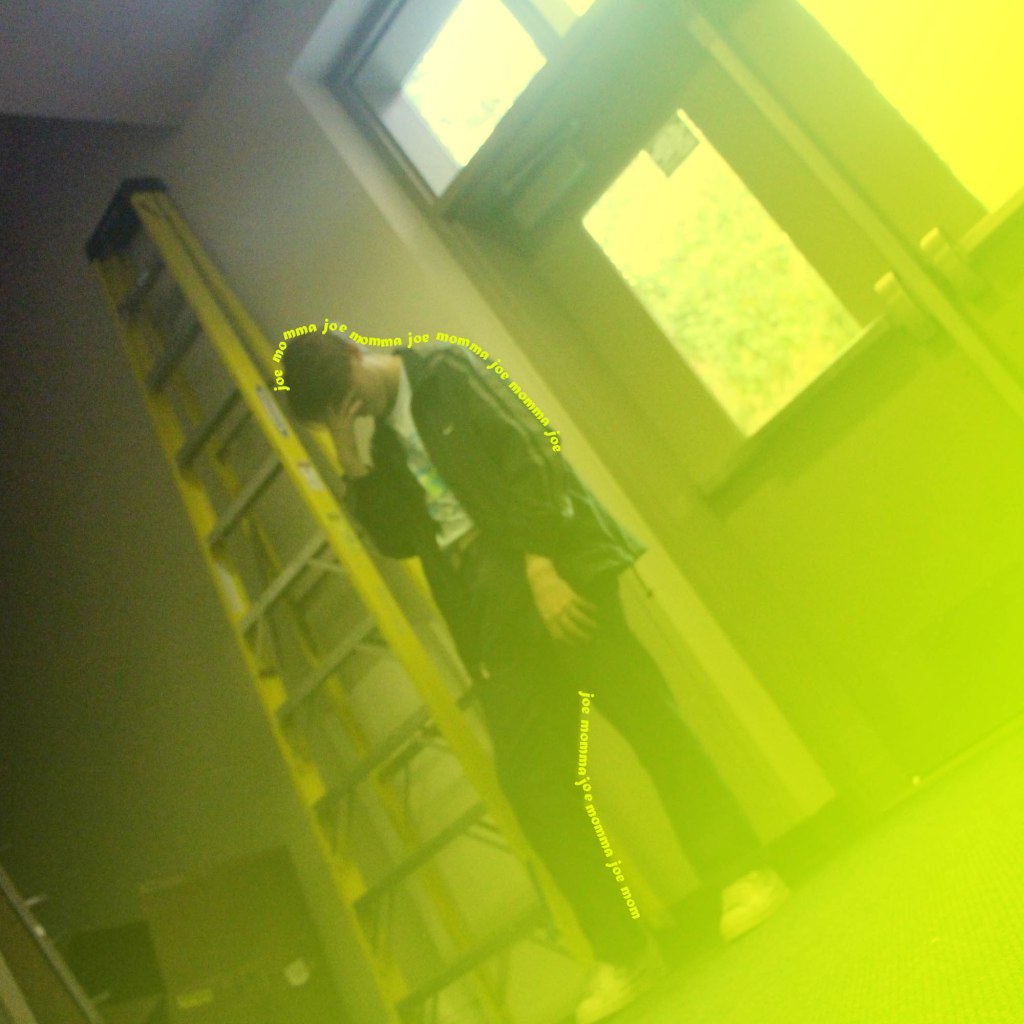
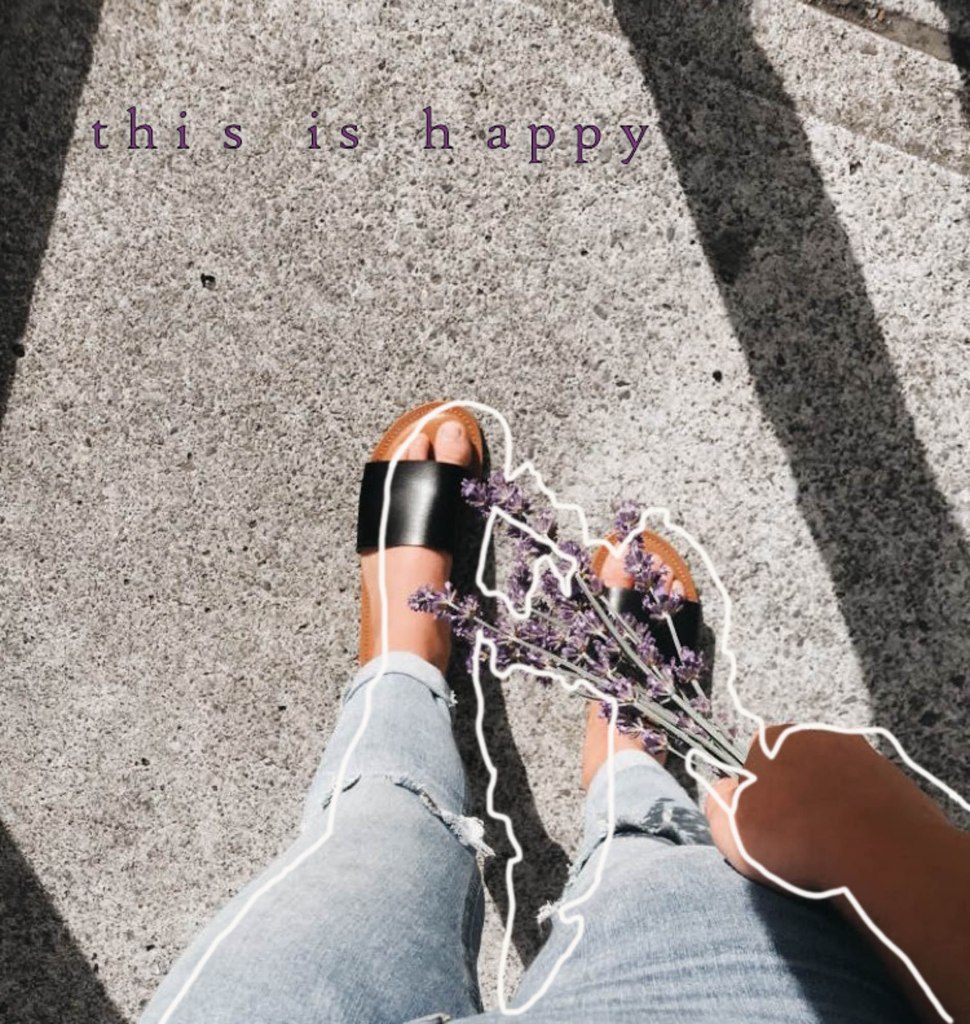
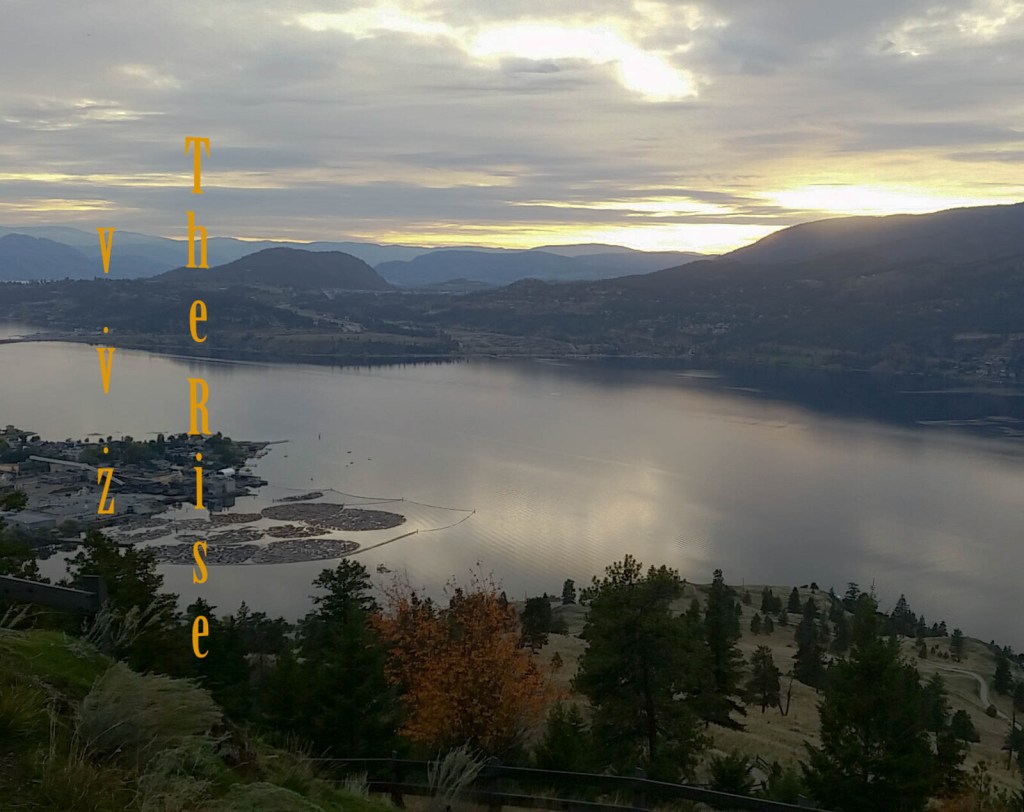
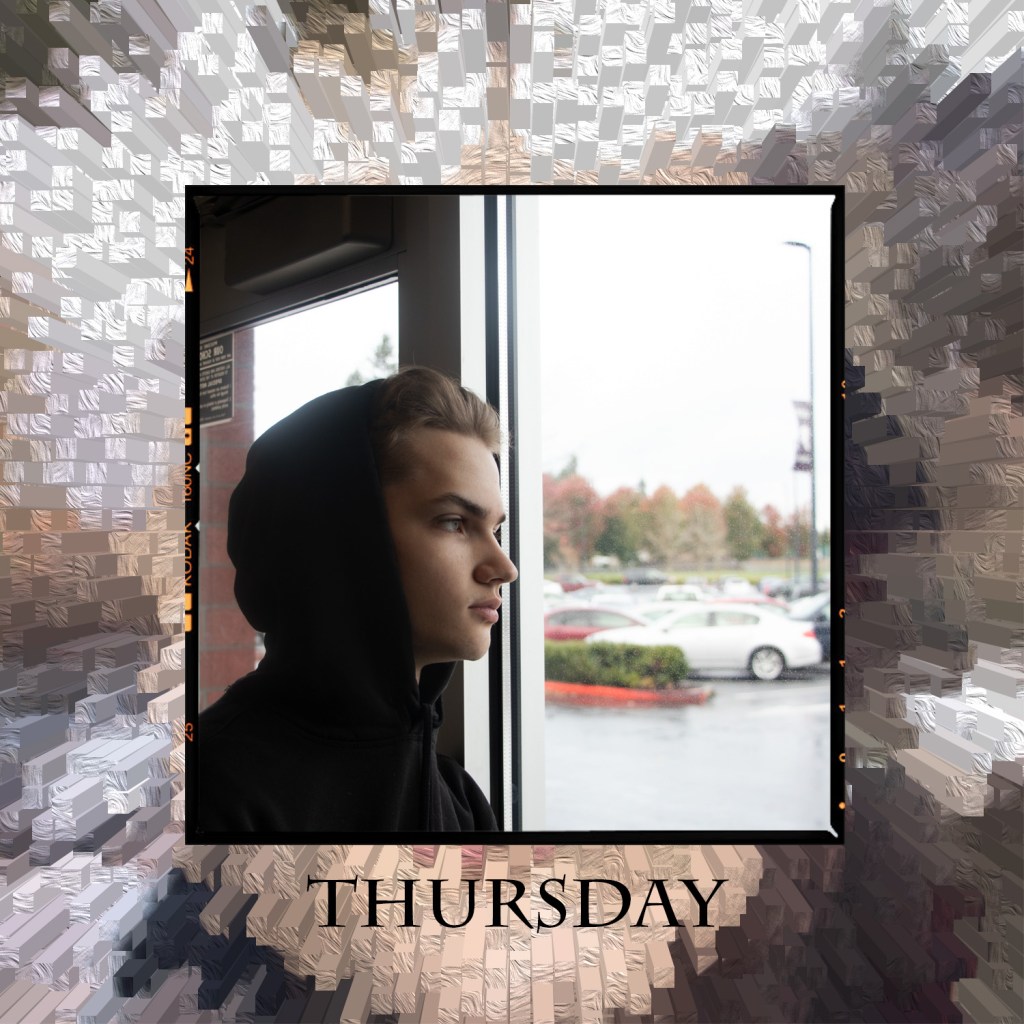
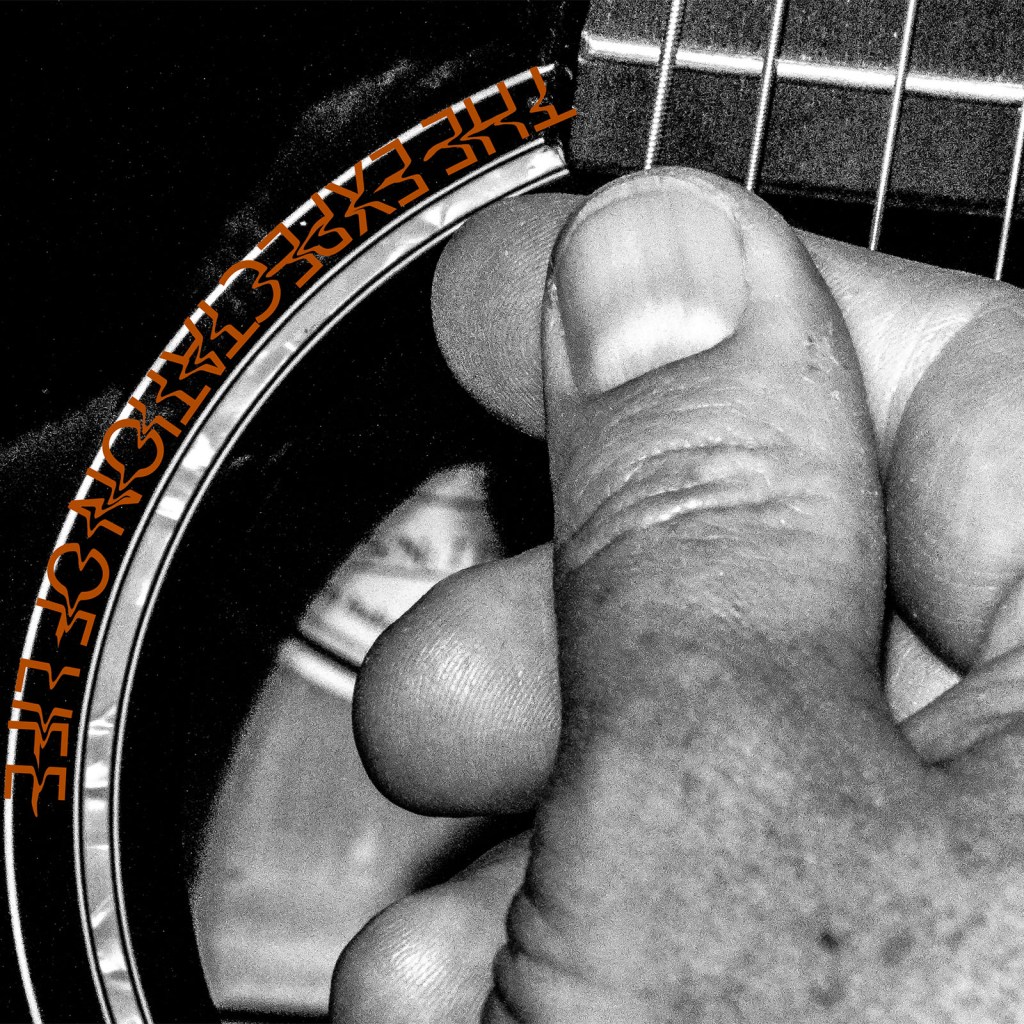
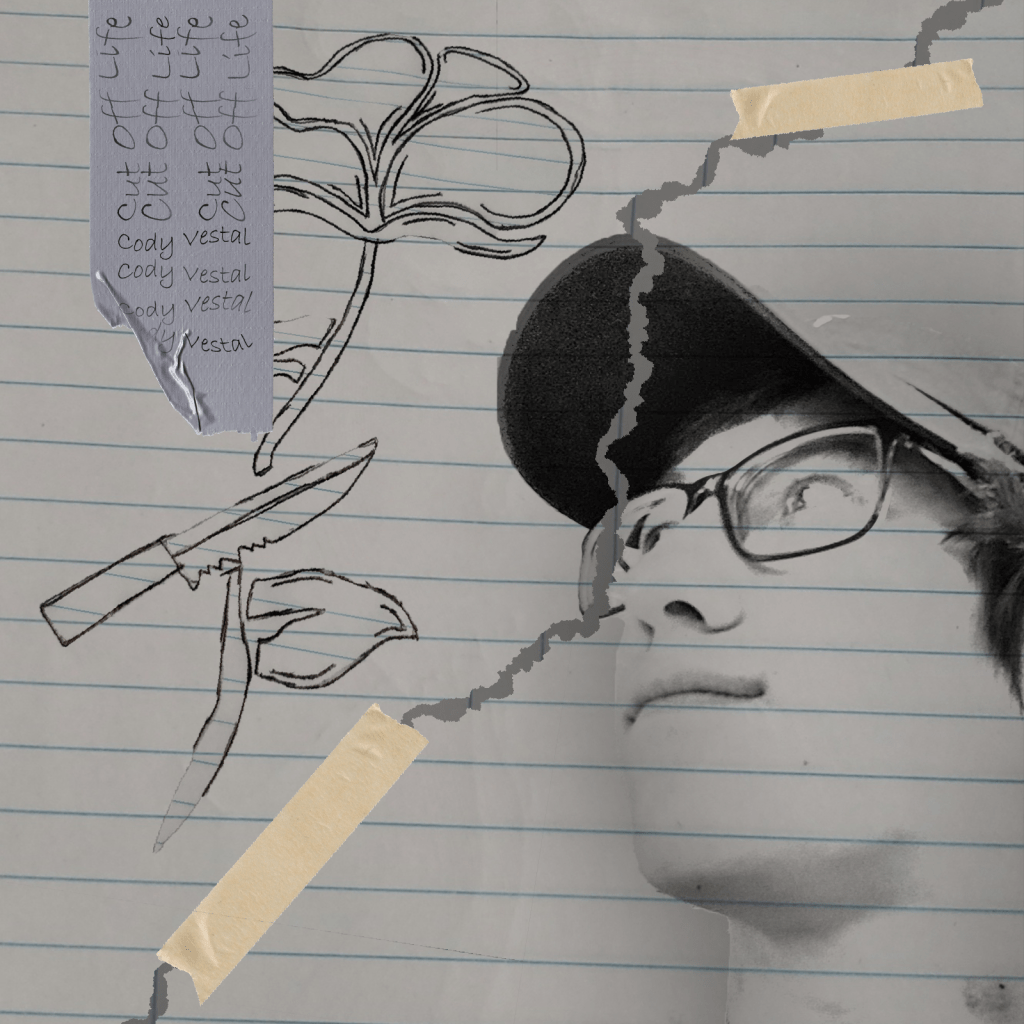
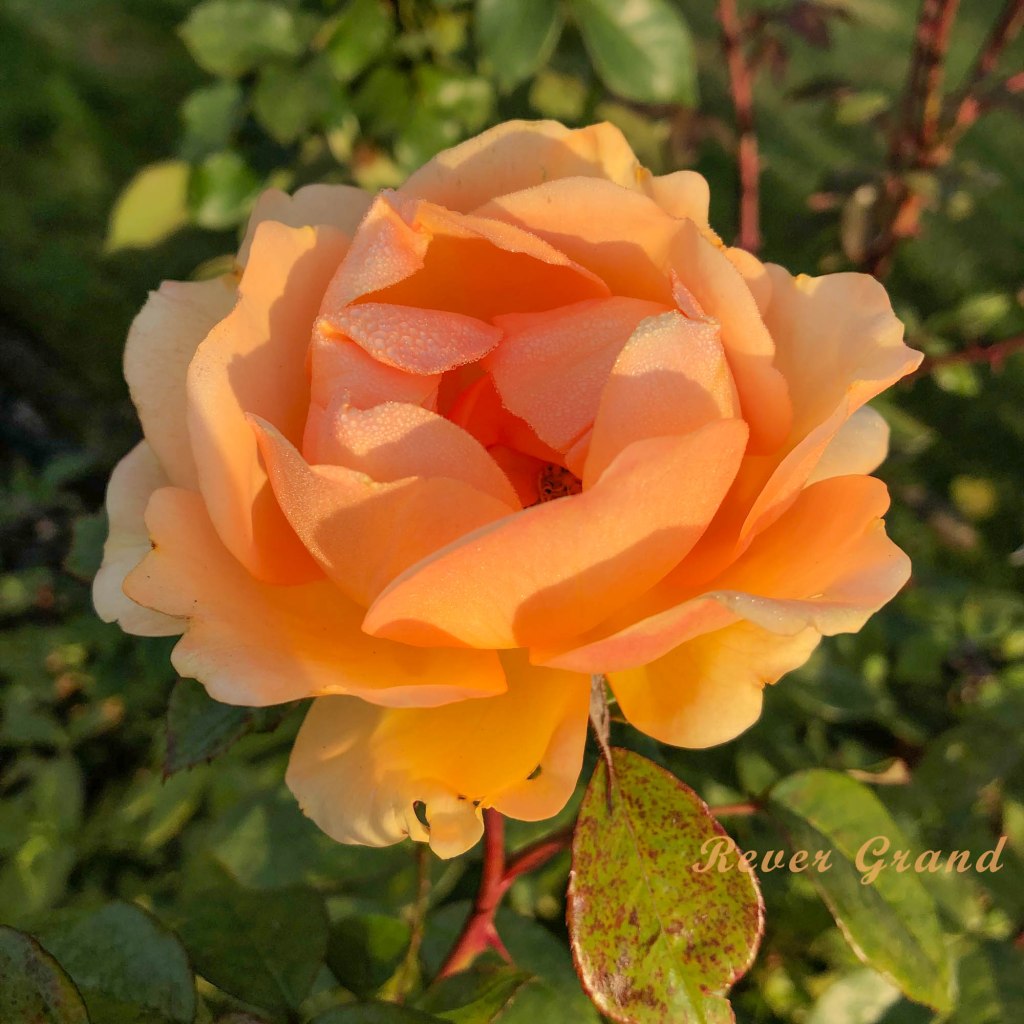
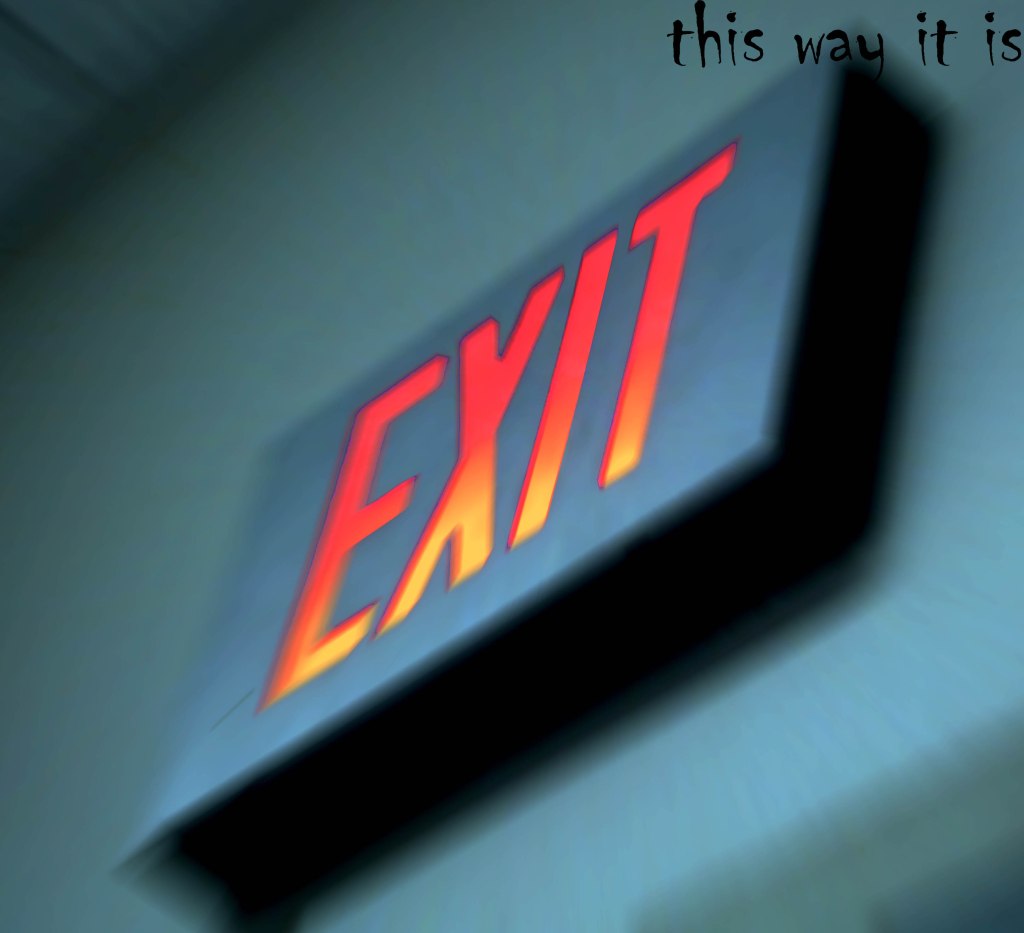
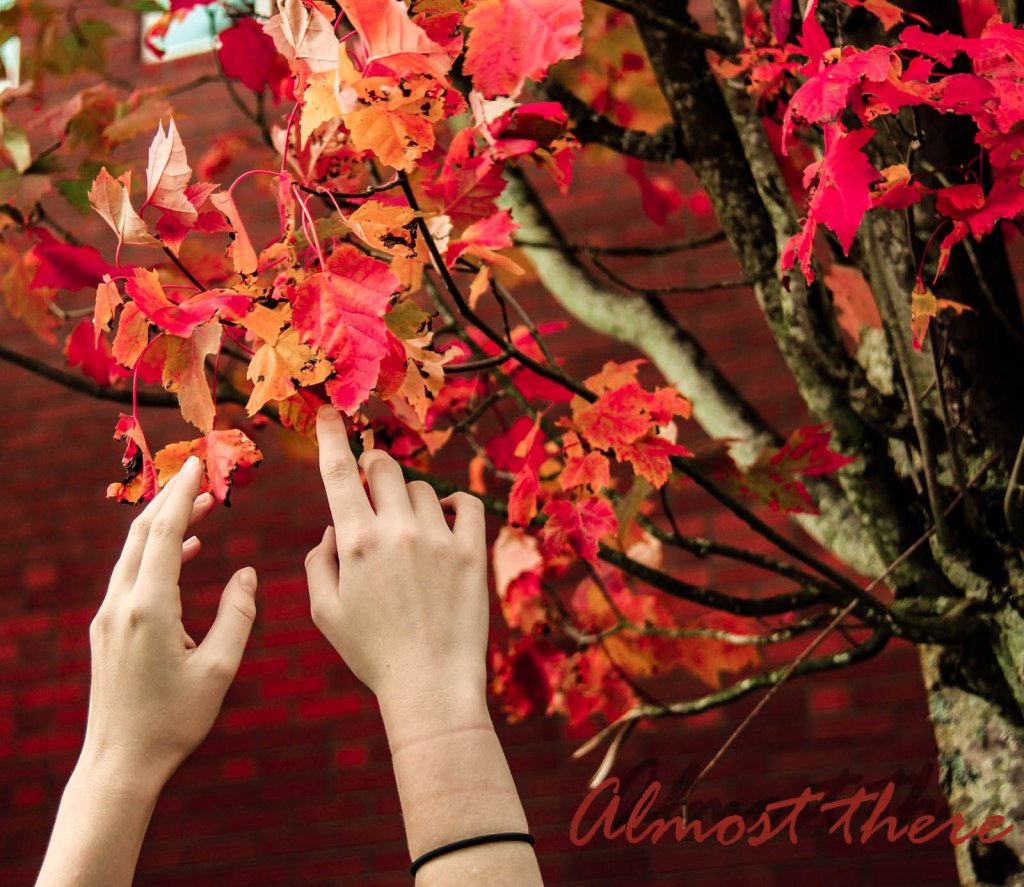
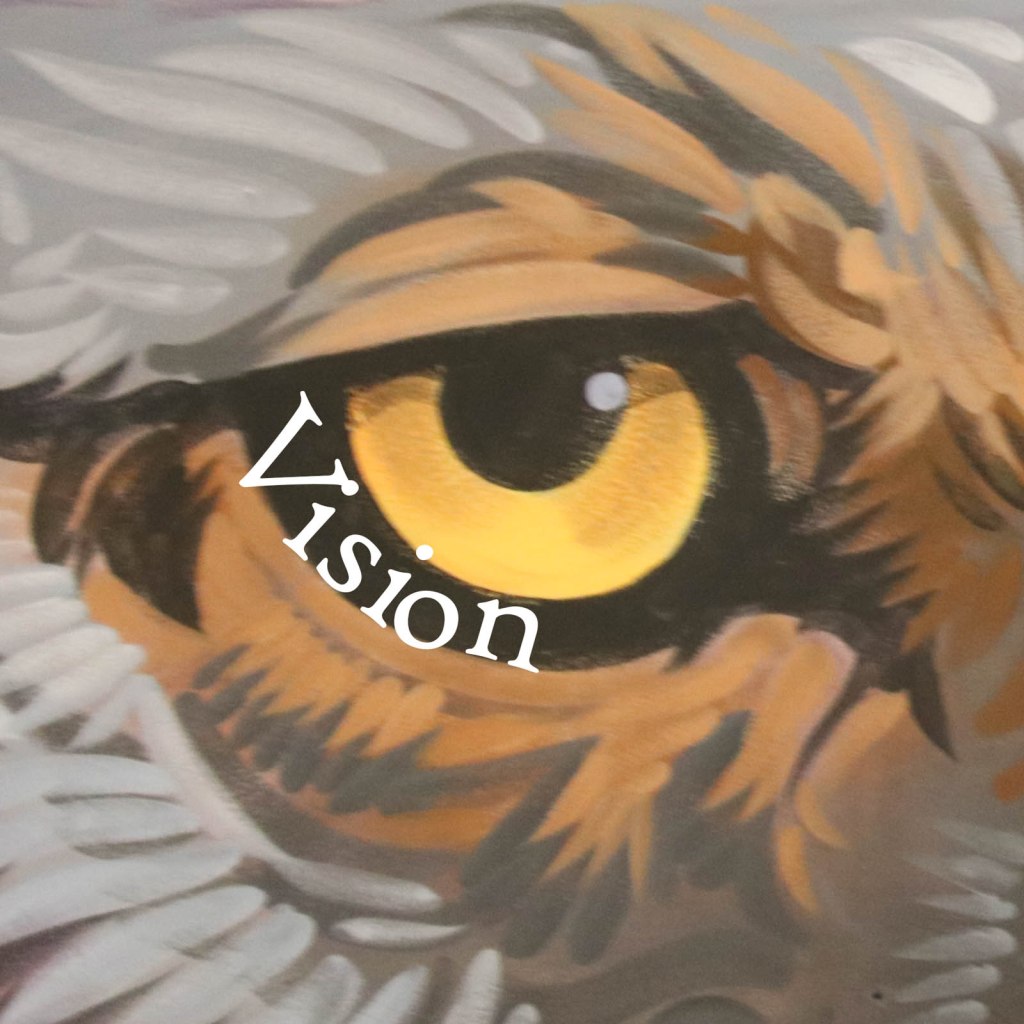
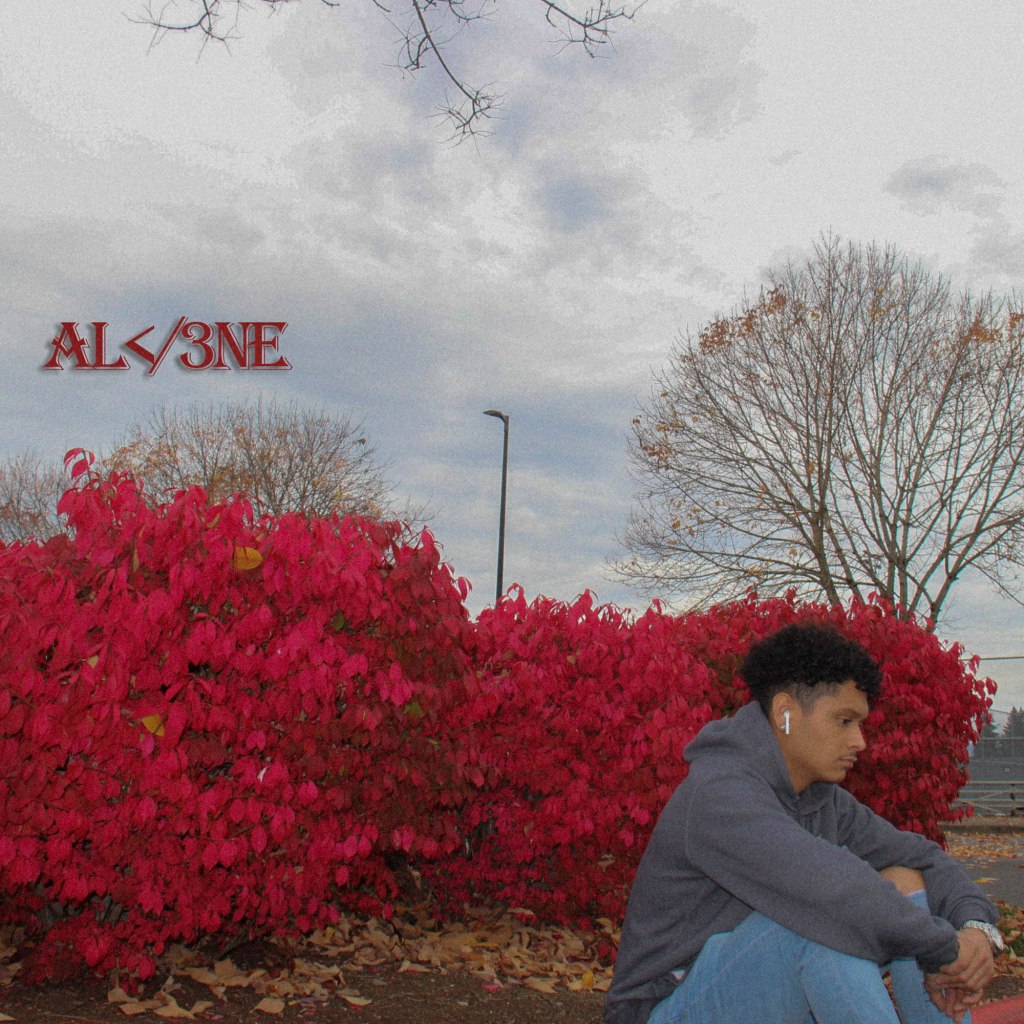
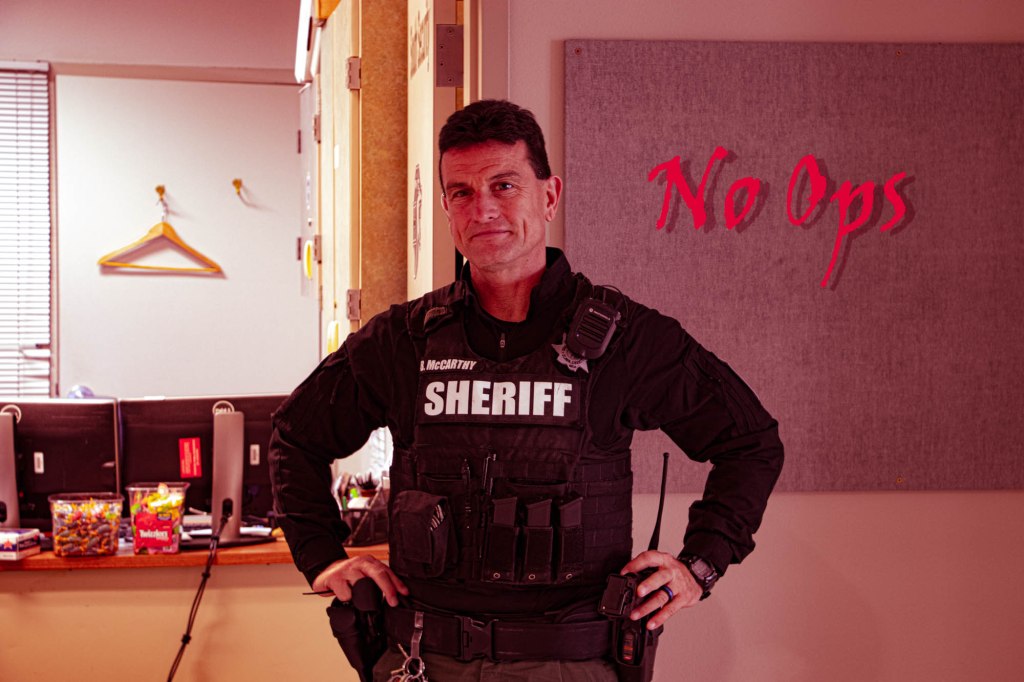
I can critique the CD Album Art of someone in my class.
I can write a professional critique that supports the artist by pointing out areas to improve and celebrating their victories.
I can turn in my 2nd Album Cover Art Photo
Steps:
1 Pull up the Critique Post for your Period: 4, 5, 6. Choose one image to write a full two paragraph critique. See the post for step by step instructions. Write in in Google Docs then paste into your visual journal with a copy of the picture you are critiquing. Turn in a link to your visual journal in Classroom.
Open up your visual journals, choose one photo to critique. Download the image to your website, write 2 paragraphs where you write about the following:
How professional is the album art? Could you see this being actual real album art on Spotify or Apple Music? Could you see this being on the cover of a vinyl LP?
What’s missing to make this a professional looking CD album cover?
Is the image a square, or a rectangle?
How well does the text reflect the mood of the album?
What could be done to the text to make the image one complete package?
Find the person who took the photo and share your respectful critique with them.
You will be graded on a 4 point scale, same as a photo challenge. You will be graded on:
The case you make for your critique. Do you offer supporting evidence or are you just stating an opinion.
Number of examples you give for your critique. If you say the image lacks an interesting subject, what would you add to make the subject more interesting?
How respectful your tone is. This is a critique that will be read by the artist? How supportive are you of their work or are you just out to tear it down?
Critiques are due before Wednesday. Publish your post then paste it to Google Classroom. Check to see if you see a thumbnail shot (Correct!) of your site or just the generic Adobe Spark log in page.(Incorrect!)
Open up your visual journals, choose one photo to critique. Download the image to your website, write 2 paragraphs where you write about the following:
How professional is the album art? Could you see this being actual real album art on Spotify or Apple Music? Could you see this being on the cover of a vinyl LP?
What’s missing to make this a professional looking CD album cover?
Is the image a square, or a rectangle?
How well does the text reflect the mood of the album?
What could be done to the text to make the image one complete package?
Find the person who took the photo and share your respectful critique with them.
You will be graded on a 4 point scale, same as a photo challenge. You will be graded on:
The case you make for your critique. Do you offer supporting evidence or are you just stating an opinion.
Number of examples you give for your critique. If you say the image lacks an interesting subject, what would you add to make the subject more interesting?
How respectful your tone is. This is a critique that will be read by the artist? How supportive are you of their work or are you just out to tear it down?
Critiques are due before Wednesday. Publish your post then paste it to Google Classroom. Check to see if you see a thumbnail shot (Cporrect!) of your site or just the generic Adobe Spark log in page.(Incorrect!)
Open up your visual journals, choose one photo to critique. Download the image to your website, write 2 paragraphs wher eyou write about the following:
How professional is the album art? Could you see this being actual real album art on Spotify or Apple Music? Could you see this being on the cover of a vinyl LP?
What’s missing to make this a professional looking CD album cover?
How well does the text reflect the mood of the album?
What could be done to the text to make the image one complete package?
Find the person who took the photo and share your respectful critique with them.
You will be graded on a 4 point scale, same as a photo challenge. You will be graded on:
The case you make for your critique. Do you offer supporting evidence or are you just stating an opinion.
Number of examples you give for your critique. If you say the image lacks an interesting subject, what would you add to make the subject more interesting?
How respectful your tone is. This is a critique that will be read by the artist? How supportive are you of their work or are you just out to tear it down?
Critiques are due before Wednesday. Publish your post then paste it to Google Classroom. Check to see if you see a thumbnail shot (Cporrect!) of your site or just the generic Adobe Spark log in page.(Incorrect!)















 Strong Photography 19-20