
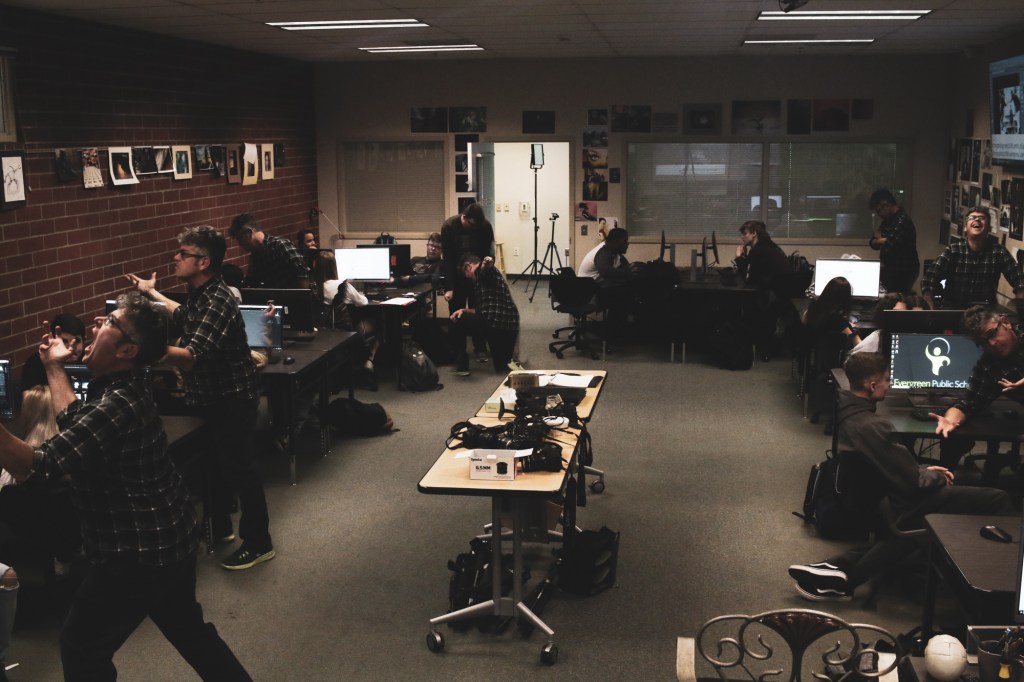
For the next photo challenge, you will take a photo with multiple versions of a person with the same background. You will use layer masks to make that happen.
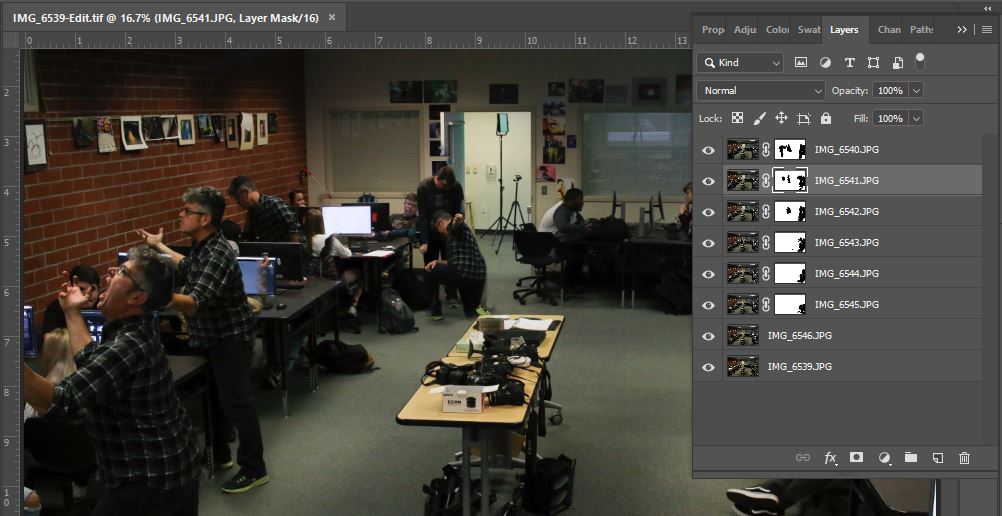
Step 1: Take five photos of one person in different positions. Use a tripod.
Step 2: With the camera still on the tripod, take a clean shot of the background with no people in it.
Step 3: Load all pictures into Lightroo.
Step 4: Select all photos in Lightroom by clicking CTRL while clicking on each picture.
Step 5: Right Click and Choose Open As Layers in Photoshop.
Step 6: Use layer masks to remove the backrounds.
What I’ll be grading you on:
How clean your layer masks are.
How creative your stage is.
Images are clear and in focus.
How well you edit the photo AFTER you create the clone effect in Photoshop.
One Clone Image is due on 11/5
 Strong Photography 19-20