
1 
2 
3 
4 
5 
6 
7 
8 
9 
10 
11 
12 
13 
14 
15 
16 
17
Photo Challenge Voting: Indoor/Outdoor: Period 4
1 
2 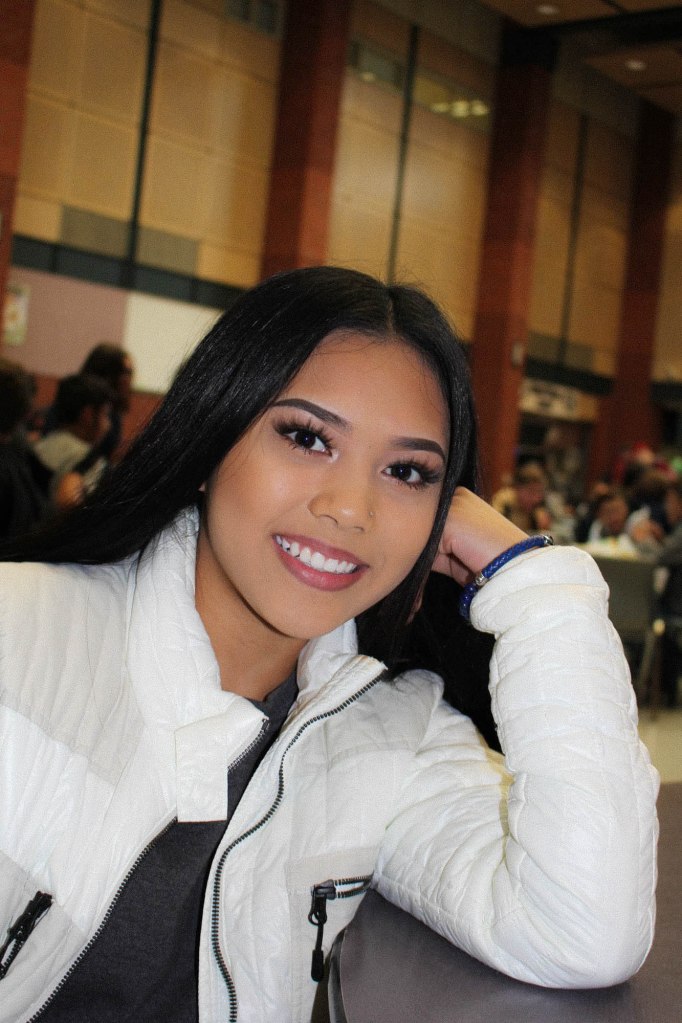
3 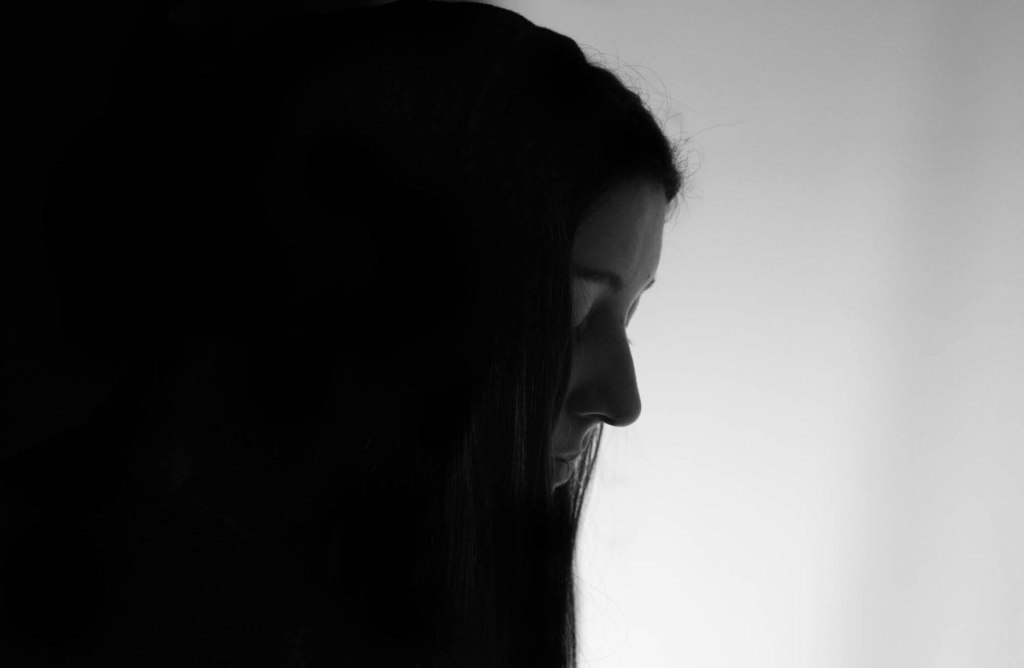
4 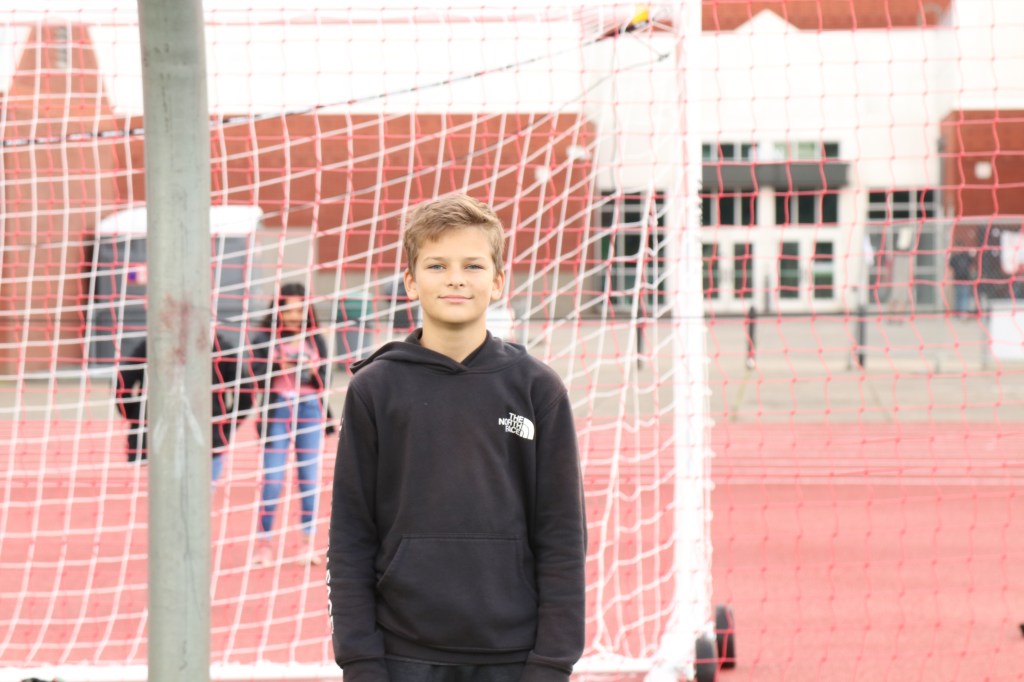
5 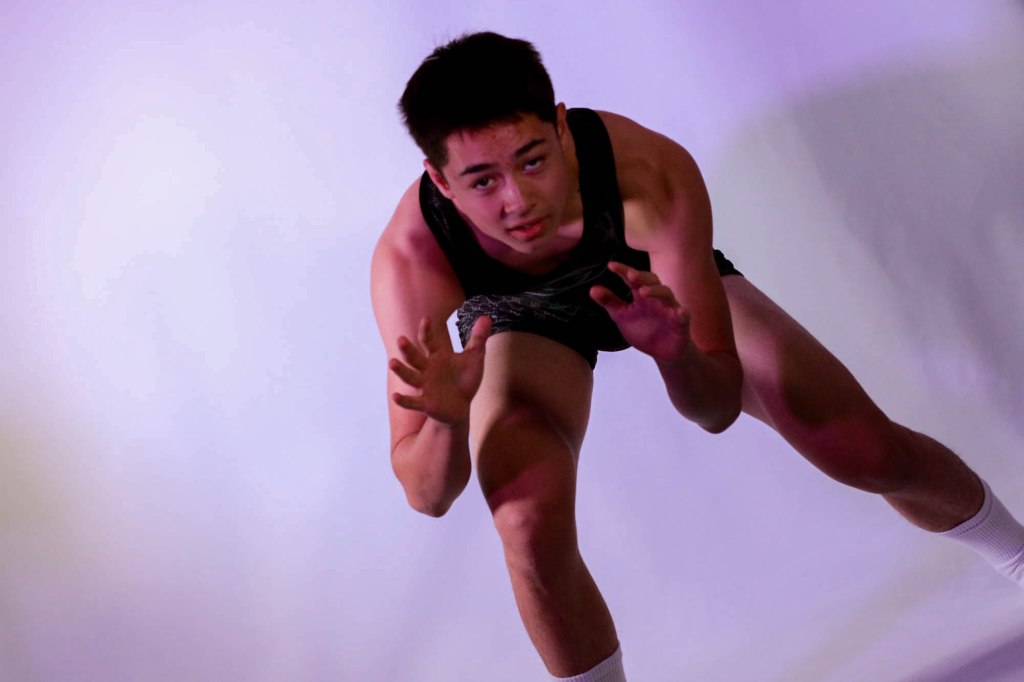
6 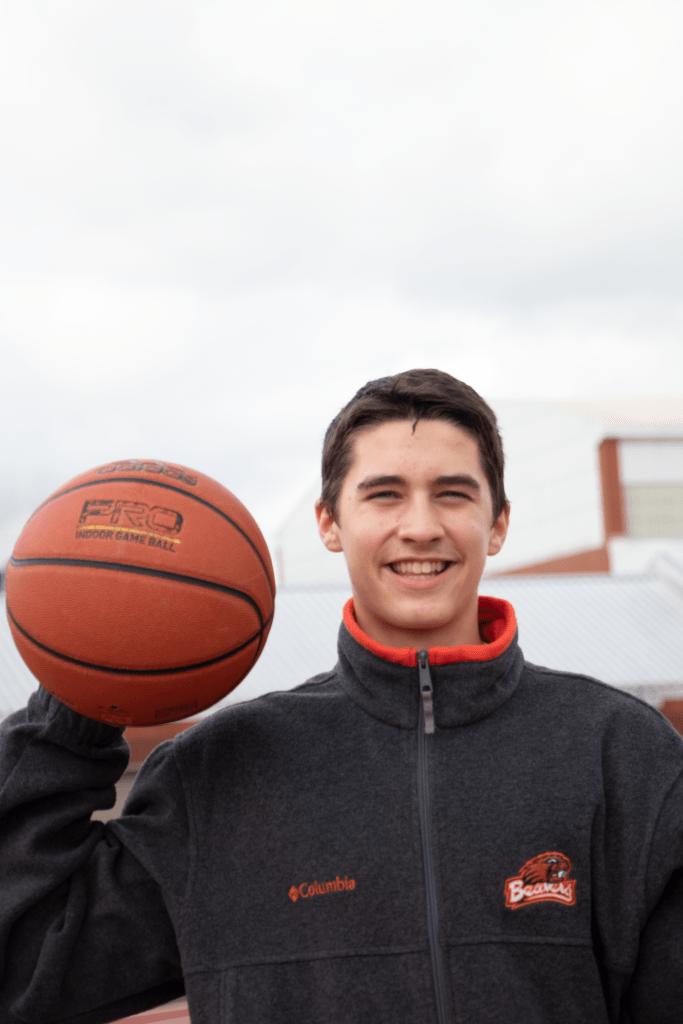
7 
8 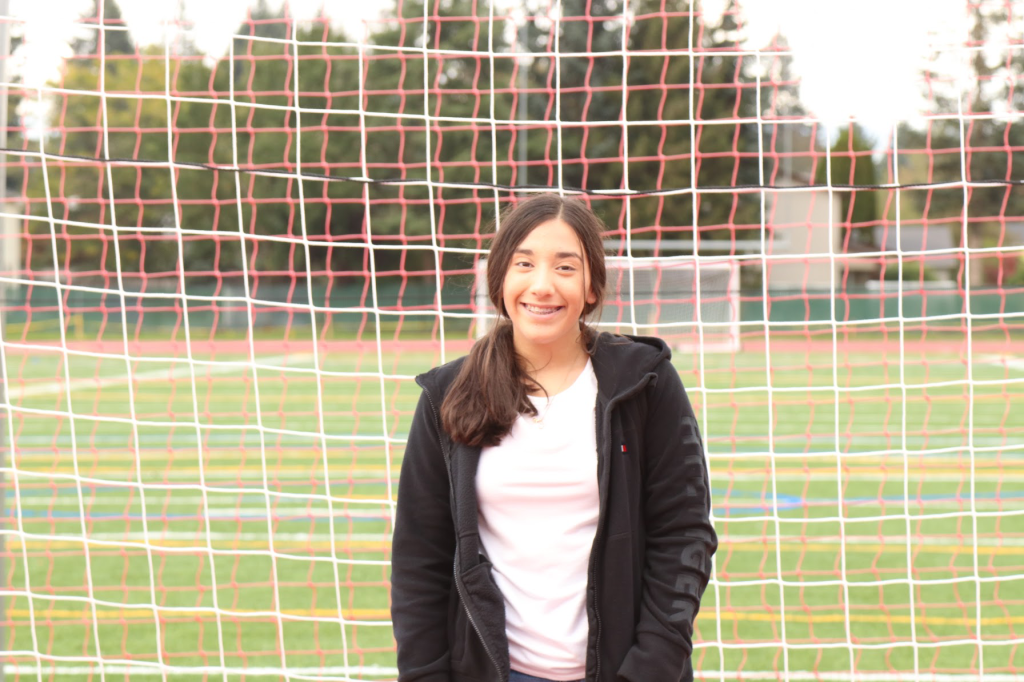
9 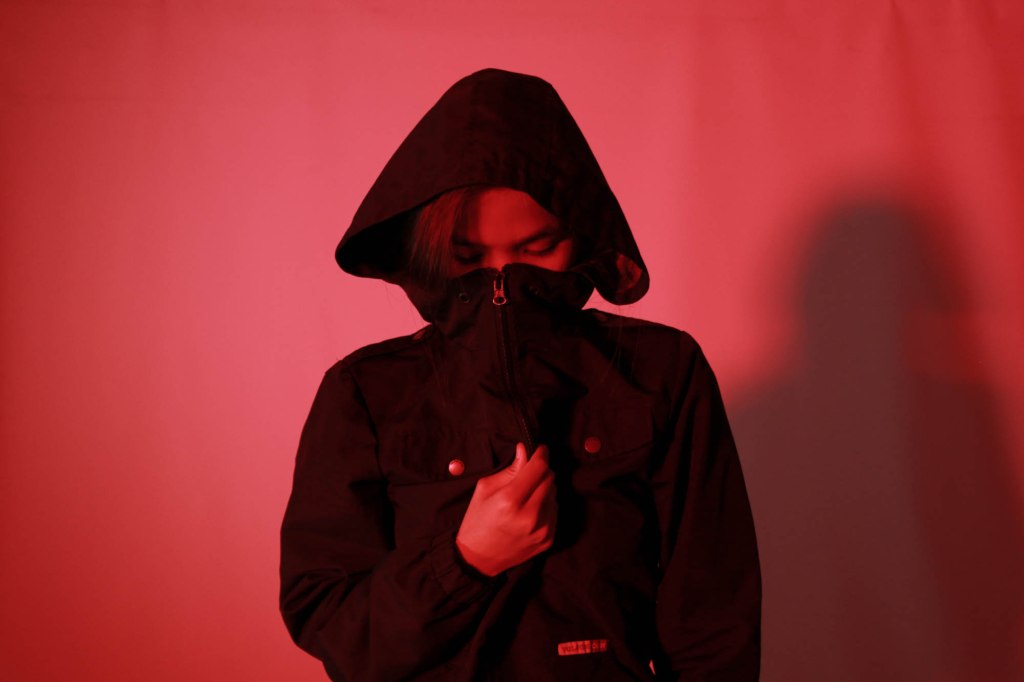
10 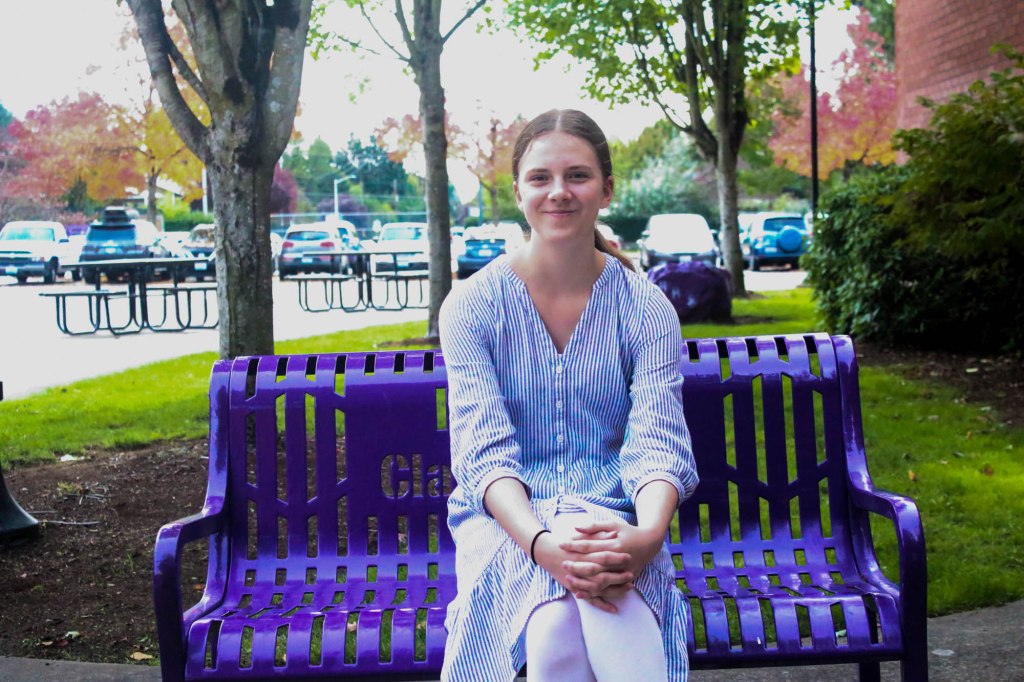
11 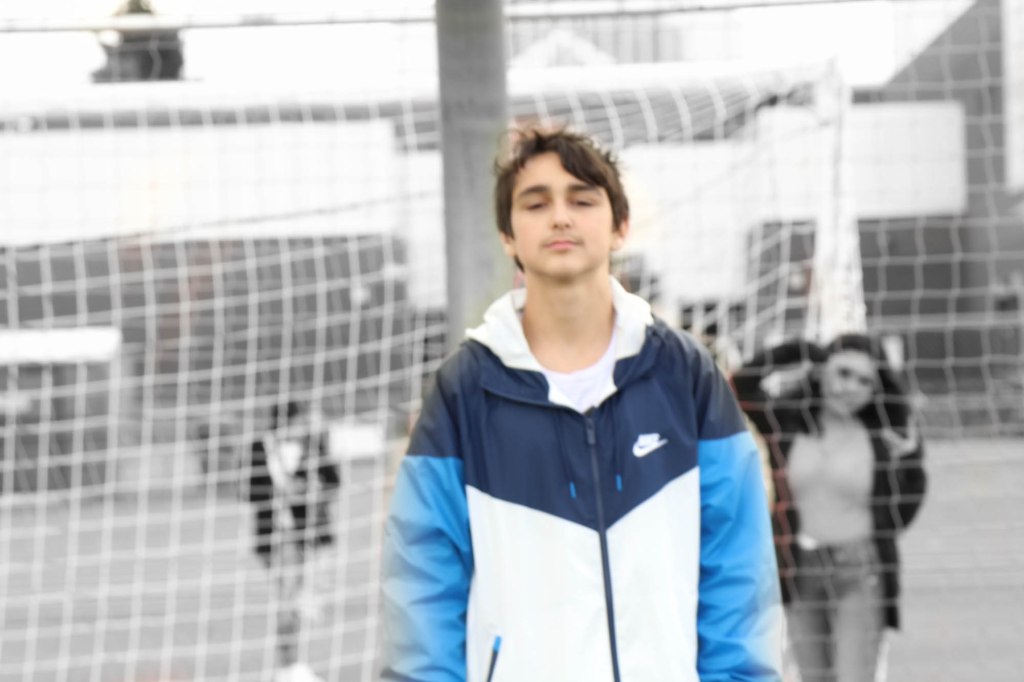
12 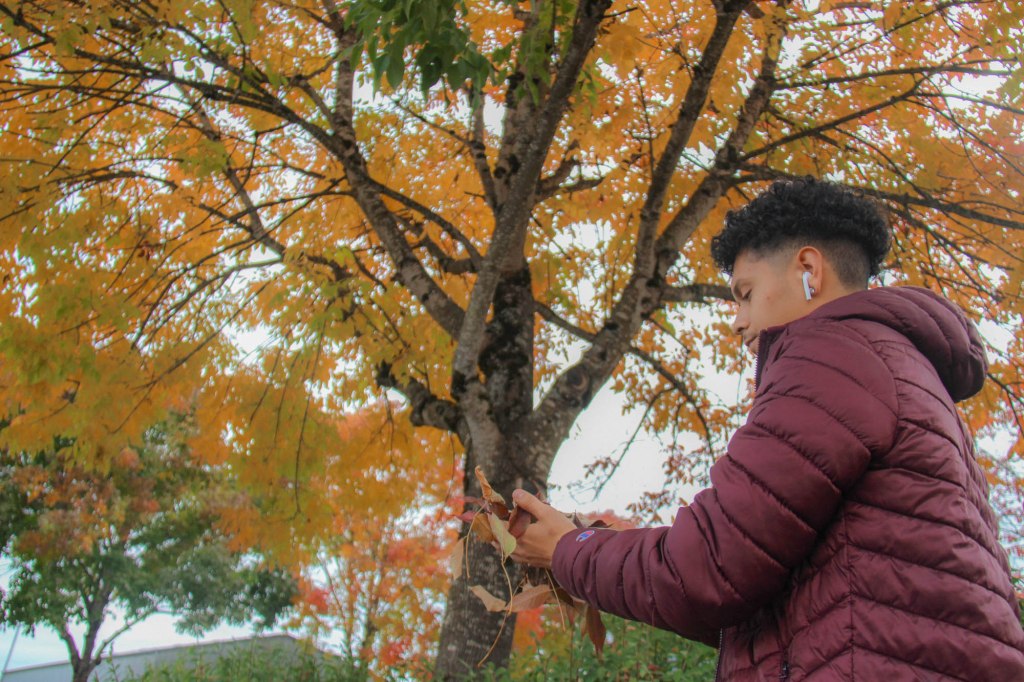
13 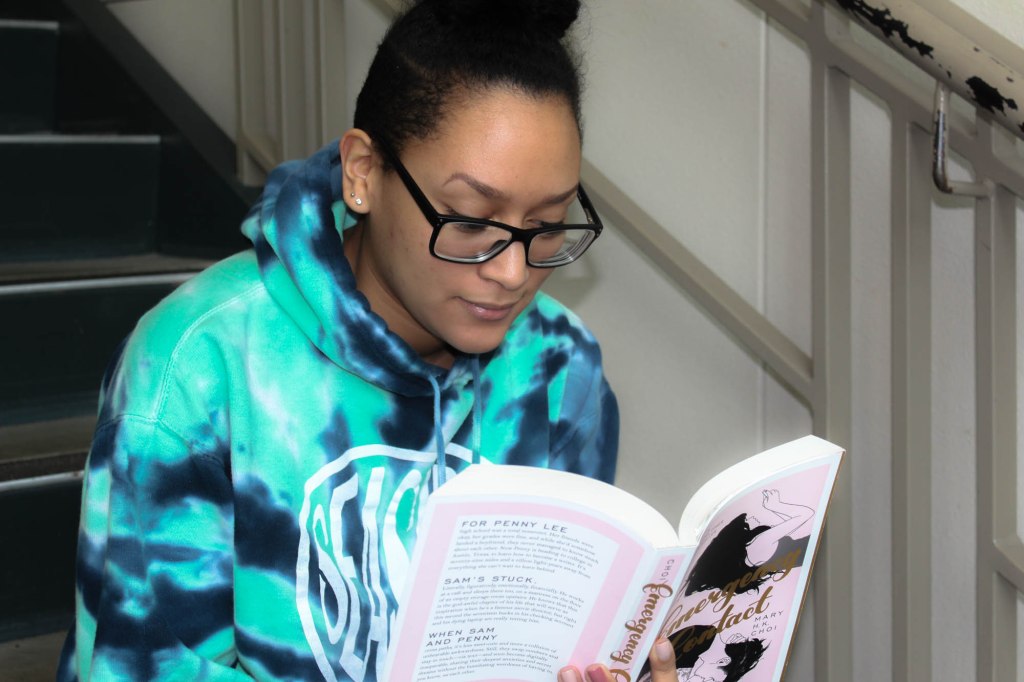
14
To Do List for 10/24

Learning Target:
- I can take two images for levitation.
- One with my subject on a table, stool, or chair.
- One with an empty background, no person, no chair. Same angle.
- Use a tripod.
Steps:
1. Shoot two photos for the new Photo Challenge: Levitation.
Friday
Take both images into Lightroom, select them both and choose Edit As Layers in Photoshop. Erase the evidence of the table, chair, or stool.
 Strong Photography 19-20