
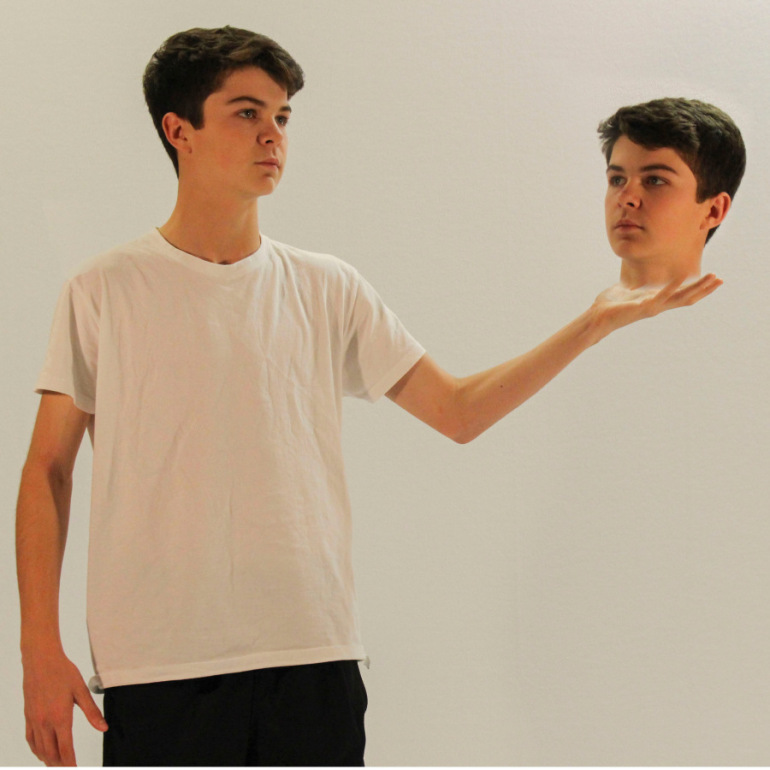

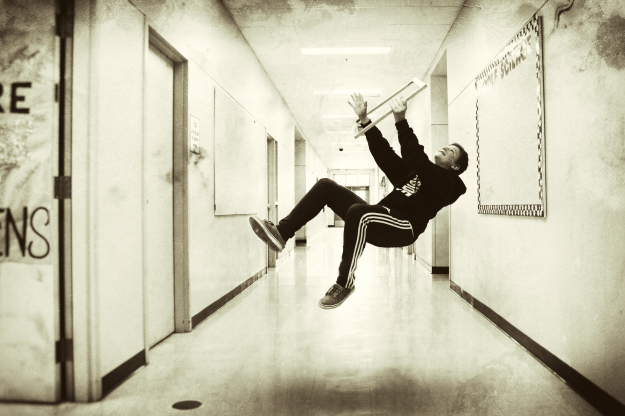
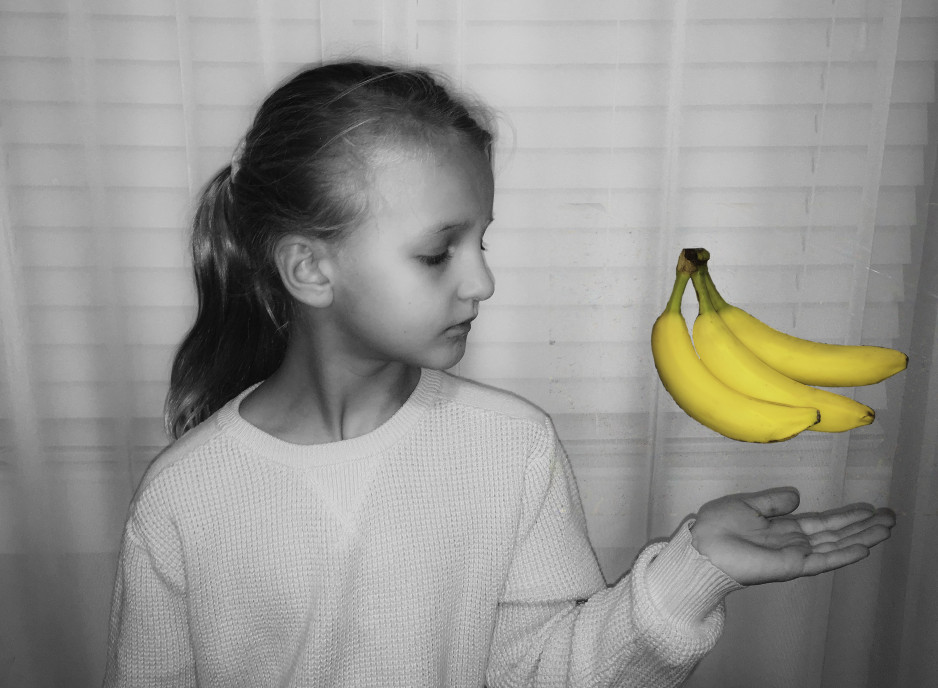
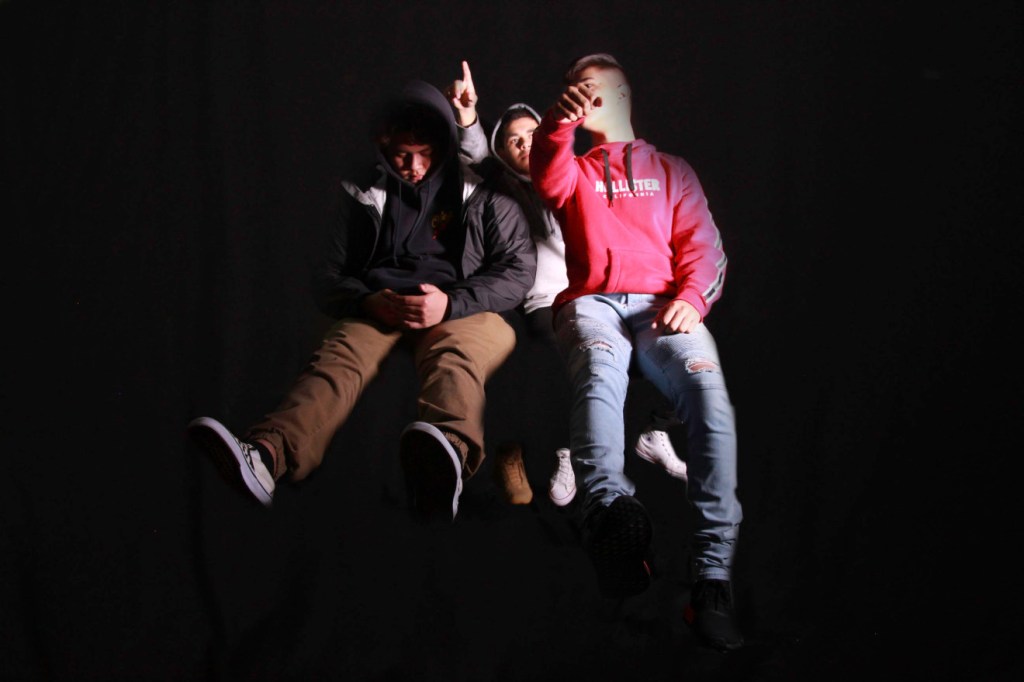
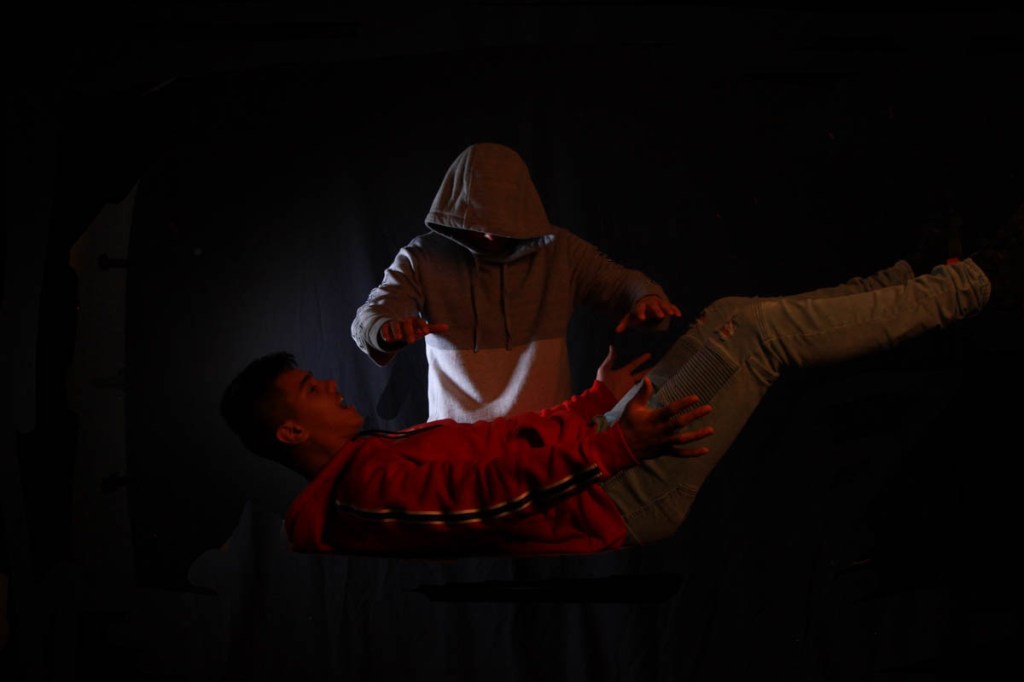
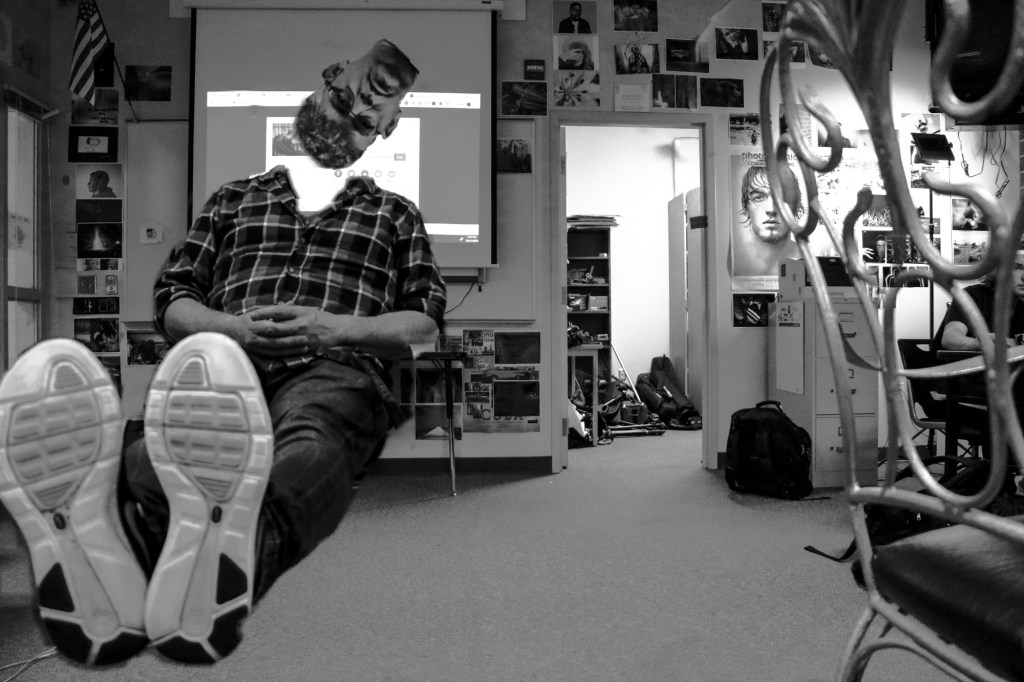
For this week’s photo challenge, you will use layer masks to create a levitation photo like the ones above.
To make mine I used the following photos:
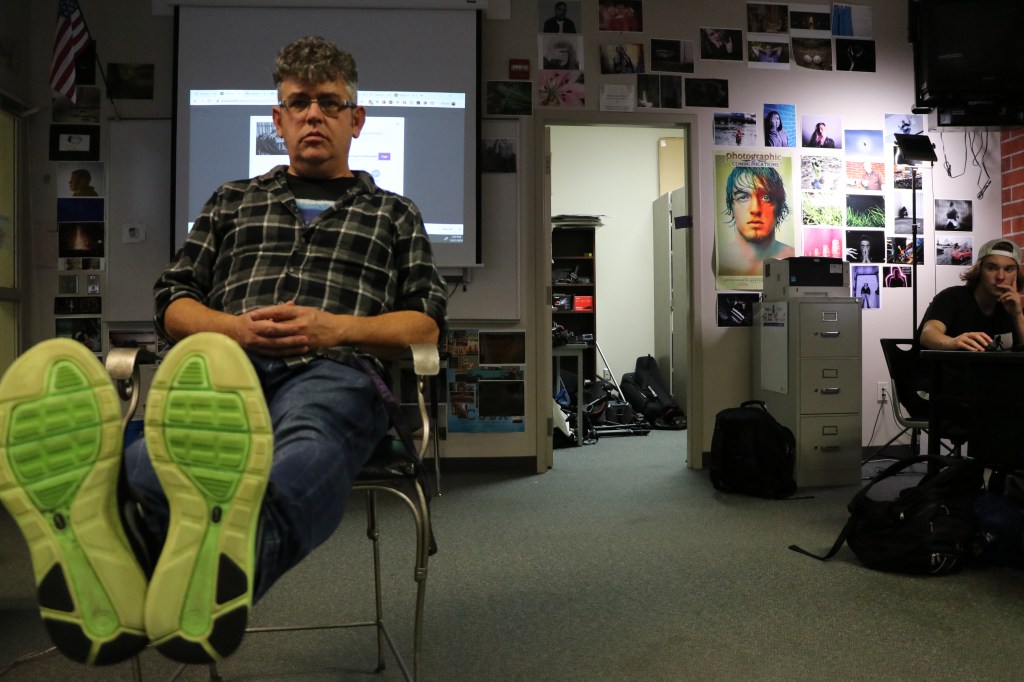
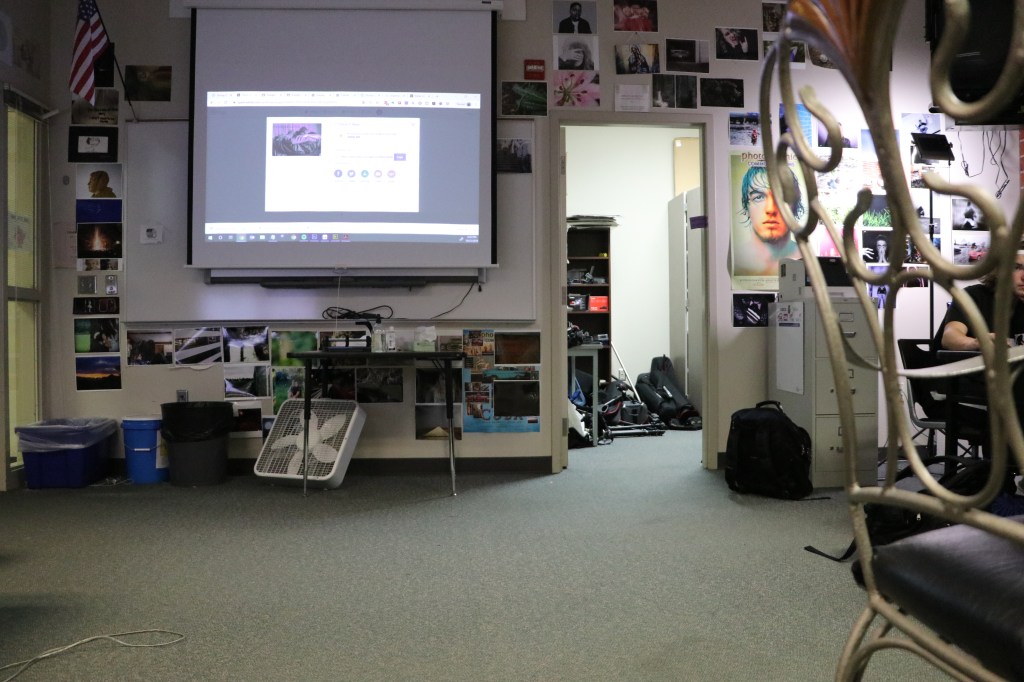
YOU WILL NEED TO USE A TRIPOD FOR THIS PROJECT.
Take two photos, one with your subject in a chair or on a stool, or on a table.
The 2nd photo is a blank shot of the background with the table or chair removed from the image.
Line up the photos in Photoshop, then use a layer mask to erase the evidence of the table, stool, chair, etc.
I think erased my head, duplicated the clip, erased my body, to create the headless floating head effect.
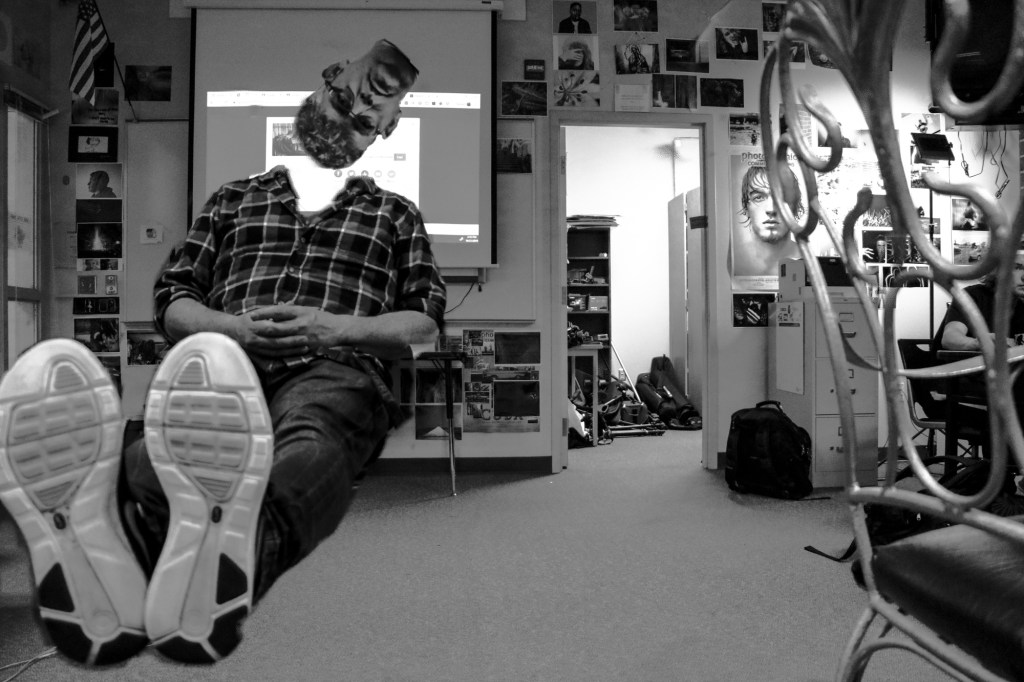
I then took the photo into Lightroom and made it black and white, and tweaked the exposure to cover up some of the smudges that made the image look less than professional.
Either way you do it, spend some time, plan out your shots, check out examples of what others have done, record those in your visual journal.
Plan out your shot, get your materials, and make some people float. Don’t be limited by just one person, why not two, three, four or five people?
ONE FINAL IMAGE IS DUE ON 10/29.
- What I’ll be grading you on:
- Clear, in focus shots.
- Editing effects is clean, not sloppy.
- Photo has been edited after the effect has been achieved.
 Strong Photography 19-20