
Today you will turn in a link to your Visual Journal/Adobe Spark Page.
I will be grading on.
- How many entries you have.
- How complete the entries are.
- Looking for all of your photo challenge Photos.
- Looking for the last two paragraphs of the last three reflections.
To turn in a link:
Click Share at the top of your Adobe Spark Interface.

Click Publish and Share Link.
Click on the Drop down menu for “Pick a Category”
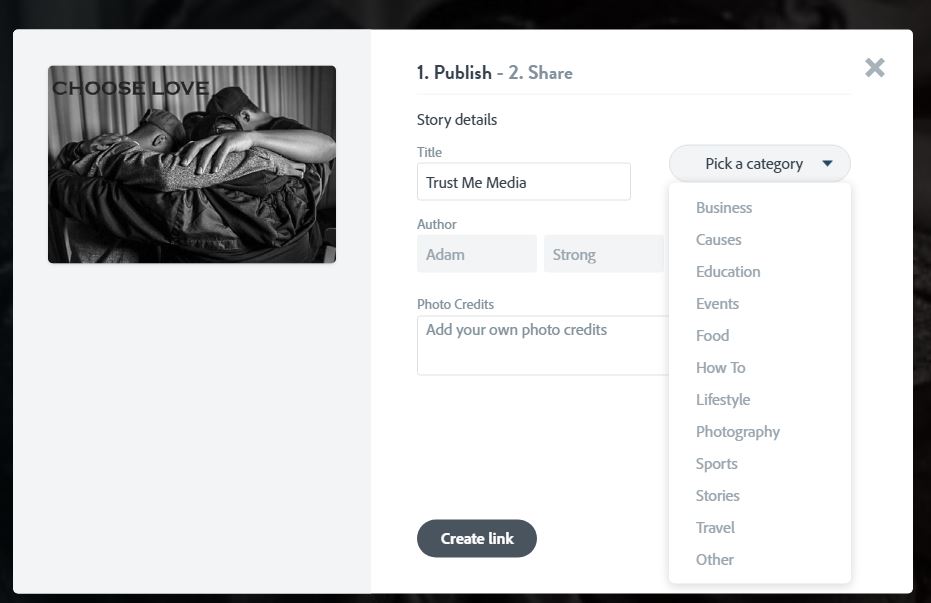
Choose Education
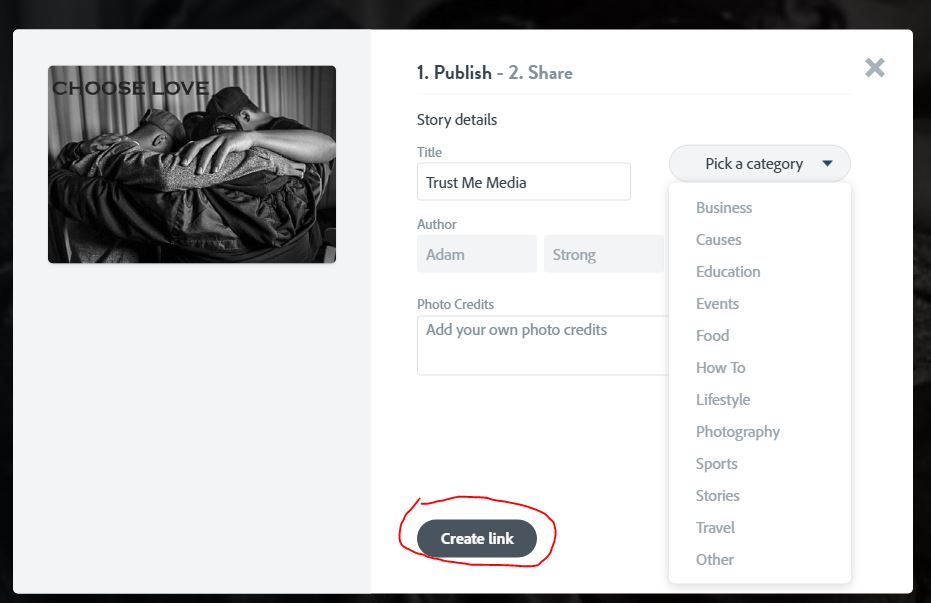
Click on Create LInk
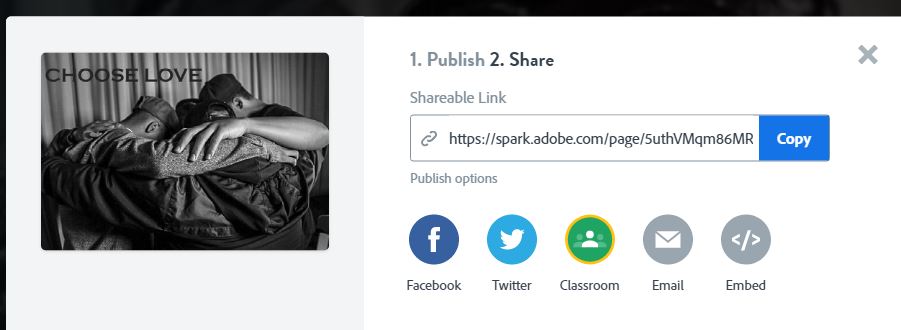
Click Copy.
Paste the link into Classroom. Or click on Classroom and see if you can turn it in that way.
 Strong Photography 19-20