
Visual Journal Spark Page Turn In Check – September

Today you will turn in a link to your Visual Journal/Adobe Spark Page.

I will be grading on.

  • How many entries you have.
  • How complete the entries are.
  • Looking for all of your photo challenge Photos.
  • Looking for the last two paragraphs of the last three reflections.

To turn in a link:

Click Share at the top of your Adobe Spark Interface.


Click Publish and Share Link.

Click on the Drop down menu for “Pick a Category”
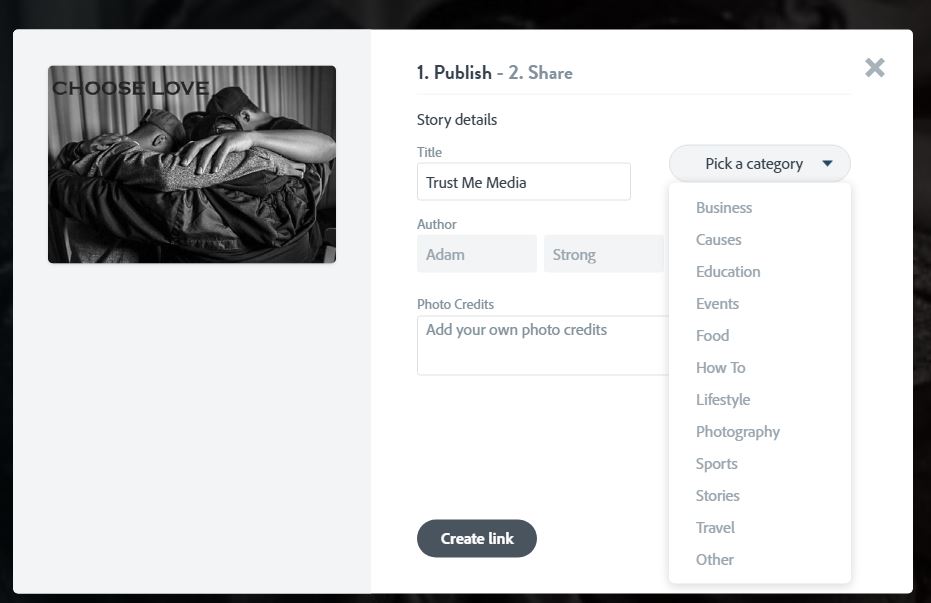
Choose Education
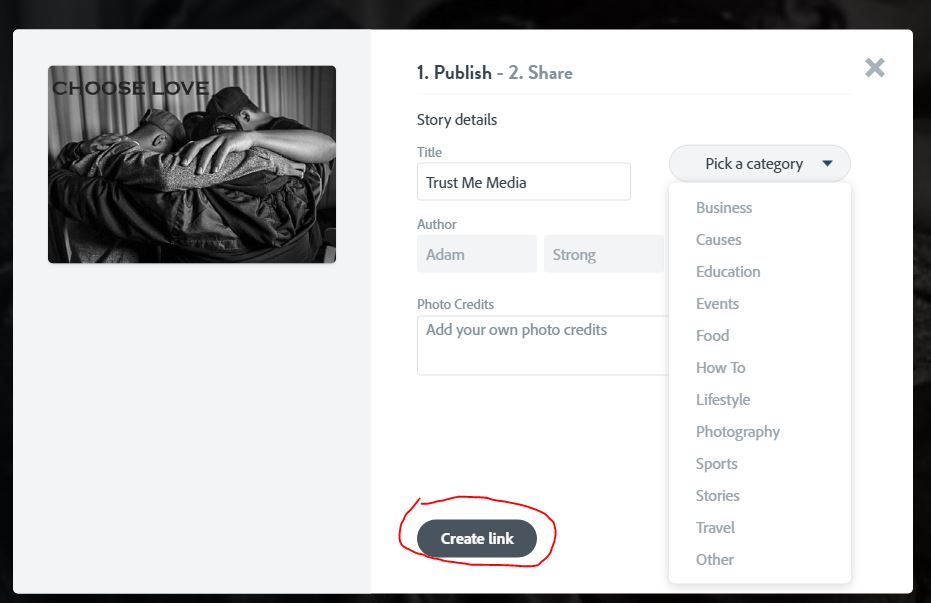
Click on Create LInk
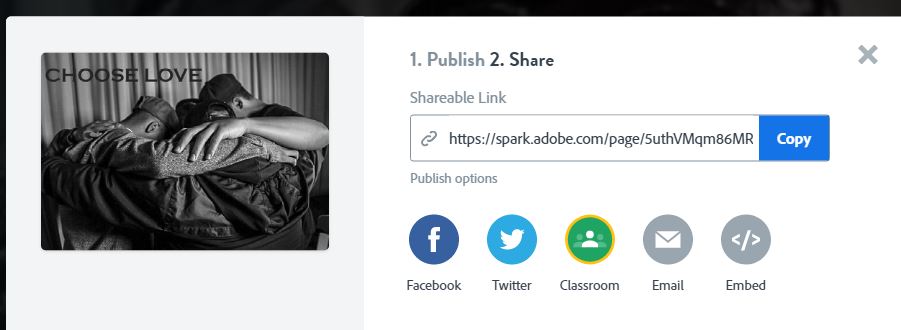
Click Copy.

Paste the link into Classroom. Or click on Classroom and see if you can turn it in that way.

SEPTEMBER CHECK IN IS DUE ON MONDAY, 10/7

To Do List for 10/4

Learning Target:

  • I can edit my two portrait photos I took earlier this week.
  • I can edit to enhance my subject’s personality.
  • I can reflect on my experiences with this assignment.
  • I can post my two photos to my Visual Journal Adobe Spark Page and include the last two paragraphs from my reflection

Steps:

1. Edit your Indoor/Outdoor photos so that the person’s personality trait shines through

2. Complete Reflection #3 in Google Classroom.

3.Post the two final photos to your Adobe Spark page. Include the last two paragraphs of the reflection in the post.

4. Share a link in Adobe Spark and turn it into Google Classroom for the September Check in.

Next Week

Fun with Color Theory!

Design a site like this with WordPress.com
Get started