
Step 1: Convert your HEIC photos to Jpegs.
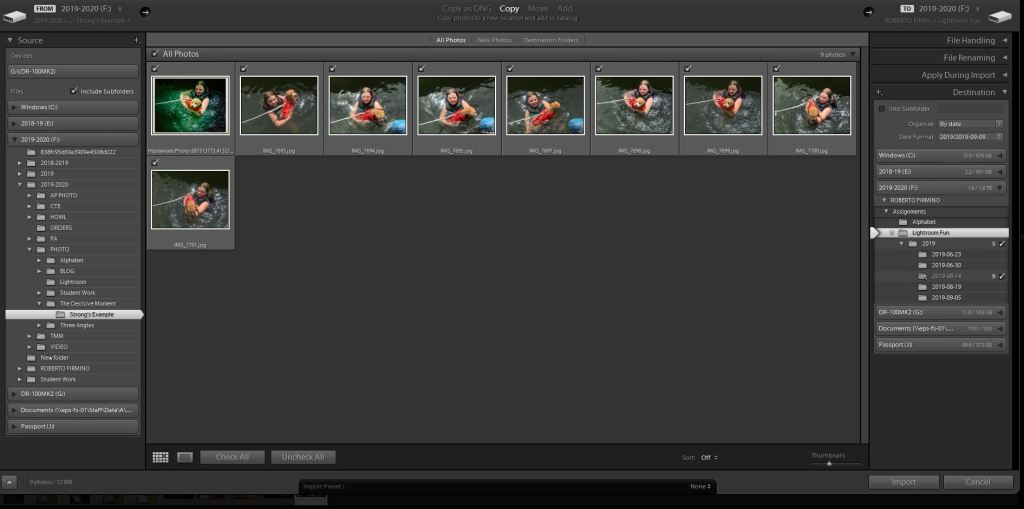
Step 2: Import all of your Jpegs into Lightroom.
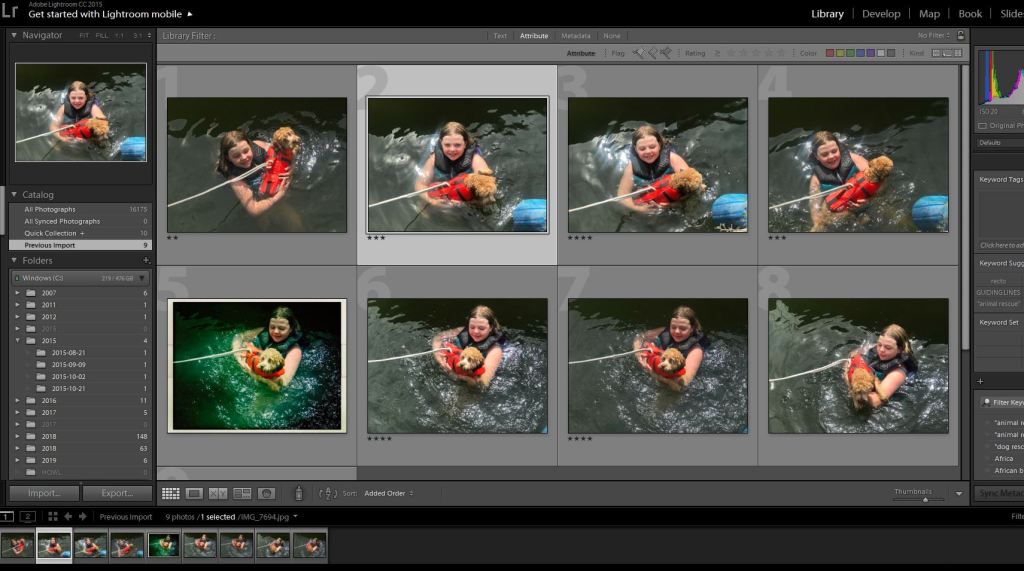
Step 3: In the Library Module rate your photos. You can do this by clicking on each photo, then rate it with the stars that appear on that screen. Use this system to find your three best images from the 10 you took this weekend. Give your best three a rating of 4 or 5 stars. When you are all done rating each photo, the screen will look like this.
Step 4: On the top of the screen click ‘Attribute’ then click the 4 star rating. You will now see three photos
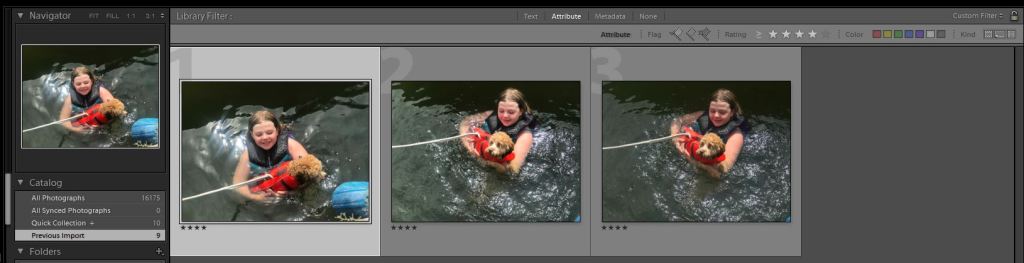
These will be the three final photos you upload to your visual journal.
Edit the best picture of these three to get a final version.
Turn in the three final pictures to google classroom and upload it to your visual journal.

