Essential Question: How well do the messages we send come across to our audience?
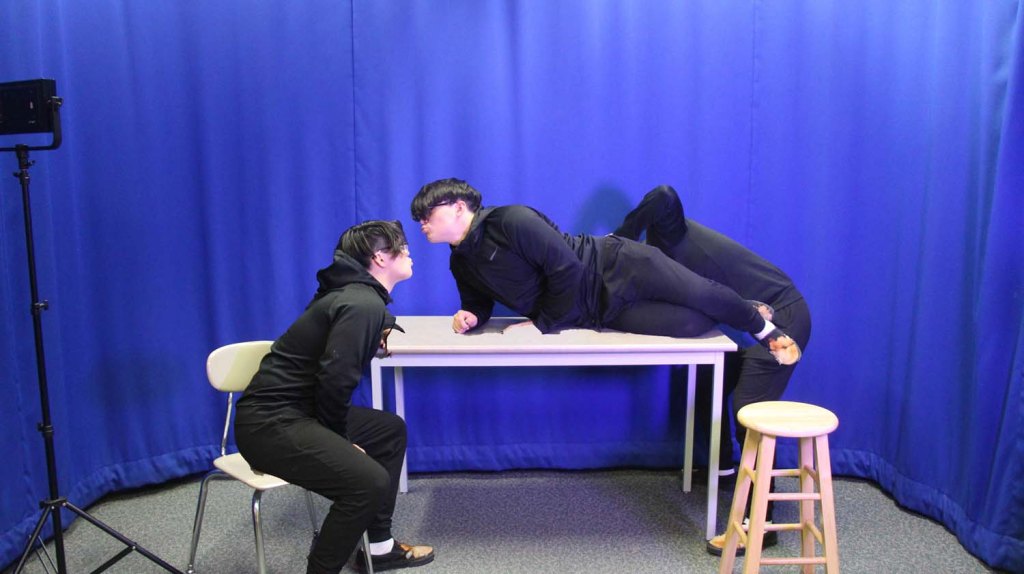
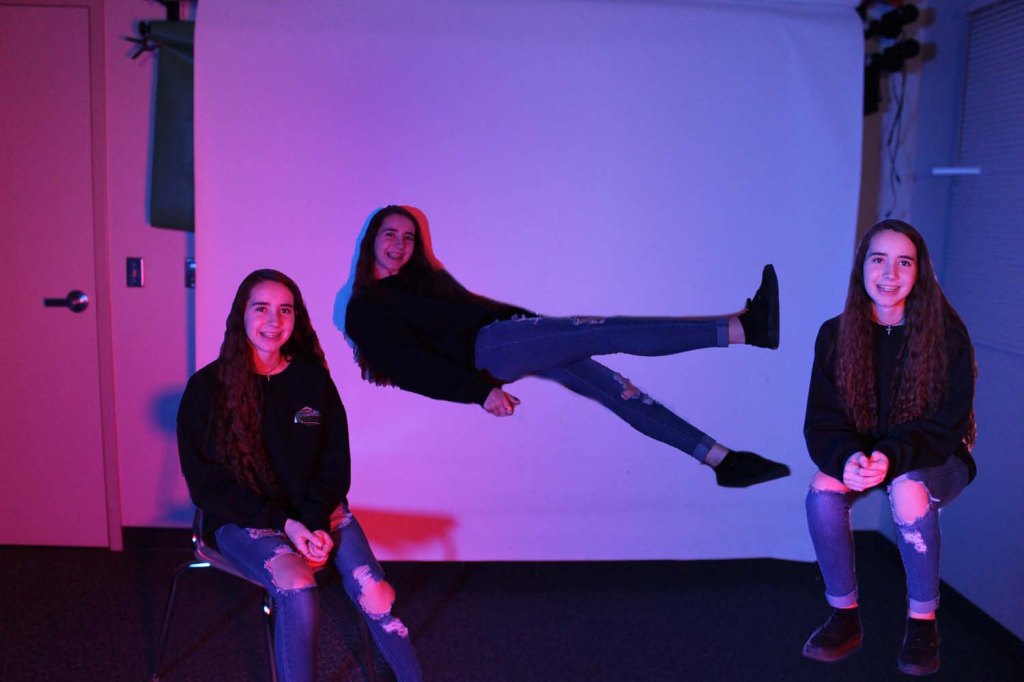
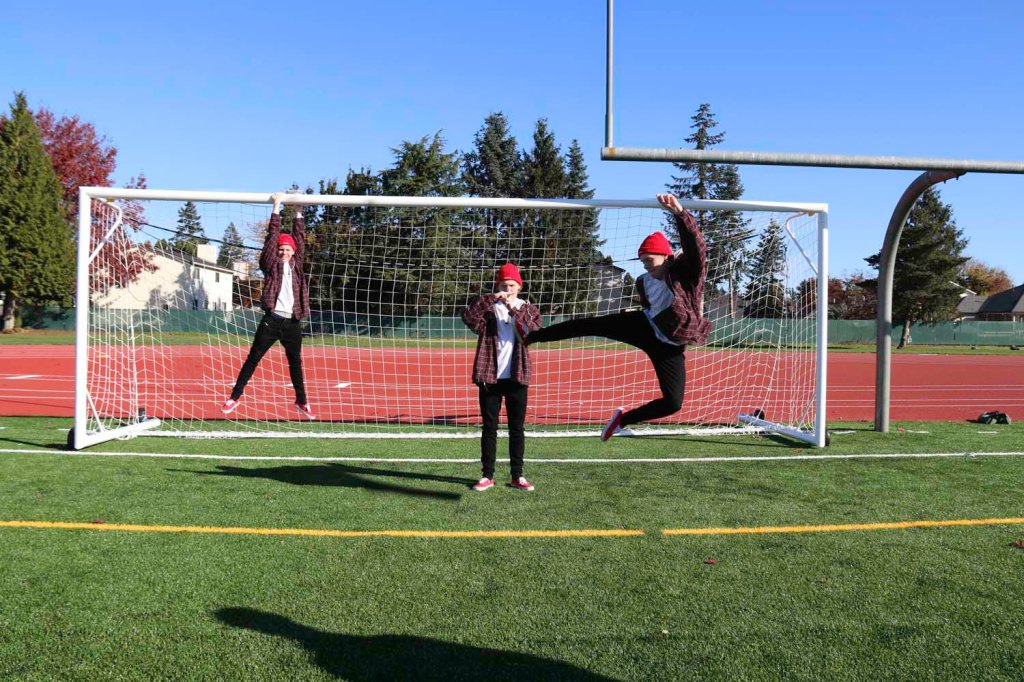
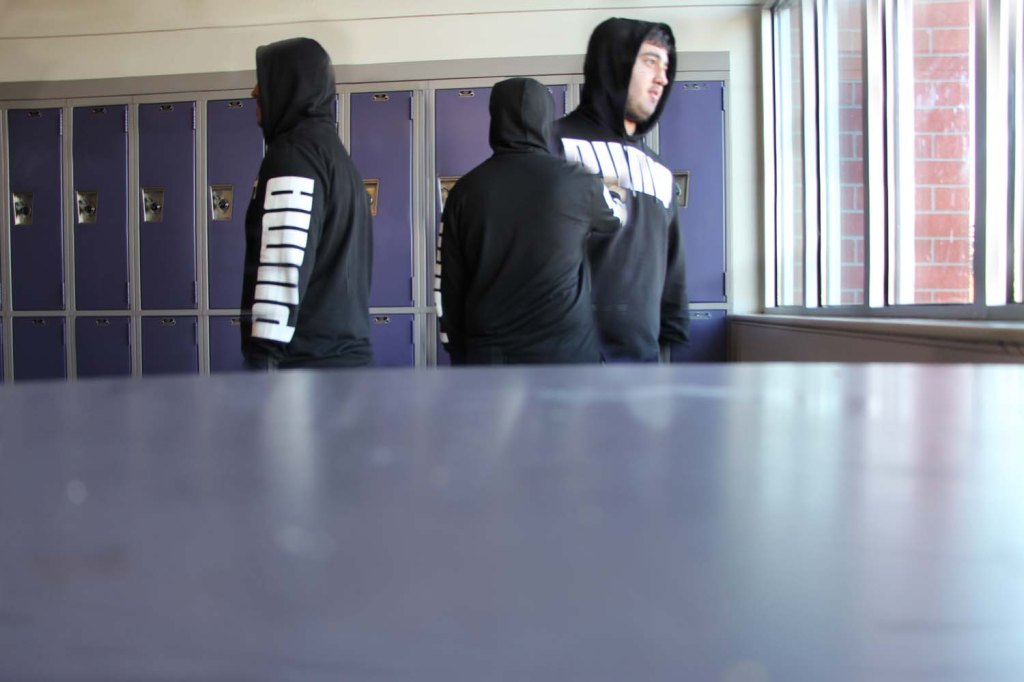
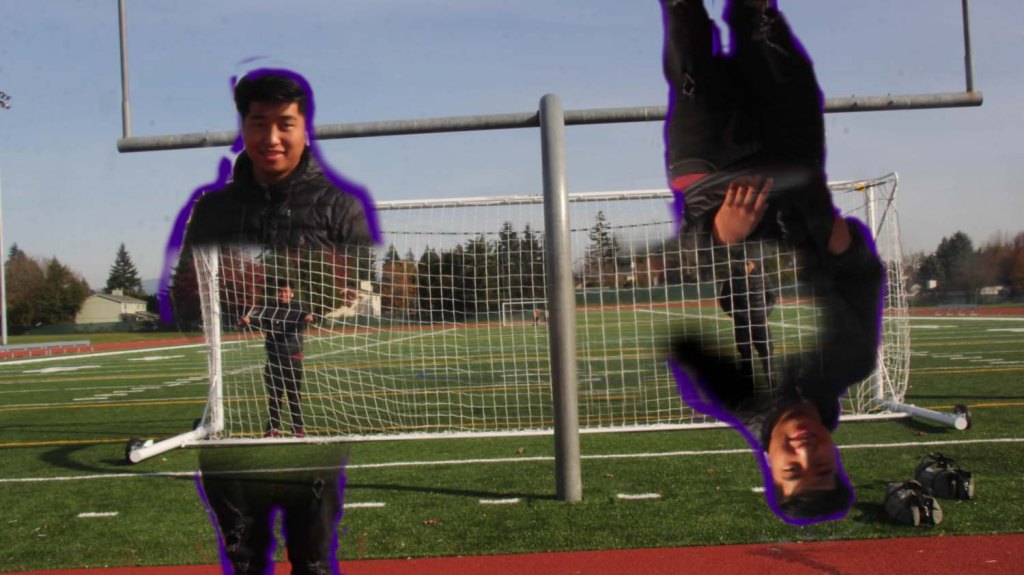
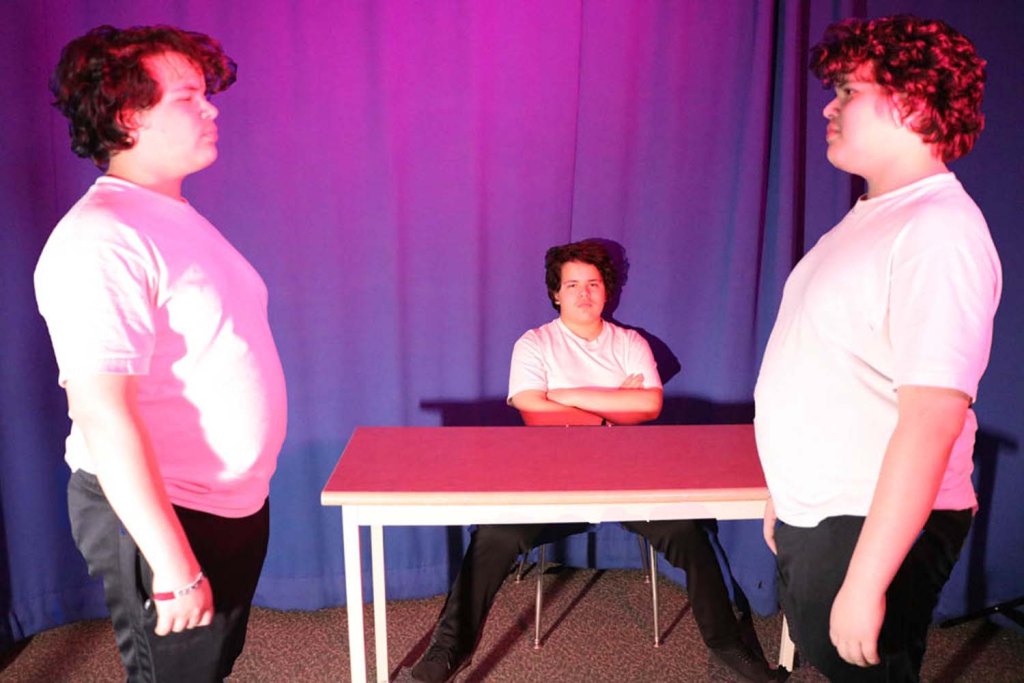
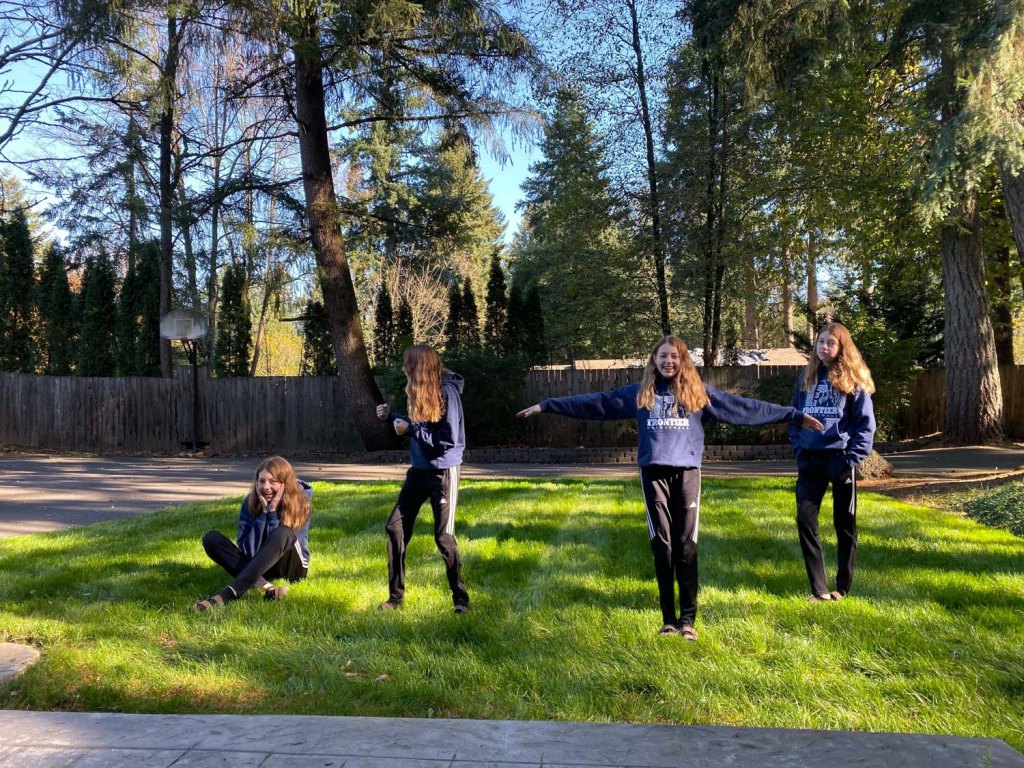
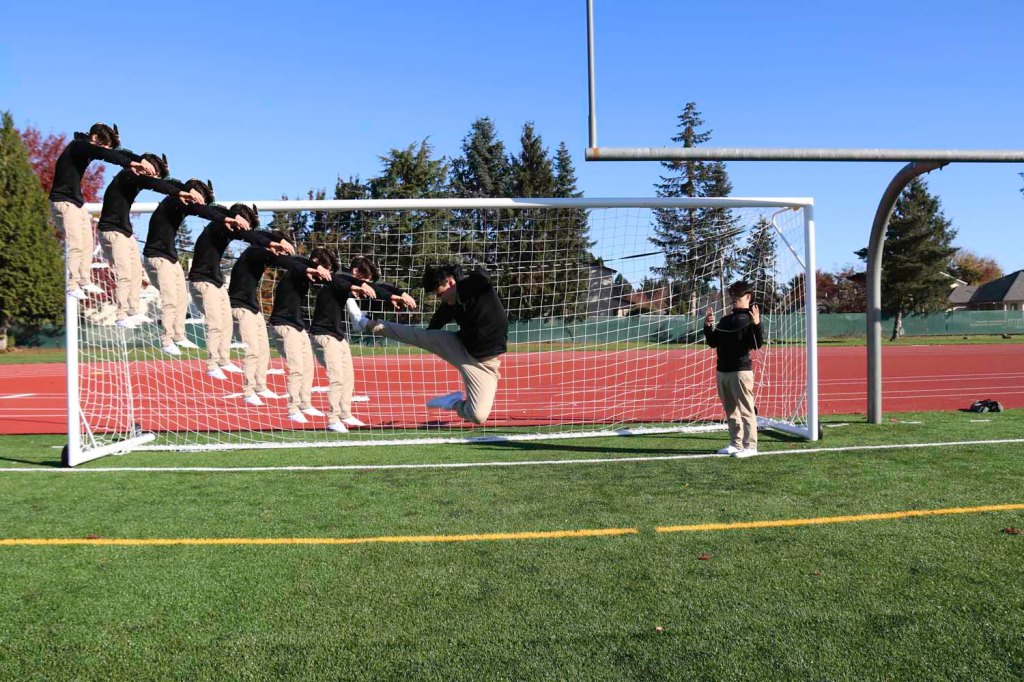
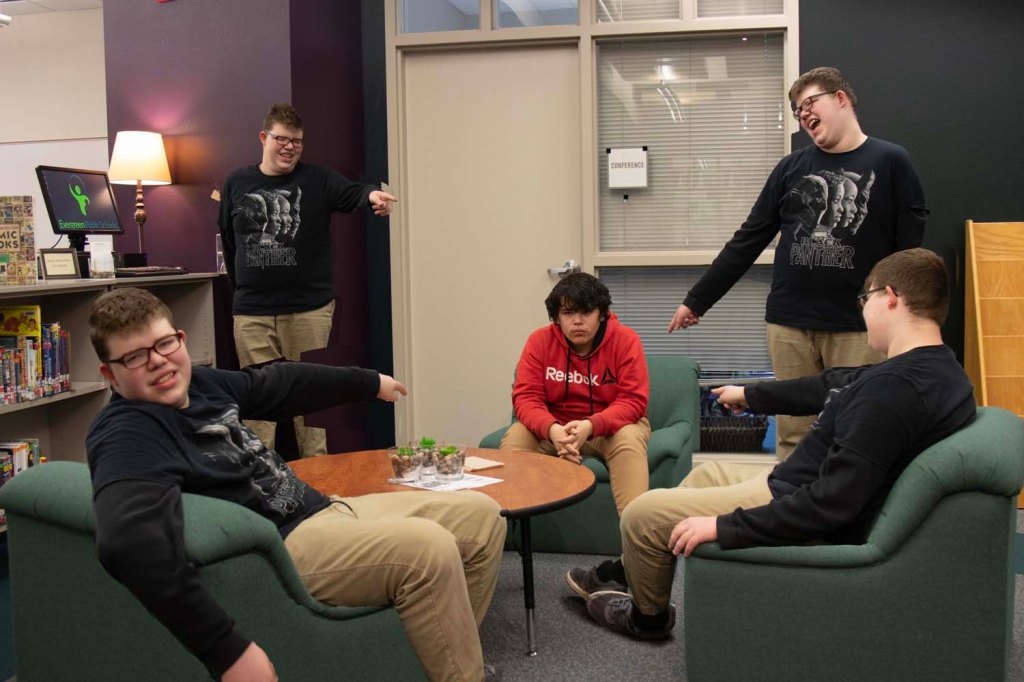
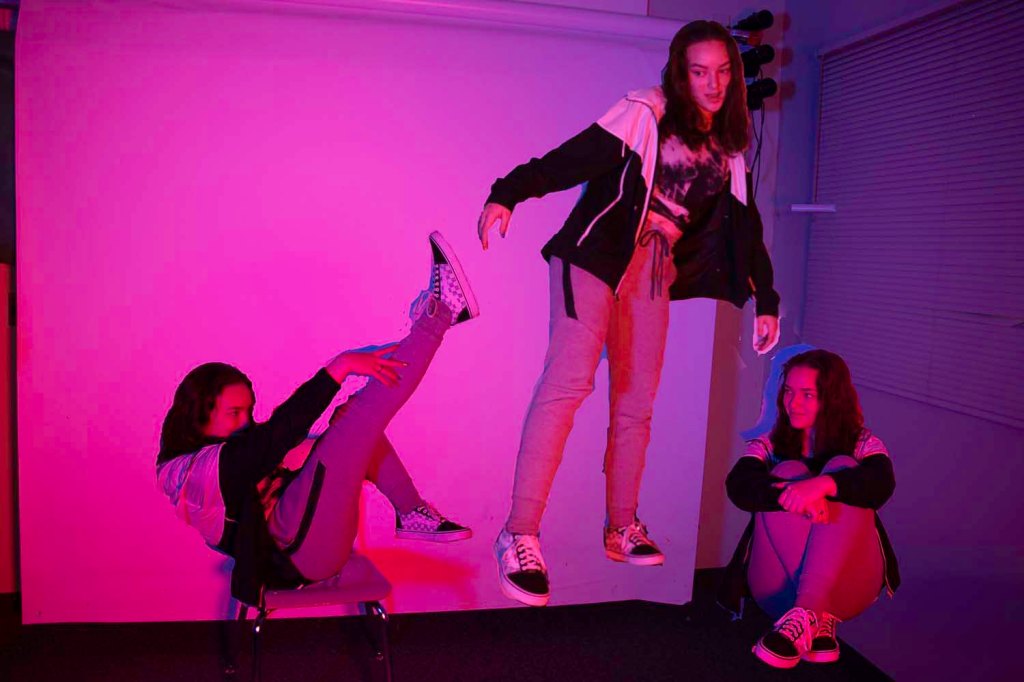
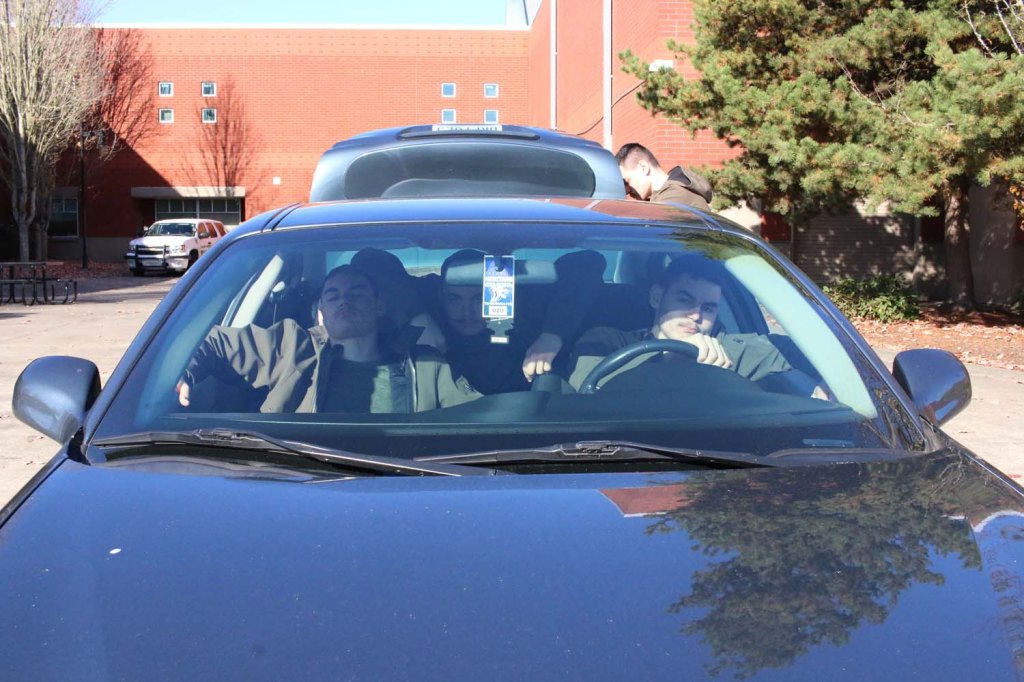
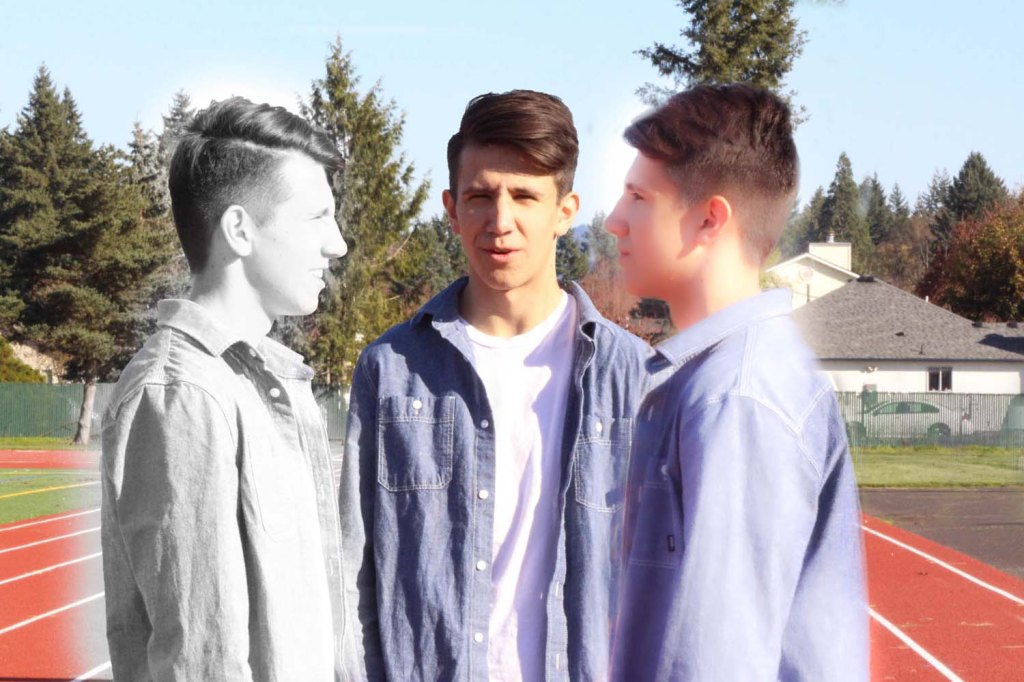
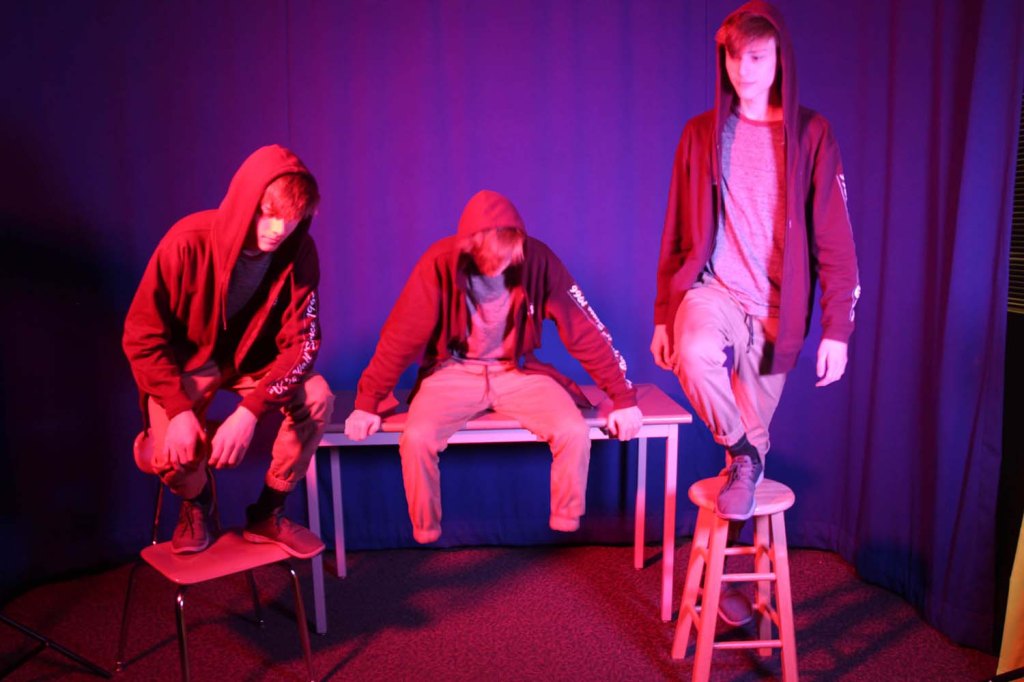
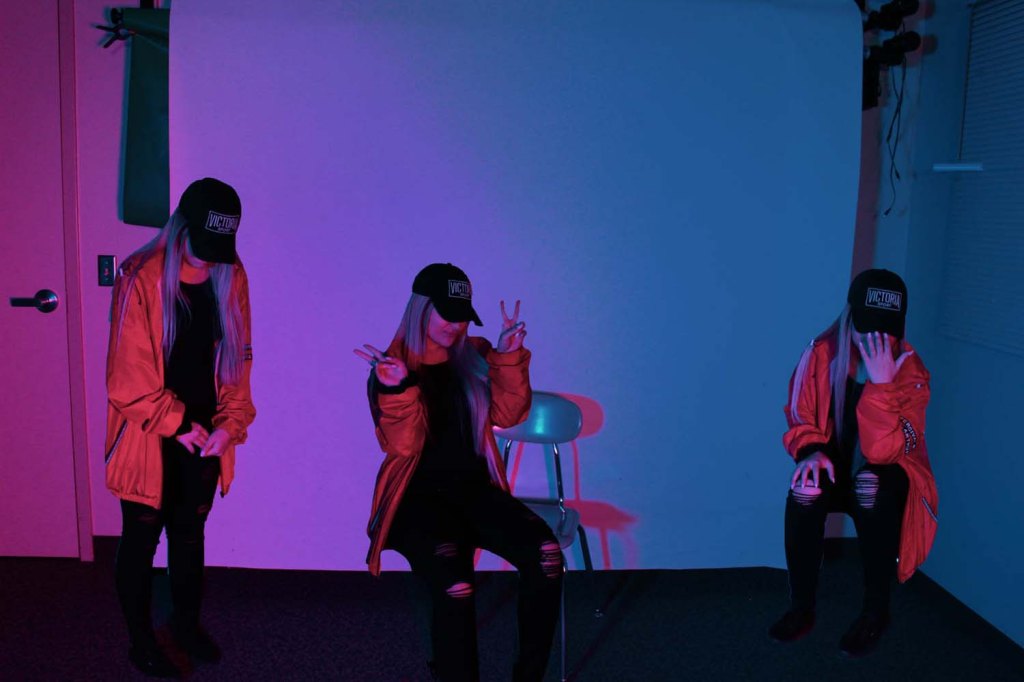
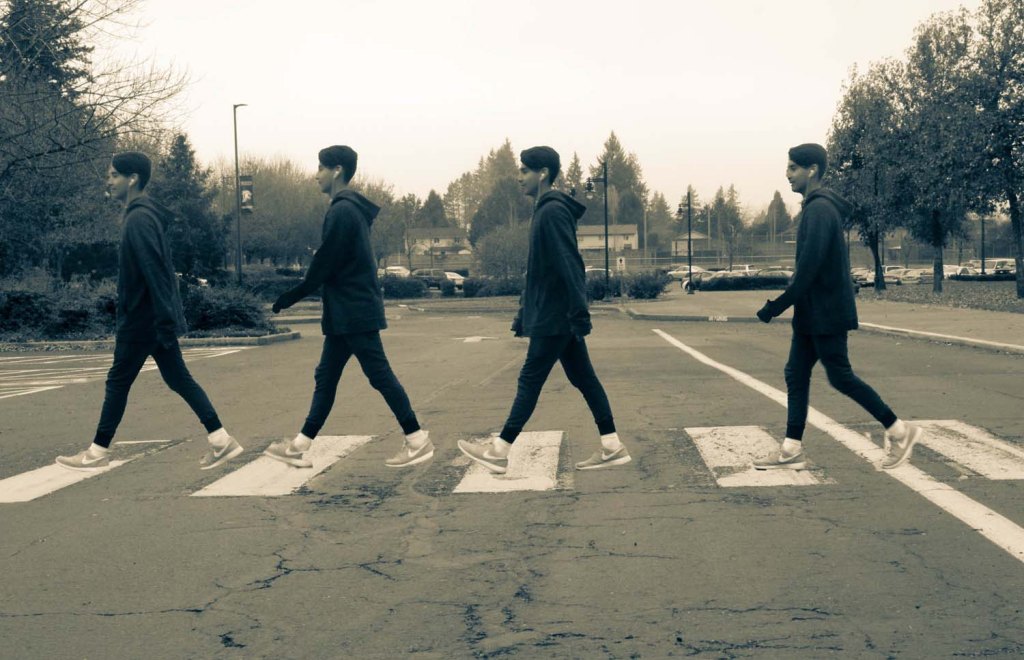
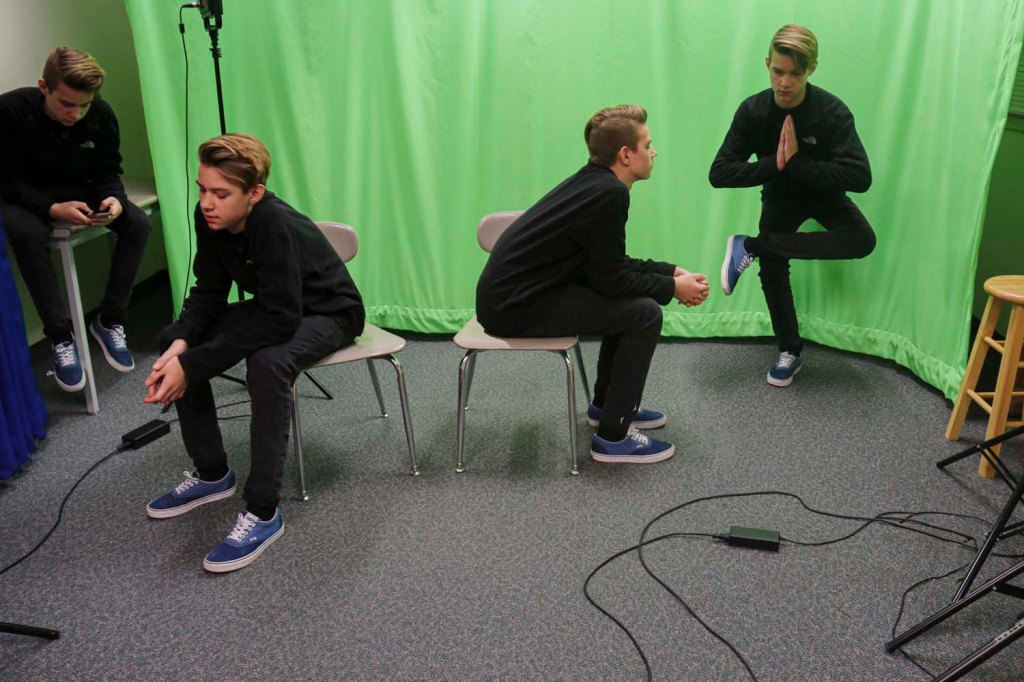
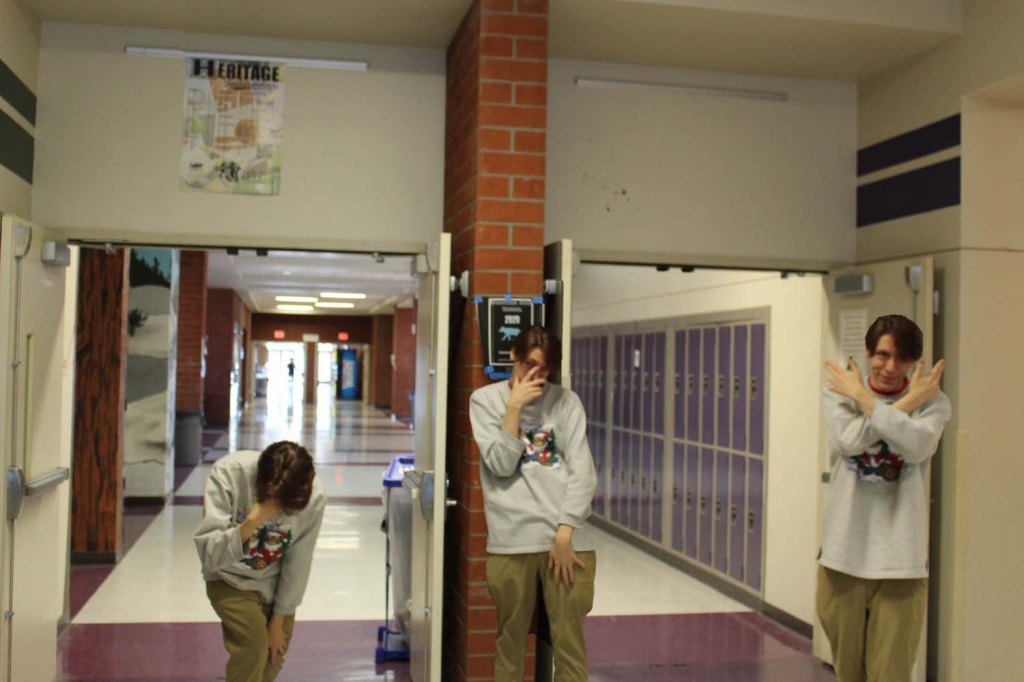
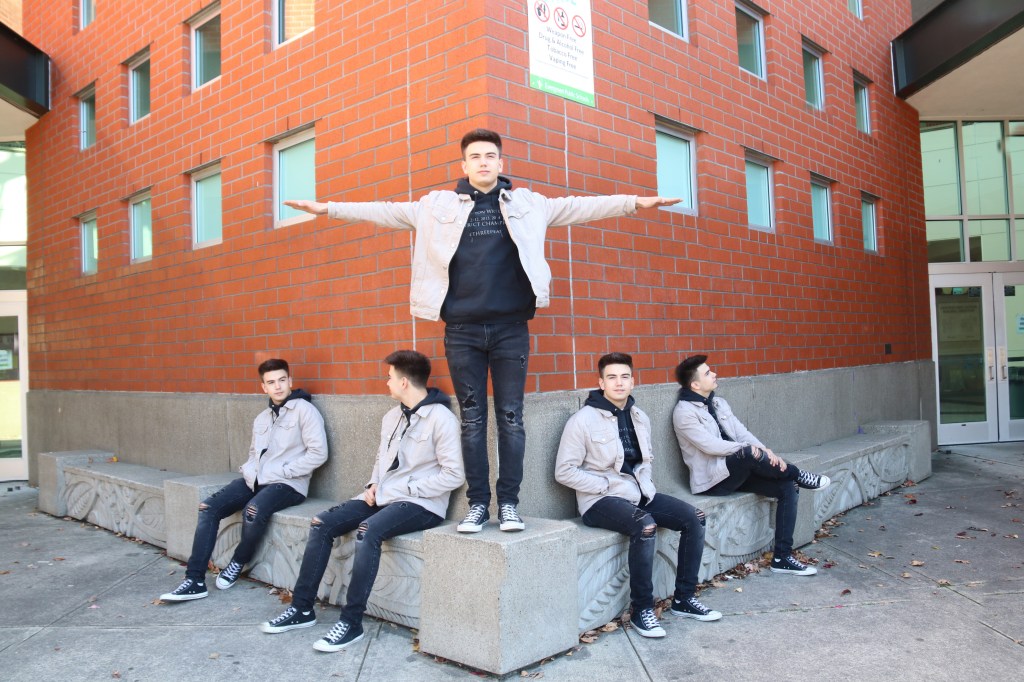
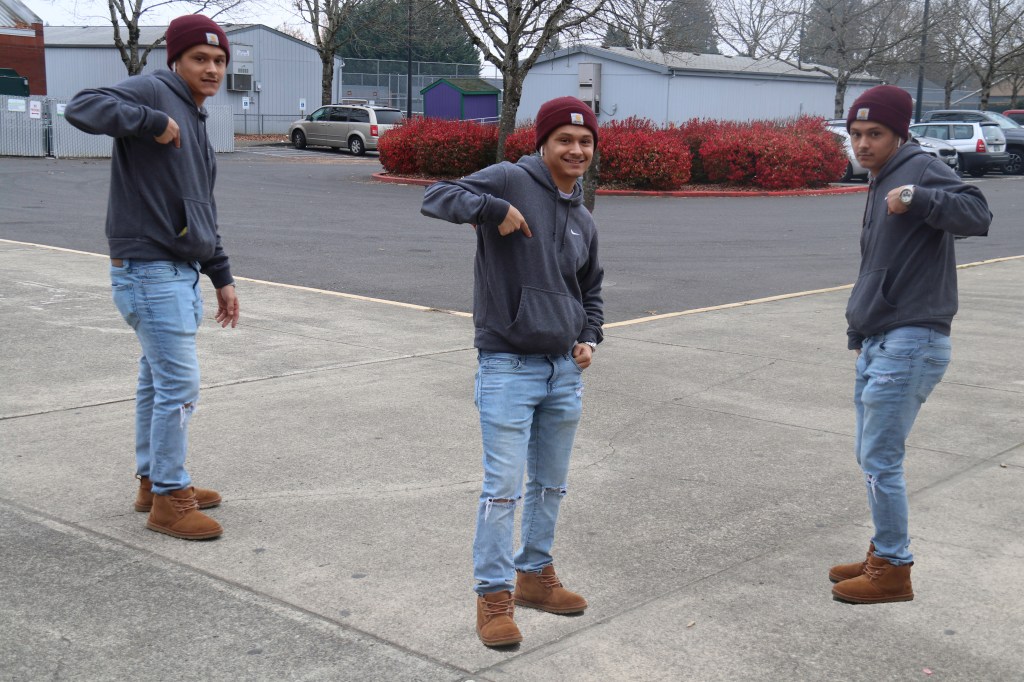
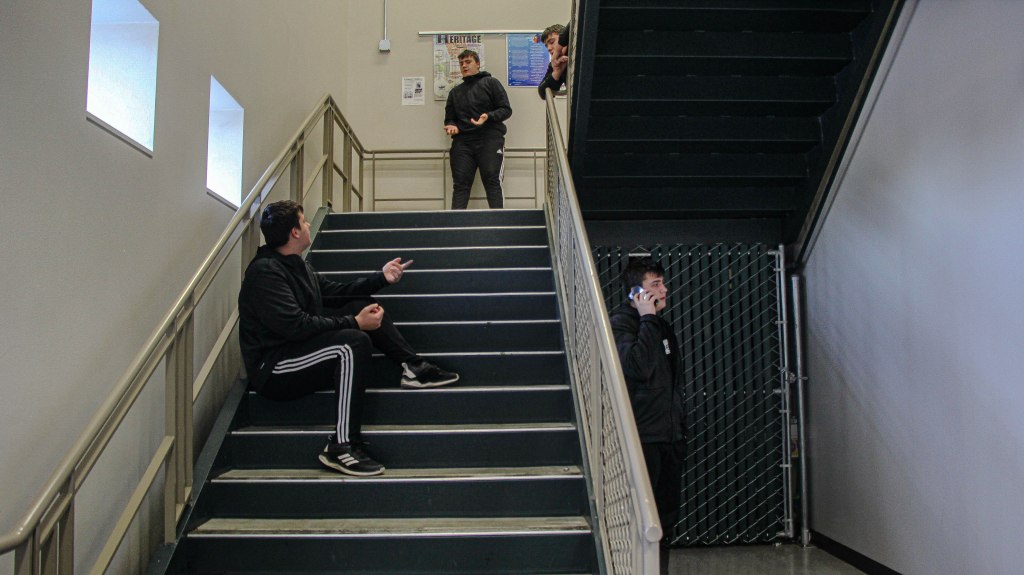
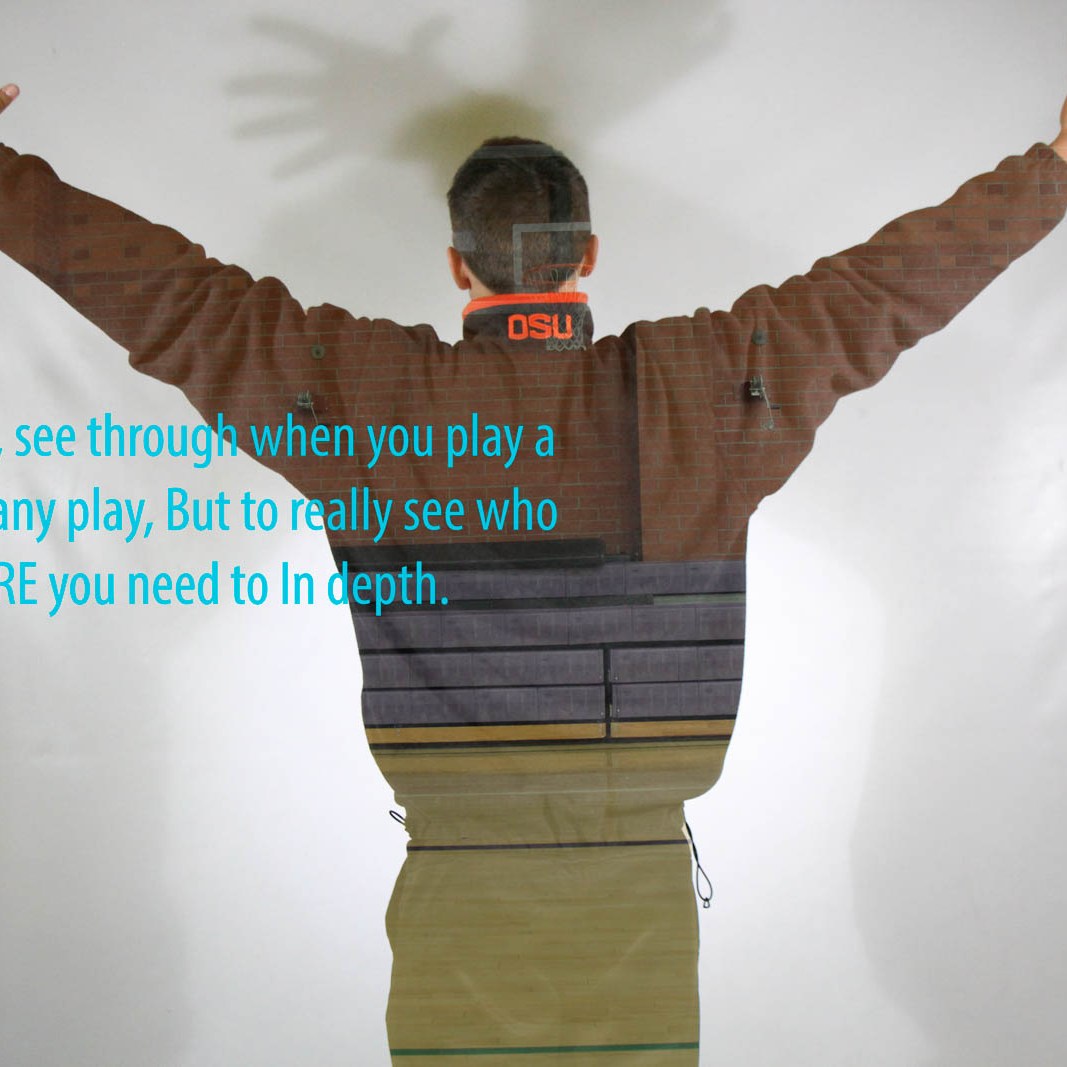
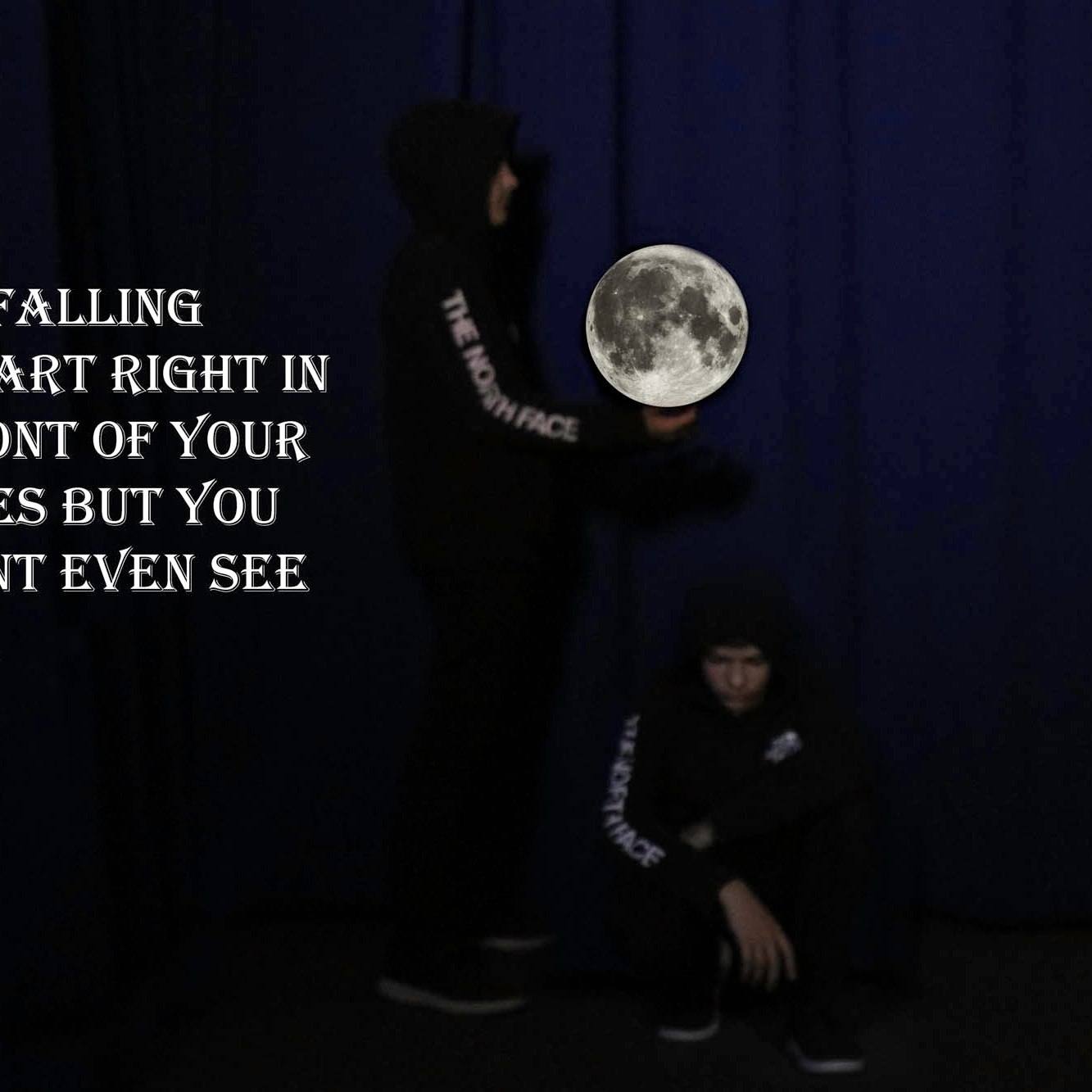
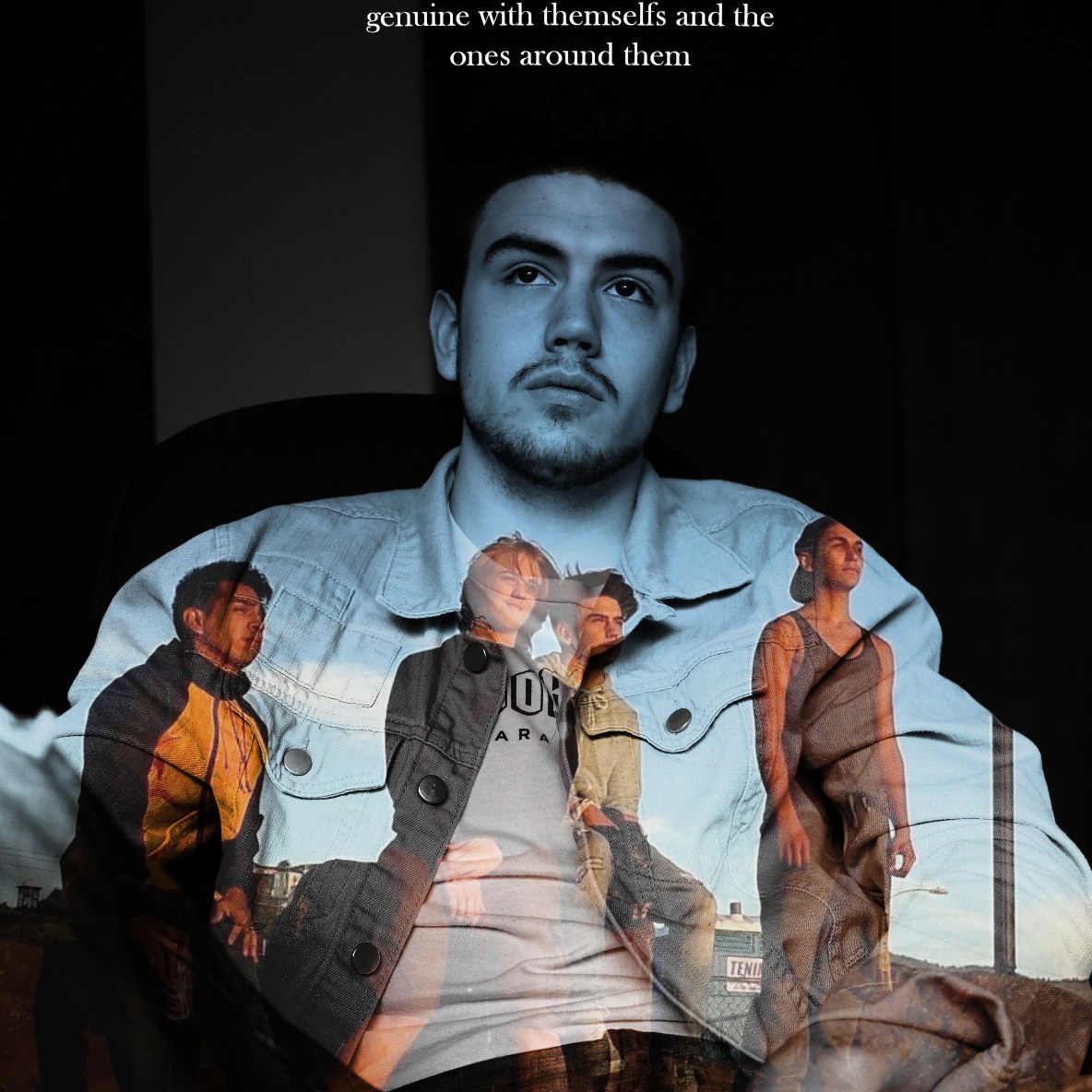
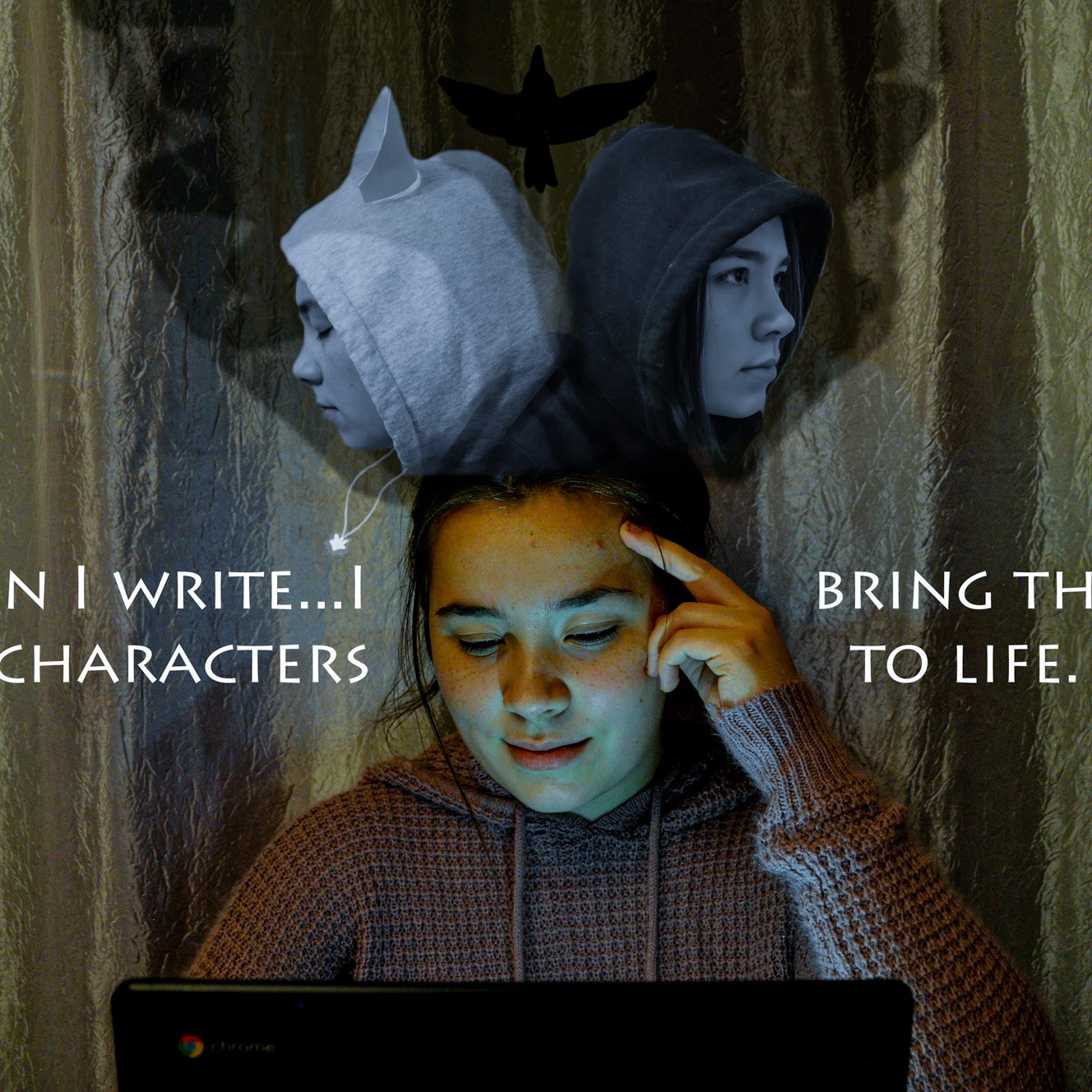
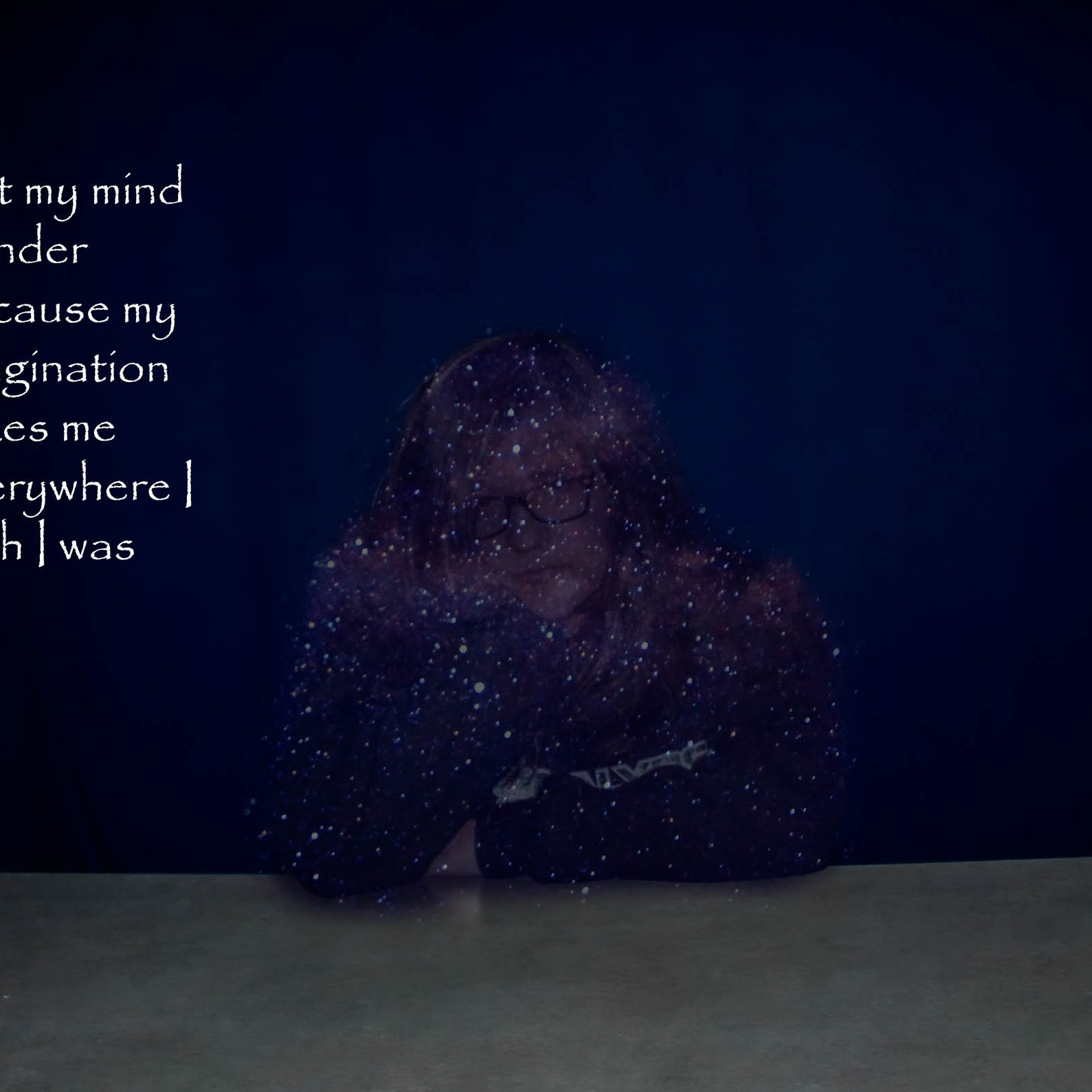
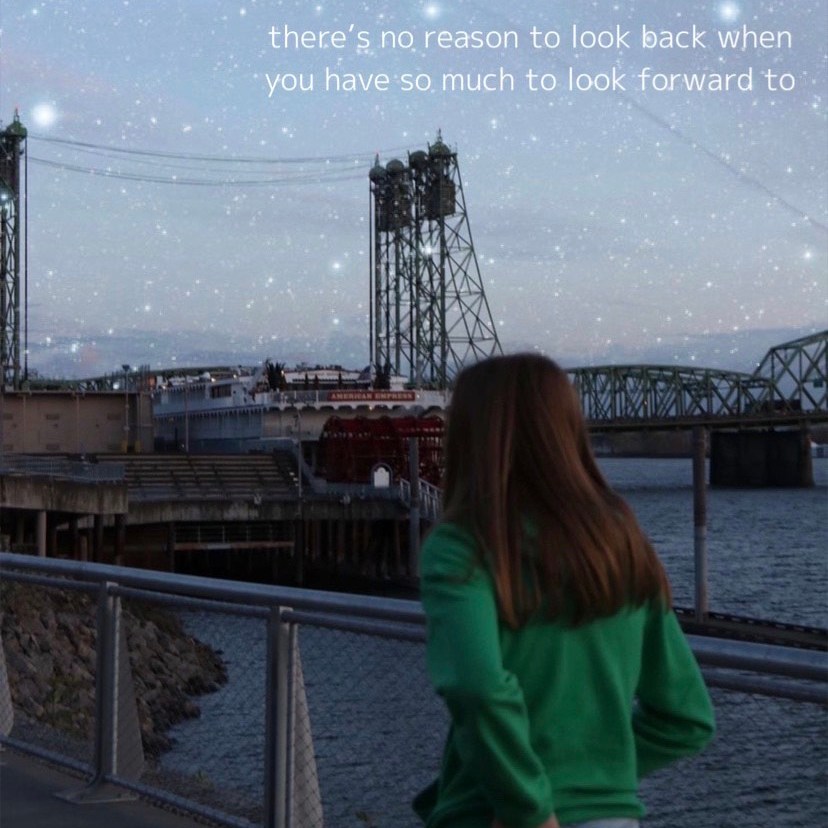
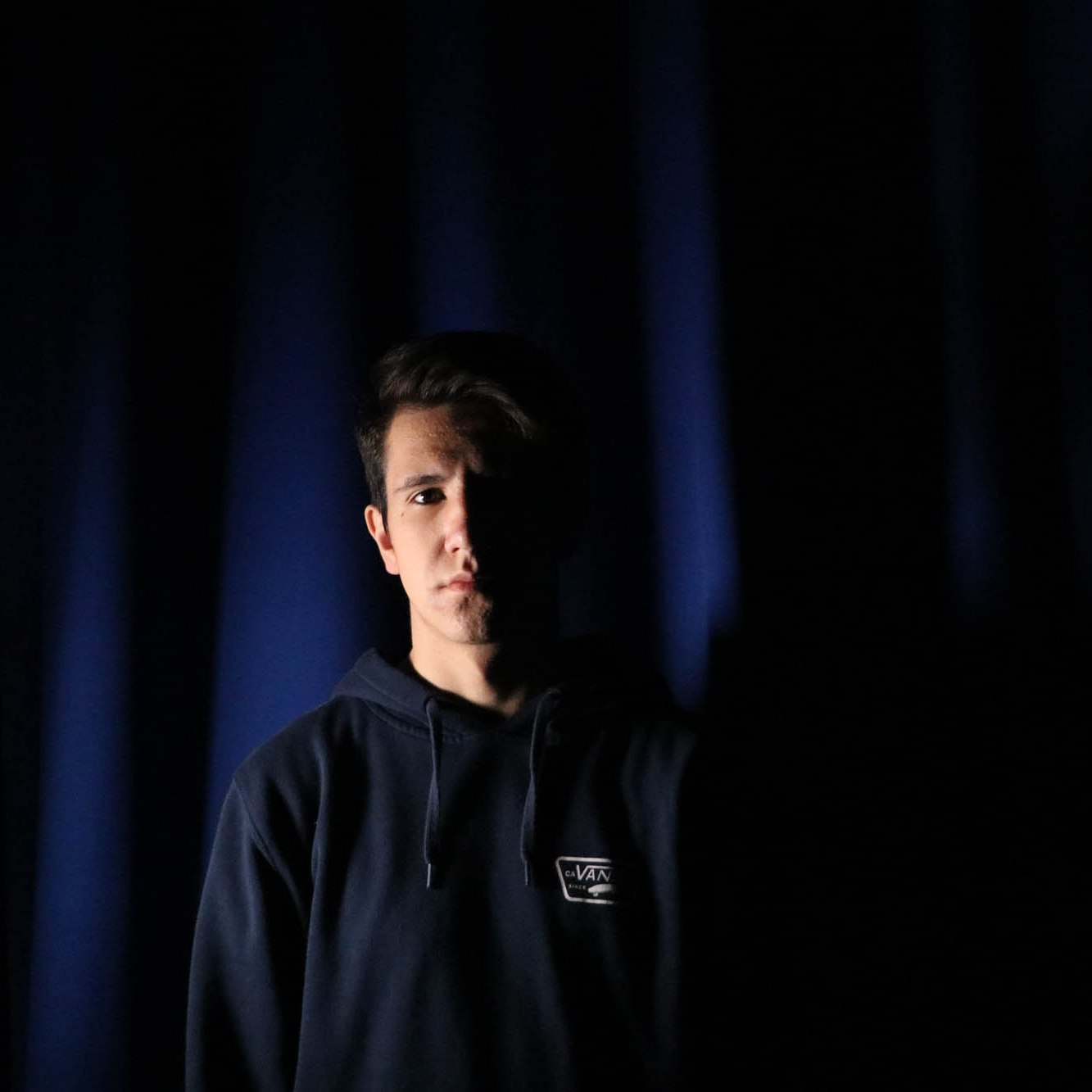
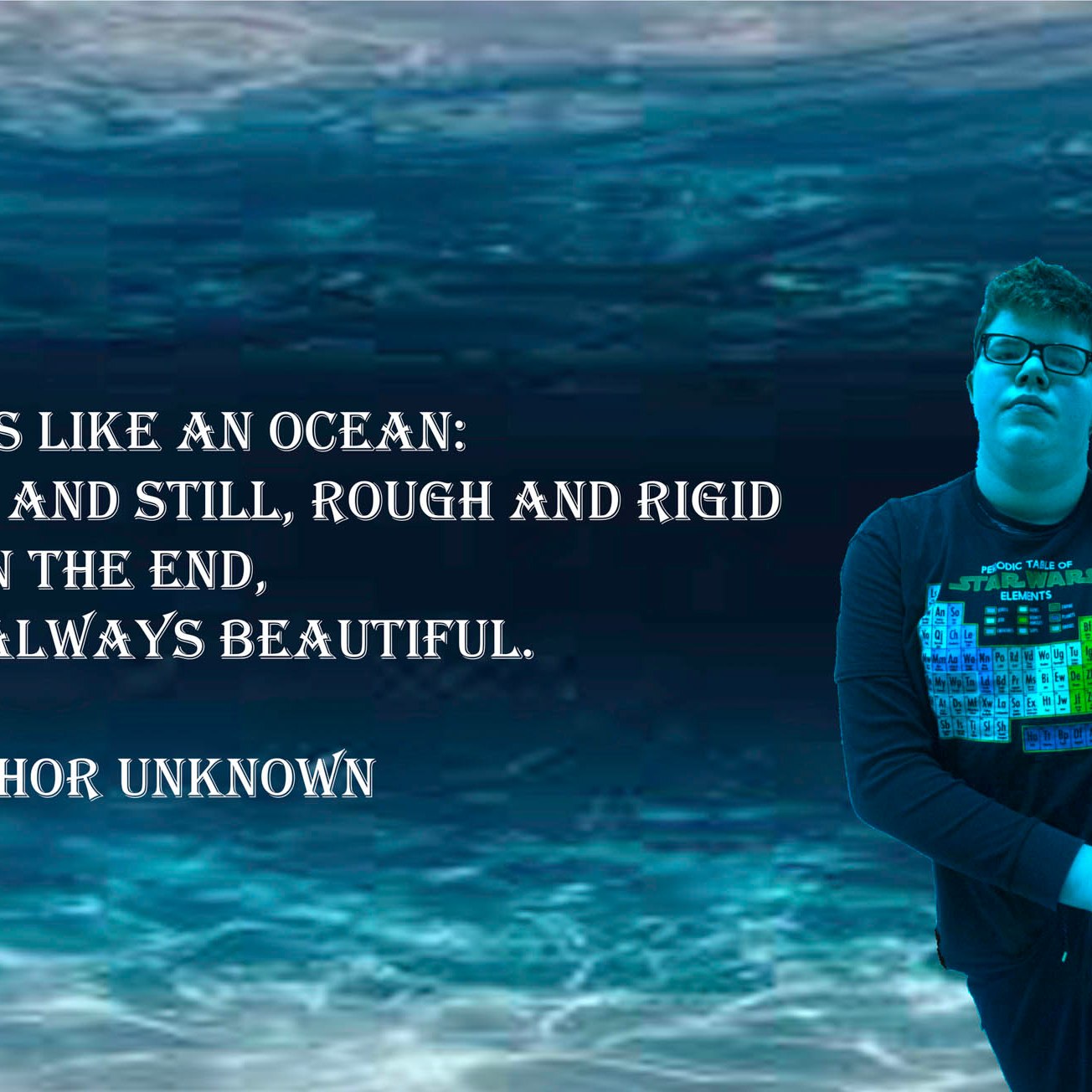
For today, I will show you the way to critique the multi image self portrait images with each other.
Mindset
First thing we have to realize is that we are, at the end of the day, critiquing a person’s identity. To do this right, we need to be able to show what works well and what needs improvement without insulting or offending the person who made this photo.
We are critiquing the process, not the person.
Self Expression = Clear Expression
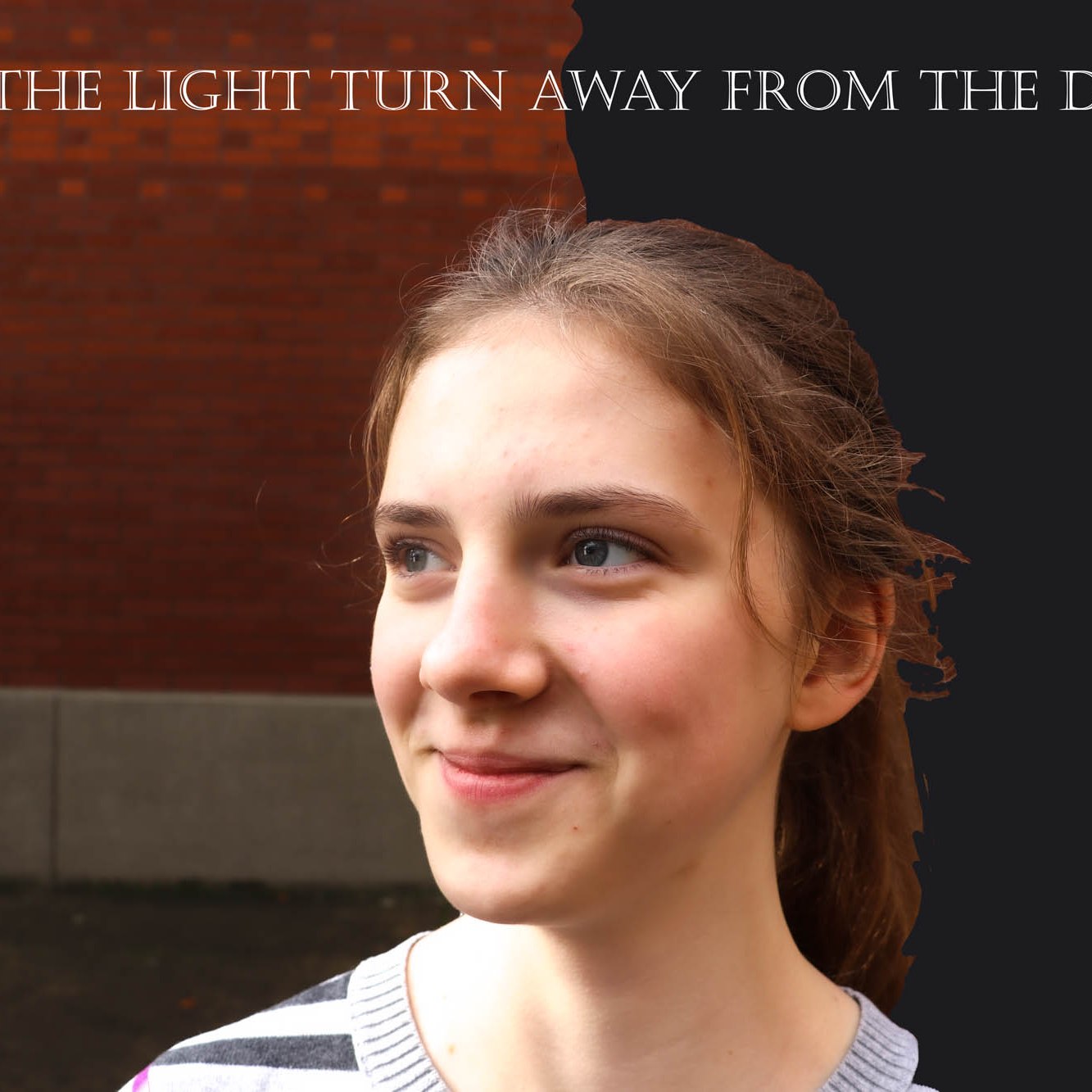
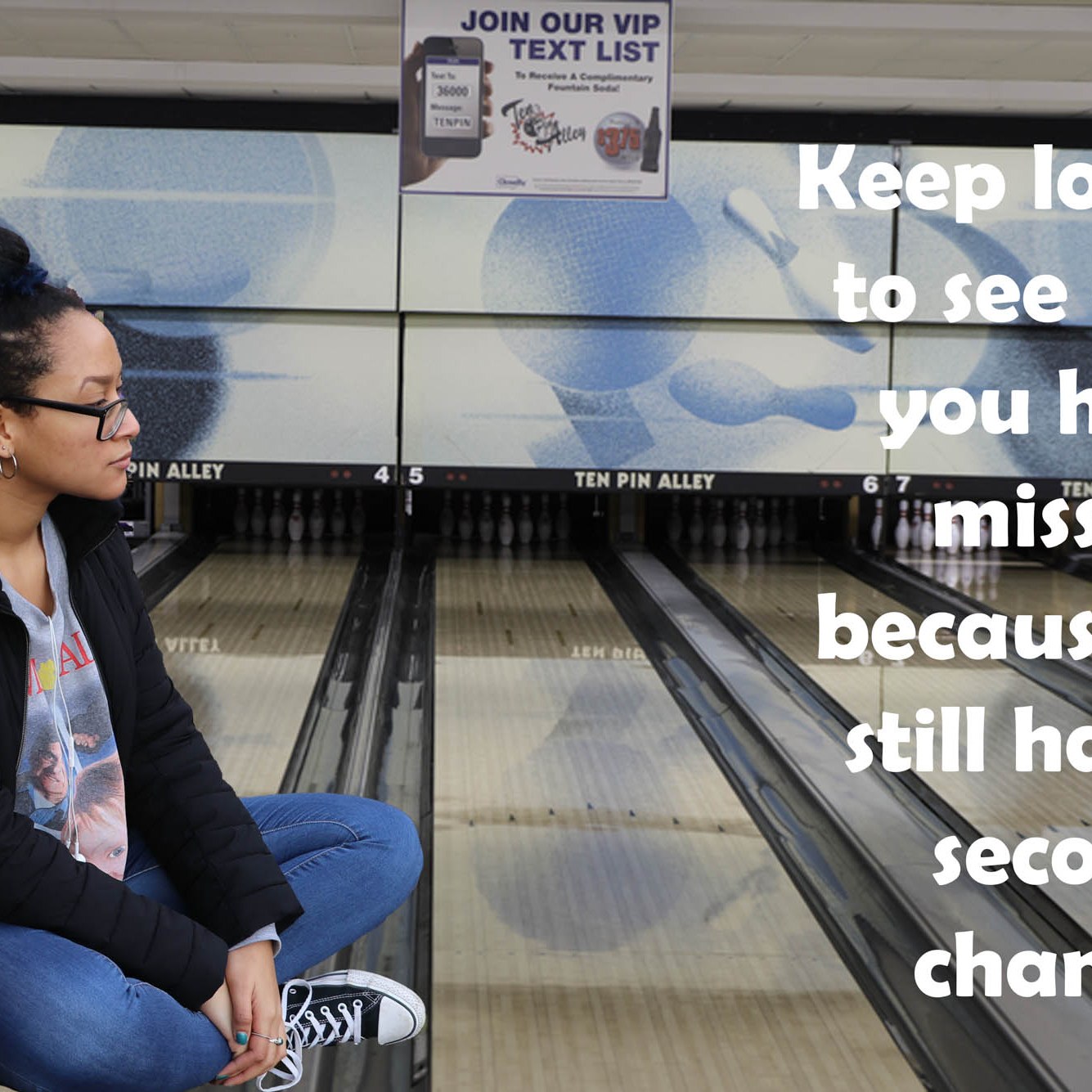
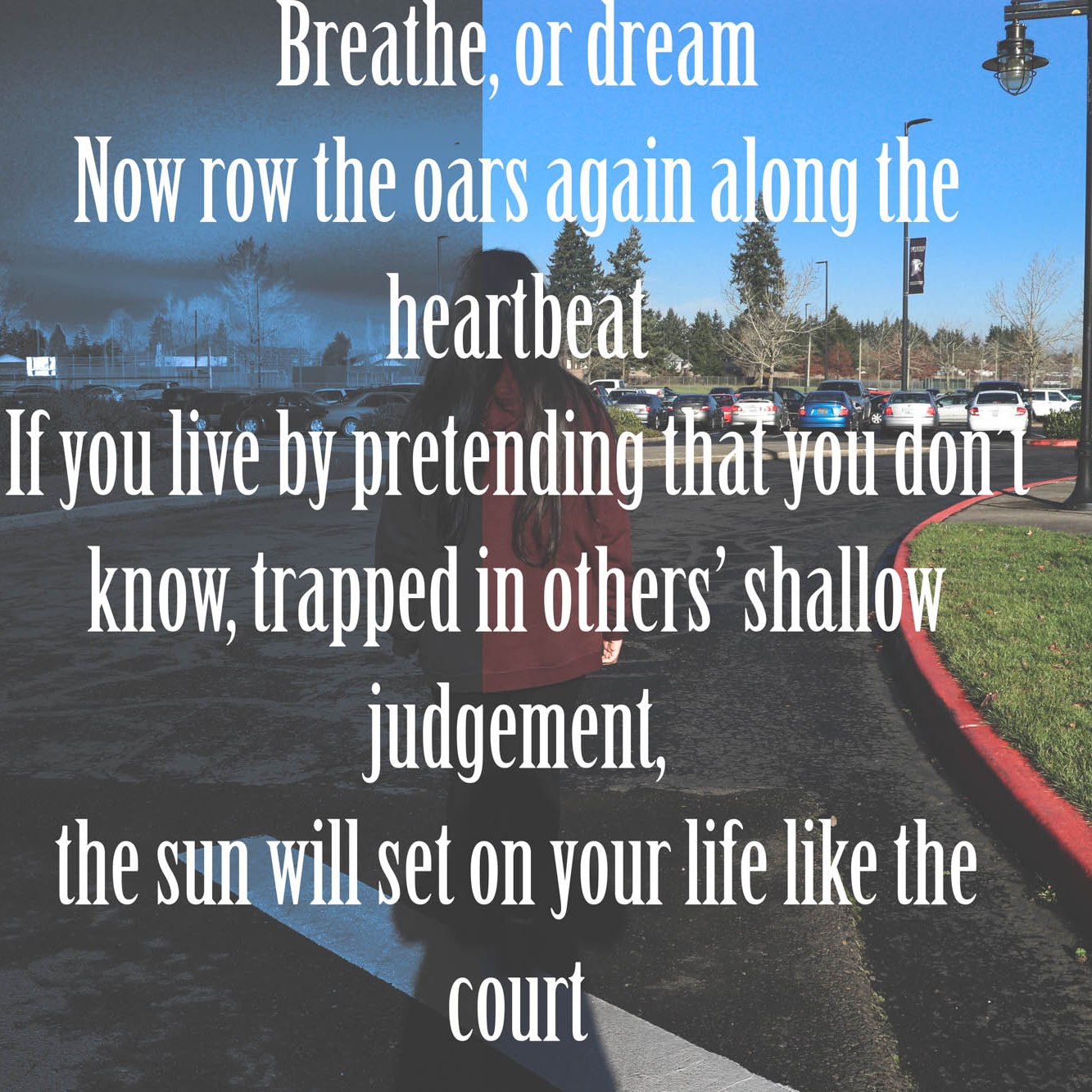
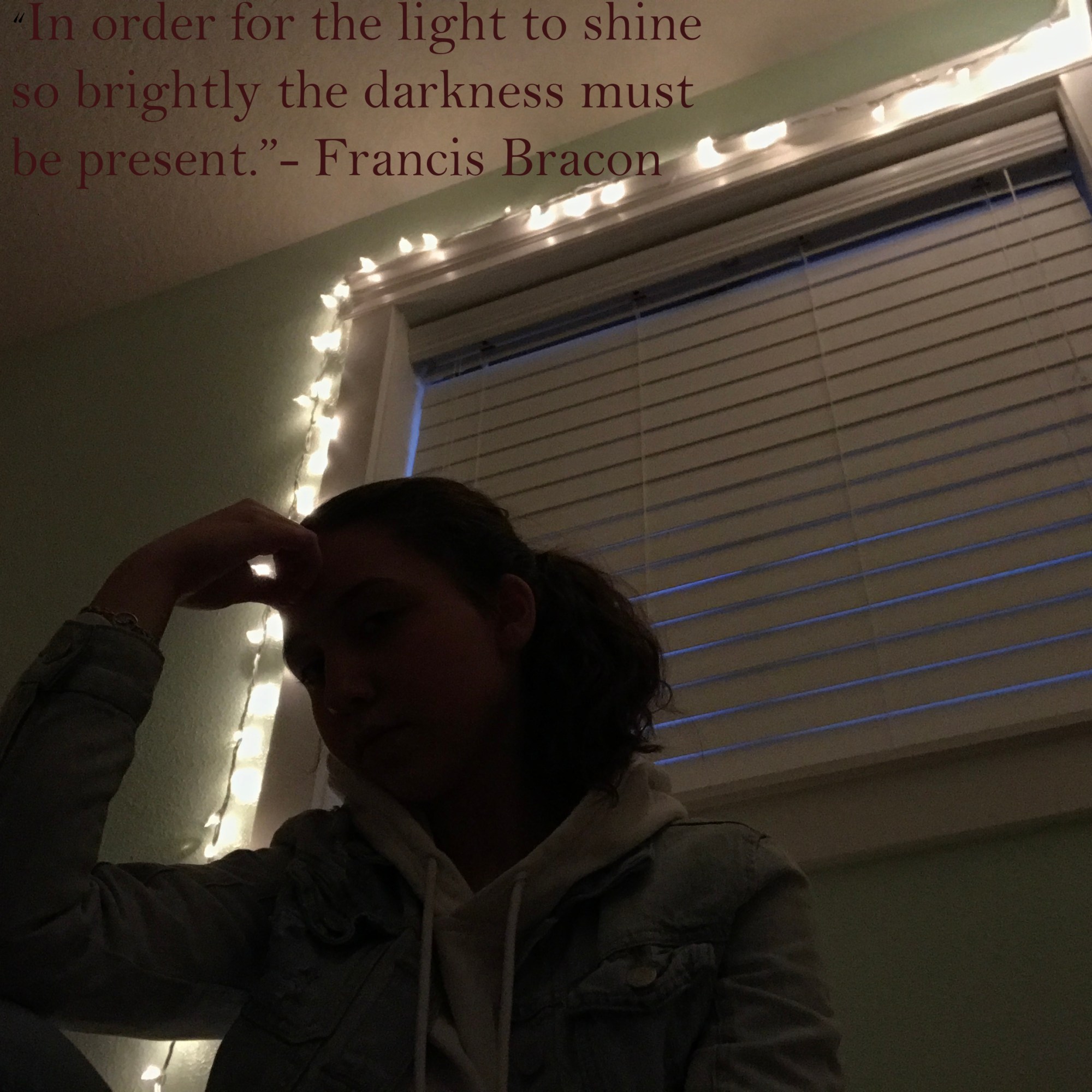
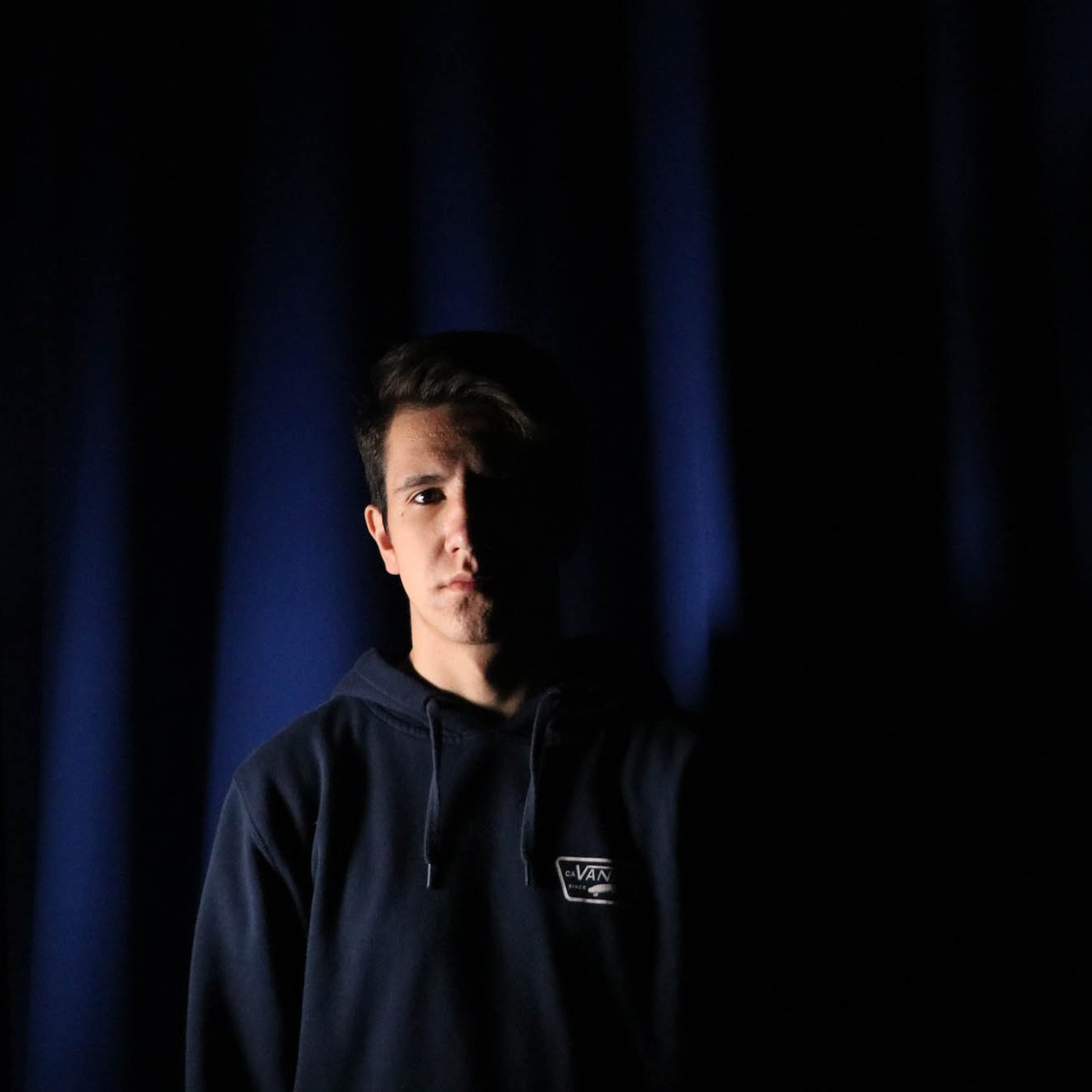
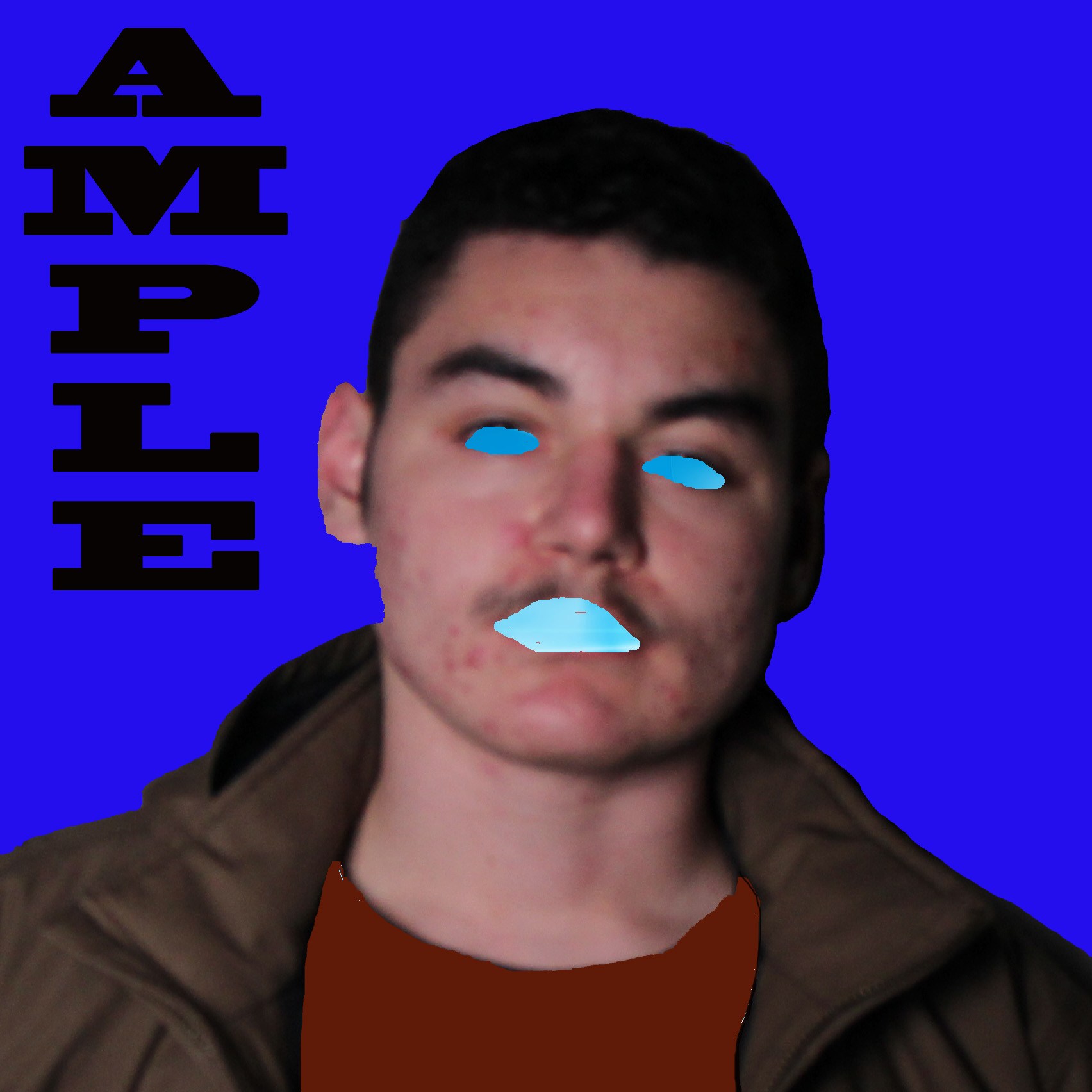
When it comes to these photos or any photos, the main objective is to get our point across as clearly as possible. The most important question to start with is How Clear does the quote show up in the photos that the person is presenting?
What is there vs. what could be there?
What is there now, vs. what could be there? Is what is present enough to show all that the text says? We are trying to express ourselves, does the quote and the photos provide a clear image or message?
How Could it be Clearer?
What could be done to make the message in the text clearer to the audience?
What gets in the way from us seeing the connection between the text and the person?
The answers to these questions form the critique, the plan of how the photo can be improved. Most improvements are small, a crop here, a rotation there, Making sure the subject is in focus. If a concept is mentioned in the quote, it should be present in the image.
Use the Google Form in Google Classroom to get together with your table mates and critique your photos!
When finished, copy your answers and paste them to your Visual Journal. Include the photo you just critiqued and the person (not yourself) you made the photo.



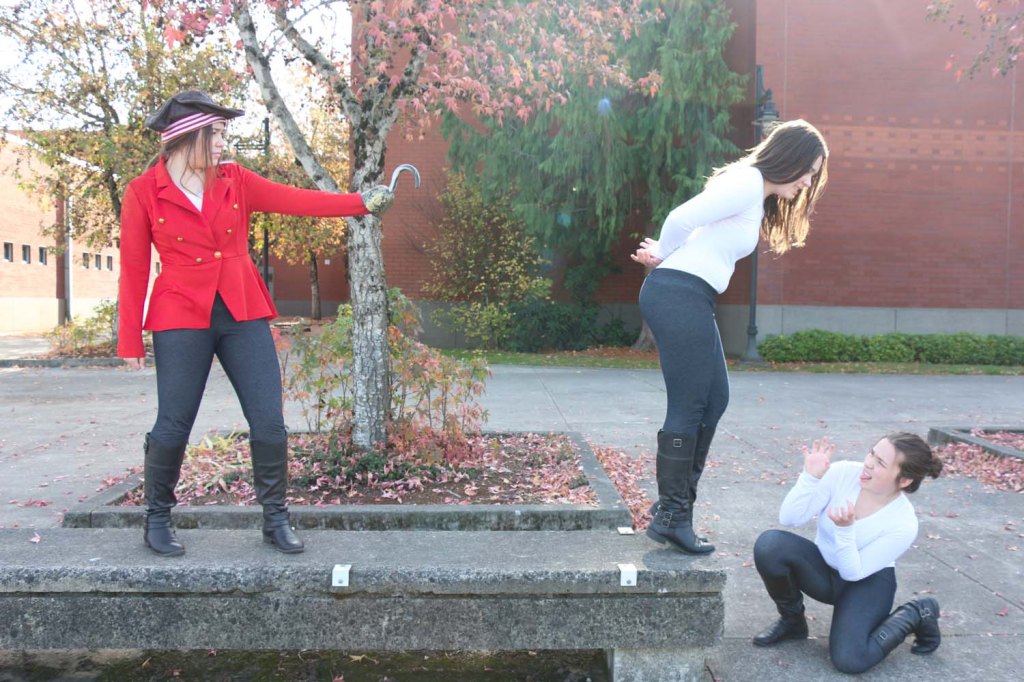
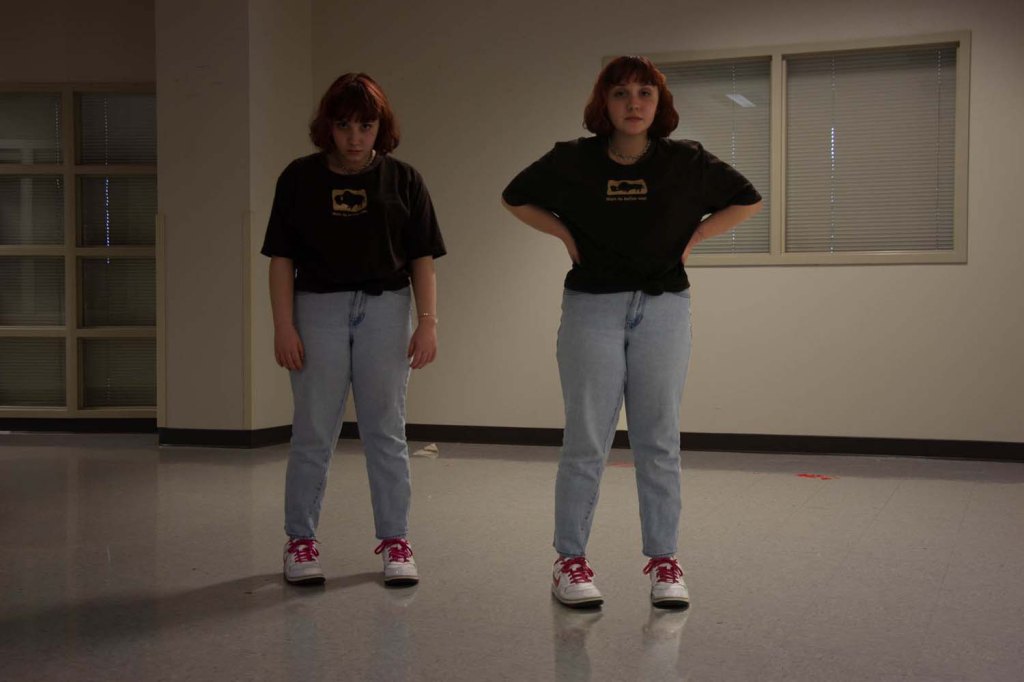
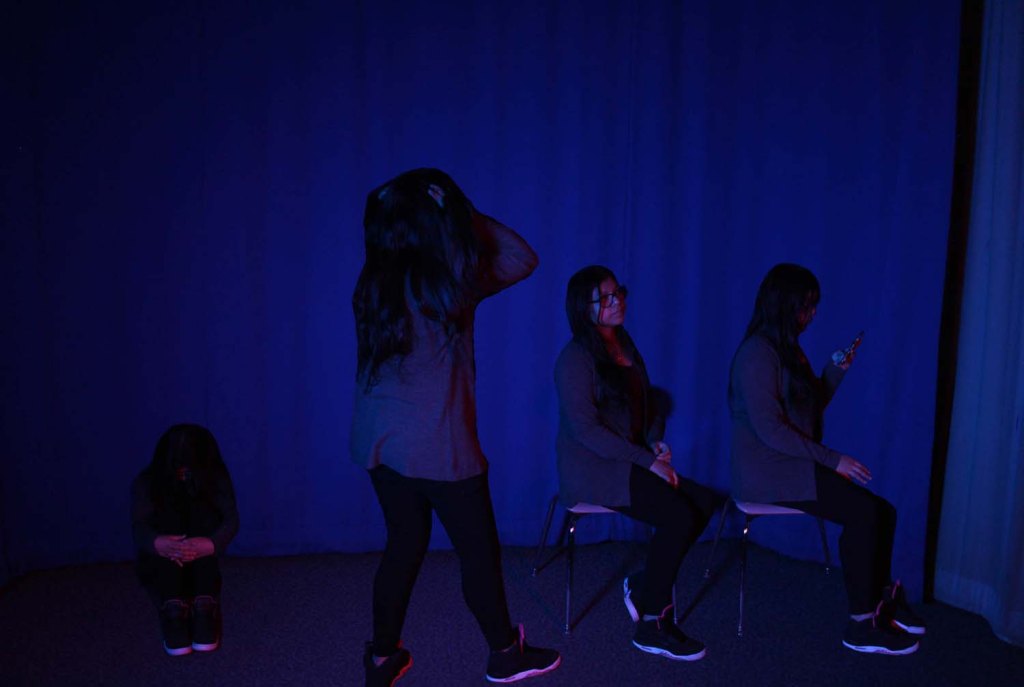
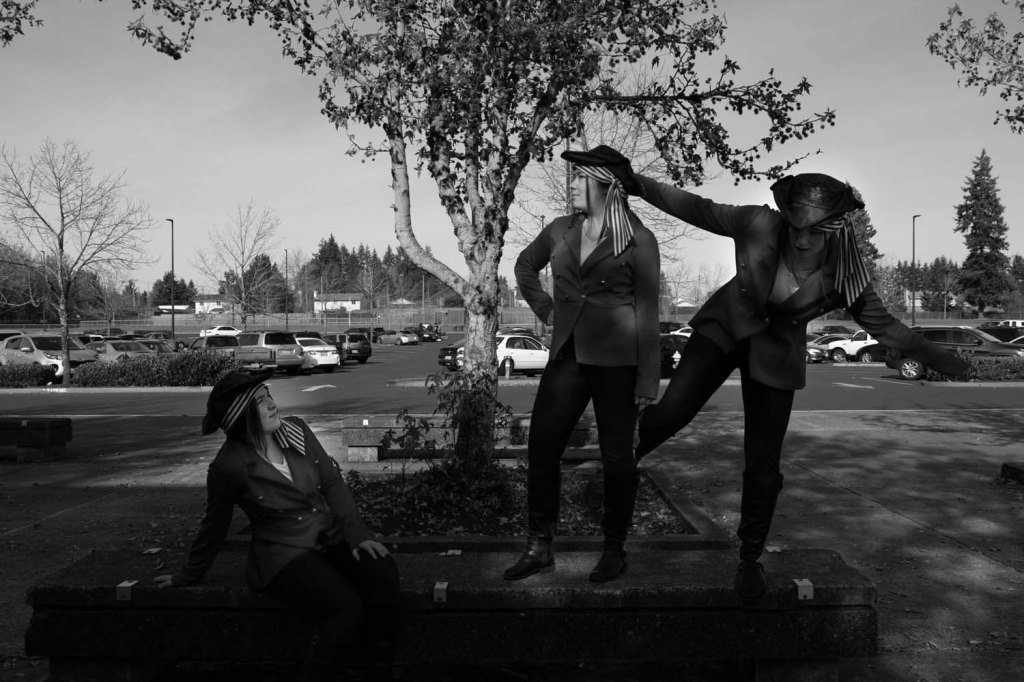
 Strong Photography 19-20