To Do List for 11/20

Learning Target:

  • I can turn in the photograph the Famous Photographer recreation photo.
  • I understand the effect lighting has on mood.
  • I can choose what sort of lighting I want in my multi image self portrait.

Steps:

  1. Vote on your period’s Levitation Photos: 4,5, & 6.
  2. Turn in your Famous Photographer Photo Recreation – as a .jpg- Strong_Famous.jpg
  3. Turn image into Google Classroom.
  4. Strong goes over How Lighting Effects Mood. Write the written response in your Visual Journals.
  5. Catch up on your visual journal entries. Journal check in is due on Friday.

Thursday

Turn in an updated link to your visual journal. Start making photos for Self Portrait.
Today’s Lesson: Lighting and it’s effect on Mood

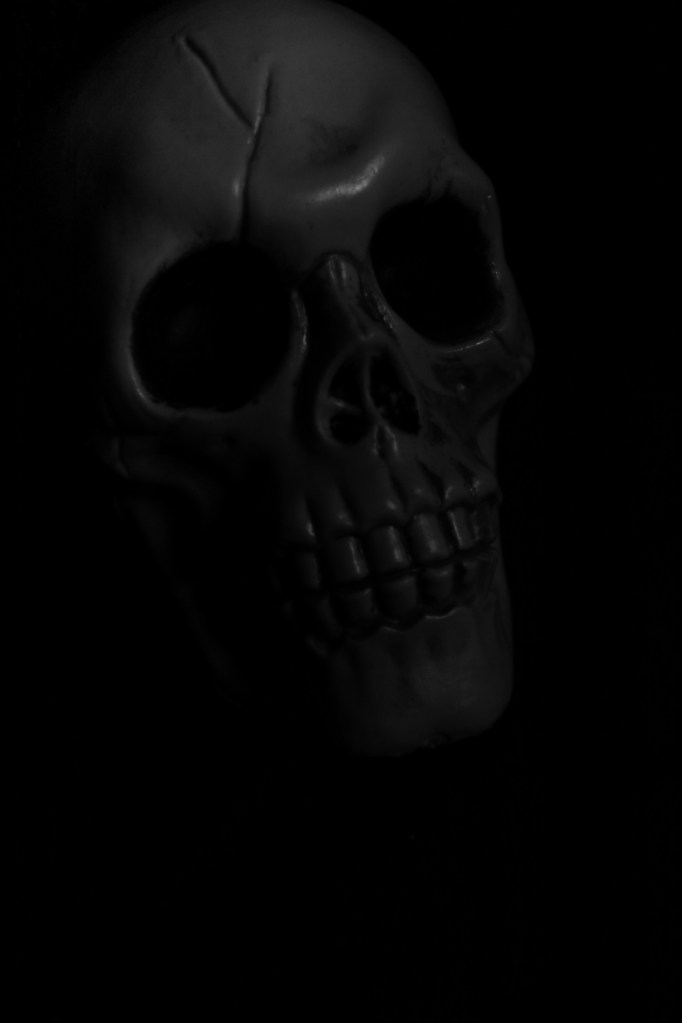
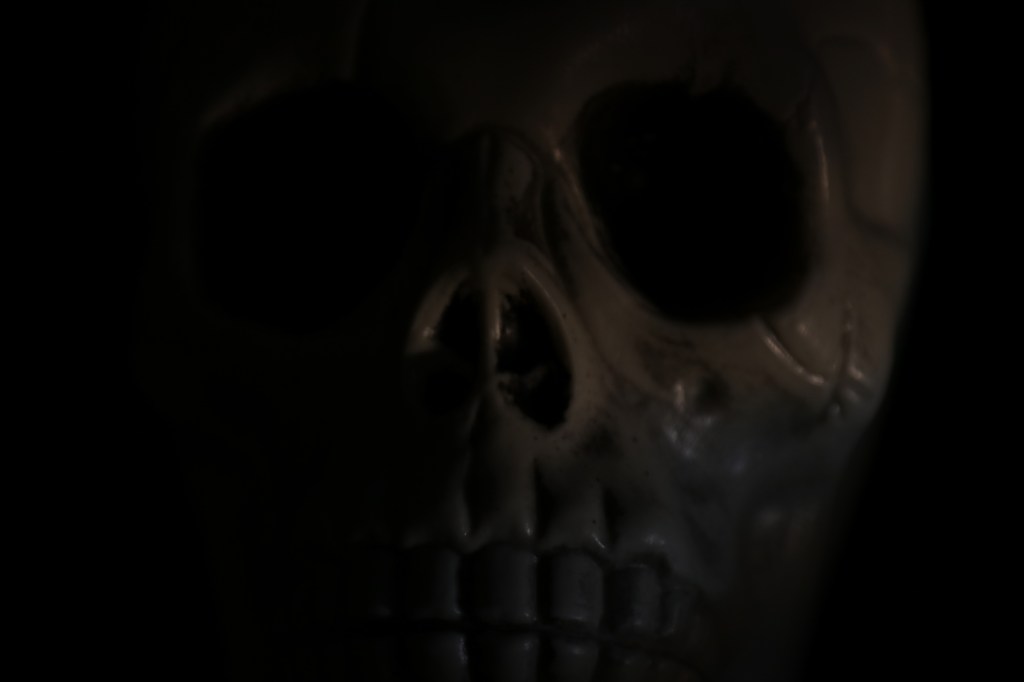
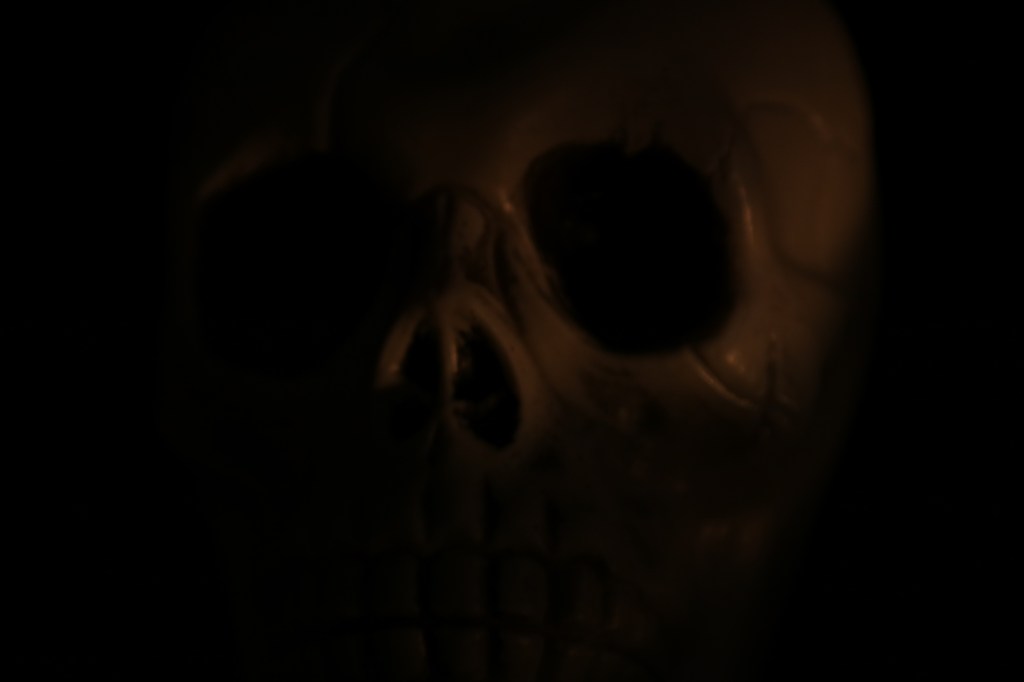
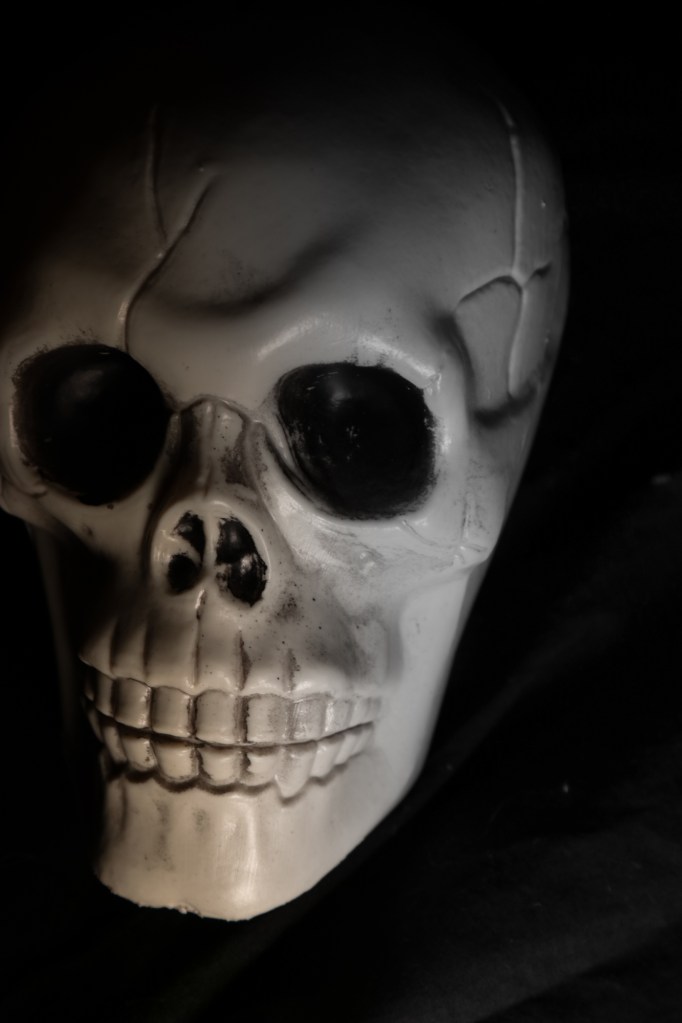
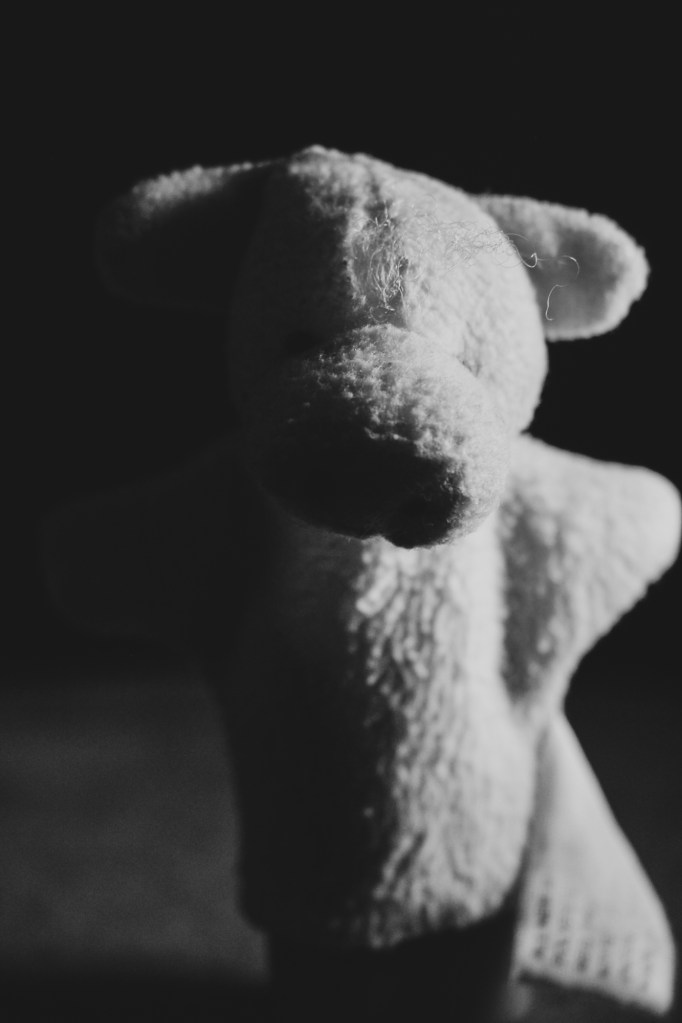
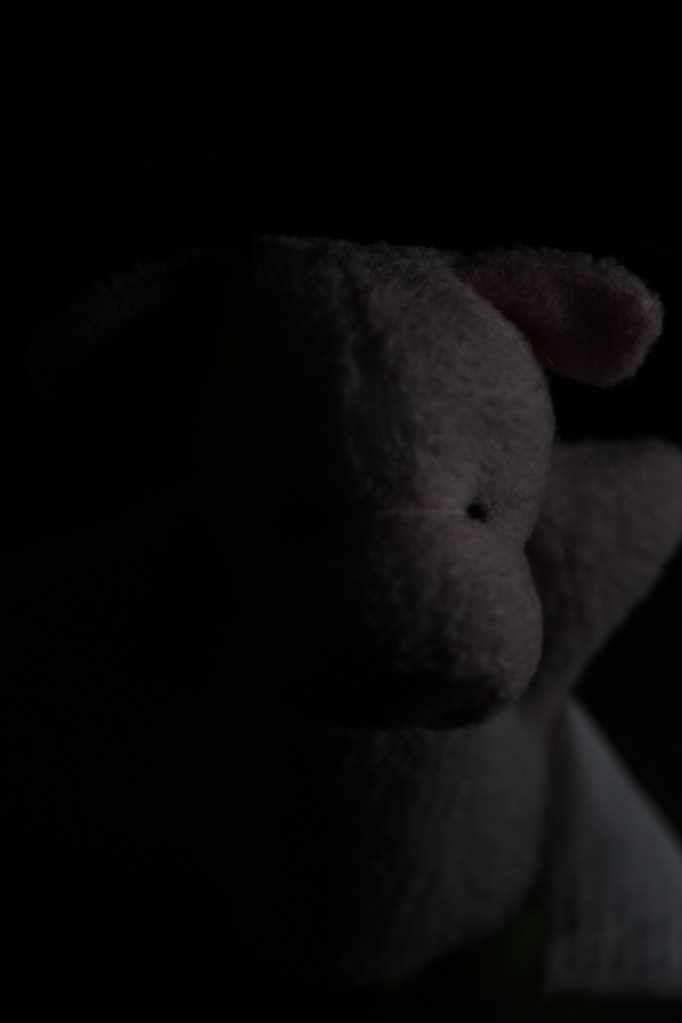
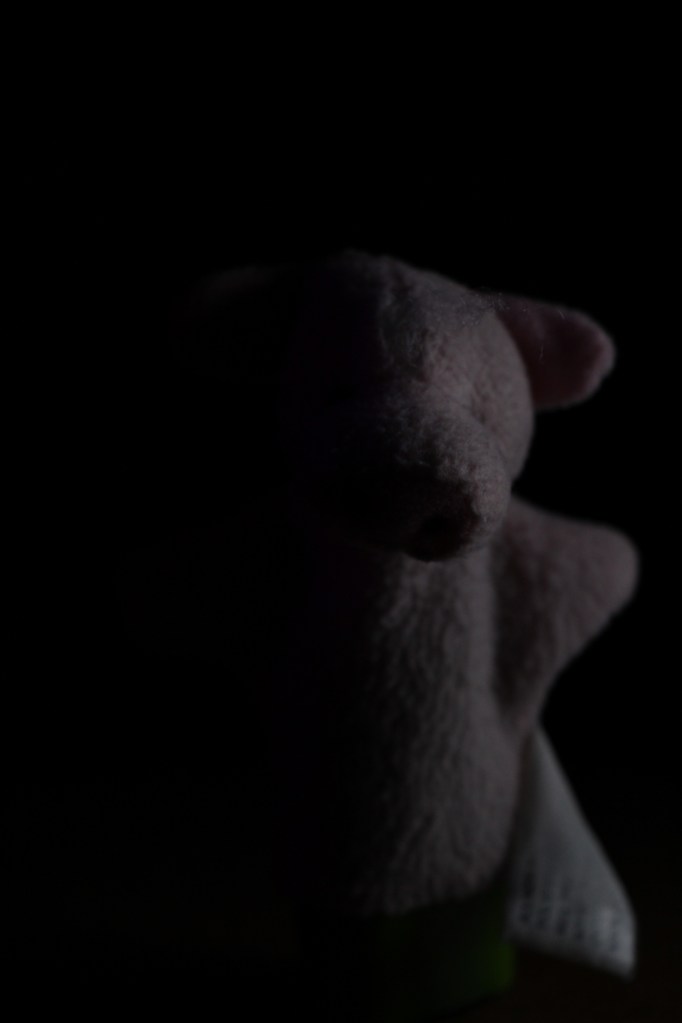
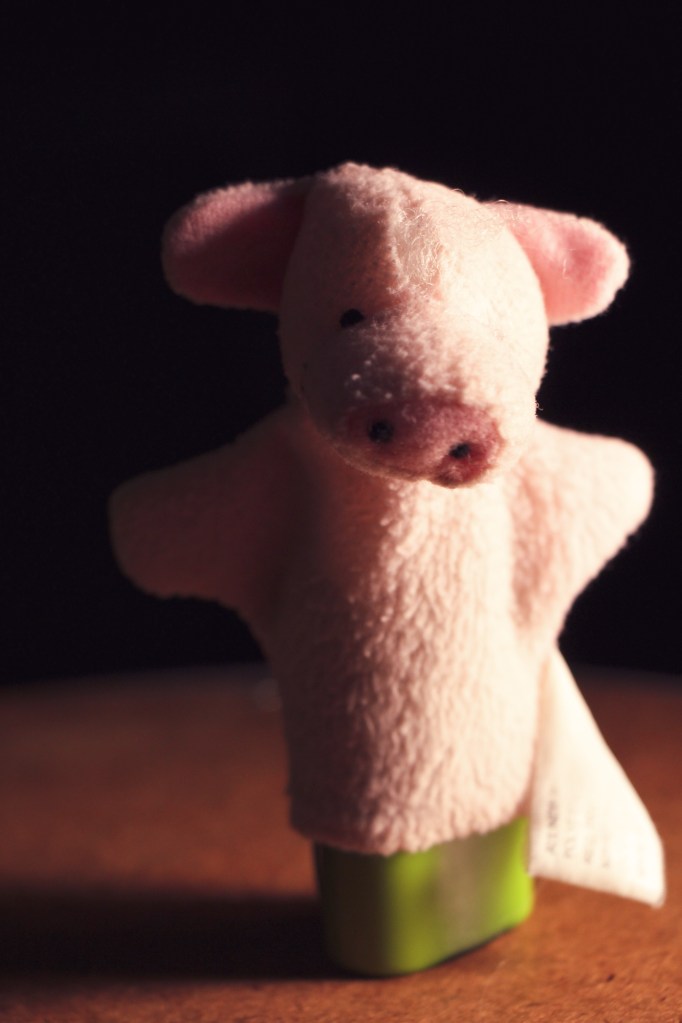
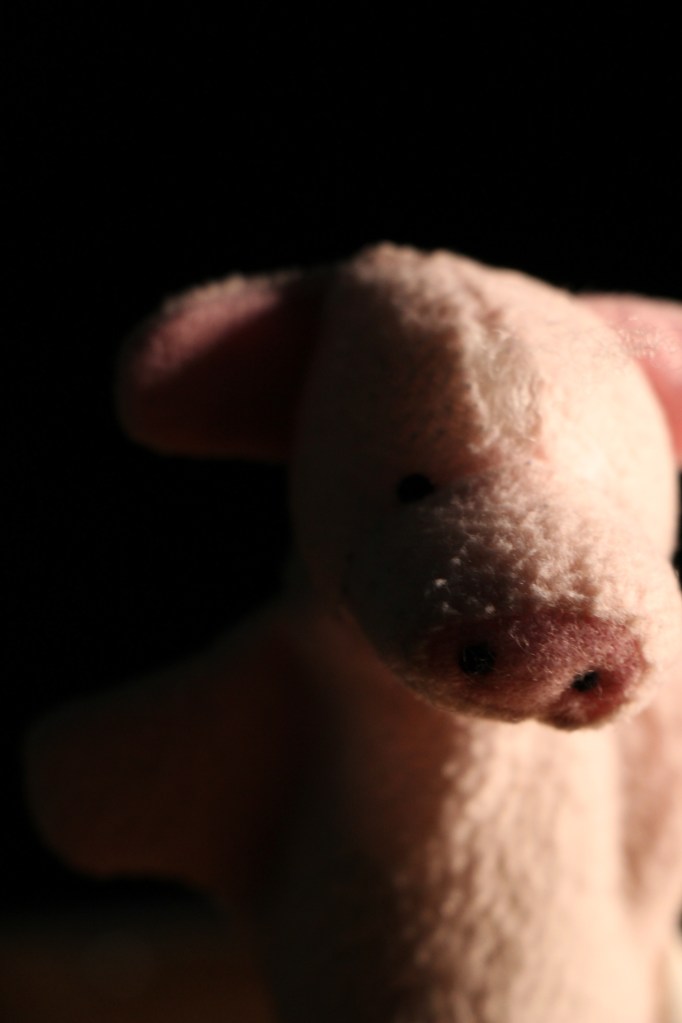
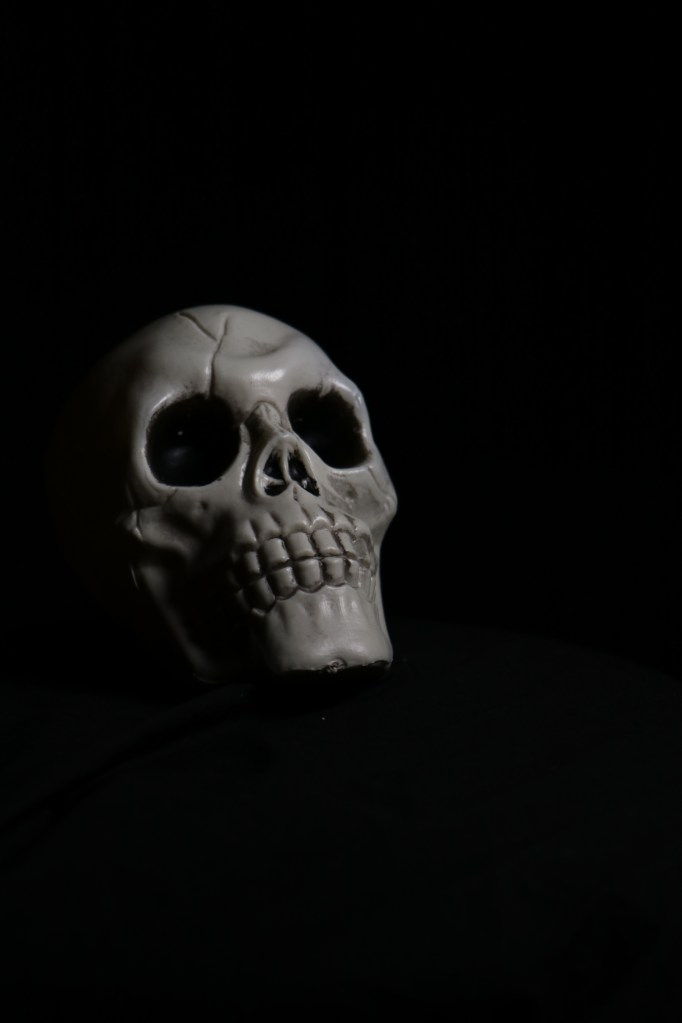
All of these images were taken using the portable light with barn doors. I have two of these and they are battery powered, which means you can take them to places you normally wouldn’t be able to take a light to.

Notice how the light, its direction and it’s intensity changes in each photo by changing the angle, intensity and color of the light, we can make people feel the way we want them to.

This doesn’t mean that all the photos have to be dark or scary, on the contrary, you can use the light to enhance or brighten the mood, as seen the last two photos in the series.

Play with light when you do your self portrait. What side of yourself do you want to show, what kind of lighting set up do you want to use?

Use this video as a resource as to where to put the light source to get the look you want.

Written response: In your visual journal write me a paragraph where you describe the kind of lighting you want to have in your Self Portrait. What lighting style best describes you? Find 2-3 example online and include those photos in your visual journal post.

Design a site like this with WordPress.com
Get started