

Learning Target:
- I can photograph the Famous Photographer recreation photo.
- I can lay the two photos next to each other in Photoshop.
- I can save it as a .jpg in Lightroom and turn it into Google Classroom.
Steps:
- Respond to Today’s Quote of the day.
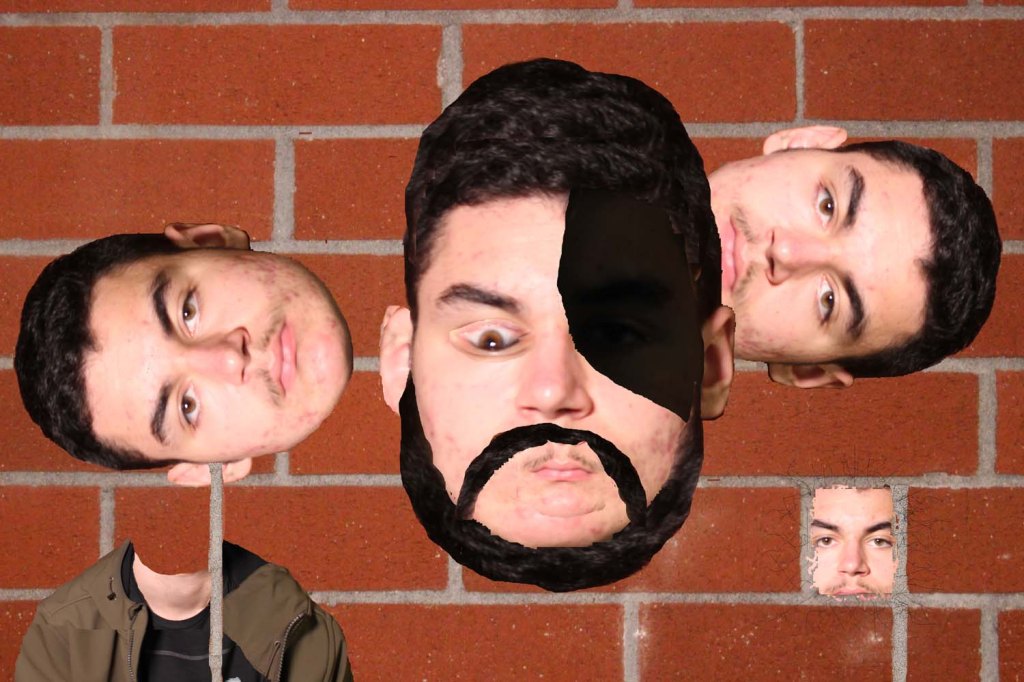
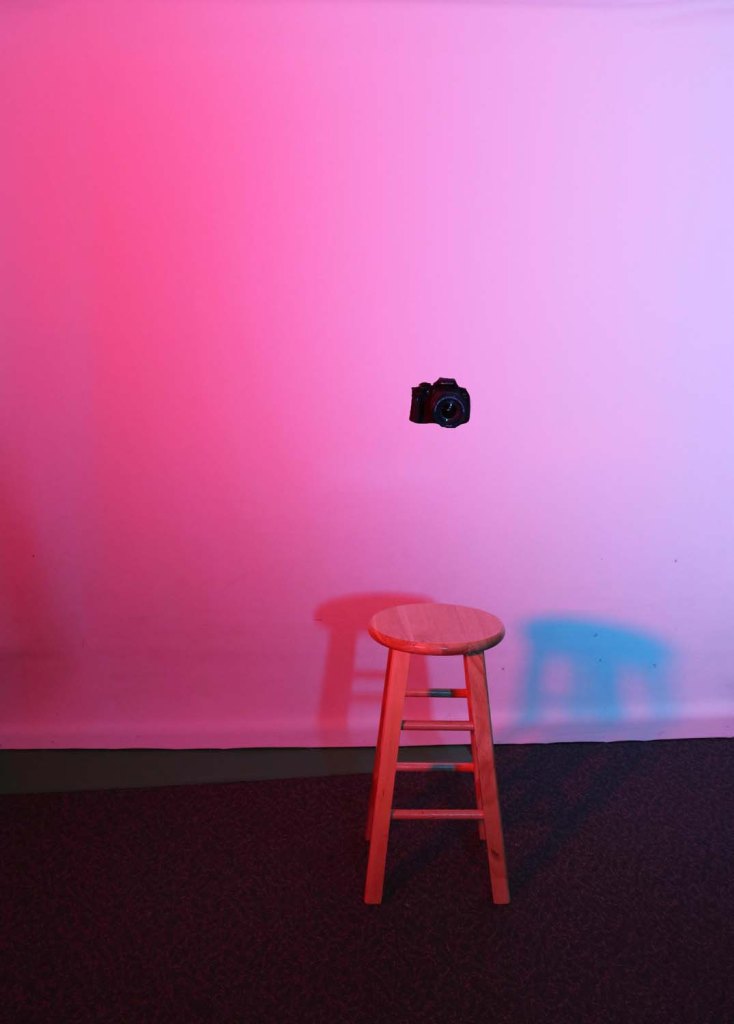
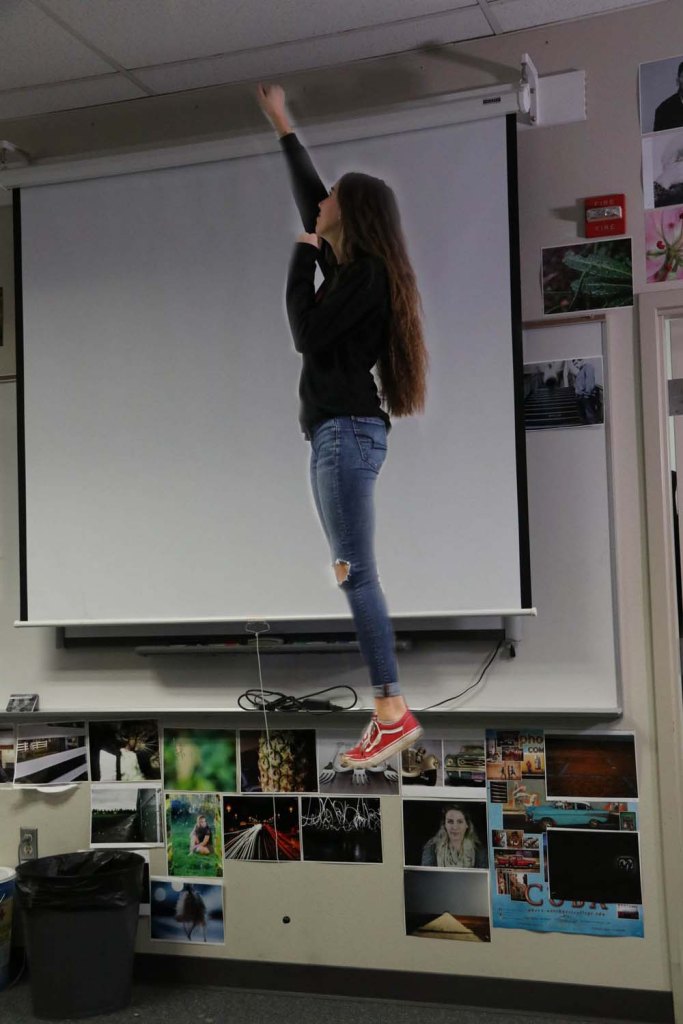
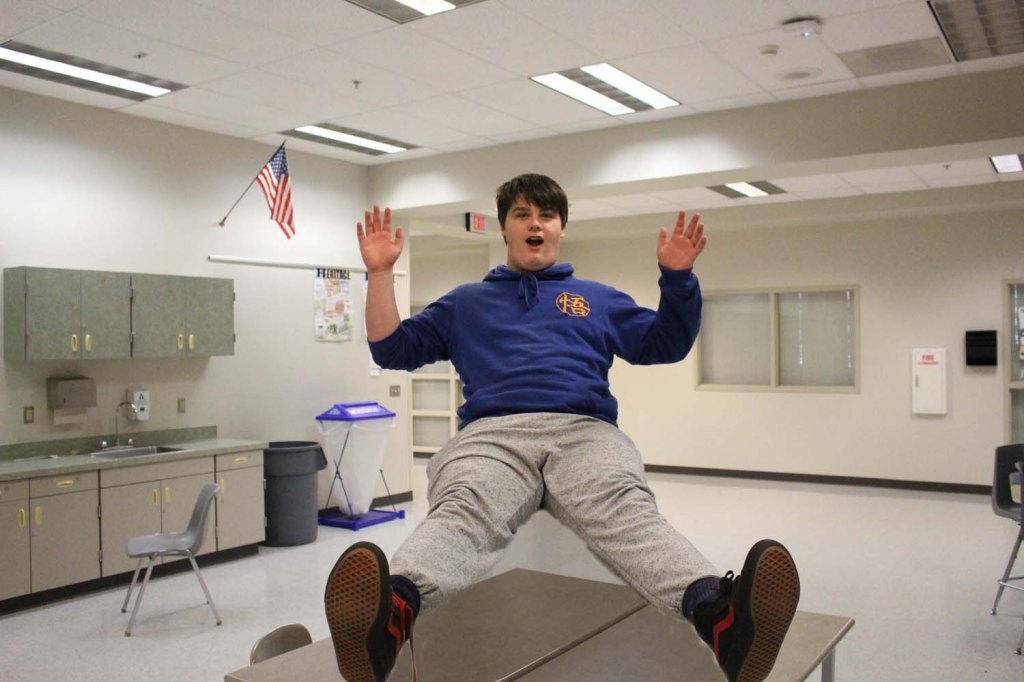
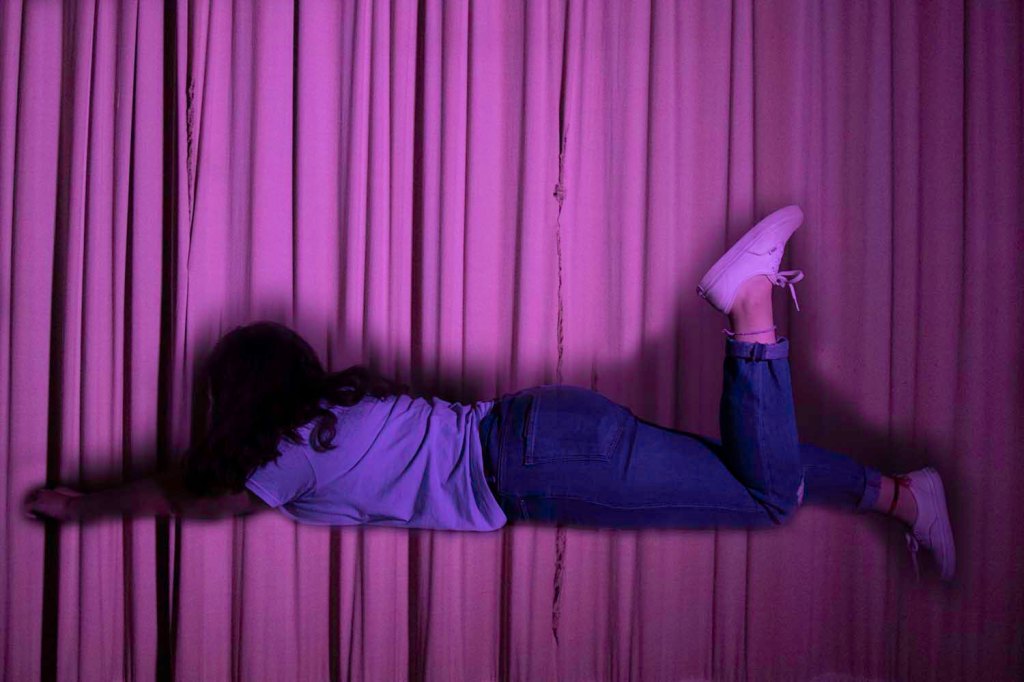
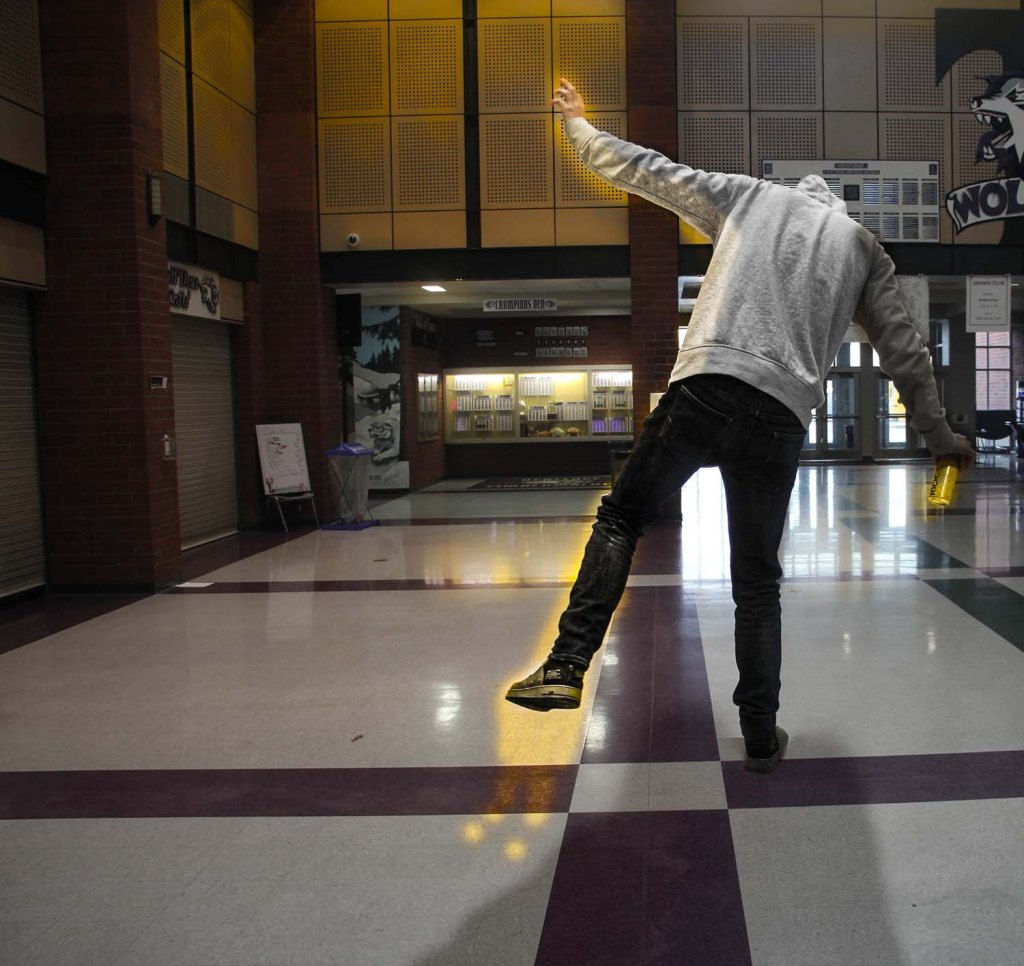
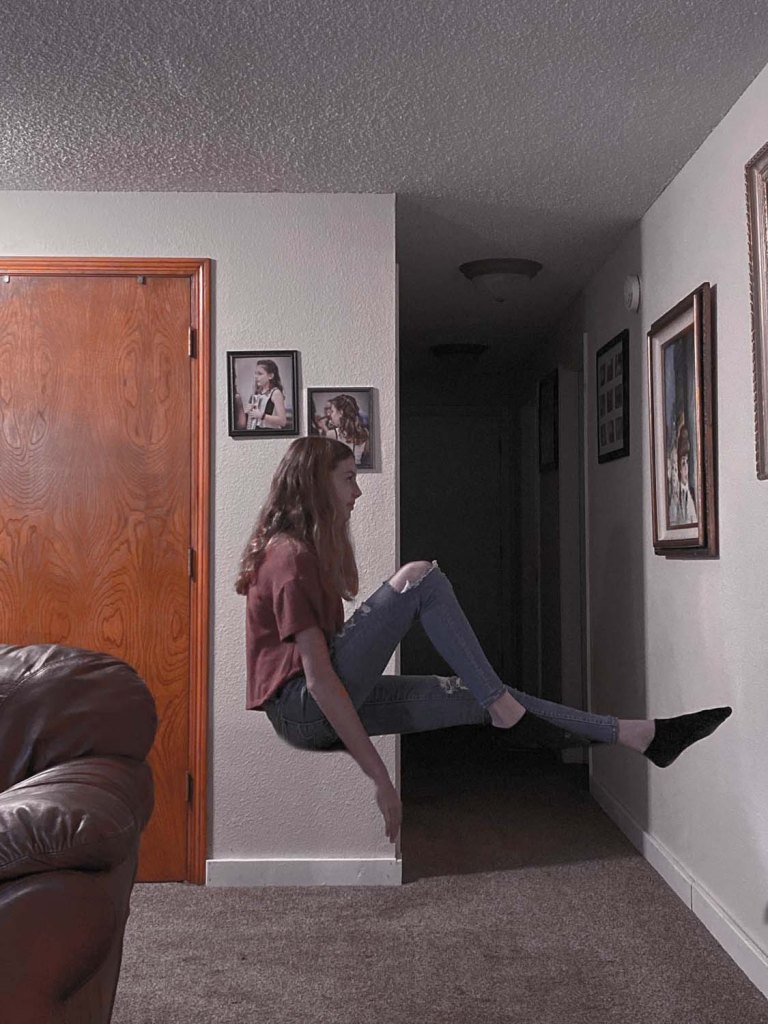
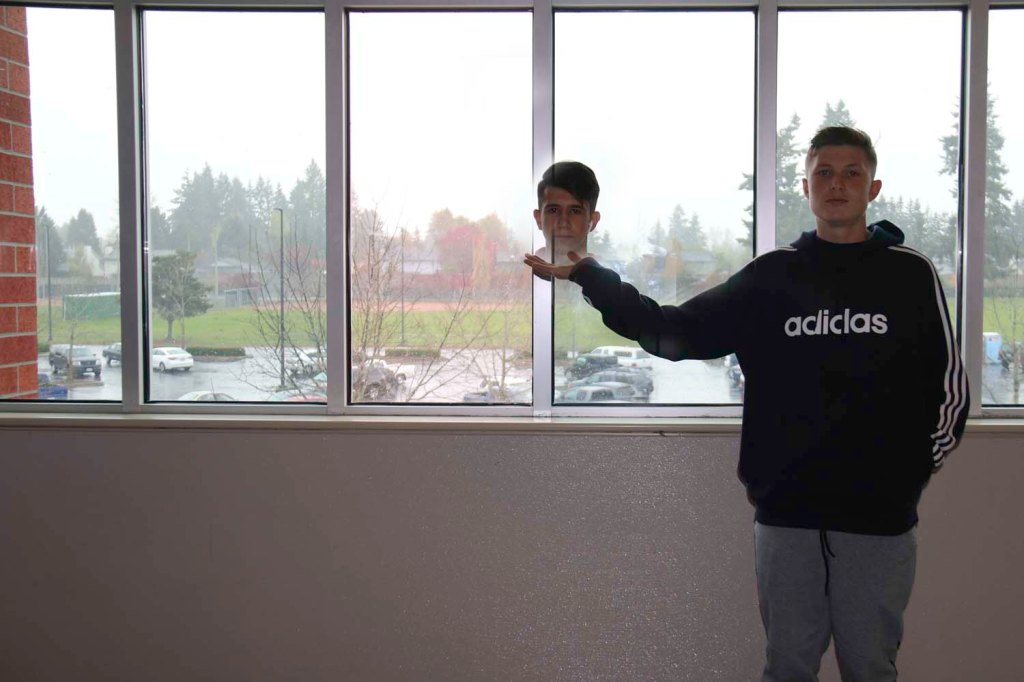
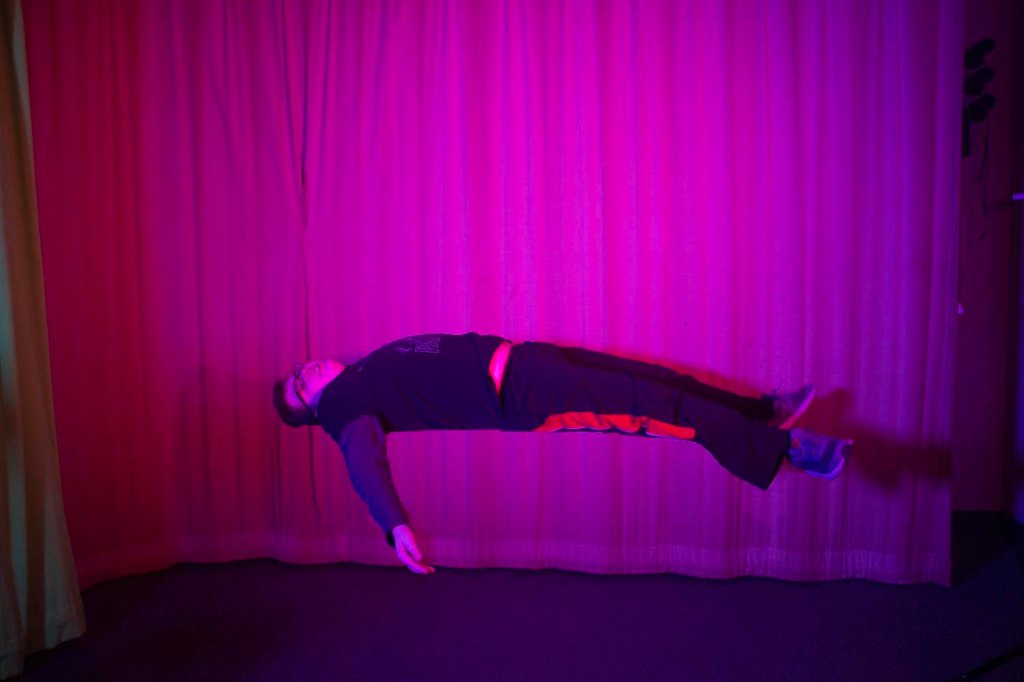
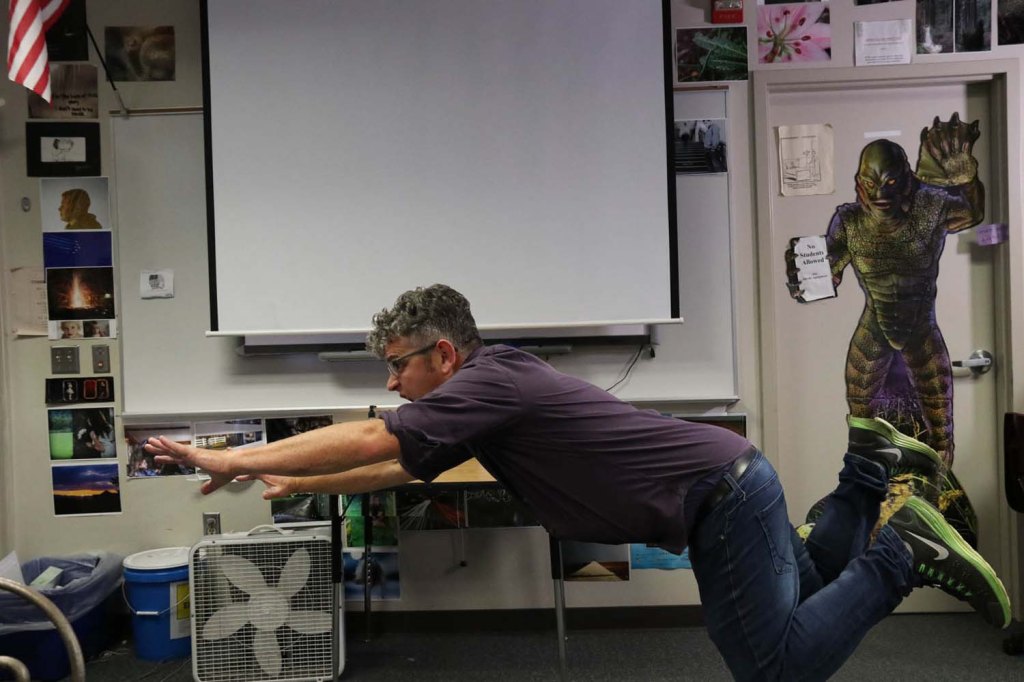
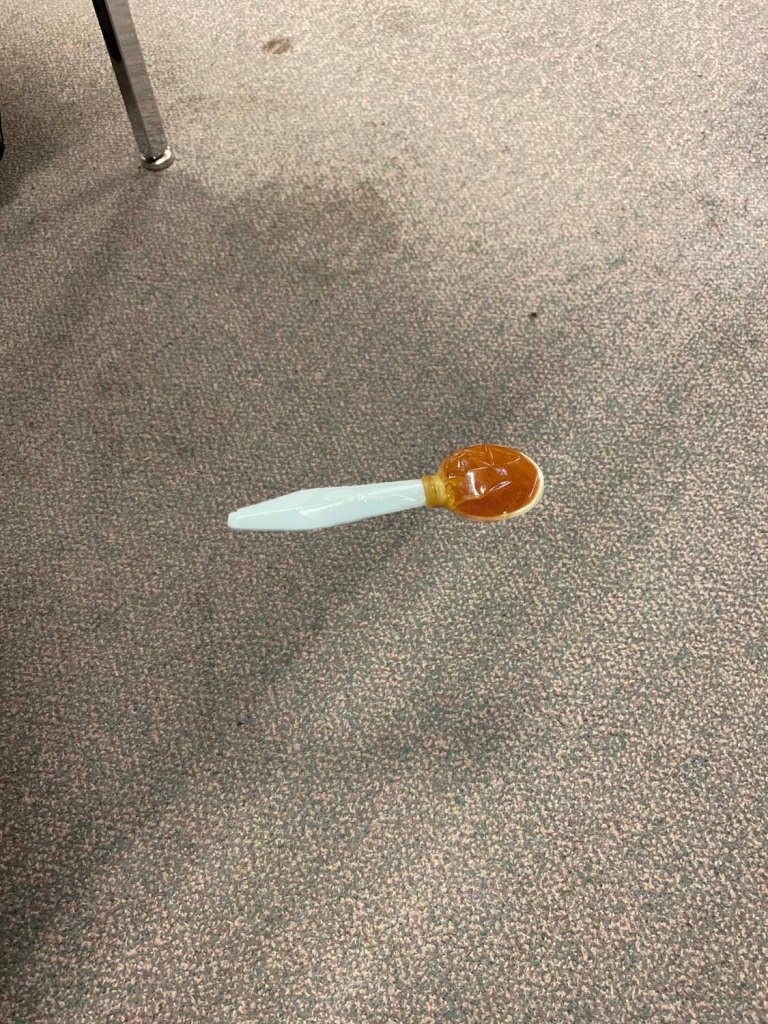
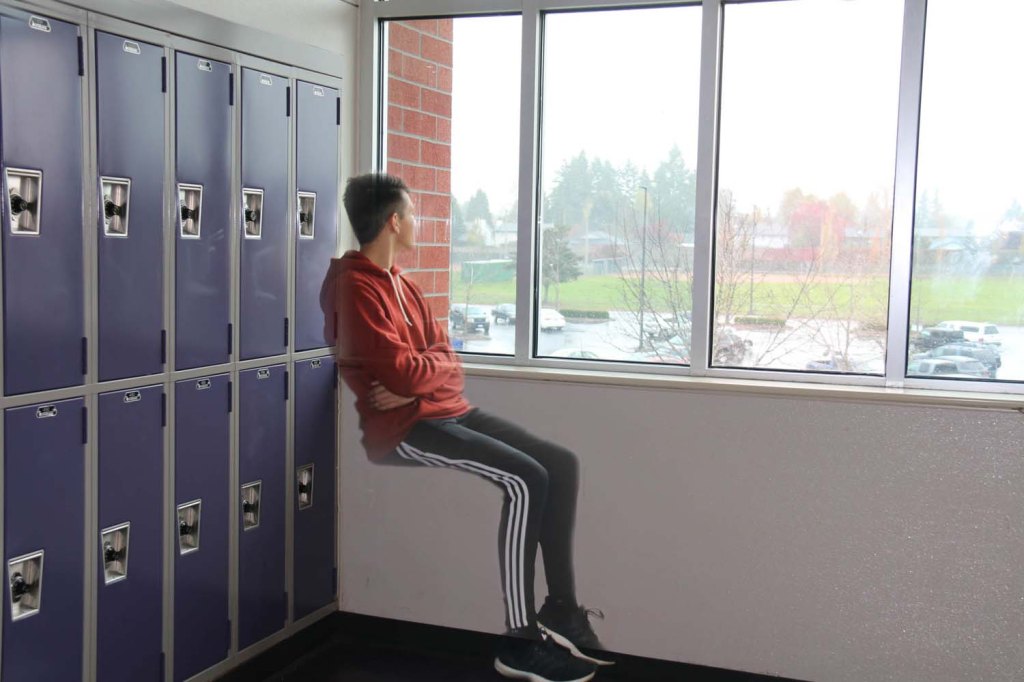
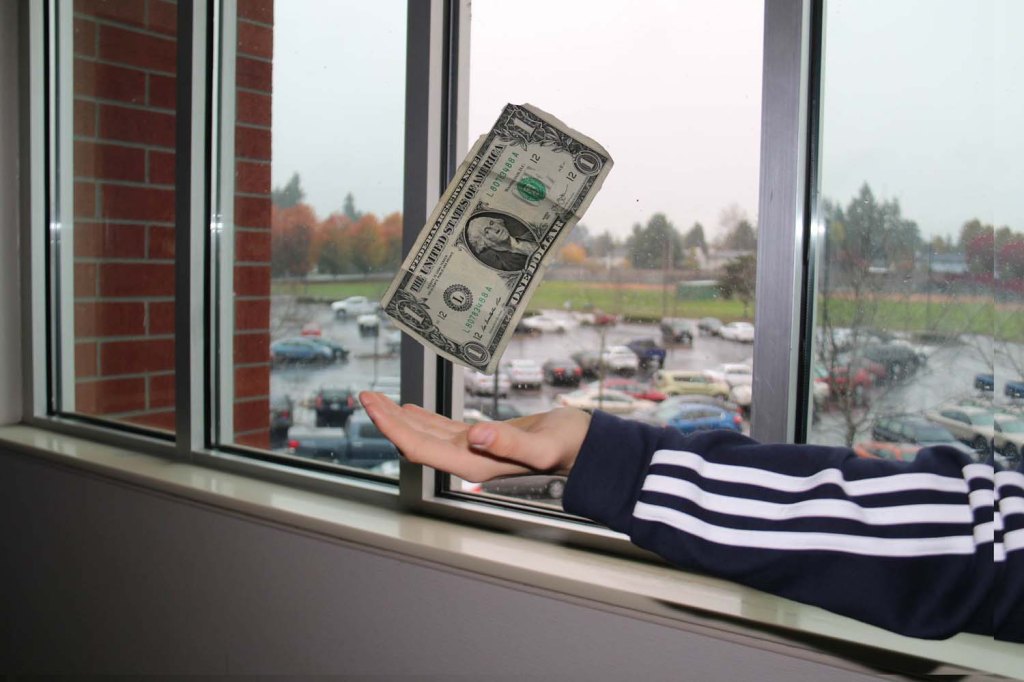
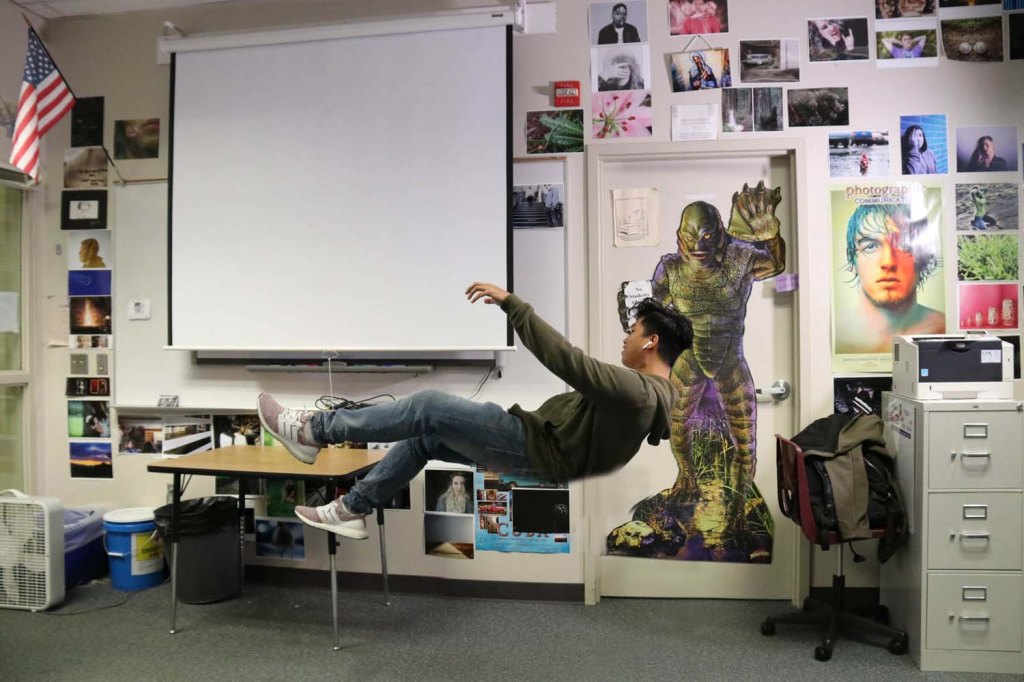
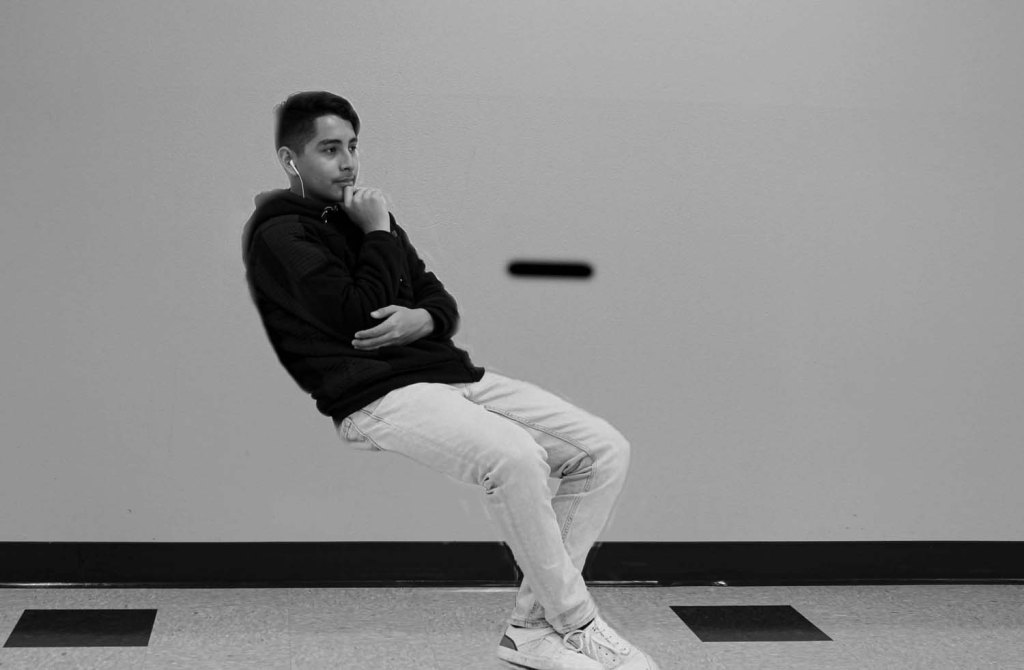
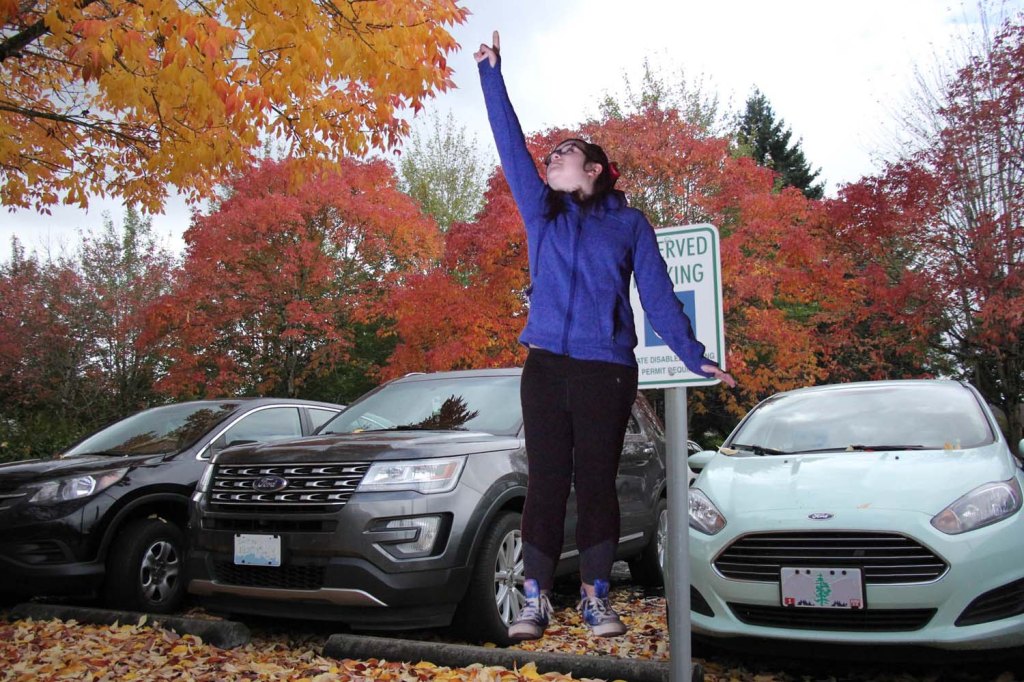
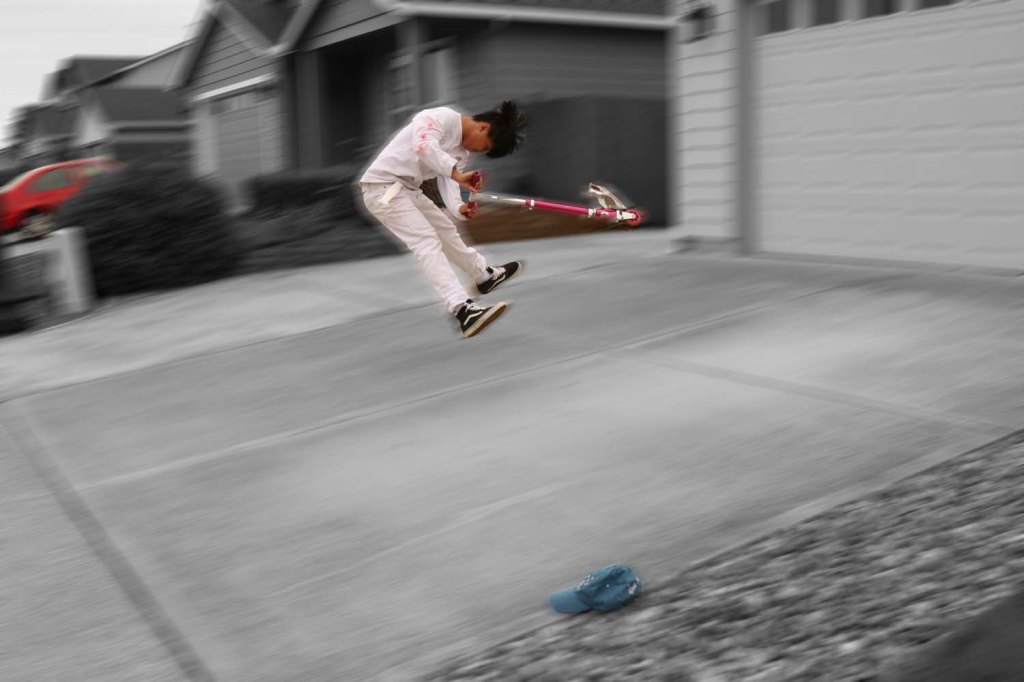
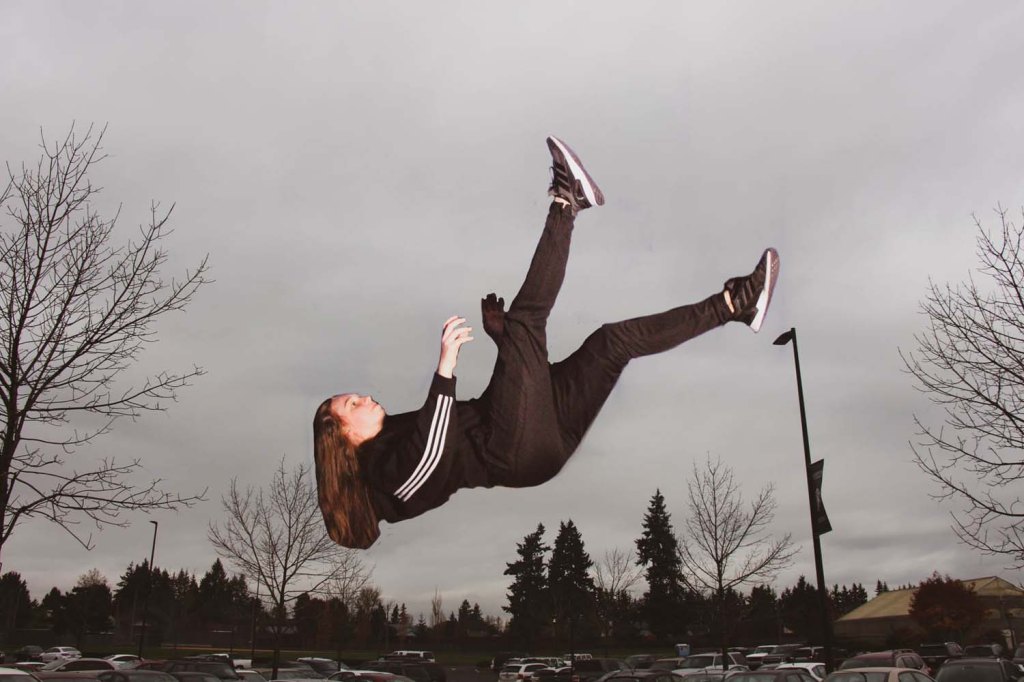
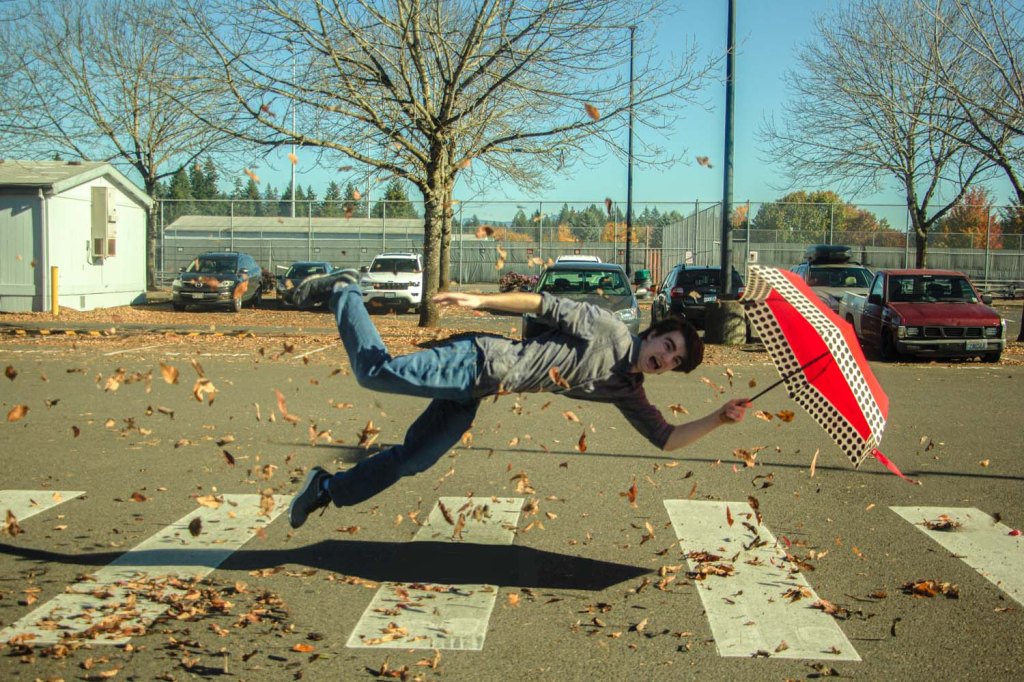
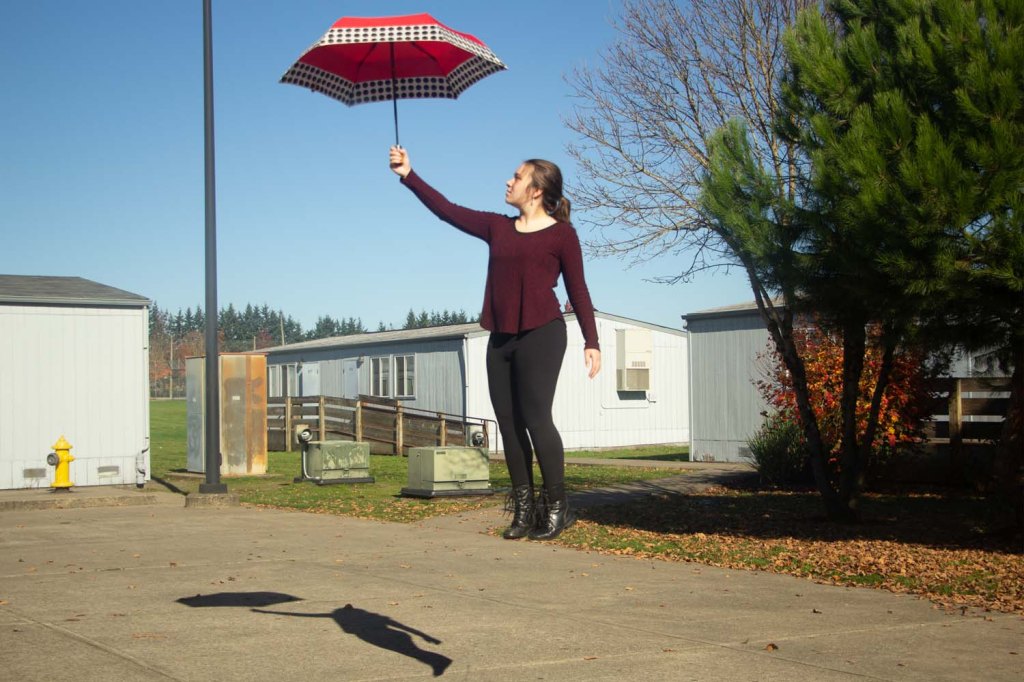
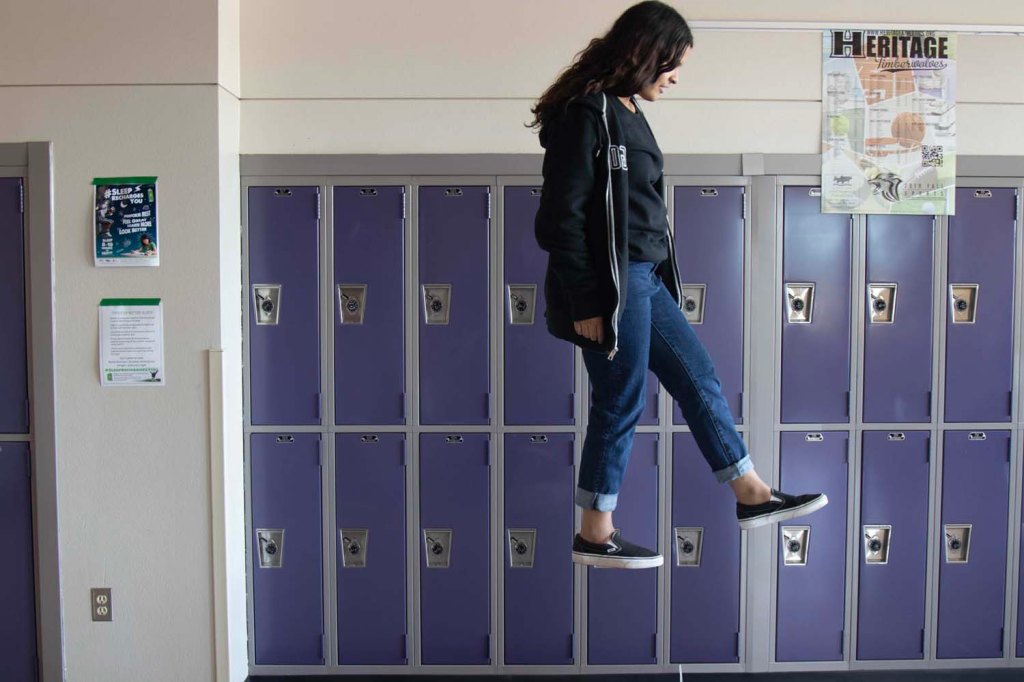
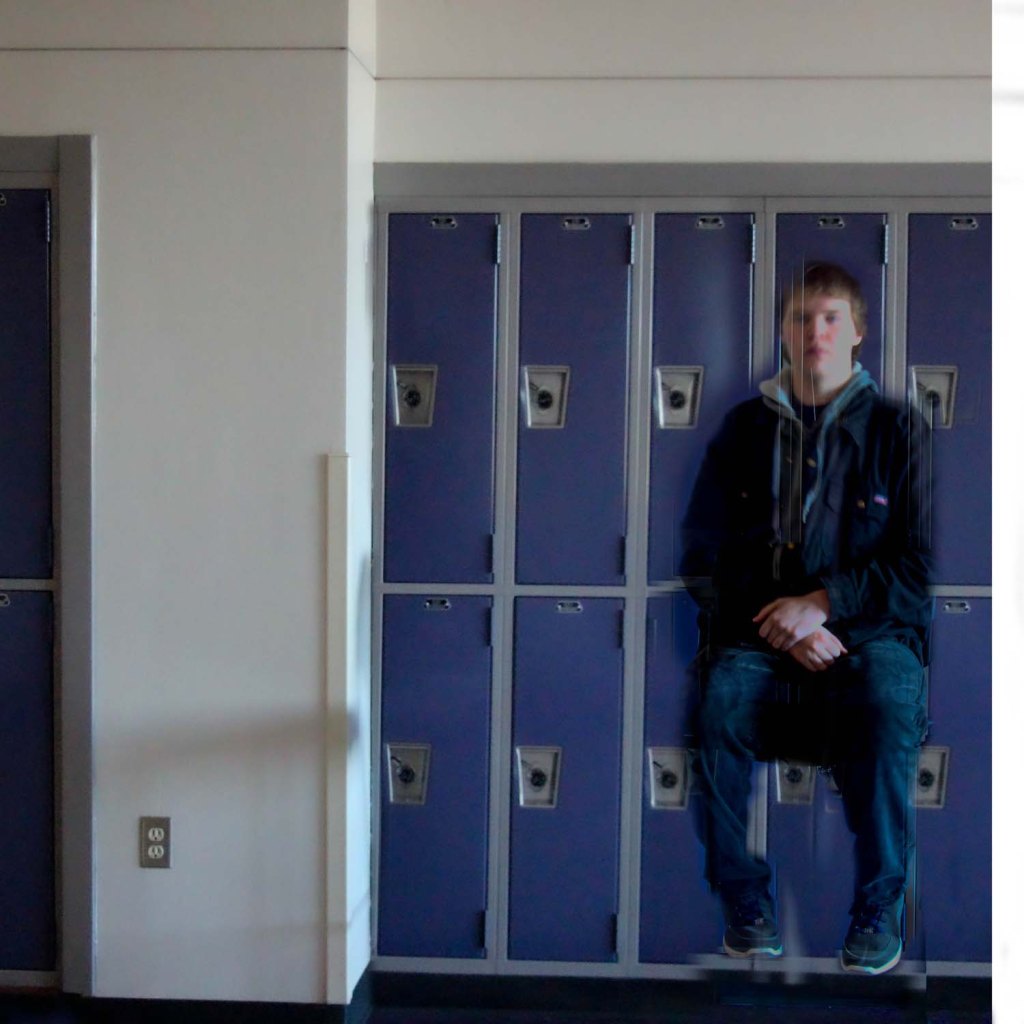
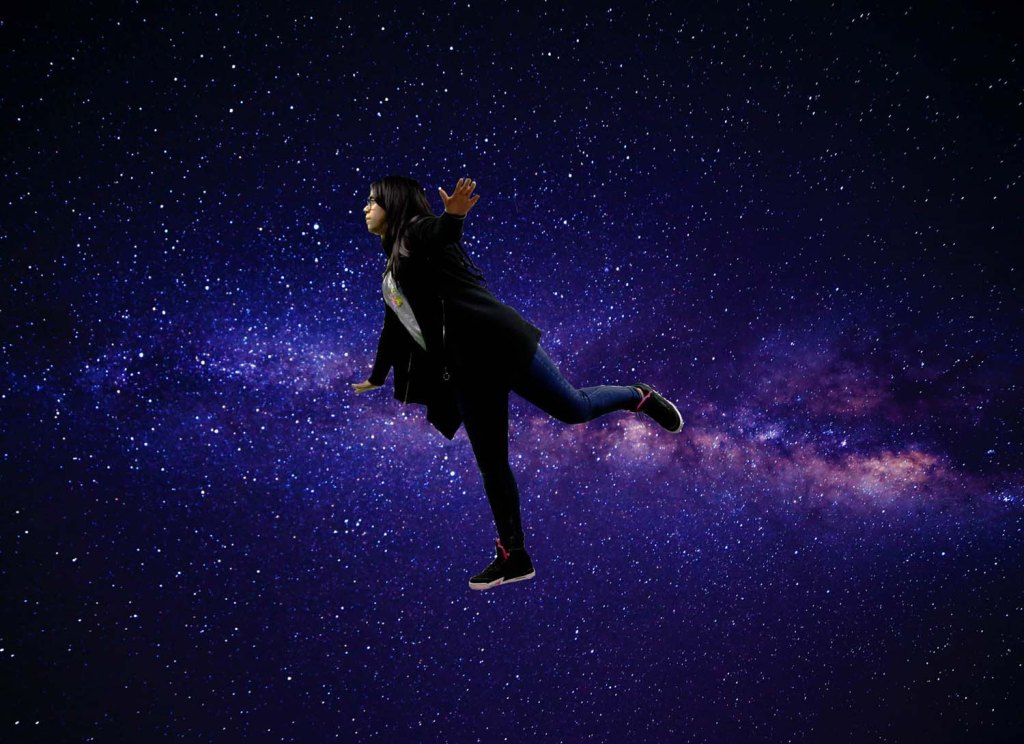
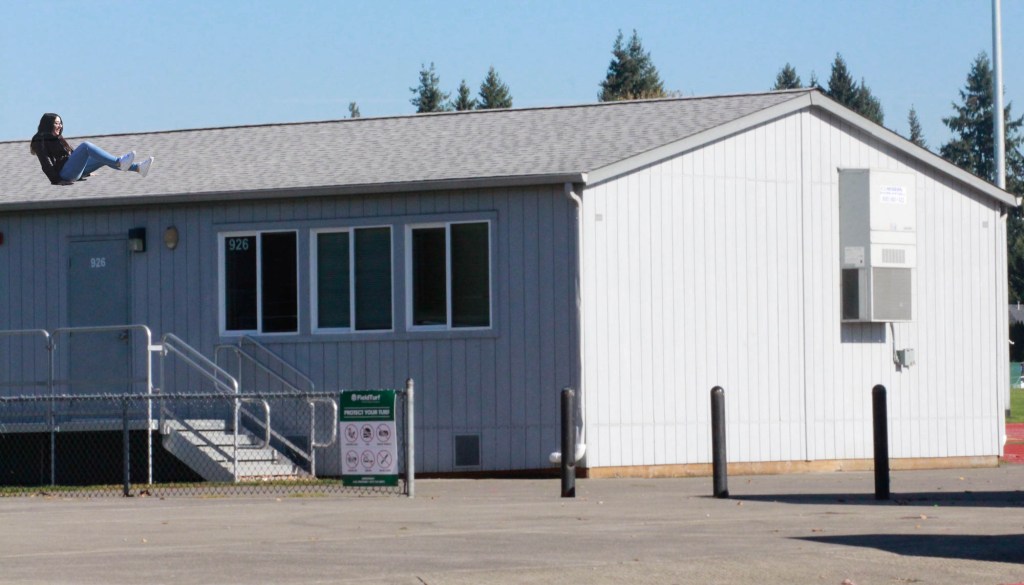
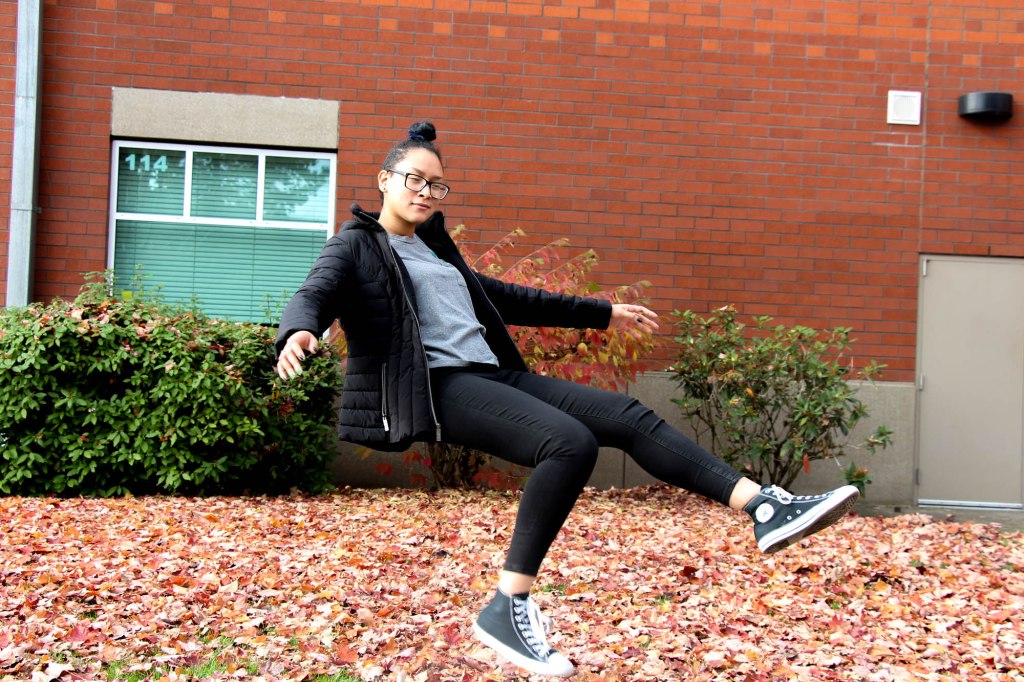
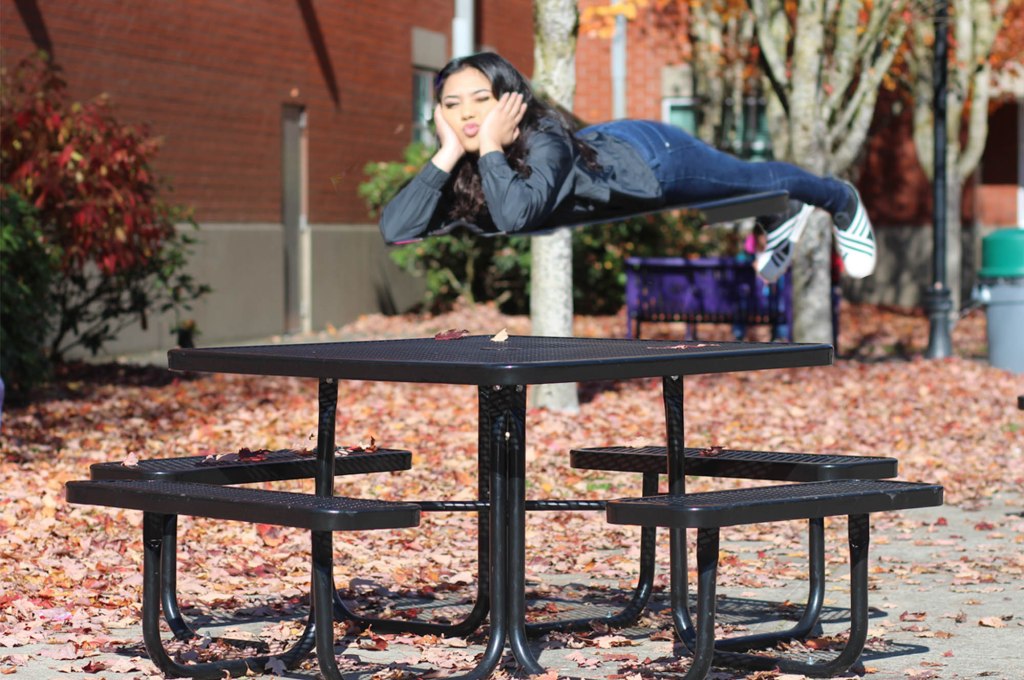
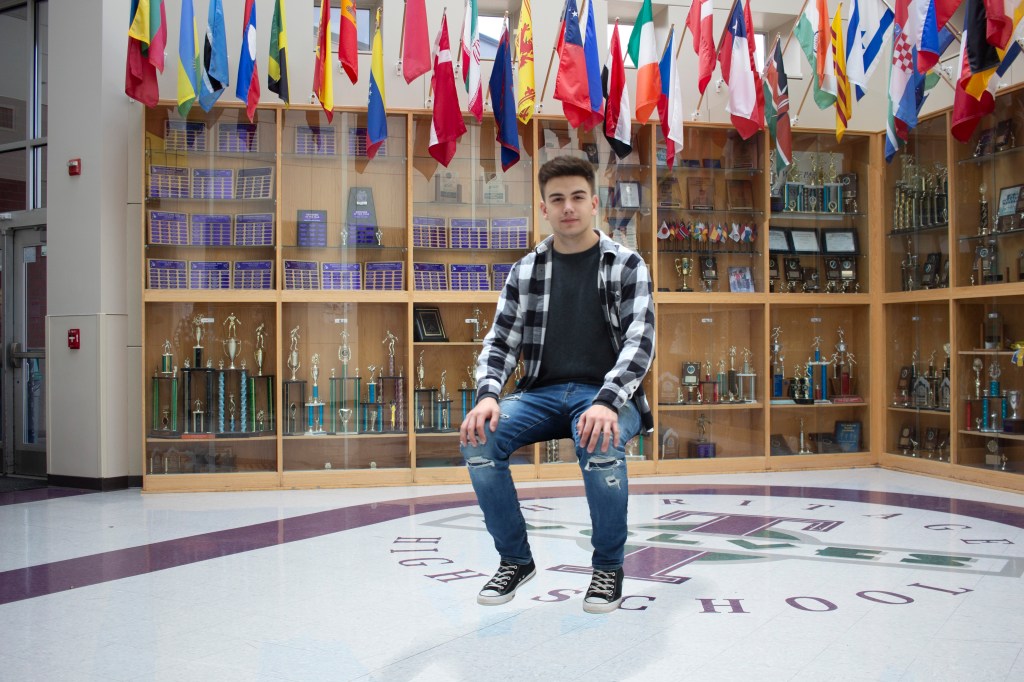
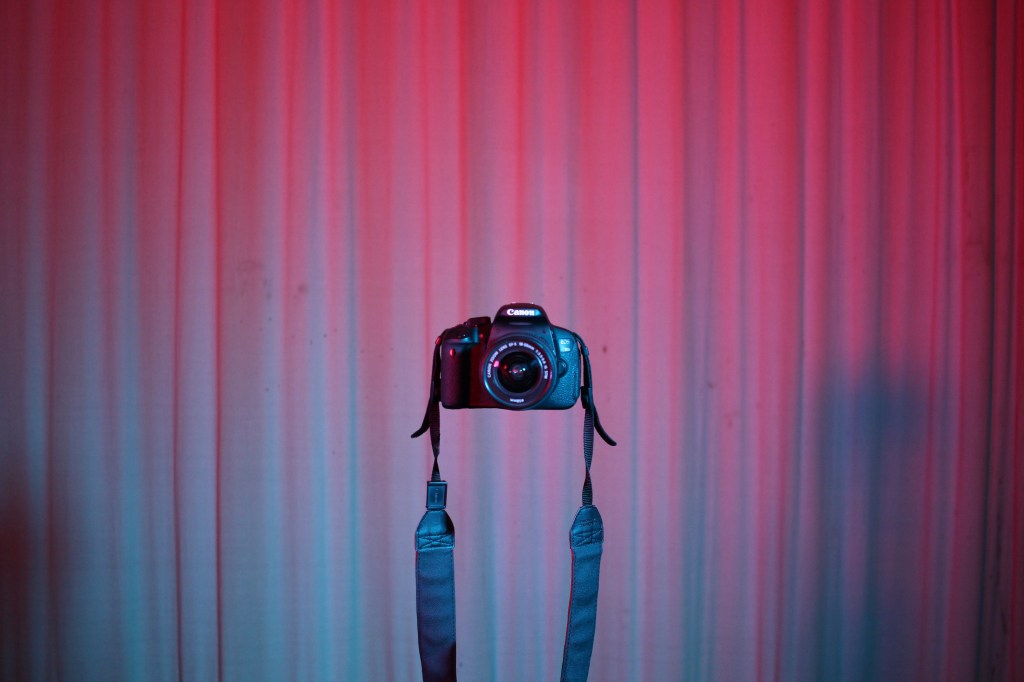
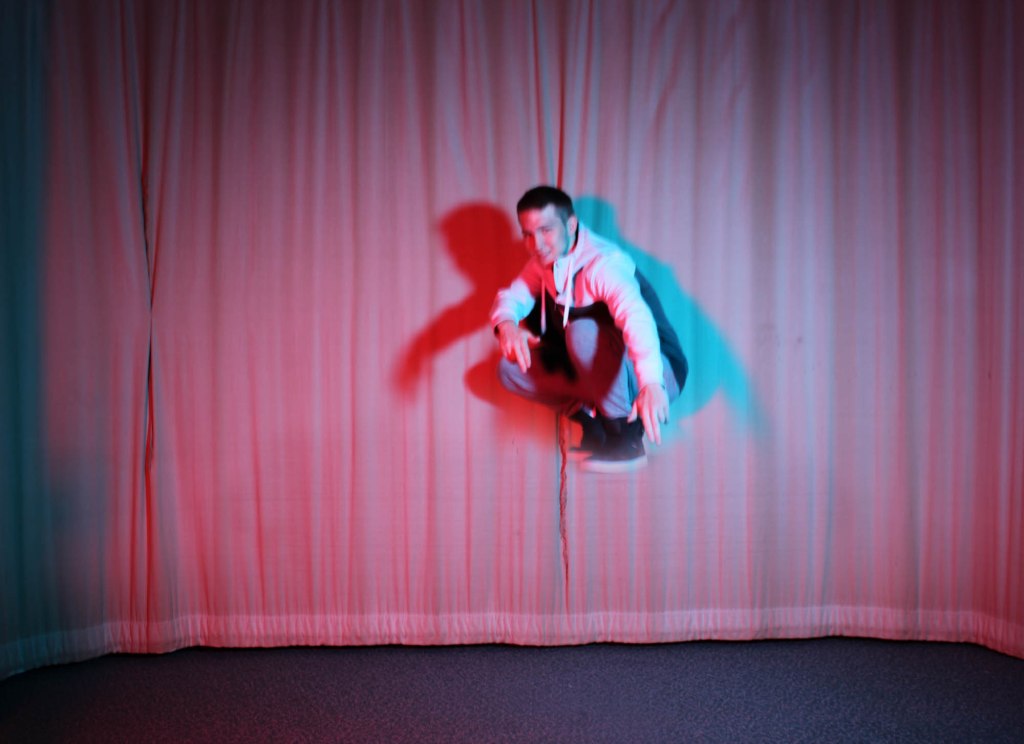
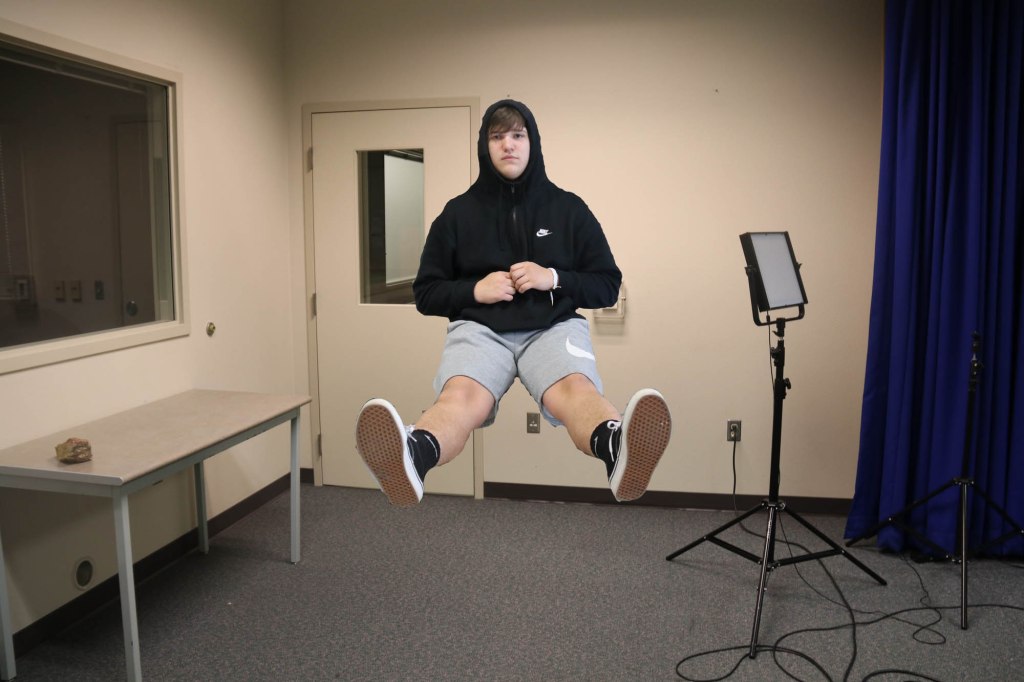
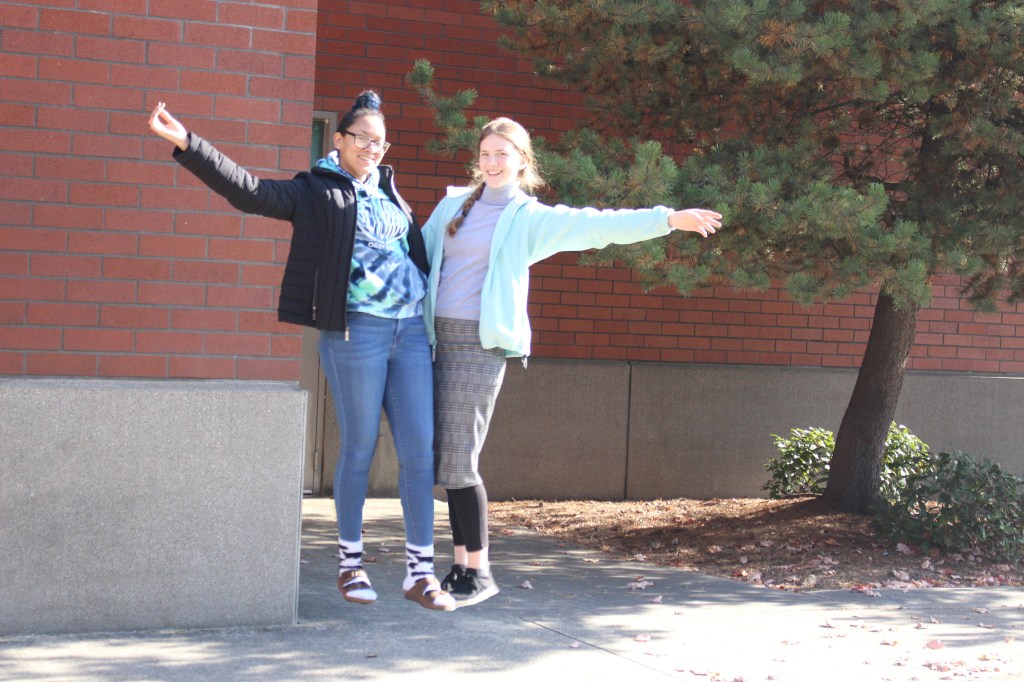
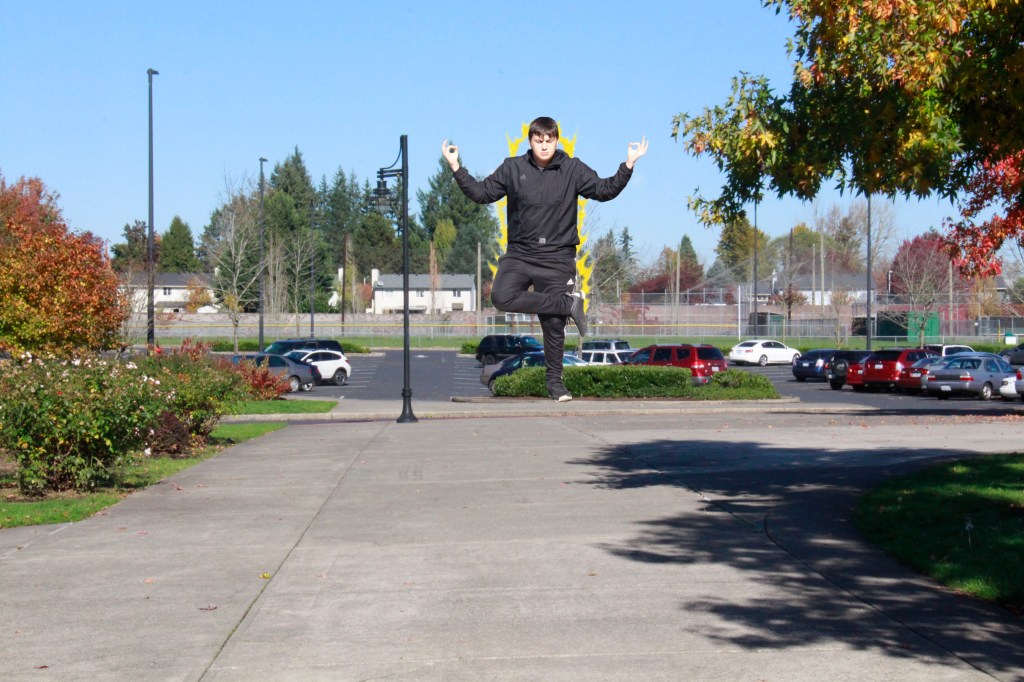
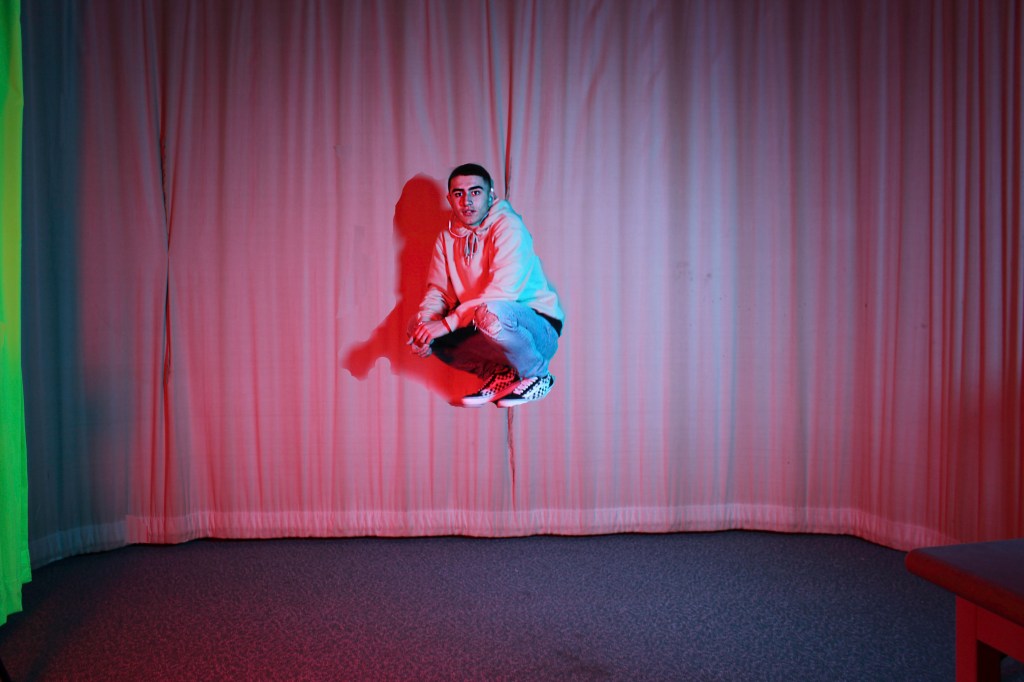
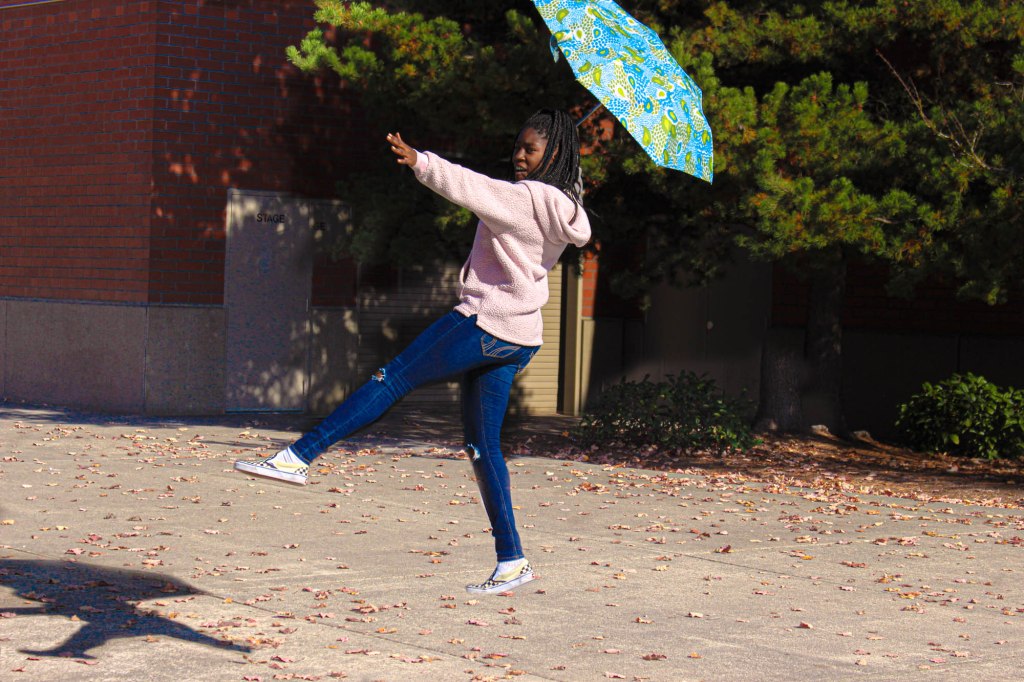
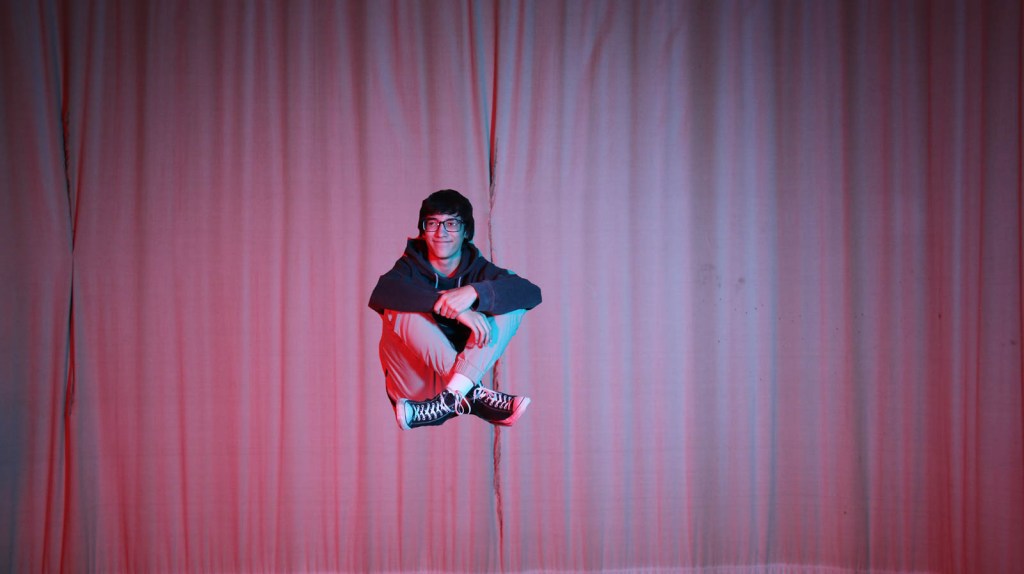
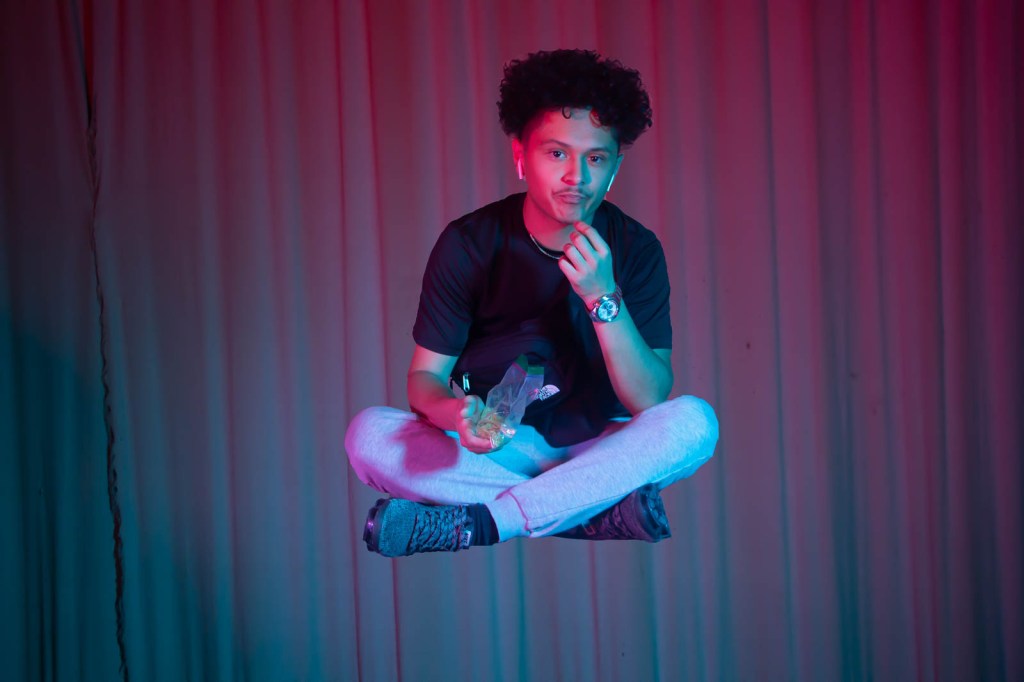
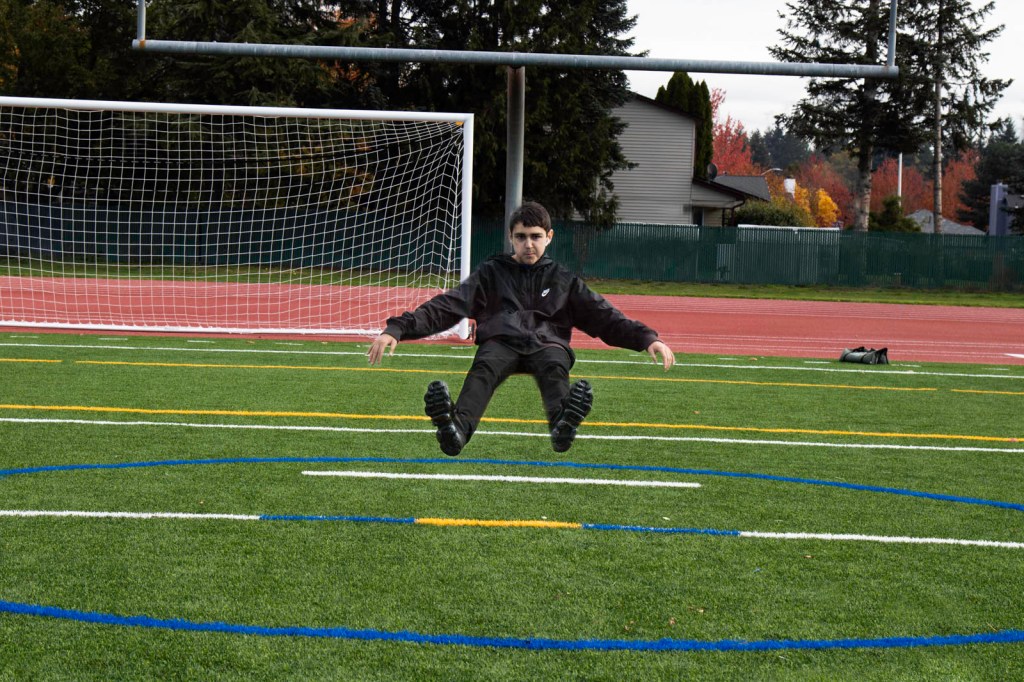
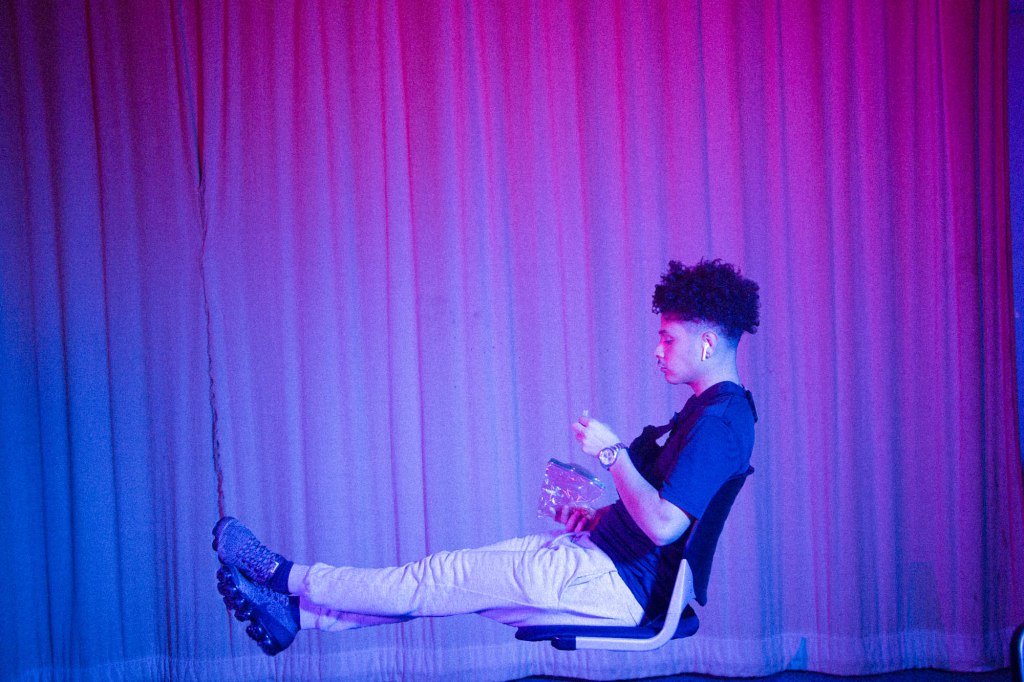
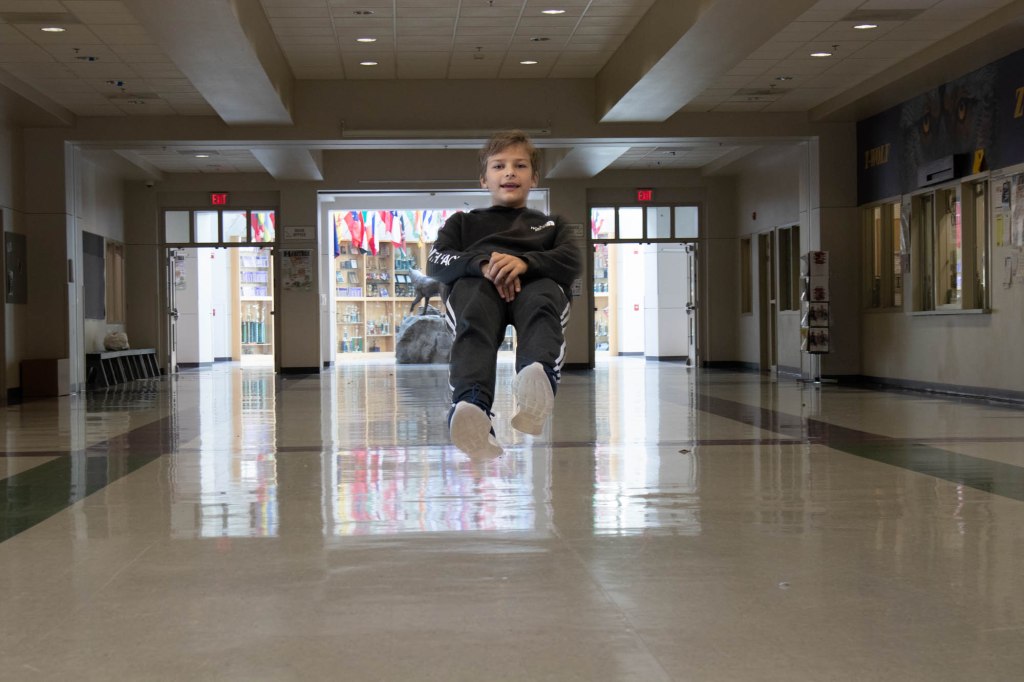
- Vote on your period’s Levitation Photos: 4,5, & 6.
- Finish editing your Famous Photographer Photo Recreation
- Edit them in Lightroom. Open as layers in Photoshop. Move one next to the other.
- Crop out the rest.
- Try to download a large version of the file so that the recreation will be as large as the image you download.
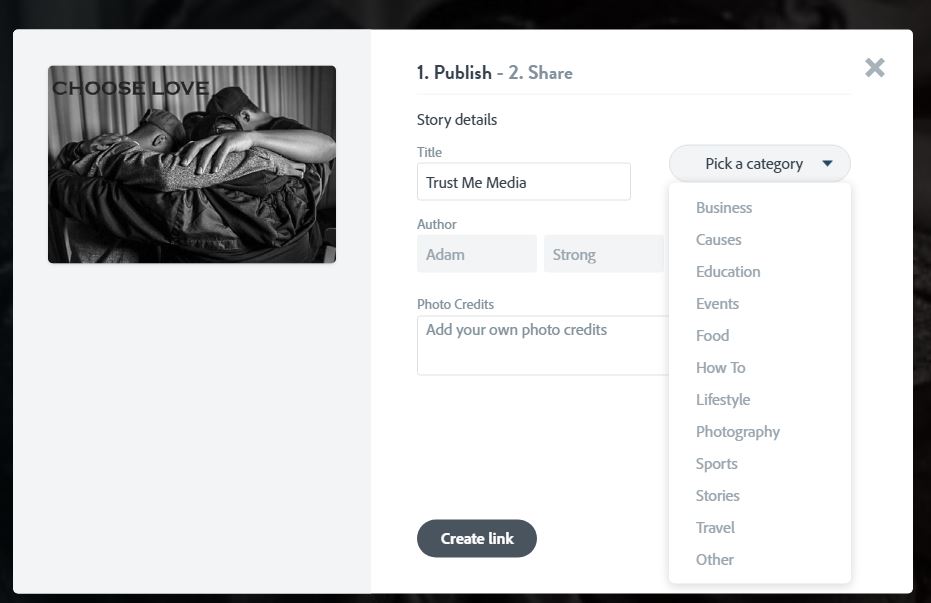
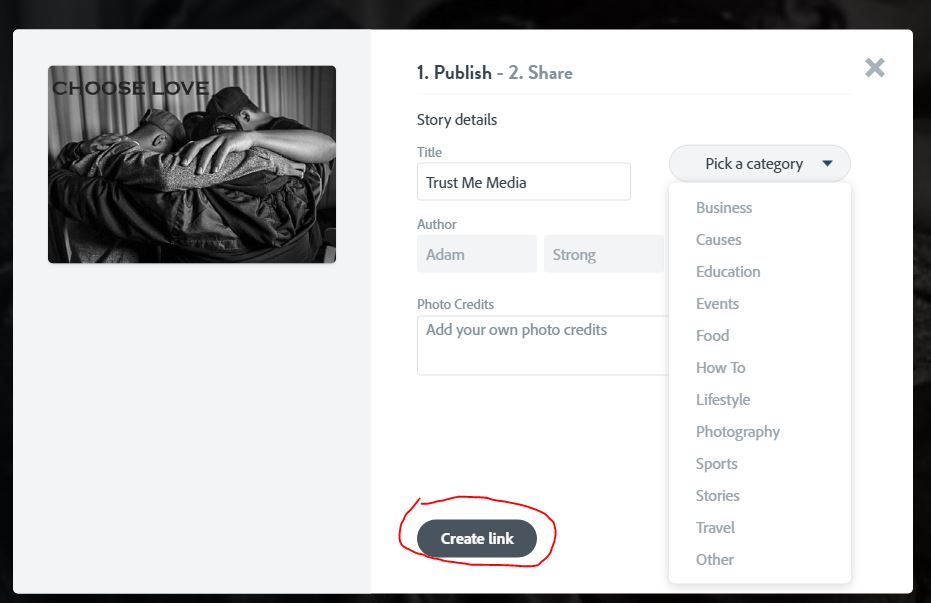
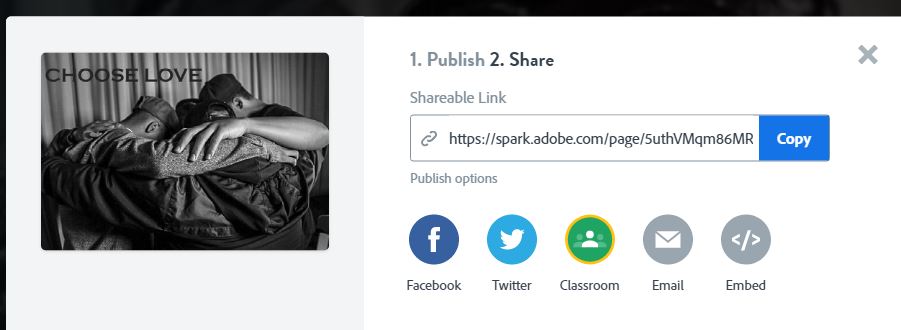
- Turn image into Google Classroom.
- Catch up on your visual journal entries. Journal check in is due on Friday.
Tuesday
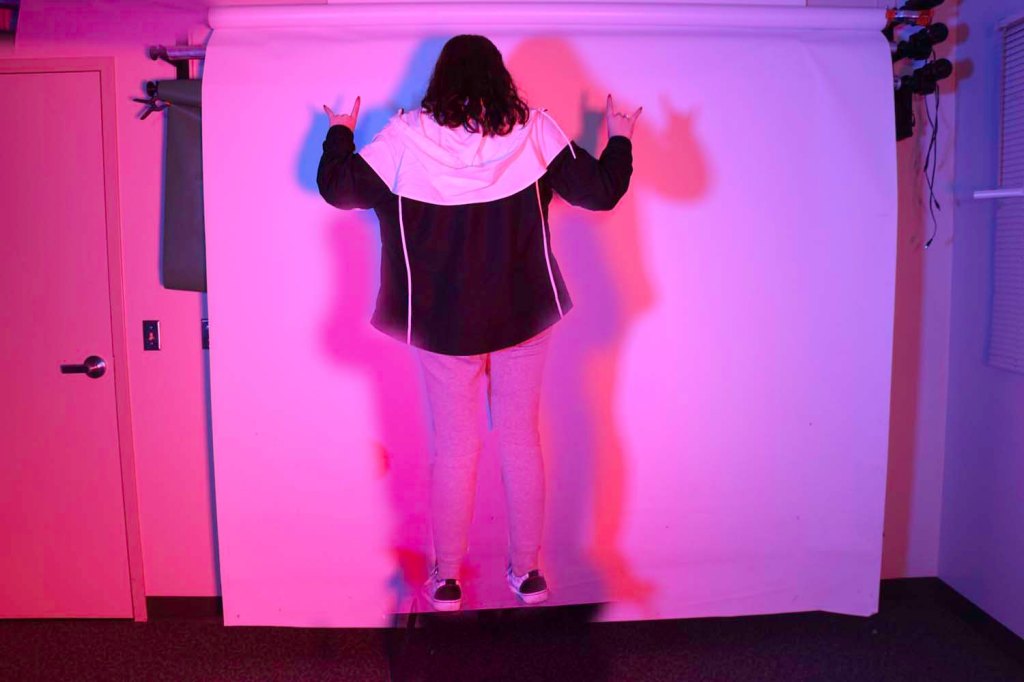
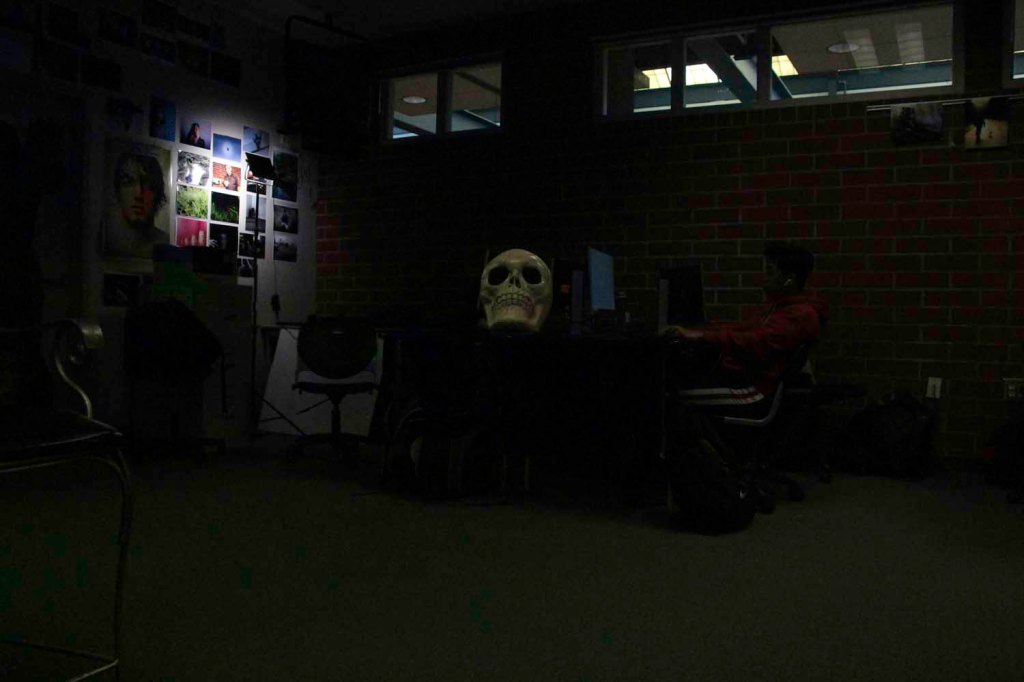
Catch up on your visual journal entries. Strong goes over the new assignment. Self portrait with Lighting.






 Strong Photography 19-20