
For today’s Activity you will do the following:
In groups of 2-3 students, each person will shoot 3 pictures of the same subject from three different camera angles.
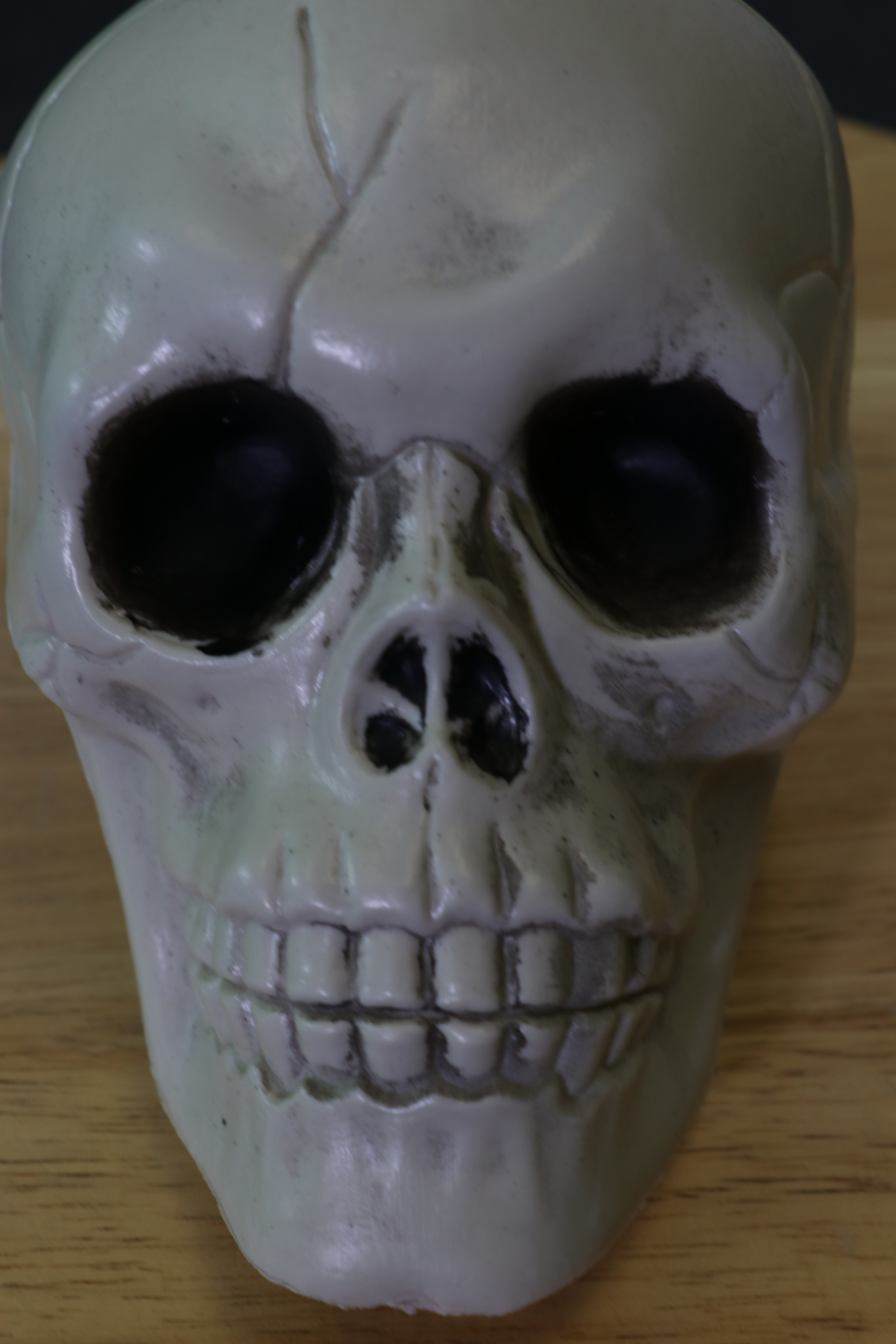
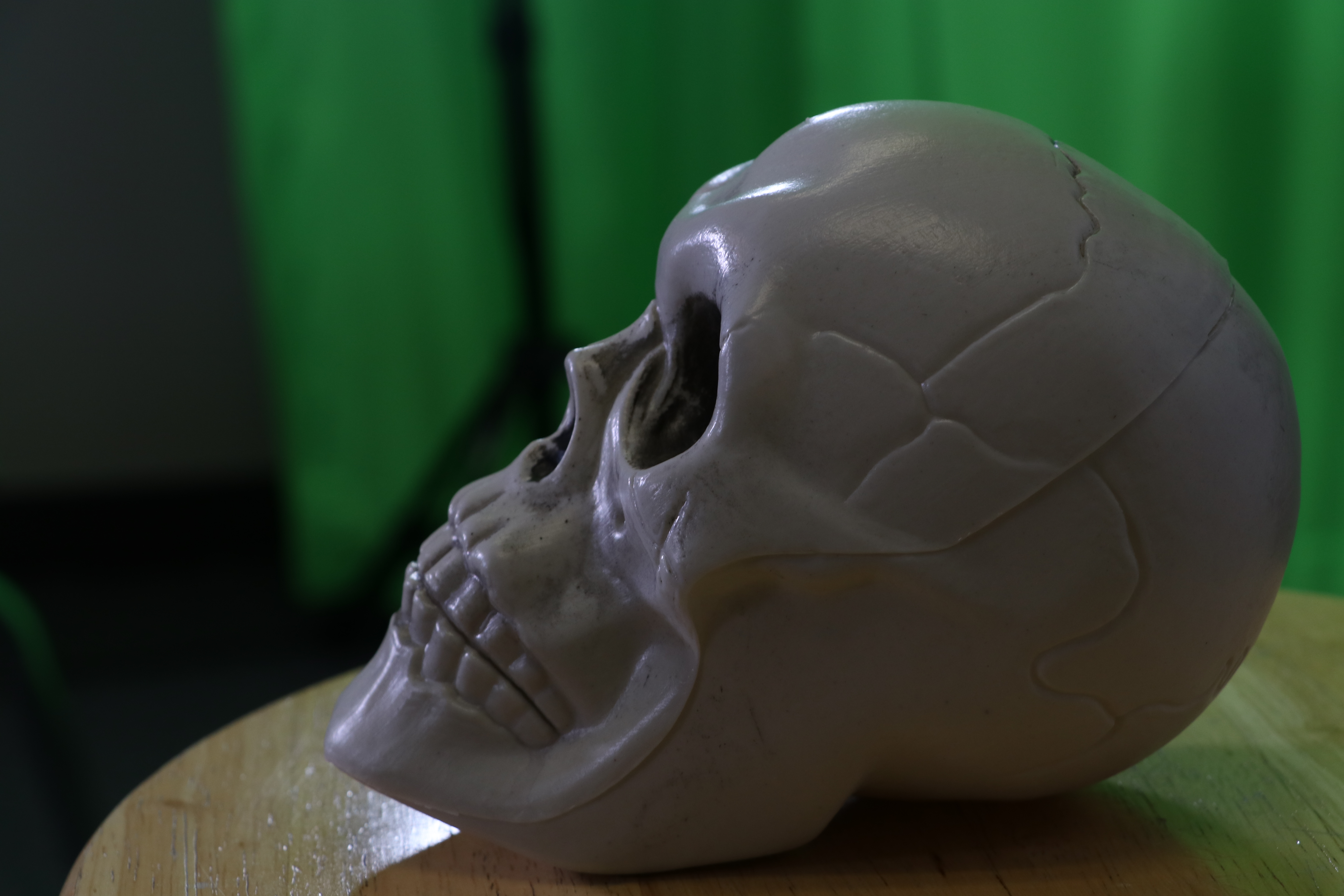
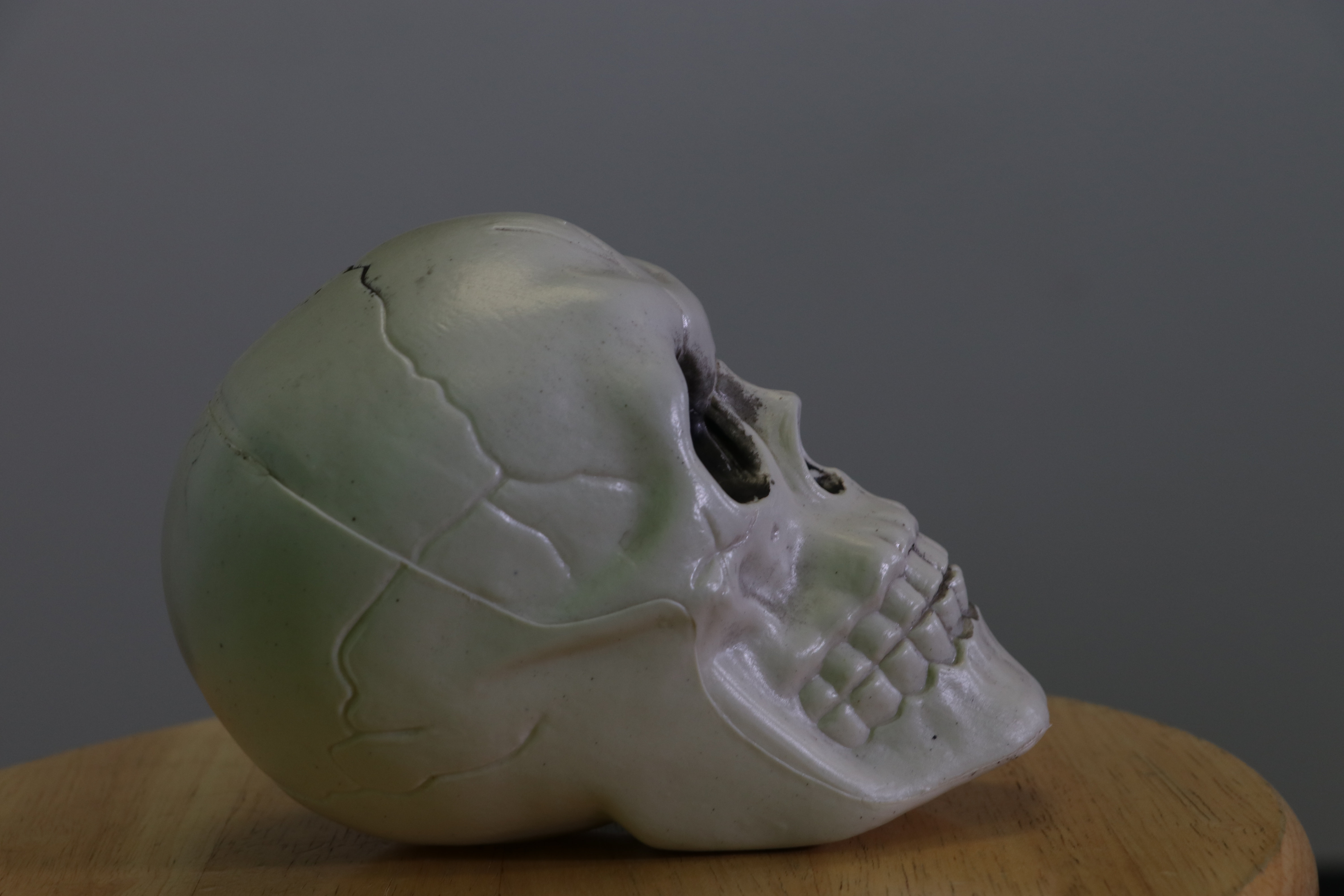
We will then load the images into your computers from the memory cards.
- Grab a memory card and a camera for your group.
- Sign out the camera in the sign out book.
- Sign out the card in the sign out book.
- Fill out a square pass out for 10 minutes.
- Take 3 Pics of the same subject.
- Come back.
- Grab a card reader from my desk in the glass mason jar.
- Put the memory card into the card reader.
- Put the card reader into your computer.
- Go to This PC
- Look for EOS
- 100 Canon.
- Choose the highest number canon folder if there is more than one.
- Look at the time and date stamp.
- Select all of your photos.
- Copy the photos.
- Paste them into your UserStorage F: Drive folder.
- Upload the photos to Google Drive.
- Repeat steps for each group member.
We will load these images into Adobe Lightroom.
 Strong Photography 19-20