For your next photo challenge, you will use a slow shutter technique in order to tell a story.
What is shutter speed?
Shutter speed is the amount of time the shutter is open on the camera when you take a picture. The shutter is the clicking sound you hear when you take a picture.
It is measured in seconds and fractions of a second.
How do I change shutter speed on these cameras?
USE the TV mode of the Canon DSLRs. Spin the black dial and you will see the numbers change. See above for examples.
The setting says 2″ what does that mean?
The ” symbol refers to whole seconds. So 2″ = two full seconds of the shutter being open for.
A slow shutter speed blurs the action, a fast shutter speed freezes the action.
The entire image is blurry, what am I doing wrong?
YOU MUST USE A TRIPOD FOR THIS ASSIGNMENT.
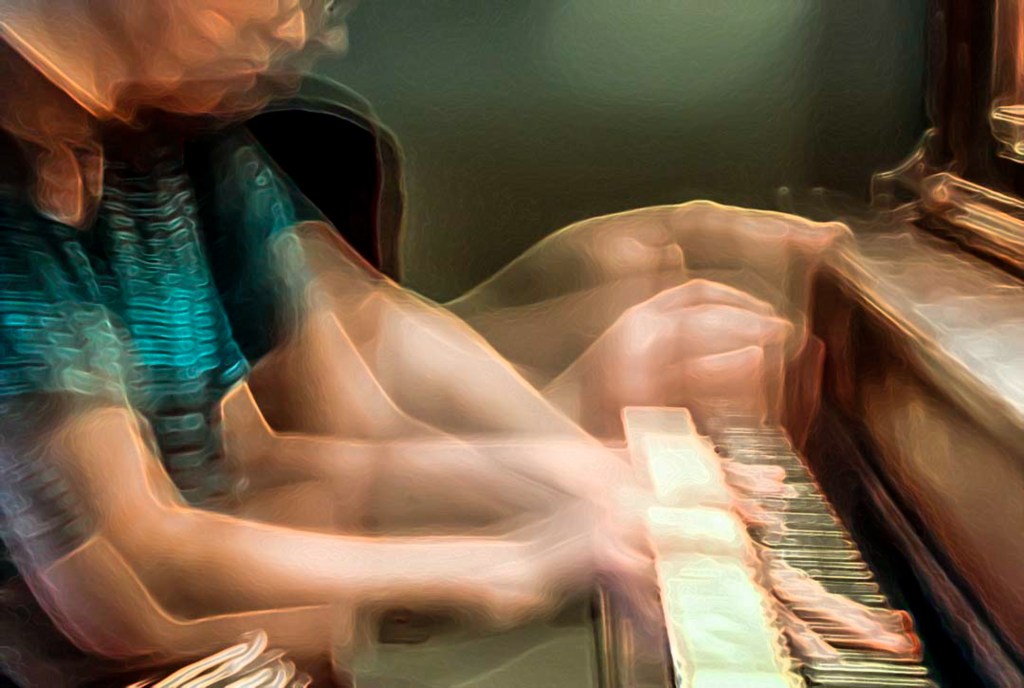
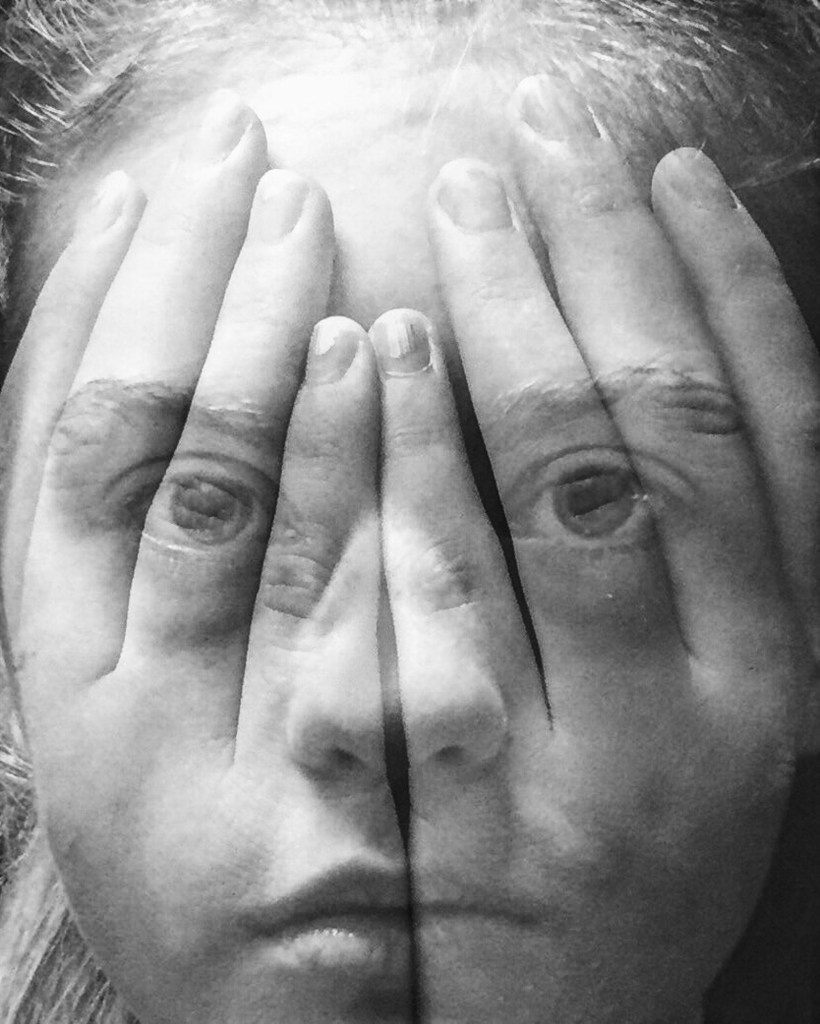
Step 1: Using a slow shutter speed on the camera, create a slow shutter speed effect, like a ghosted image, see the chess piece and the girl’s face, or the arms, or is it light painting. SEE BELOW
The above photo was taken in a dark room, the studio, using a flash light or a phone, and waving it around until the desired effect is present. Note that the image succeeds not JUST on the light painting assignment, but for how well the effect interacts with the subjects. The image wouldn’t be as strong if it were just the cross.
Step 2: Pull up the slow shutter image in Lightroom. Ask yourself, how could I add more story to the image.
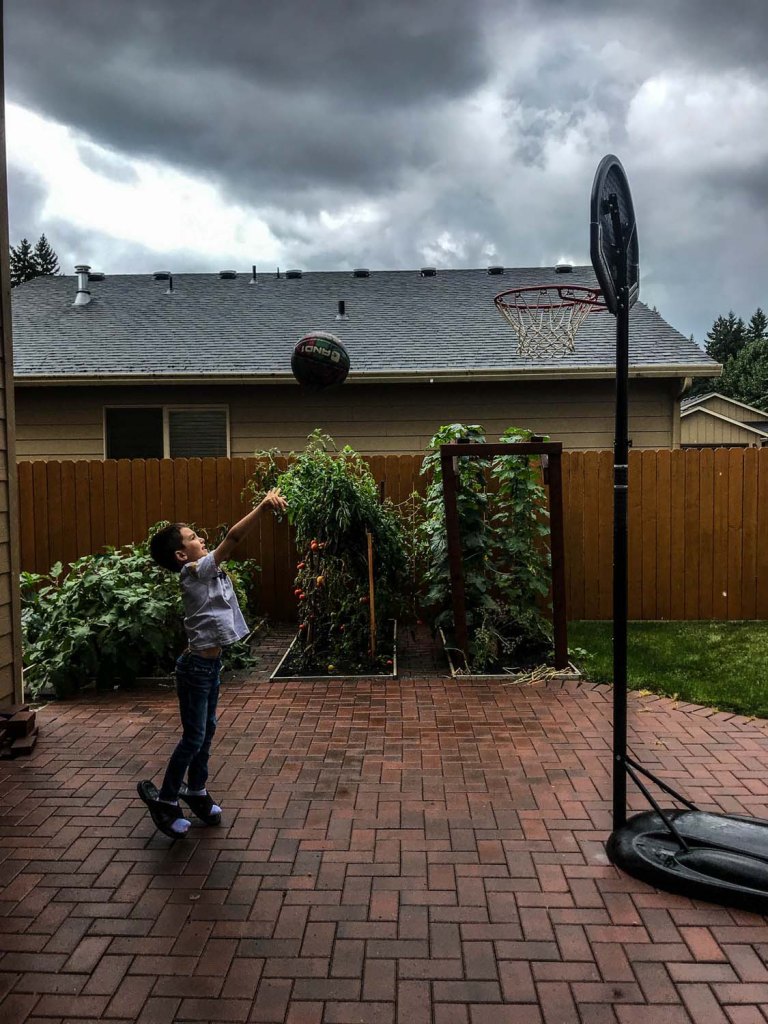
Step 3: Now take the image with BOTH the slow shutter speed effect, and add a story element to the photograph.
SLOW ZOOM
I MADE THIS PHOTO BY DOING A SLOW ZOOM WITH A MULTIPLE SECOND SHUTTER SPEED.
You will turn in two images for this assignment, one is where you first create the slow shutter speed effect, and the second is where you add the storytelling element to the slow shutter speed effect.
What I am Grading You On:
In focus images.
Effective Composition.
Basic editing.
Presence of storytelling element.
How engaging your story is.
TWO Images are due turned into Google Classroom by 9/24
One image is your practice image.
The second is your final slow shutter image with a story element.
I can find examples and definitions of all the different composition techniques and post them to my visual journal.
I can demonstrate my knowledge by making photographs that show my mastery of the different composition techniques.
Steps:
1.Work on the Composition Scavenger Hunt.. Find examples of each and post them to your visual journals. Then take 7 of our own photos demonstrating your mastery of these concepts. – SCAVENGER HUNT IS DUE TOMORROW..
2. Load images into Adobe Lightroom. Edit photos to be straight and in focus.
I can find examples and definitions of all the different composition techniques are.
I can demonstrate my knowledge by making photographs that show my mastery of the different composition techniques.
Steps:
1.Work on the Composition Scavenger Hunt.. Find examples of each and post them to your visual journals. Then take 7 of our own photos demonstrating your mastery of these concepts.
2. Catch up on DSLR Scavenger Hunt & Quiz. Alphabet Photos, and Three Photos One Edit Both in Google Classroom and need to be turned in.











 Strong Photography 19-20