2. Download photos made by your photographer and bring them into WeVideo.
3. Answer the questions I ask in my Famous Photographer post. Start writing out the answers in a Google Doc. Write it like you would a script for a video, or a TV show.
Friday
Record the voiceover, bring it into WeVideo. Create animations and transitions.
3. Answer the questions I ask in my Famous Photographer post. Start writing out the answers in a Google Doc. Write it like you would a script for a video, or a TV show.
Thursday
Import media into WeVideo, Start recording the voiceover.
2. Export your clone photo. from Lightroom as a .jpg. Turn the .jpg into Google Classroom. Image is due today. Please, only turn in .jpgs
3 Complete the reflection for your Cloning image. Copy the two paragraphs on what you did well and what you could do to improve and upload the final clone photo to your Adobe Spark Visual Journal. Paragraphs, not sentences!
4. Choose a photographer from the list of famous photographers that you will do research on. Figure out what kind of photography they make/made.
2. Finish the editing for your clone photo. Image is due tomorrow.
3 Complete the reflection for your Cloning image. Copy the two paragraphs on what you did well and what you could do to improve and upload the final clone photo to your Adobe Spark Visual Journal. Paragraphs, not sentences!
4. If you are done with the clone photo, research and choose a famous photographer to do research on. Start researching that photographer.
Tuesday
Clone photo is due. Research photographers for Famous Photographer Audio Slideshow:.
Using We Video, your phone, an audio recorder and images from a photographer you get to choose, you will be creating an audio slideshow that we will watch as a class.
Choose a list form the link above to get started.
Here’s the information you will need to present:
One paragraph for each of these that you will read.
Their Name.
A brief bio: where they lived, where they went to school, if they went to school or were self taught, major accomplishments, where they died, if they died.
What type of photography are they known for (Sports, Landscapes, Portrait, Street Photography, War, etc.)
How they made a few of their famous works.
What inspired them to make photographs?
What kind of camera equipment did they use. Make, Model, Lens types, etc.
What makes their photography unique.
Which photo did you try to copy and why?
Why you chose this photographer. Why did this photographer jump out at you?
Slideshows should be between 2 and 4 minutes long. Projects less than 2 minutes will be given a 50%, F.
Step 1: Click on the link here. to choose a famous photographer.
Step 2: Do as much research as you can on your photographer. Feel free to copy and paste information, but when you write the paragraphs put it in your own words, your own voice.
Step 3: Write out the paragraphs of what you will talk about in your audio slideshow. Think of yourself as a host of a radio show.
Step 4: Once you have your written paragraphs completed, find images that will play while your recorded audio plays. Think about how each photo would be on the screen for between 5 and 10 seconds.
Step 5: Record the audio of your reading your paragraphs. Read it like you are presenting. But you have the luxury of being able to record it as many times as you want. You will not be reading this live, it will be a recording.
2. Go out and shoot multiple images for cloning. – Don’t move the camera, use a tripod, and remember to get a clean shot of the background with no people in the shot.
3. Open as layers in Photoshop. Use the quick selection tool and select subject to make selection easier.
4. Complete the reflection for your Cloning image. Copy the two paragraphs on what you did well and what you could do to improve and upload the final clone photo to your Adobe Spark Visual Journal. Paragraphs, not sentences!
Monday
New Photo Challenge Assignment: Famous Photographer Audio Slideshow: Research a famous photographer and create five images inspired by that photographer.
2. Go out and shoot multiple images for cloning. – Don’t move the camera, use a tripod, and remember to get a clean shot of the background with no people in the shot.
Friday
Open as layers in Photoshop. Use the quick selection tool and select subject to make selection easier.





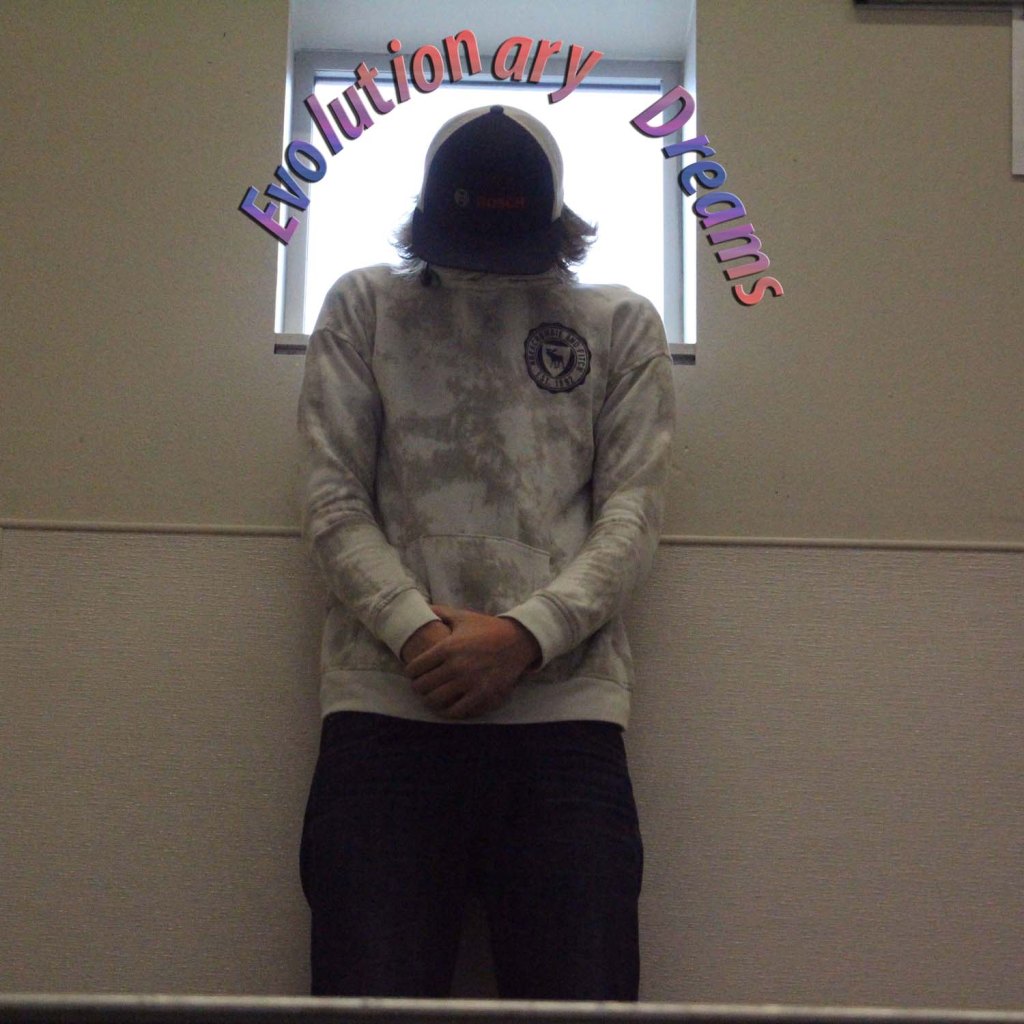
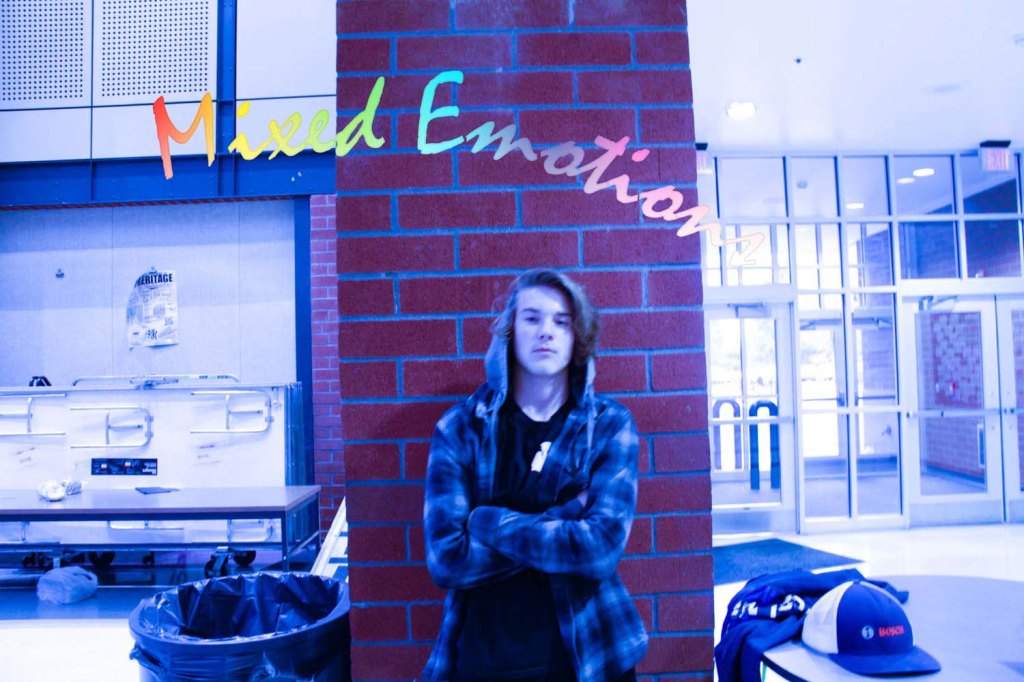
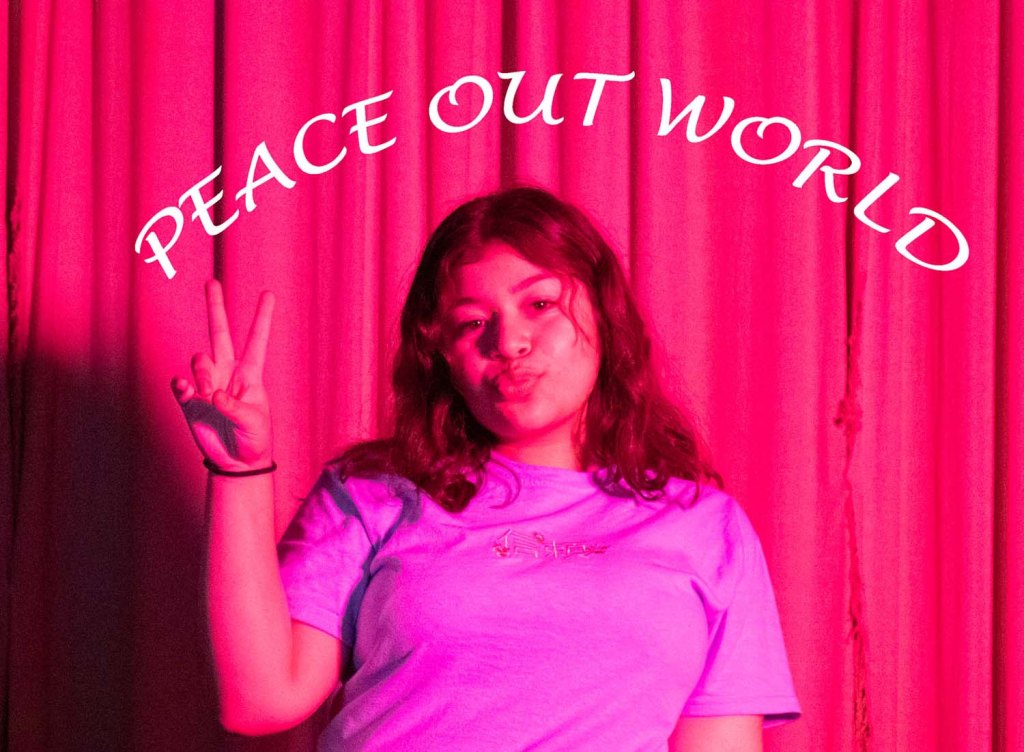
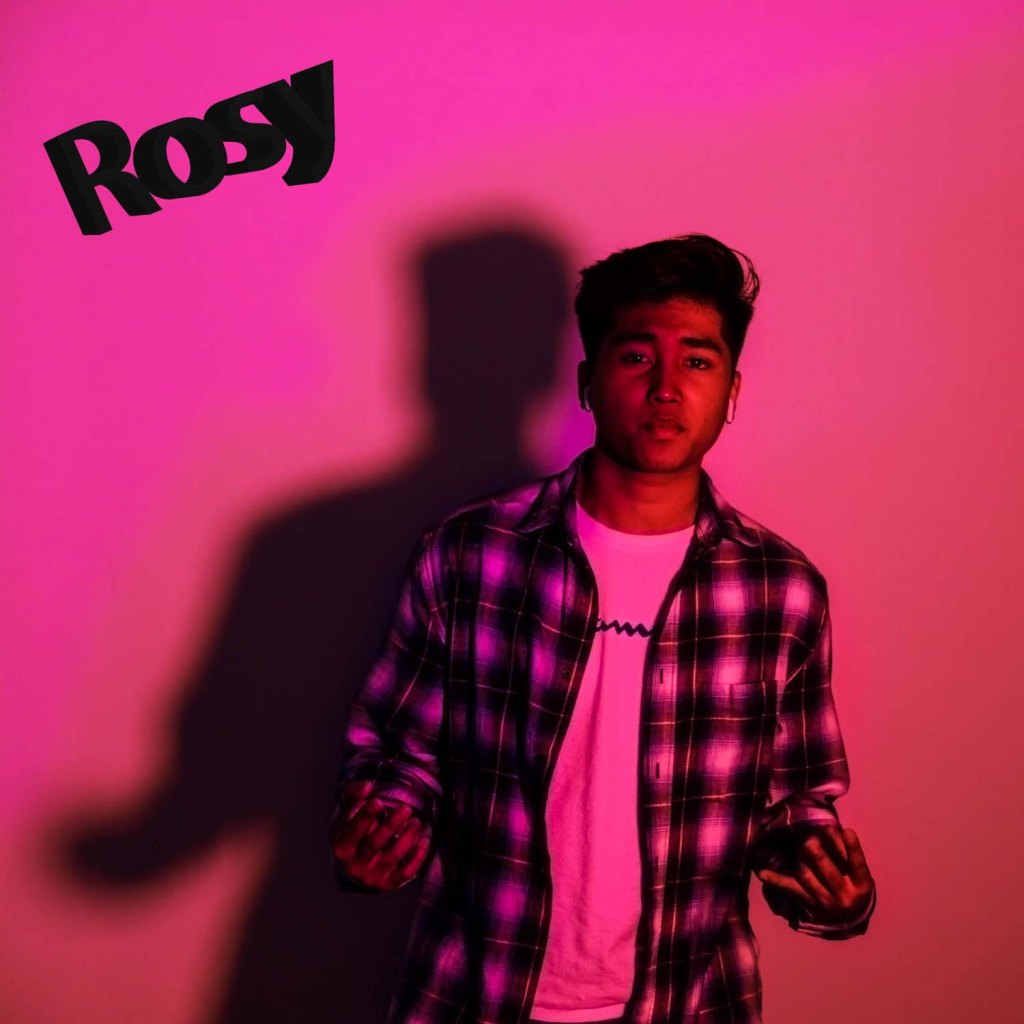








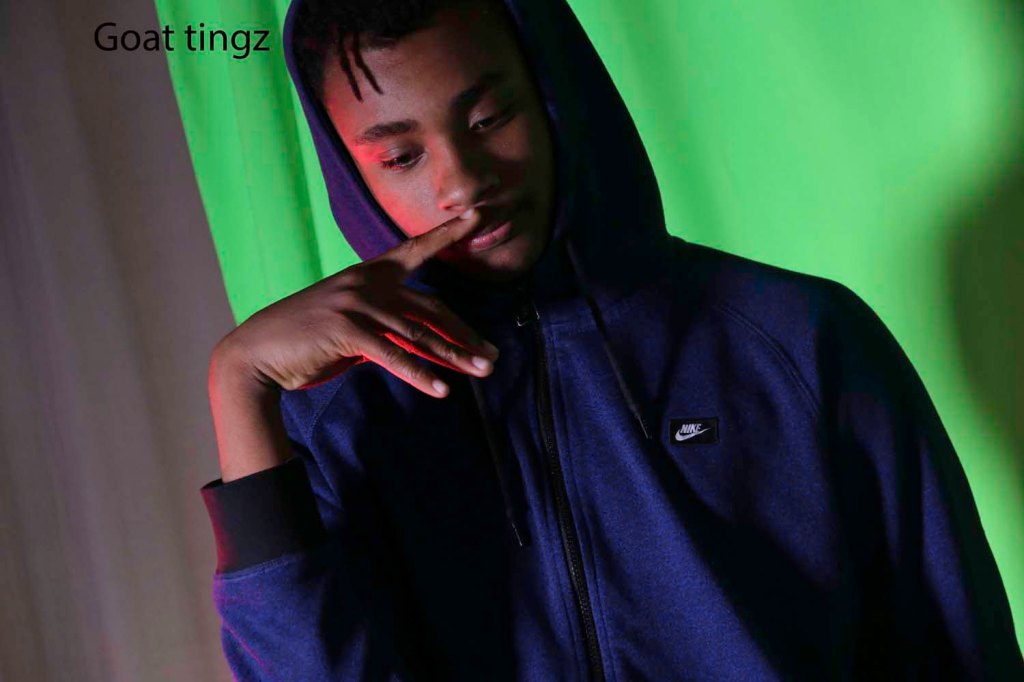
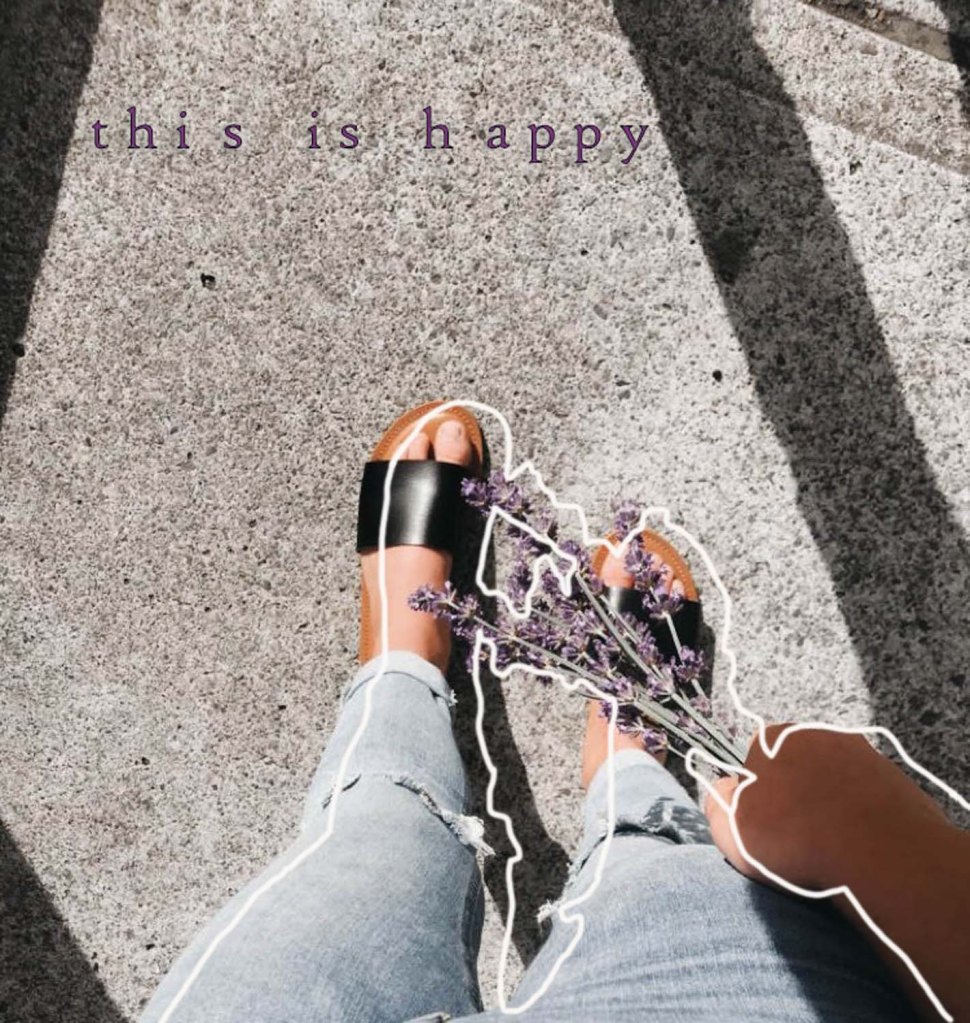
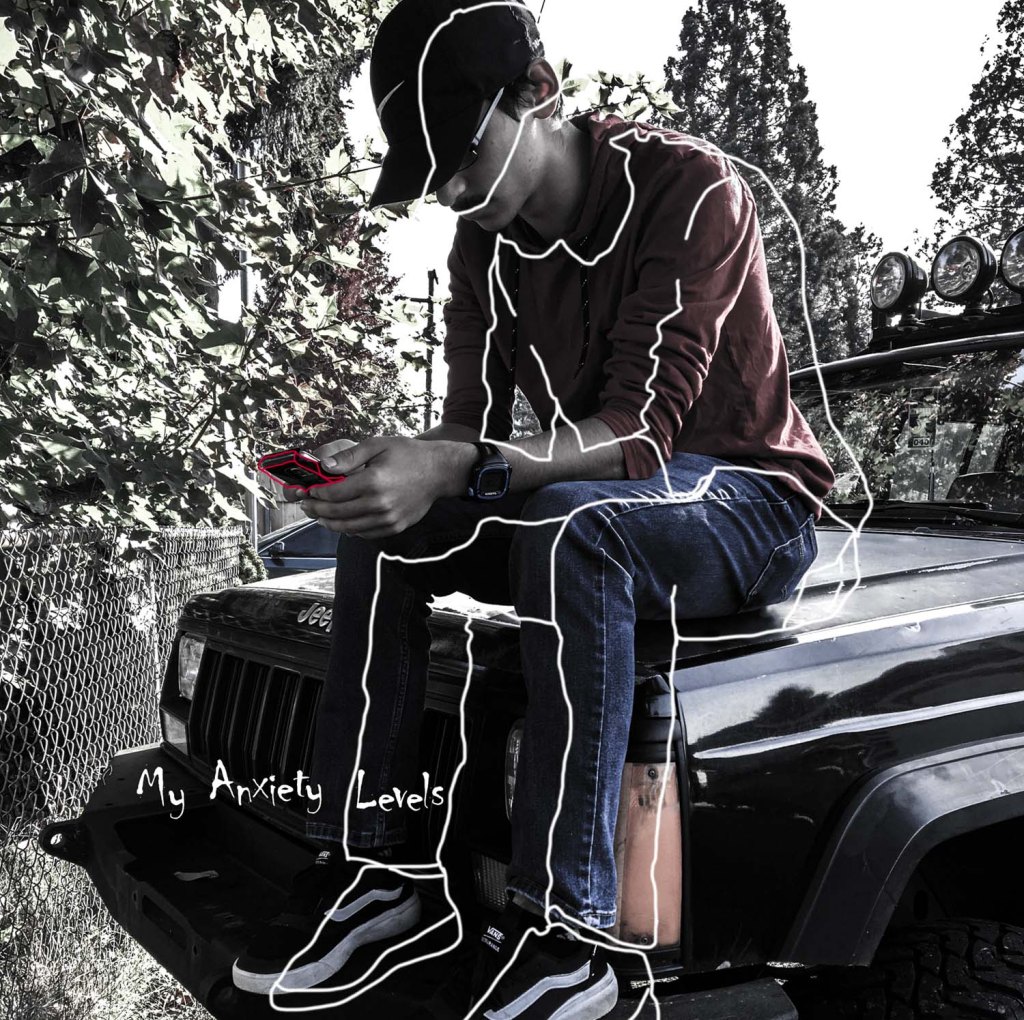
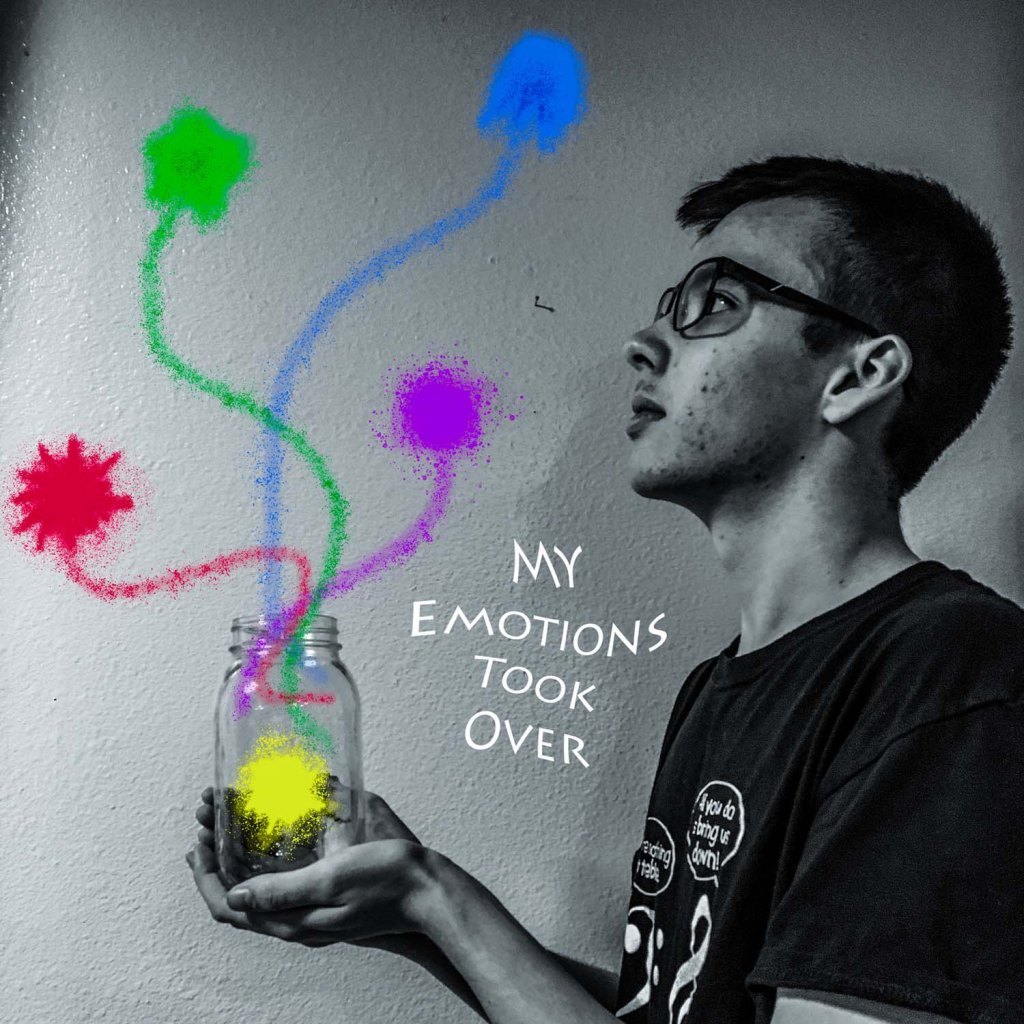







 Strong Photography 19-20