Today’s Warm Up 24 Powerful Images with Complementary Colors

Fire up your visual journal and check out this link:

Then choose your favorite photograph, save it and identify the two colors and where they are on the color wheel.

Go to color.adobe.com and upload your favorite photo to the website. It will show you all of the colors in the image and where they are on the color wheel.

Then tell me what you learned about this photograph and the color wheel and whether or not it inspired you to create your 2nd Complementary Color photo.

Today’s Warm Up: 10 Techniques for Lightroom Color Correction

Since we will want our complementary colors to shine through, we will need to adjust the color levels in our two photos. Today’s warm up shows you how to do just that. Fire up Lightroom and try out a few for yourself.

After reading the above, link answer these two questions in your visual journal.

Which technique did you find the easiest to work with, why?

Which techniques will you use for your complementary colors assignment?

Visual Journal Check

On Friday, you will turn in an updated link to your visual journal. Make sure you click Share and then Update if the lightning bolt appears.

Visual Journal: What you need.

  1. All the warm ups we have done. You can type in Warm Up into the search engine on my website.
  2. All the photos for photo challenges and the sketches that went them.
  3. Any inspirational photos you downloaded and used for photo challenges.

Export the link by clicking the Share button. Update the link if it asks for it.

Turn it in as a link to the Visual Journal check in Assignment post in Google Classroom.

To Do List for 3/9

Closeup image of notepad with pen.

Learning objectives:

  • I know what complementary colors are.
  • I can use a color wheel to find out which colors are complementary to each other.

Step by Step:

  1. Do today’s warm up, How to Use Complementary Colors in Photography
  2. Strong goes over the Complementary Colors photo challenge.
  3. Start the pre-production process of researching colors and how different photographers use complementary colors. Save your favorite images to your visual journal.
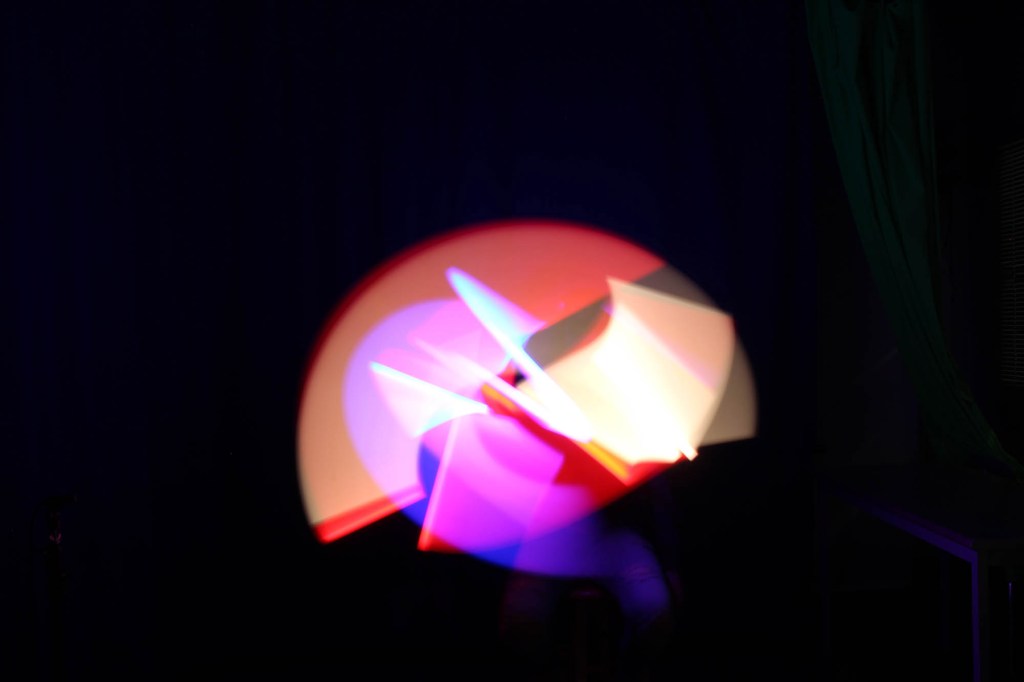
  4. Vote for the slow shutter speed photo challenge.
  5. Visual Journal check is coming on Friday.

Today’s Warm Up: How to Use Complementary Colors in Photography

For today’s Warm up, we’ll be learning about Complementary Colors and how you can deliberately choose images that have complementary colors. This week’s photo challenge will be around complementary colors.

After reading the article, answer the following questions in your visual journal.

  1. Which pair of complementary colors are you most familiar with? Why is this so?
  2. What is the difference between analogous and complementary colors?
  3. How would you go about making a photograph with a complementary color pair?
  4. How would you go about making a photograph with all of the complementary color pairs?
  5. Choose your favorite image from the article and download it.

To Do List for 3/4

Closeup image of notepad with pen.

Learning objectives:

  • In my visual journal I can critique the work turn in for the first CD album Cover with Text images.
  • I can use the feedback I gave to improve my own photo for the 2nd CD album cover with Text due tomorrow.

Step by Step:

  1. Do Today’s Warm Up: Critique: CD Album Cover in your visual journal.
  2. Shoot/Edit for the 2nd Photo Challenge CD/Album Cover.
  3. DUE TOMORROW.

Today’s Warm Up: CD Album Cover Critique

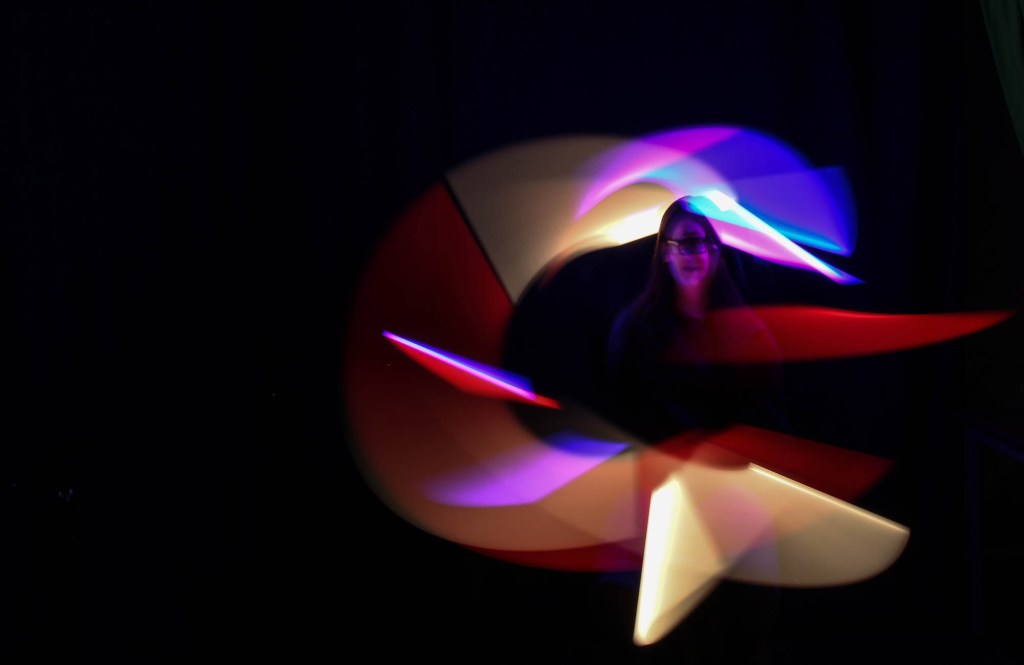
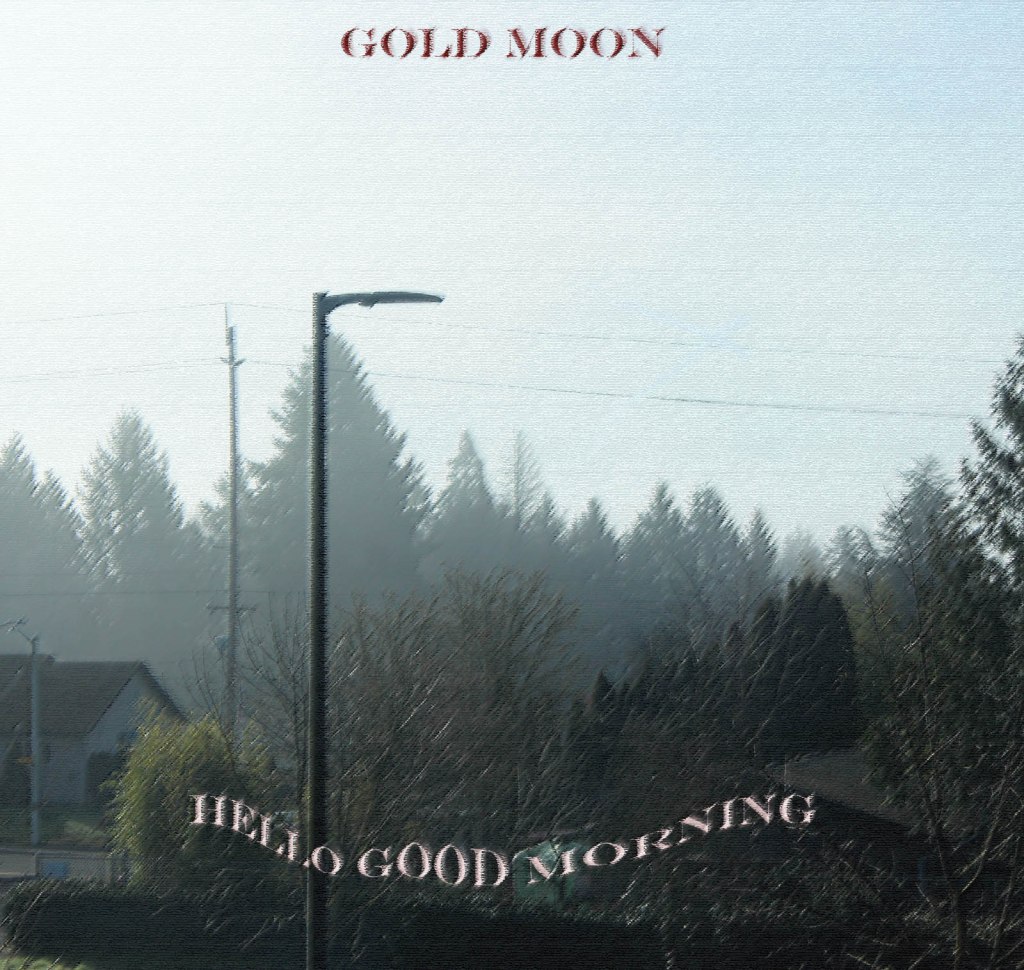
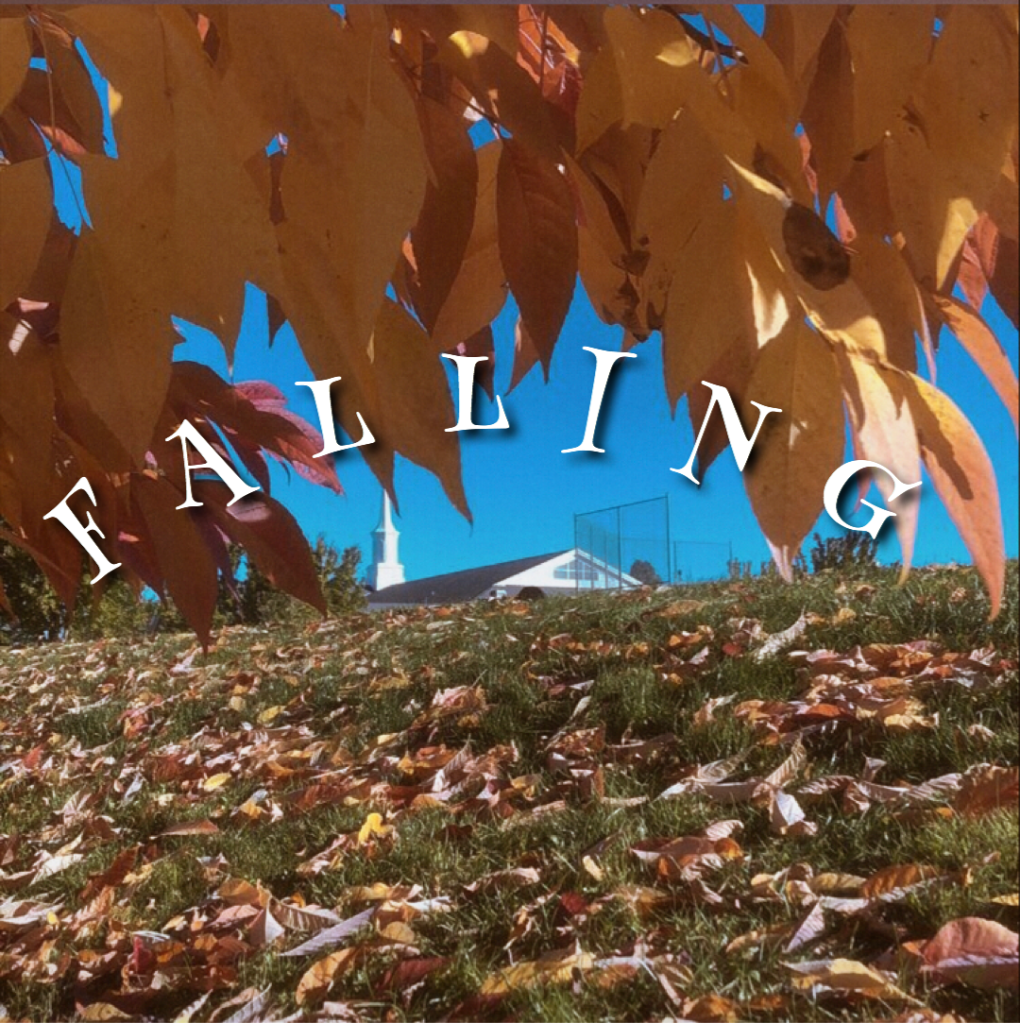
Look at the photos above. These were turned in earlier this week. Choose one to write about. Save it to your visual journal.

Answer the following questions. Use the answers to make your own CD Album Cover 2nd image even better.

What worked well in this photo?

How well does the font reflect the content of image? Does it match the mood?

Is the image a square?

What kind of music do you think this album contains?

How could the photographer improve on this image?

Post these answers along with the photo you critiqued in your visual journal.

Design a site like this with WordPress.com
Get started