Next Assignment: Composition Scavenger Hunt

Photo Composition Research (visual journal)

In your visual journals, research the following topics, You can highlight the text with your mouse, right click and choose search google for. Then find a photographic example of each one. Place these examples and sentences into your visual journal.

Note:You may need to add the words composition or photography in your research.

  1. Rule of Thirds – One sentence definition and an example
  2. Rule of Even & Odd – One sentence and an example
  3. Triangles – One sentence and an example
  4. Space – One sentence and an example
  5. Simplification – One sentence and an example
  6. Symmetry – One sentence and an example
  7. Pattern & Repetition – One sentence and an example

Find 1 sample photo for each of the composition ‘rules’ online which shows good composition. Post each image to your visual journal. Write 7 complete sentences, (with capitals and periods), one sentence under each photo in the caption section to explain what element of composition each photo represents and why.

Composition Photography Photo Challenge (image-making)

After reading and reviewing photographic composition make a photograph, using a DSLR or smartphone, make a photo that represents each of the most important ‘rules’ or conventions of composition. Place a caption under each photo stating which composition element you are demonstrating PHOTOS MUST BE PHOTOS THAT YOU TOOK INDIVIDUALLY, NOT AS A GROUP.

  1. Rule of Thirds
  2. Rule of Even & Odd
  3. Triangles
  4. Space
  5. Simplification
  6. Symmetry
  7. Pattern & Repetition

Due Date

Photos are due on Monday, 2/10

You will turn in:

  1. A link to your visual journal that contains the research, photo examples and your photos for each Composition Element.
  2. The seven Composition photos as .jpgs Name them LastName_NameofComposition_Element.jpg. Change the name depending on which composition element you are demonstrating.

Rubric

What I’ll be grading you on.

  1. Completeness of Research
    1. How complete your research is, words.
    2. How complete the photos you found are.
  2. Completeness of your Images
    1. How complete your examples are
  3. Your images are in focus.
  4. How well your examples match up to the Composition Concepts

New Assignment: Famous Photographer Audio Slideshow

Using We Video, your phone, an audio recorder and images from a photographer you get to choose, you will be creating an audio slideshow that we will watch as a class.

Choose a list form the link above to get started.

Here’s the information you will need to present:

One paragraph for each of these that you will read.

  • Their Name.
  • A brief bio: where they lived, where they went to school, if they went to school or were self taught, major accomplishments, where they died, if they died.
  • What type of photography are they known for (Sports, Landscapes, Portrait, Street Photography, War, etc.)
  • How they made a few of their famous works.
  • What inspired them to make photographs?
  • What kind of camera equipment did they use. Make, Model, Lens types, etc.
  • What makes their photography unique.
  • Which photo did you try to copy and why?
  • Why you chose this photographer. Why did this photographer jump out at you?

Slideshows should be between 2 and 4 minutes long. Projects less than 2 minutes will be given a 50%, F.

Step 1: Click on the link here. to choose a famous photographer.

Step 2: Do as much research as you can on your photographer. Feel free to copy and paste information, but when you write the paragraphs put it in your own words, your own voice.

Step 3: Write out the paragraphs of what you will talk about in your audio slideshow. Think of yourself as a host of a radio show.

Step 4: Once you have your written paragraphs completed, find images that will play while your recorded audio plays. Think about how each photo would be on the screen for between 5 and 10 seconds.

Step 5: Record the audio of your reading your paragraphs. Read it like you are presenting. But you have the luxury of being able to record it as many times as you want. You will not be reading this live, it will be a recording.

Step 6: Load the audio of you reading your paragraphs into We Video. Load the images too. Here’s the link for help using WeVideo

Step 7: Add some background music by going to freeplaymusic.com

Step 8. Export your project.

Step 9: Upload your finished file into Google Classroom.

Step 10: Choose one photograph from your famous photographer to copy as much as you can. Recreate that photo for an upcoming photo challenge.

What I’ll be grading you on:

  • Professionalism of the slideshow.
  • How complete the paragraphs are.
  • All the required information is presented.
  • Images and audio flow into a cohesive package.
  • Slideshow meets the required length.
  • Images are full sized, not stretched.

Project is due on November 12th. Photo recreation is due on November 15th.

Next Assignment: Composition Scavenger Hunt

Photo Composition Research (visual journal)

In your visual journals, research the following topics, then find a photographic example of each one. Place these examples and sentences into your visual journal.

  1. Rule of Thirds – One sentence and an example
  2. Rule of Even & Odd – One sentence and an example
  3. Triangles – One sentence and an example
  4. Space – One sentence and an example
  5. Simplification – One sentence and an example
  6. Symmetry – One sentence and an example
  7. Pattern & Repetition – One sentence and an example

Find 1 sample photo for each of the composition ‘rules’ online which shows good composition. Post each image to your visual journal. Write 7 complete sentences, (with capitals and periods), one sentence under each photo in the caption section to explain what element of composition each photo represents and why.

Composition Photography Photo Challenge (image-making)

After reading and reviewing photographic composition make a photograph, using a DSLR or smartphone, make a photo that represents each of the most important ‘rules’ or conventions of composition. Place a caption under each photo stating which composition element you are demonstrating PHOTOS MUST BE PHOTOS THAT YOU TOOK INDIVIDUALLY, NOT AS A GROUP.

  1. Rule of Thirds
  2. Rule of Even & Odd
  3. Triangles
  4. Space
  5. Simplification
  6. Symmetry
  7. Pattern & Repetition

Due Date

Photos are due on Tuesday, 9/17

You will turn in:

  1. A link to your visual journal that contains the research, photo examples and your photos for each Composition Element.
  2. The seven Composition photos as .jpgs Name them LastName_NameofComposition_Element.jpg. Change the name depending on which composition element you are demonstrating.

Rubric

What I’ll be grading you on.

  1. Completeness of Research
    1. How complete your research is, words.
    2. How complete the photos you found are.
  2. Completeness of your Images
    1. How complete your examples are
  3. Your images are in focus.
  4. How well your examples match up to the Composition Concepts
Today’s Activity: Shoot & Edit Three Photos

For today’s Activity you will do the following:

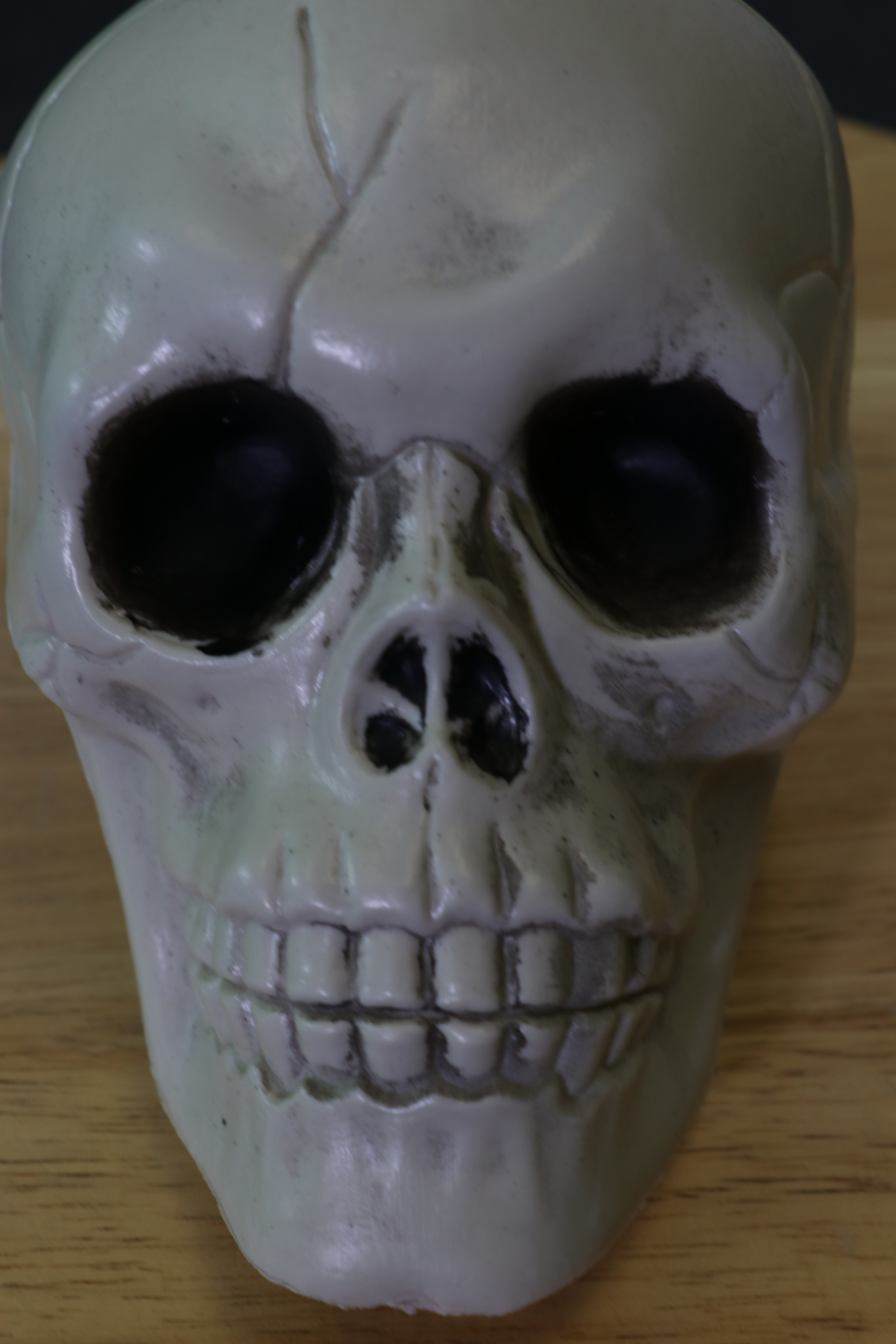
In groups of 2-3 students, each person will shoot 3 pictures of the same subject from three different camera angles.

We will then load the images into your computers from the memory cards.

  1. Grab a memory card and a camera for your group.
  2. Sign out the camera in the sign out book.
  3. Sign out the card in the sign out book.
  4. Fill out a square pass out for 10 minutes.
  5. Take 3 Pics of the same subject.
  6. Come back.
  7. Grab a card reader from my desk in the glass mason jar.
  8. Put the memory card into the card reader.
  9. Put the card reader into your computer.
  10. Go to This PC
  11. Look for EOS
  12. 100 Canon.
  13. Choose the highest number canon folder if there is more than one.
  14. Look at the time and date stamp.
  15. Select all of your photos.
  16. Copy the photos.
  17. Paste them into your UserStorage F: Drive folder.
  18. Upload the photos to Google Drive.
  19. Repeat steps for each group member.

We will load these images into Adobe Lightroom.

Design a site like this with WordPress.com
Get started