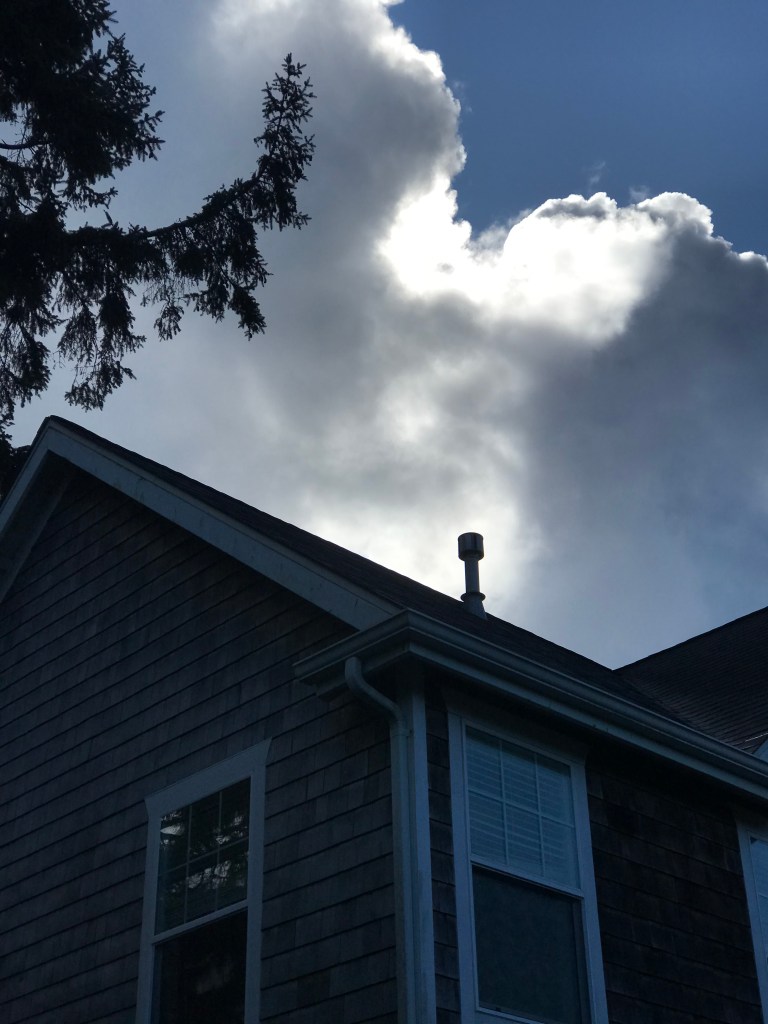
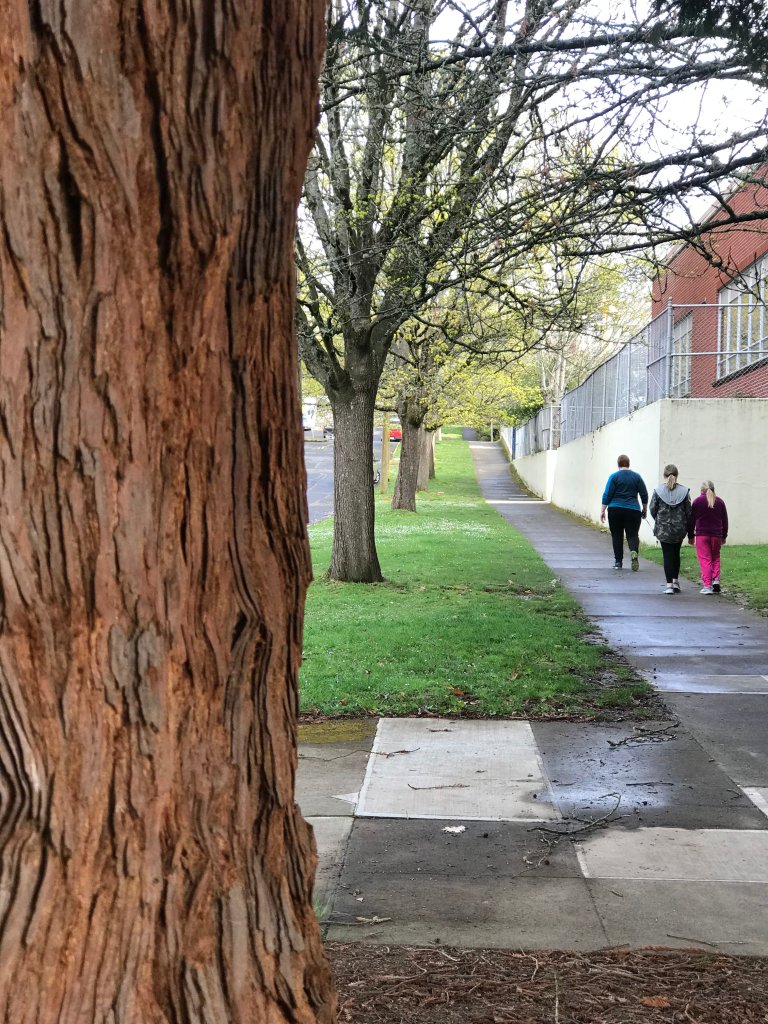
Creative Writing with Photography Assignment – First Draft with Three Old Images

Take your favorite three photographs you made this semester and a piece of micro fiction of up to 500 words. We will do two different drafts, one is a rough draft, and the 2nd will be nice and polished, the kind of thing someone would want to read in a magazine.

How will the three images fit together, that’s up for you to decide, you are the storyteller, you get to be the one who calls the shots.

What is micro Fiction? A story containing less than 300 words. But it’s not exact, so 500 words in about the length of a micro or piece of flash fiction.

Don’t try to tell a huge 200 page story in 300 words, focus instead on the three moments contained in the three photographs.
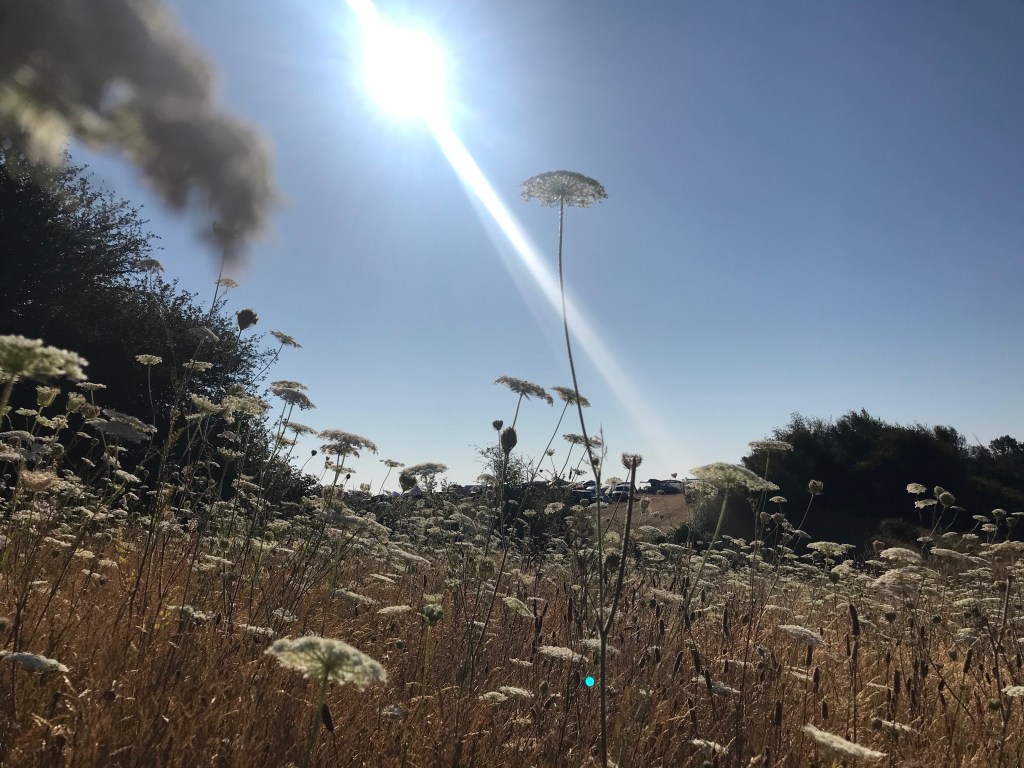
For these three images, I see a car ride, maybe three different moments of a larger story, that’s all I’m going to write about.
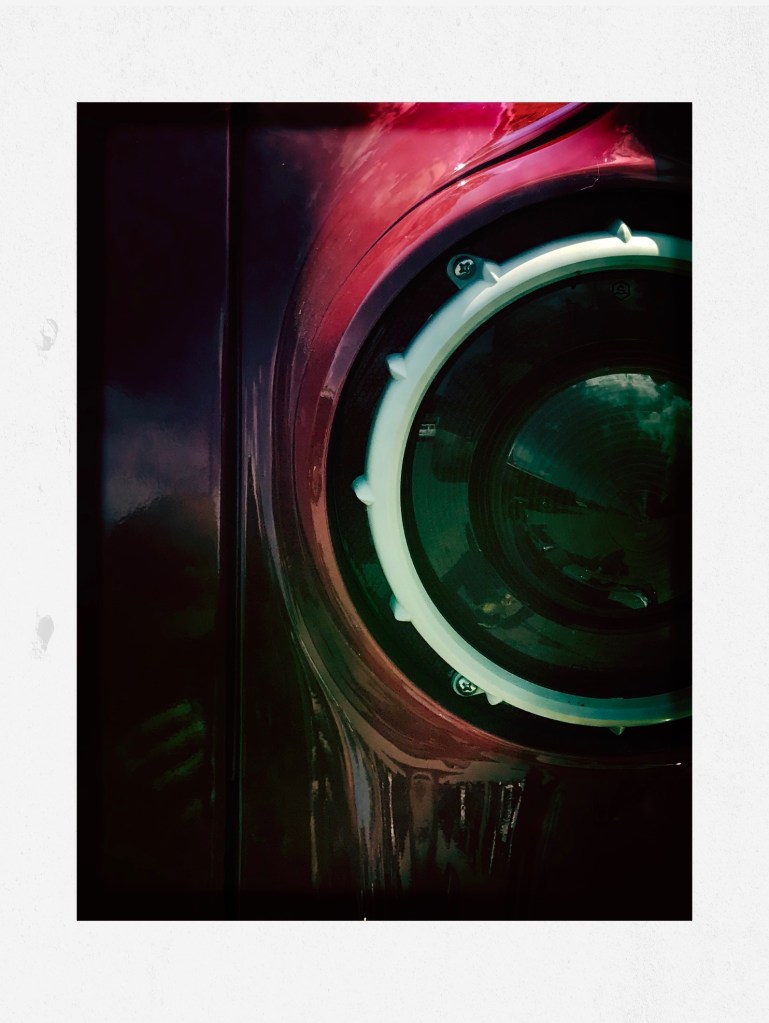
Image 1, the car.

We where there, in masks and whigs, and sunglasses on a gray Portland afternoon. The salesman was on the other line. They didn’t stop to notice, the heaving bag of cash, the little dollar bills taking off in the wind that Dorothy was able to rein them back in and that we got as far as Nebraska without stopping was indeed some kind of miracle.

I let the image of the red car tell me the story it had to tell. I was patient, not rushed, that car had things to tell me, all I had to do was listen.

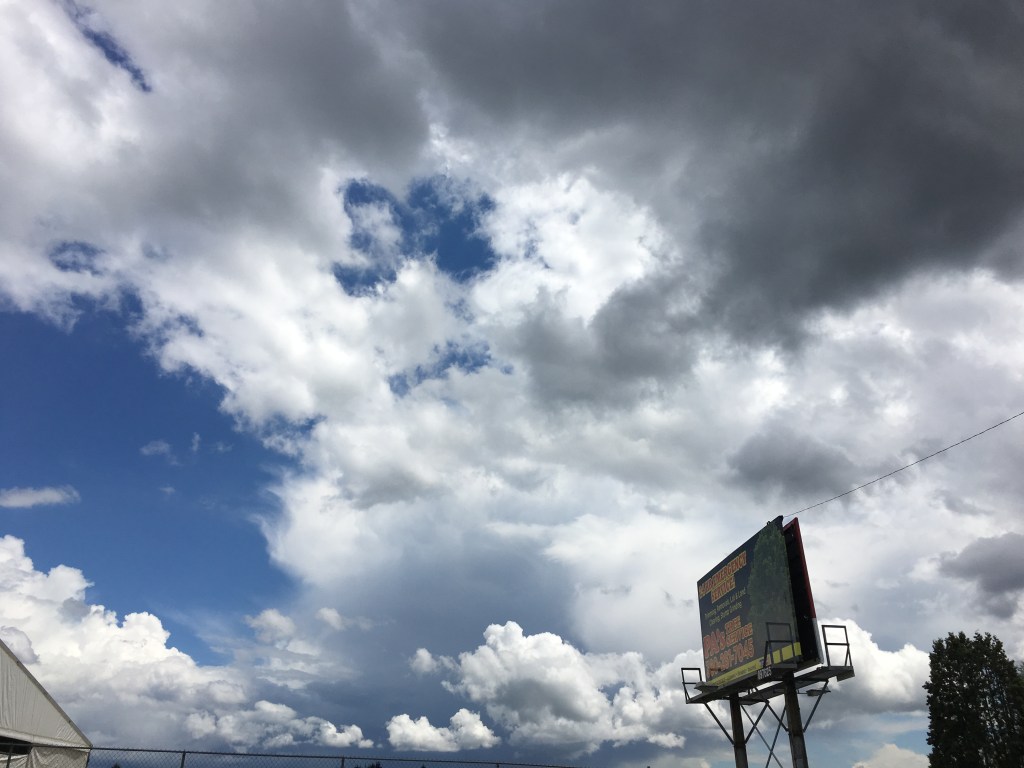
Image 2, the Billboard

We got as far as Kansas until the clouds came in. Big thick dark ones with fat rain drops. Too wet for the convertible. Of course the sales guy didn’t tell us we had a rip in the canopy. Hard enough ratcheting it up in the middle of a downpour. And yeah you are gonna say I am dumb that I more dollar bills flying out the window, providing the world’s easiest breadcrumb trail. We were tired and hungry, even if we were soaking wet, we weren’t gonna stop until we got West.

I looked at the photo, I let it tell me where we were, that our characters had made it out of the car dealership, they were on the highway and the clouds looked like rain.
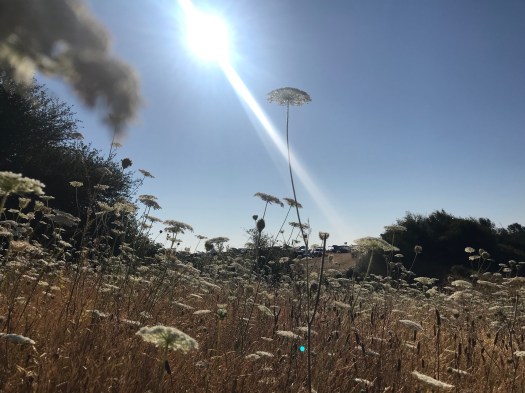
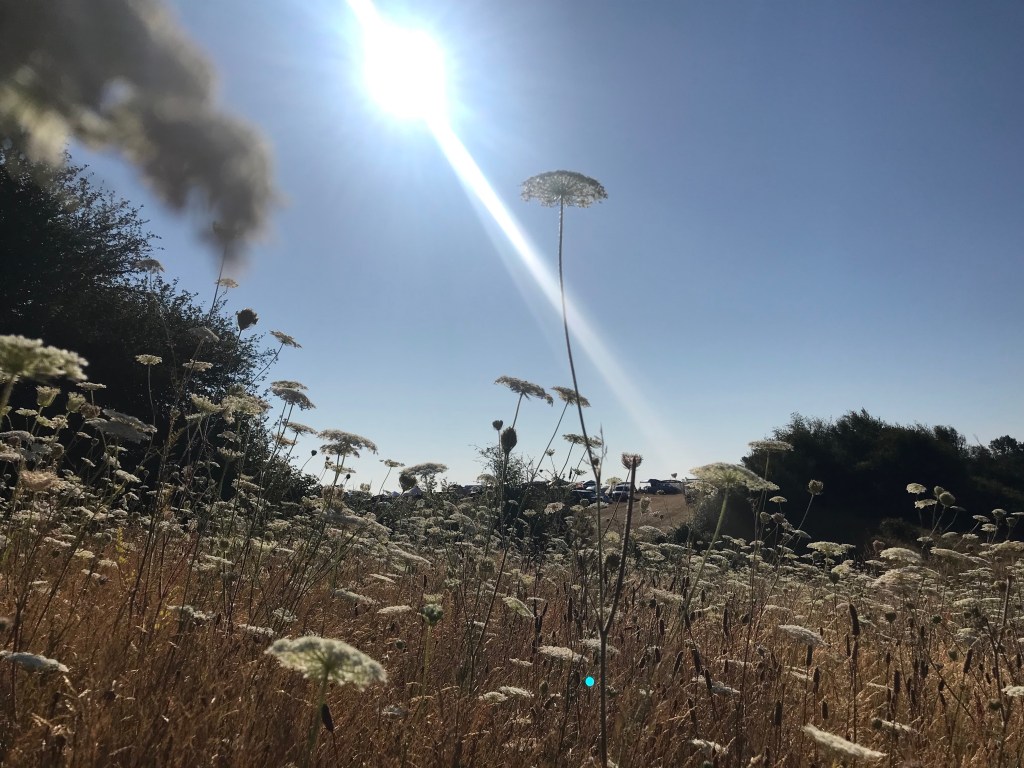
Image 3: A field in the sunshine.

We broke down, that’s the long and short of it. That dinky convertible’s transmission was burned up before we hit California. So we were out West all right, it was somewhere in the middle of Oregon that we stopped. Had to push that car into the fields, far enough away to where the cops would never find it. We slept in the tall reeds, and the sun came up that next day. And we had a cup of day old coffee and one stack of bills that would last as long as it took to get to ocean, where we could slip off a beach somewhere, where we could float forever.

I wasn’t thinking of the ending exactly, but an ending did come to me. Of course they could still get caught. We don’t know what will happen to them, but we know what they want, and at that point int he story, that’s all we get to know.

Your story doesn’t need to have a resolution in it’s ending. Real life often doesn’t have resolutions, just new days, and new chapters.

Take three of your images and make a story out of it.

Write the story using Google Docs, it will make the editing easier.

Add the three images to your Google Doc.

First draft is due on May 1st. The 2nd Draft is due on May 8th.
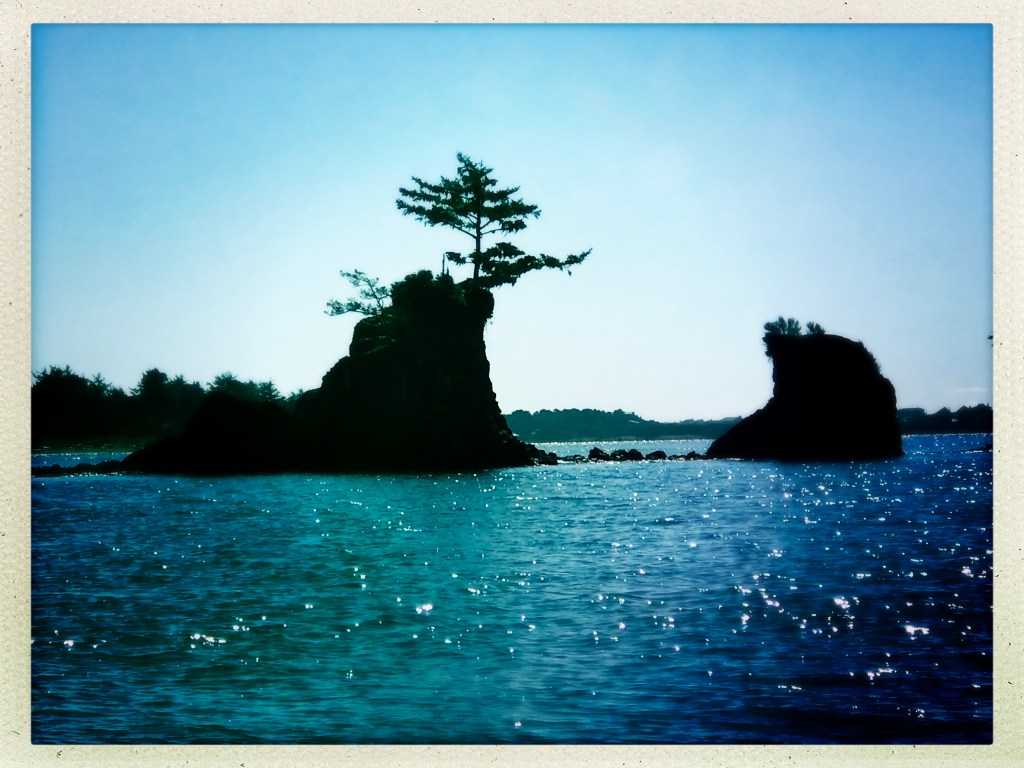
This Week’s Assignment: Transformation: Who are You Now Vs. You will You Be When this is All Over

Step 1: In your visual journal, write two paragraphs, one where you tell me who you were before Quarantine. What part of you has changed, what do you miss, what did you take for granted before? This will be your first paragraph.

Step 2: In the 2nd paragraph, tell me how you see yourself when this is over. How will you have changed? What will you do different? It might take some time for these answers to come to you. Who you will be could be unknown to you now. What is your idealized self after all of this is over. What new superpowers will you have: Will you be more patient, a better listener, appreciate your family over. Or will you simply go back to reality as if nothing had happened?

Step 3: Take an image that represents what you have written in the first paragraph. Edit the photo to make it look like how you felt, what it was like back then.

Step 4: Take an image that represents what you have written in the 2nd paragraph. Edit the photo to make it look like how you will be when this is all over.

You can put one next to the other, or make two separate images, one from paragraph one and one from paragraph two.

Two photos and a link to your visual journal containing the two paragraphs is due on April 27th.

This Week’s Assignment, Storytelling with four Photos

For this week’s assignment, you will tell me a story from childhood using objects you have around your house. You can ask your guardian about a story when you were younger.

Do a write up about the story. You can include how you learned about the story, the set up, who told you, when did they tell you. How did they tell the story.

The four pictures should attempt to retell the story. Let’s say the story is about a kid who runs behind the easy chair when a scary segment played on sesame street.

I can take a picture of the chair, of the Tv, of where I stood with my face buried behind the chair. I can use the images to retell the story, I can put the words to the story next to the images on my visual journal.

Step 1: Figure out what story you want to tell. Write down as many details as you can remember about the story. The more visual your memories, the easier it will be to make photos from them.

Step 2: Write your story out in paragraph form. Spell check the story, make sure there is enough visual detail to tell your story.

Step 3: Plan out your shots. Remember you are sharing a story from when you were younger, so you can place the camera at an angle that a child would see the world from.

Step 4: Edit the photos to make them seem more like memories, desaturate the image, use selective color, make them look dreamy, add dust and scratches, etc.

Step 5: Put the photos and the story together in your visual journal.

Step 6: Upload all four photos to the assignment post in google classroom.

Step 7: Publish the link to Adobe Spark and place a link in the assignment post in google classroom.

Step 8: Realize that ll of life is this way. Making art out of your life is a life long pursuit. You can do this forever if you want. Also, you get to tell the story. It belongs to you.

Four photos and your story are due on Friday, April 17th.

First Online Photo Challenge: Portrait Mode on iPhone, Android.

For our first online only photo challenge, we will be looking at the portrait mode of your phone’s camera.

The link above contains photos, examples and step by step instructions to use the portrait mode on the iPhone.

This link, https://www.makeuseof.com/tag/portrait-mode-android/, shows you how to use the portrait mode of the Android.

What’s unique about the portrait mode is that’s ability to show the depth of field in an image. We learned about Depth of Field when we learned about the exposure triangle back in October. We change depth of field on a DSLR by adjusting the aperture, or the FStop setting, the opening in the lens and how large or small it can be.

Your phone doesn’t have a mechanical aperture, but it does have a sensor like a camera, and that sensor can be manipulated to adjust the amount of focus The Portrait mode is a way of doing that.

Attached are some examples I shot during the last few weeks using the portrait mode.

Make two photos that use the portrait mode and turn them in as jpgs to this post.

Tips:

Choose a subject with a lot of depth, go for a walk, practice the six feet away from people rule. Find a street corner, the side of your house, a tree with a road behind it. Think about how you are going to frame your subject. What happens when you click on the subject, what part of the image is in focus. What happens when you click on the background, what part of the image is in focus?

Two different subjects, two different pictures.

If you have a computer at home, you can download photoshop once you log into adobe.com with your school email and password.
Same with Lightroom.

If you don’t have access to a computer, and are using your chromebook, you can use the following apps to edit photos.

Photopea – https://www.photopea.com/
BeFunky – https://www.befunky.com/
Pixlr – https://pixlr.com/ – My fave!
PicMonkey – https://www.picmonkey.com/photo-editor
Fotor – https://www.fotor.com/

Always choose the free versions of these software, don’t spend any money.

Make a folder on your computer to save the photos. If you are using a chromebook, make a folder on Google drive to save your work.

Post your five photos to this post:
Label them: LastName_Portait_1.jpg & LastName_Portait_2.jpg

I will post all the photos and we will vote, just like a normal photo challenge.

Can’t wait to see what you got.

Due on Friday, April 11th.

Design a site like this with WordPress.com
Get started