

For this week’s photo challenge, we will be making TWO photographs that explore both ends of the color wheel. If we use Adobe Color, we can easily see which colors are complementary. By going into Adobe Lightroom, and going to the color panel, you can control the individual levels of each color to make it more complimentary.


Student Examples:
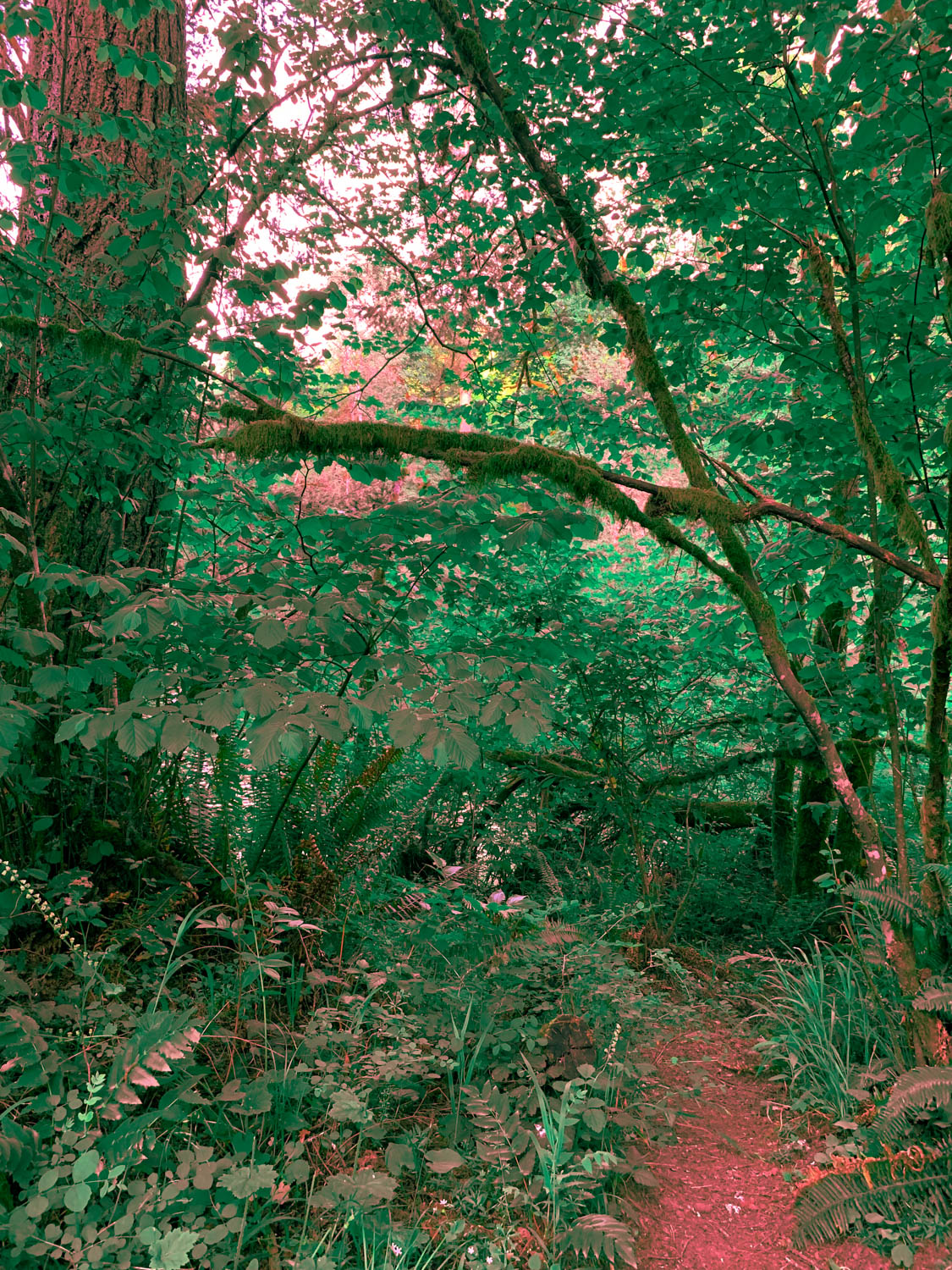

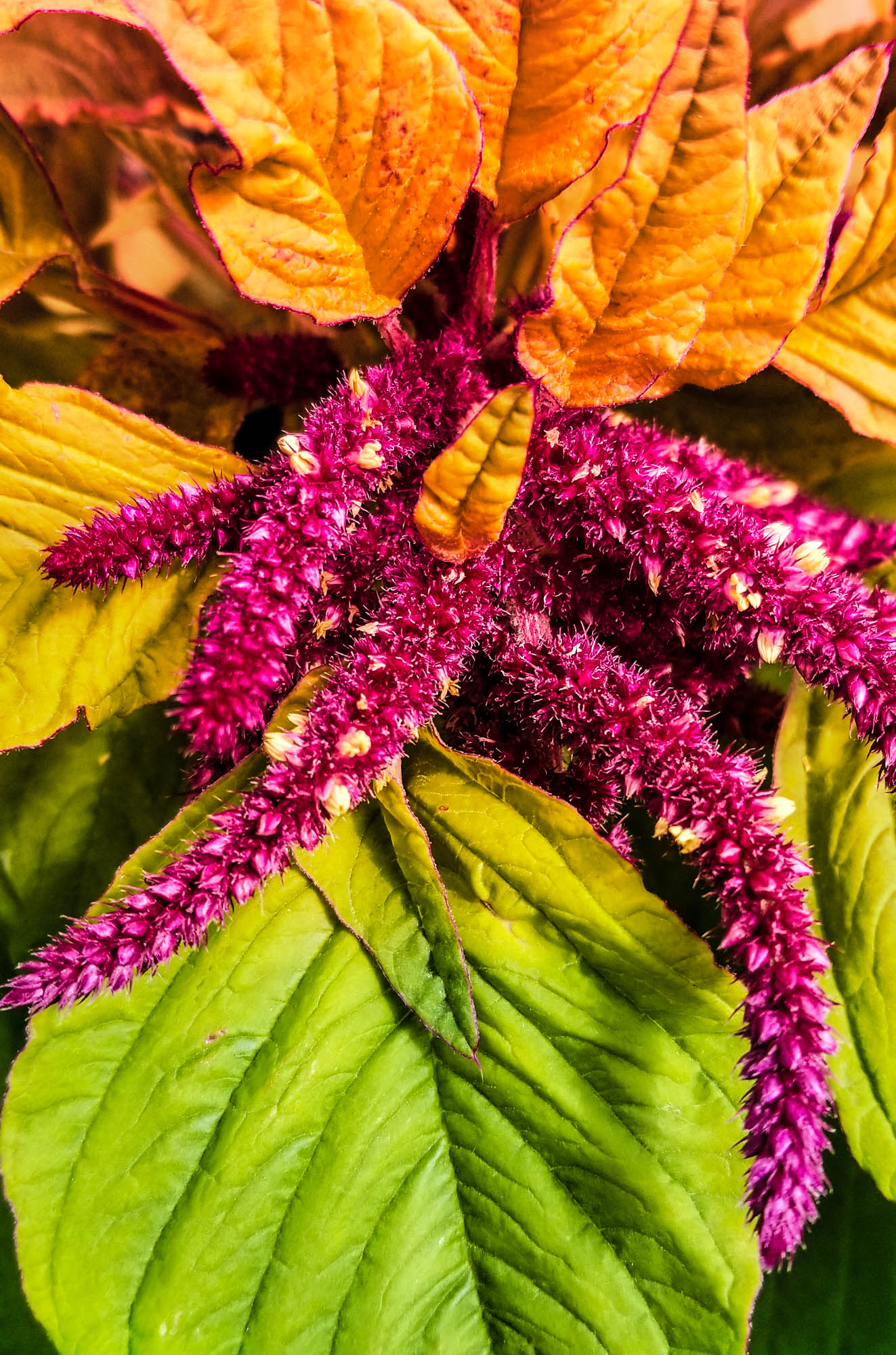
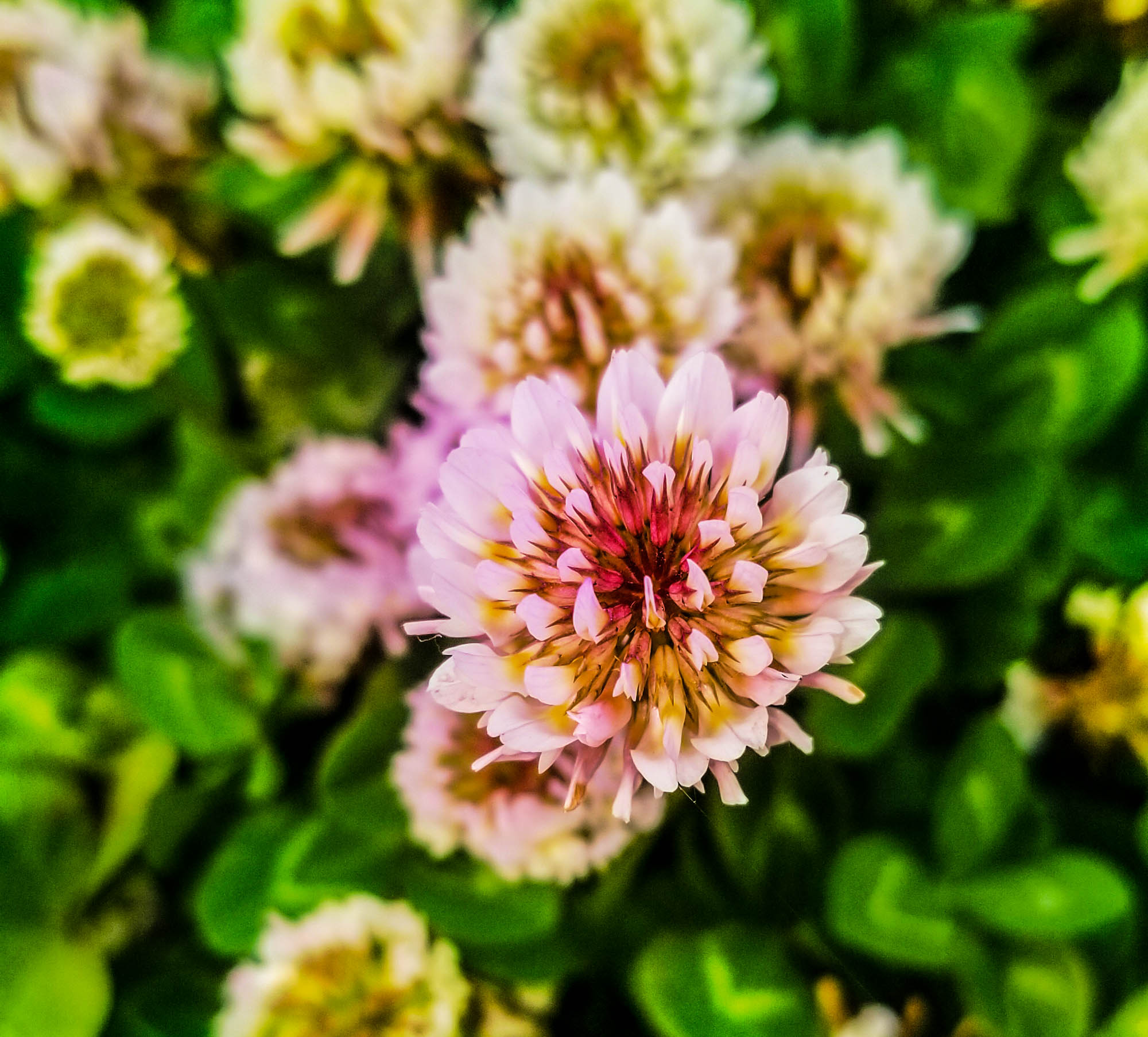


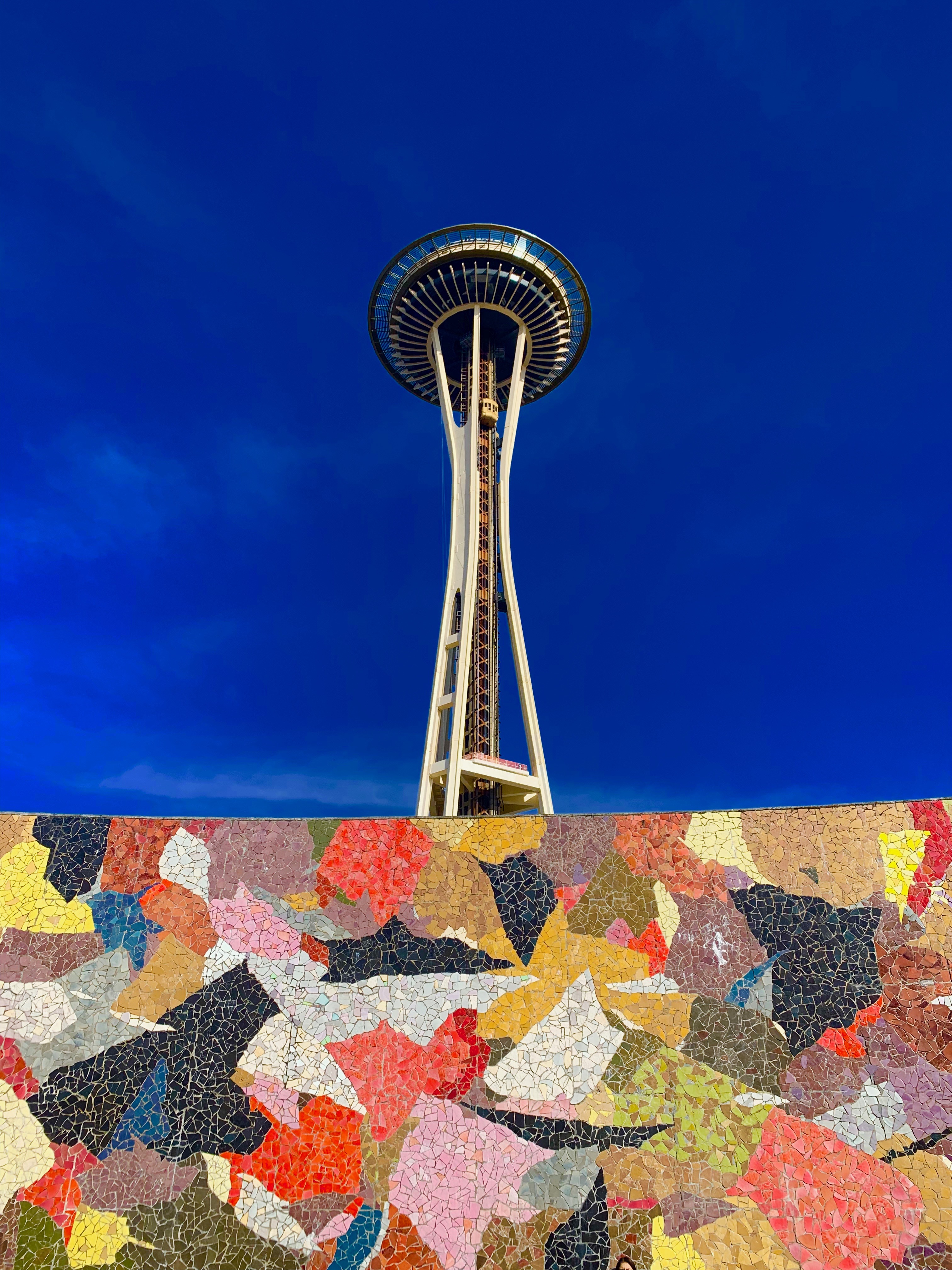
How Color can Affect Emotion

Two images that demonstrate Complementary Colors are due before 3.13
Resources:
24 Powerful Images with Complementary Colors
The Psychology of Colorhttps://color.adobe.com/create/color-wheel/
Awesome website that talks about Film Color Theory in Video and Film Production.
https://nofilmschool.com/Film-color-theory-and-color-schemes
What I’ll be grading you on.
- How well you demonstrate complimentary colors.
- How well you incorporate concepts of Color Psychology into your images.
- The ideas your image present. How well the complementary colors are enhanced in Lightroom or Photoshop.
- How well you capture two specific emotions using the color wheel.
Pre Production – Research
Research different ways photographers have used complementary colors in their photography. Find inspiration photos and include them on your visual journal. Choose a background, like a wall,field of grass, then choose a subject that has a color complementary to that background. You can test the colors using the Adobe Color color wheel.
Production – Shooting & Editing
Shoot your two sketches. Shoot from different angles, ask yourself where you want the complementary colors to go. Will they be in the original images, or will you add the colors later?
Post Production – Reflection
Write a reflection based on your experiences making these photos. Include all reflections, sketches and inspiration photos in your visual journal.
Two images that demonstrate Complementary Colors are due before 3.13
 Strong Photography 19-20