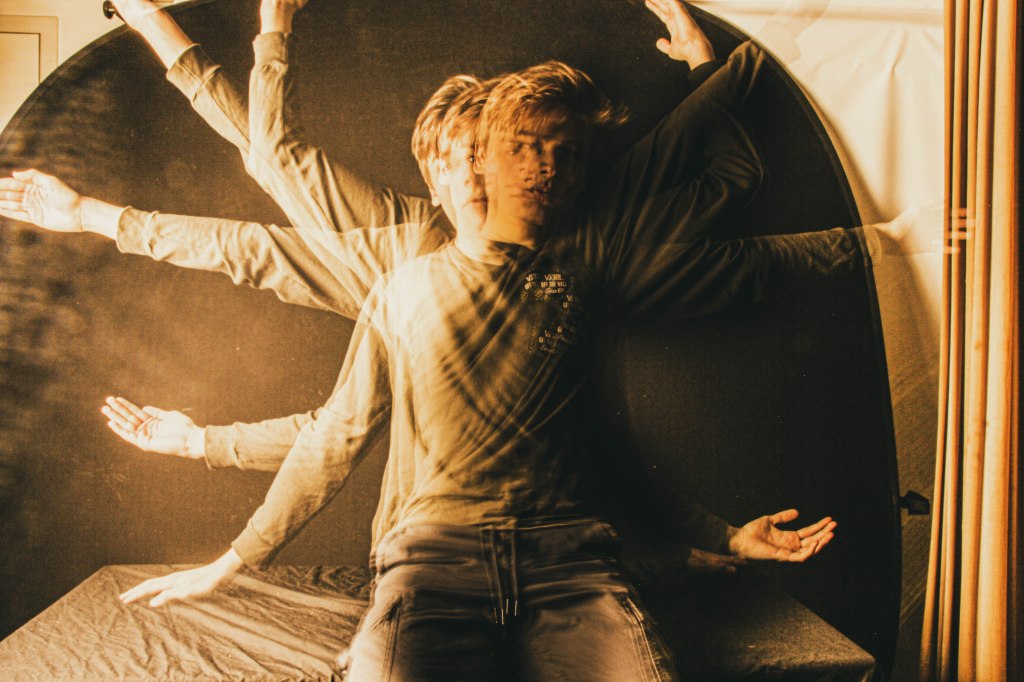
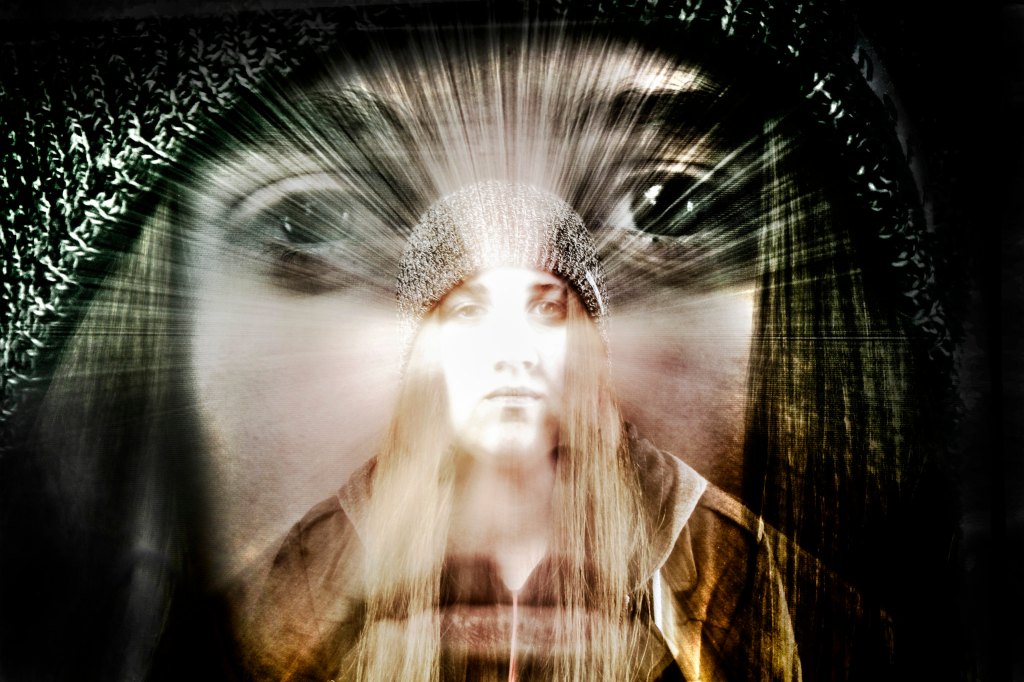
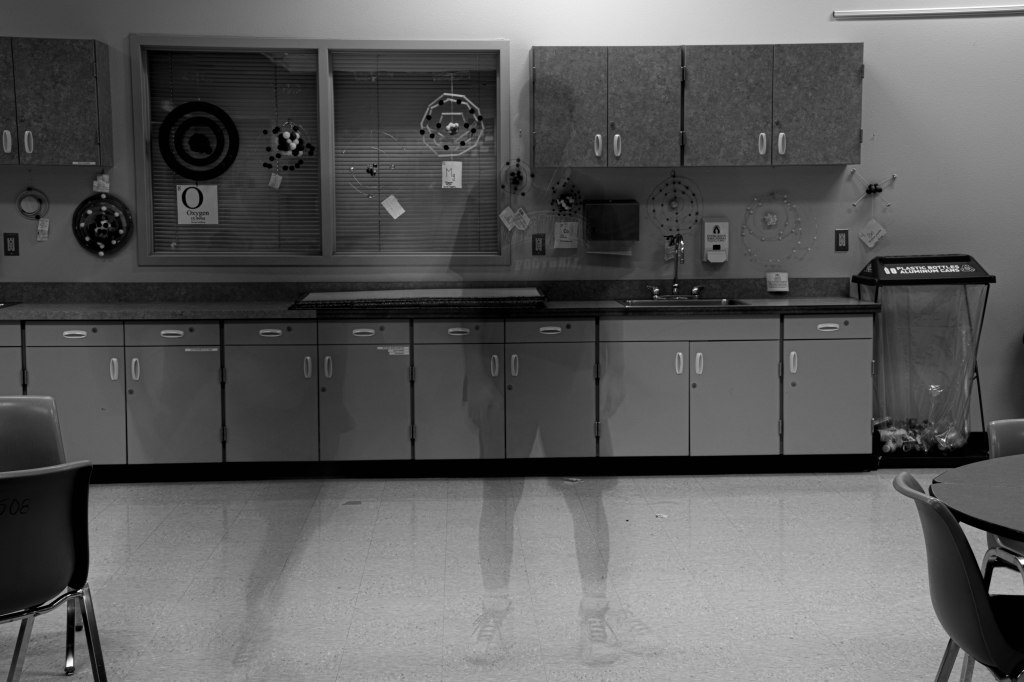
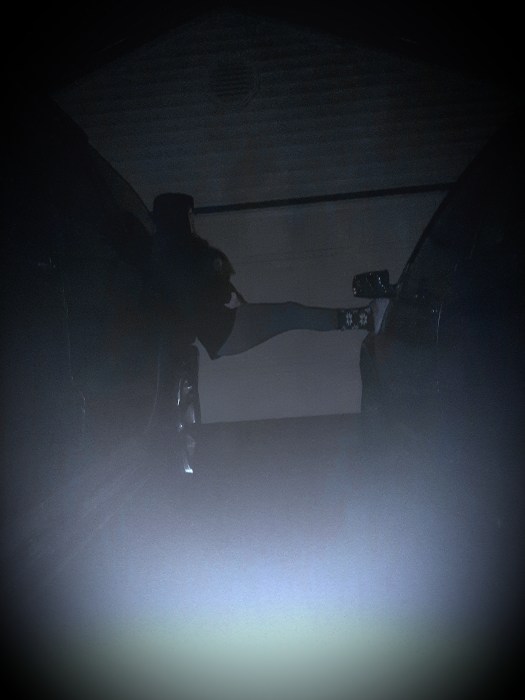
All three of these images were created using slow shutter speed.
There are three types of Special Effects you can make with Slow Shutter Speed:
The Slow Zoom
The slow zoom effect is created by placing the camera on a tripod, having a shutter speed of 3-5 seconds, and slowly zooming in the entire time.
2. Ghosted Image
A ghosted image can be created by placing a camera on a tripod and setting the shutter speed to 2-3 seconds, having the subject stand still for 1-1.5 seconds, then jumping out of the frame.
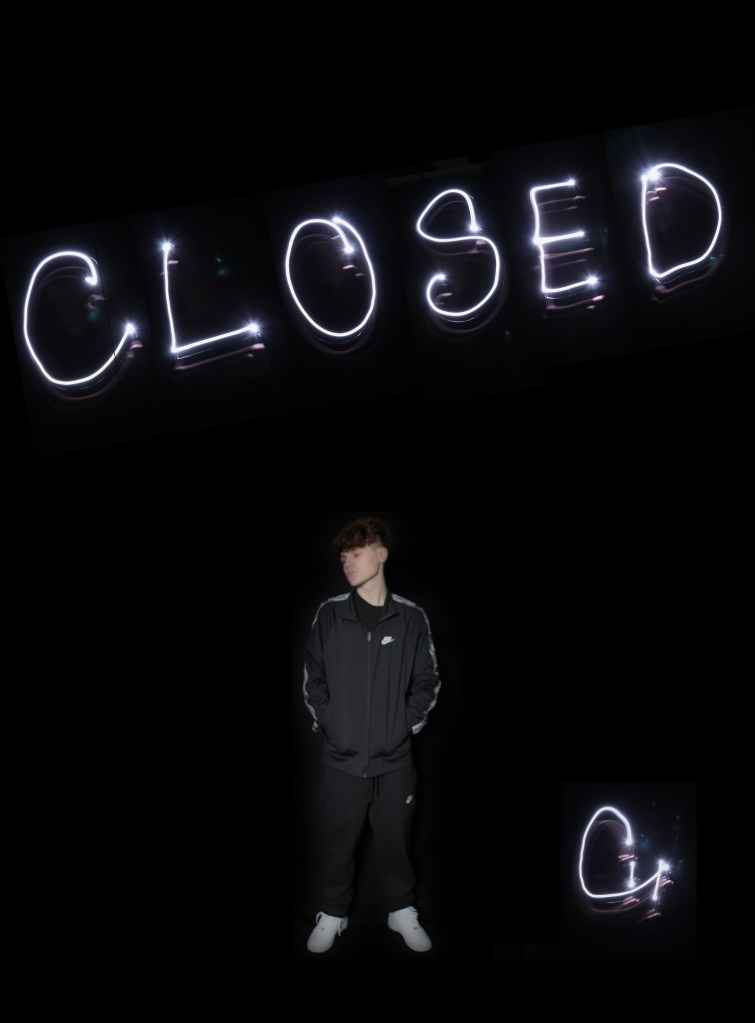
3. Light Painting
The light painting effect can be created by having a longer shutter speed, like 4-6 seconds in a darkened room, almost black. Move your phone around with the flashlight on. This image is a composite, meaning that each letter is a different image that was combined in Photoshop, then he added the portrait of himself at the end. so this image consists of 8 images.
Step One: Choose an effect you wish to create.
Step Two: Sketch out your idea, be as specific as possible.
Step Three: Grab a tripod! Without stabilization, you will just get a blurry mess.
Step Four: Make your photos.
Step Five: Transfer the images into lightroom.
Step Six: Tweak any of the settings like exposure, contrast, color, etc.
Step Seven :Export your best one as LastName_Slow_shutter.jpg
Final Image is due on Tuesday, 2/18.
What I’ll be grading you on.
Originality of Idea. Don’t just include the effect, have a person interacting with the effect.
How well you pull off the slow shutter speed photo.
Turn in a link into Google Classroom that has your visual journal entry where you post your 7 photos and 7 online examples with one sentence definitions for your Composition Scavenger hunt.
Project is due on TODAY, before the end of the period.
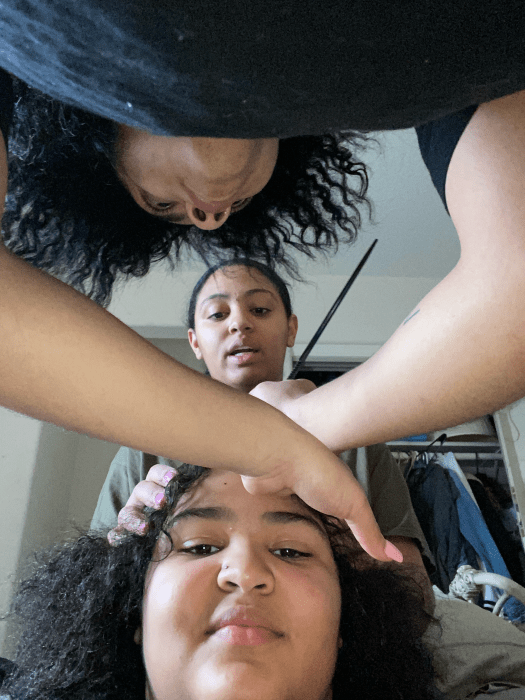
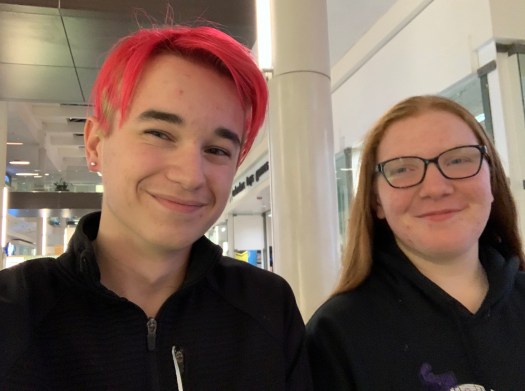
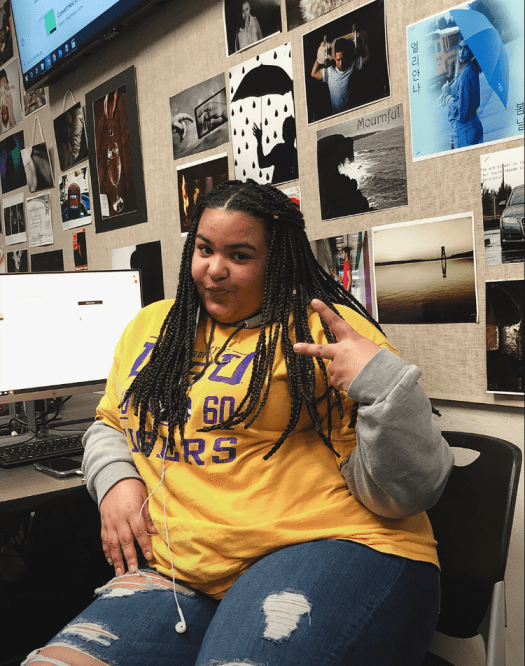
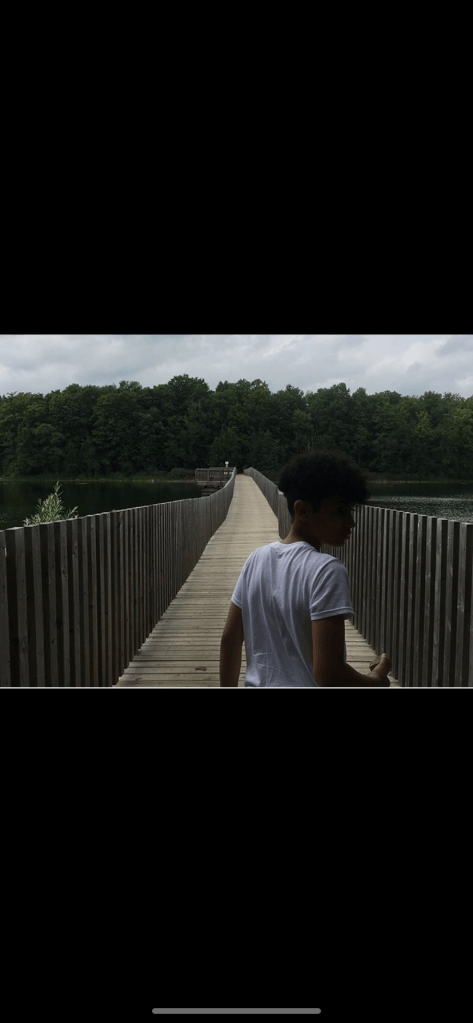
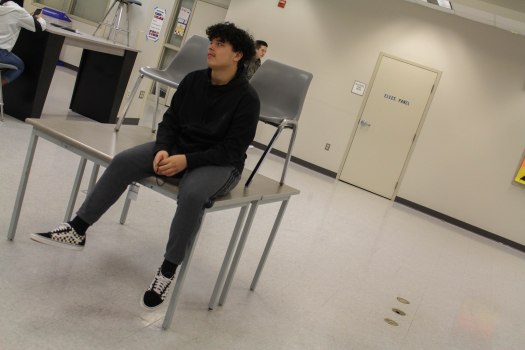
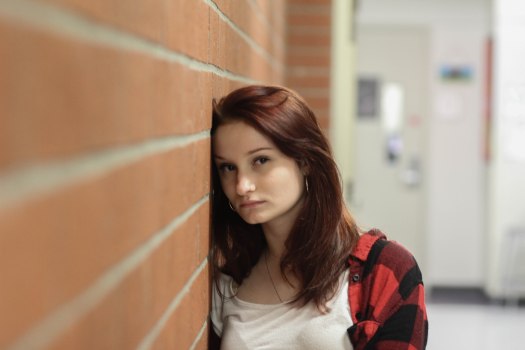
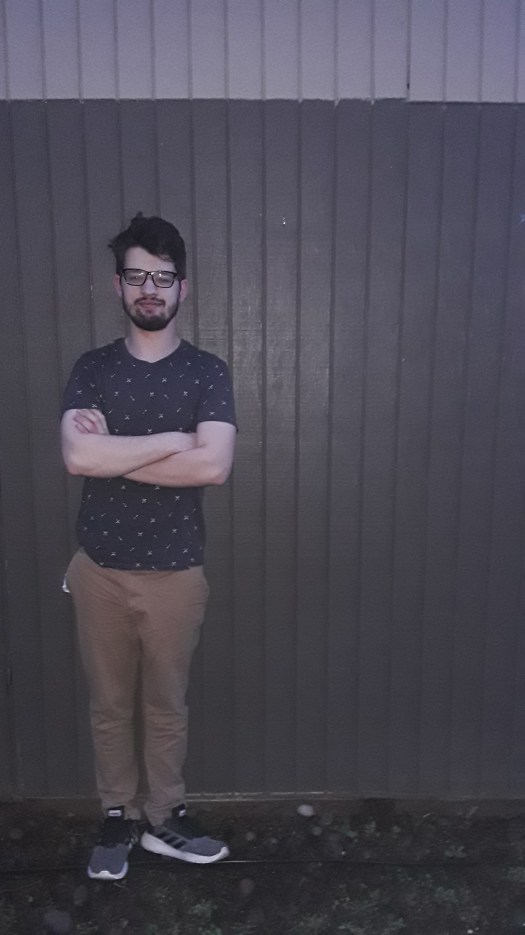
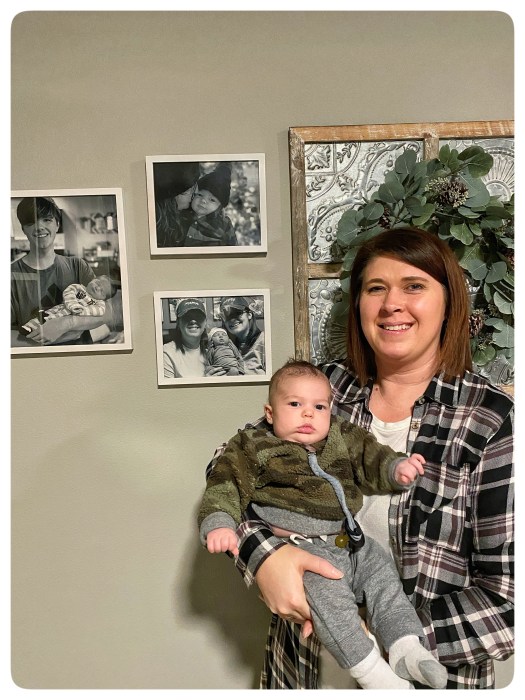
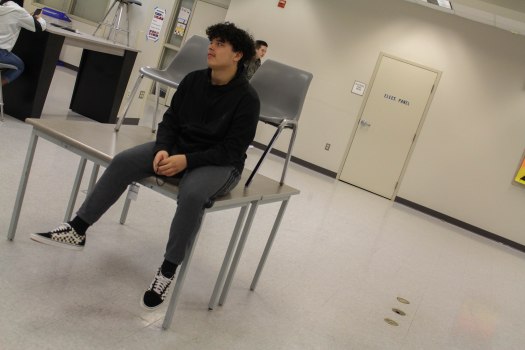
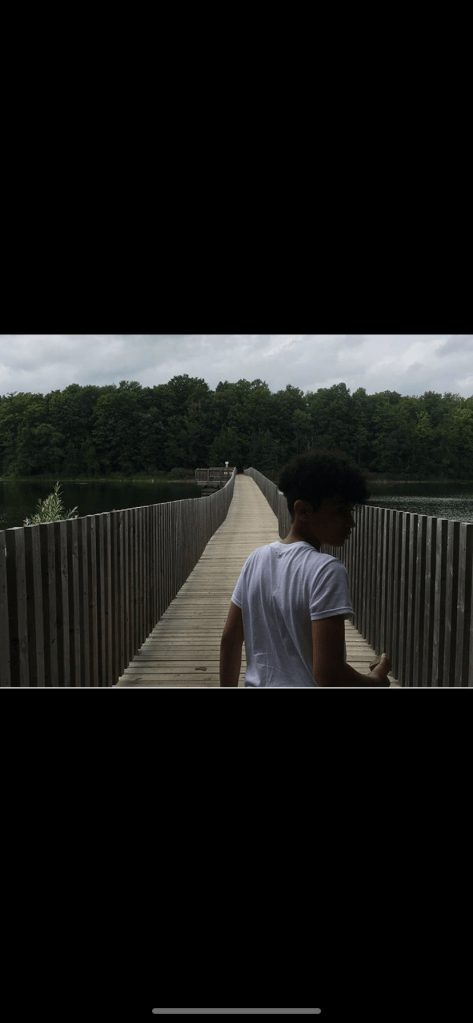
Here are the Mi Familia photos! Take a moment, choose your favorite image based on the way the photographer placed, or composed the subject in the frame. Think about what you learned last week with the composition Scavenger Hunt.
Choose your three favorites, then pick your number one ,save the image to your User Storage folder, upload it to your visual journal and write a paragraph about why you like the photo. Use the composition techniques you learned about from the Scavenger hunt last week.
I can go out in the hallway with my group and take photos for each of the seven composition techniques I researched earlier this week.
I can post all 7 photos that I took to my visual journal. for the image making part of the Composition Scavenger Hunt.
Step by Step:
Strong shows you how to focus on the cameras, how to import photos into Lightroom, and how to export them.
Go out and make seven images for the seven Composition Techniques for Composition Scavenger hunt. Each person needs to take and turn in their own photos.











 Strong Photography 19-20