
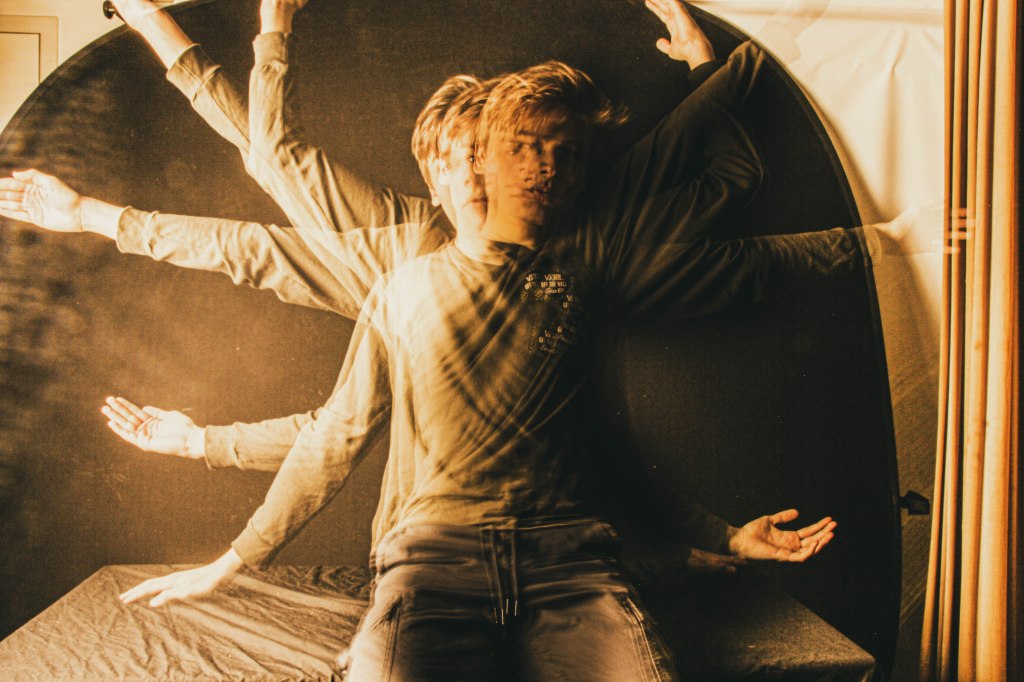
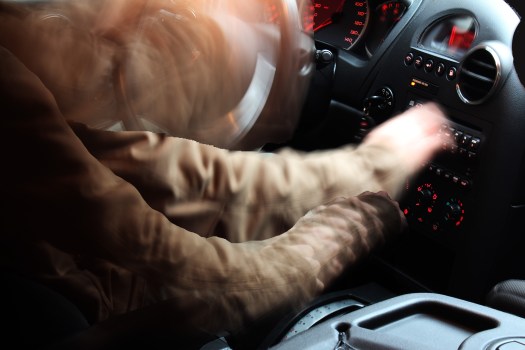

All three of these images were created using slow shutter speed.
There are three types of Special Effects you can make with Slow Shutter Speed:
- The Slow Zoom
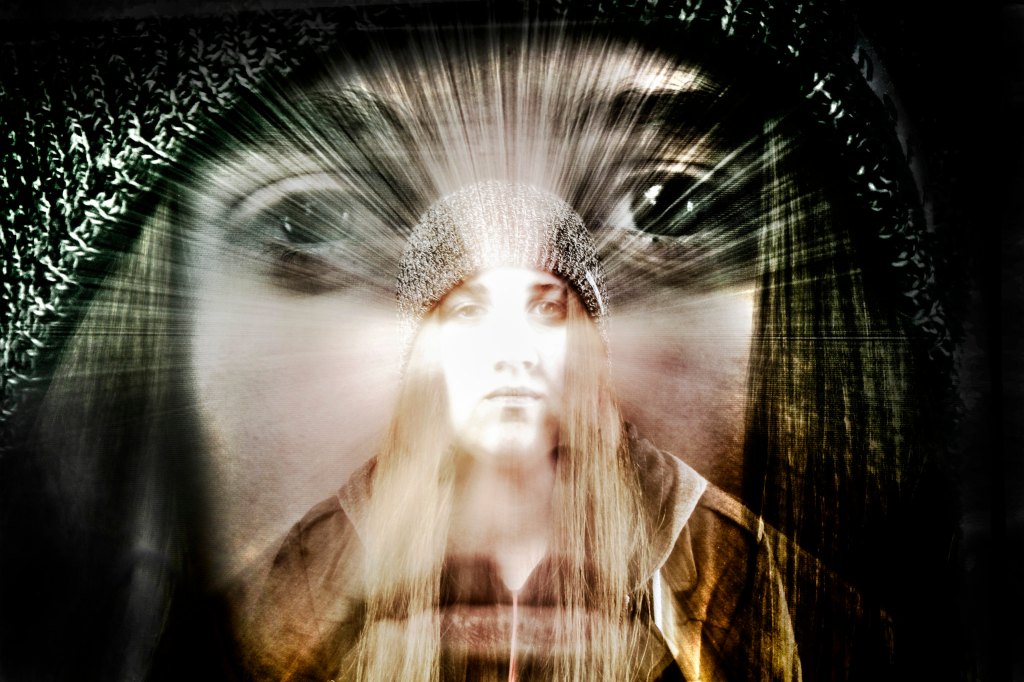
2. Ghosted Image
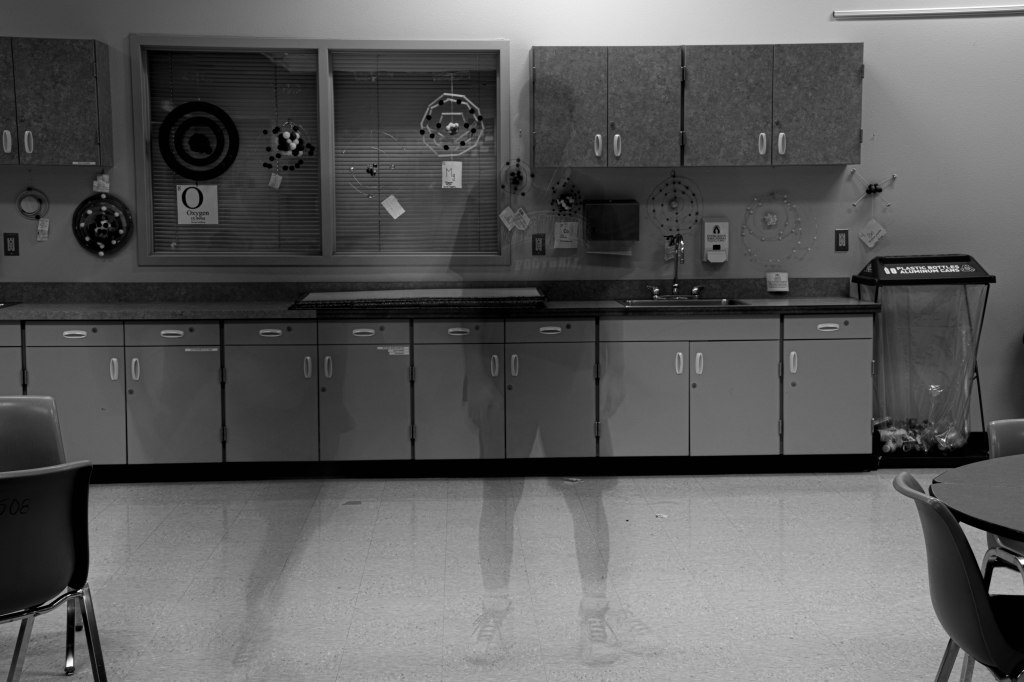
3. Light Painting
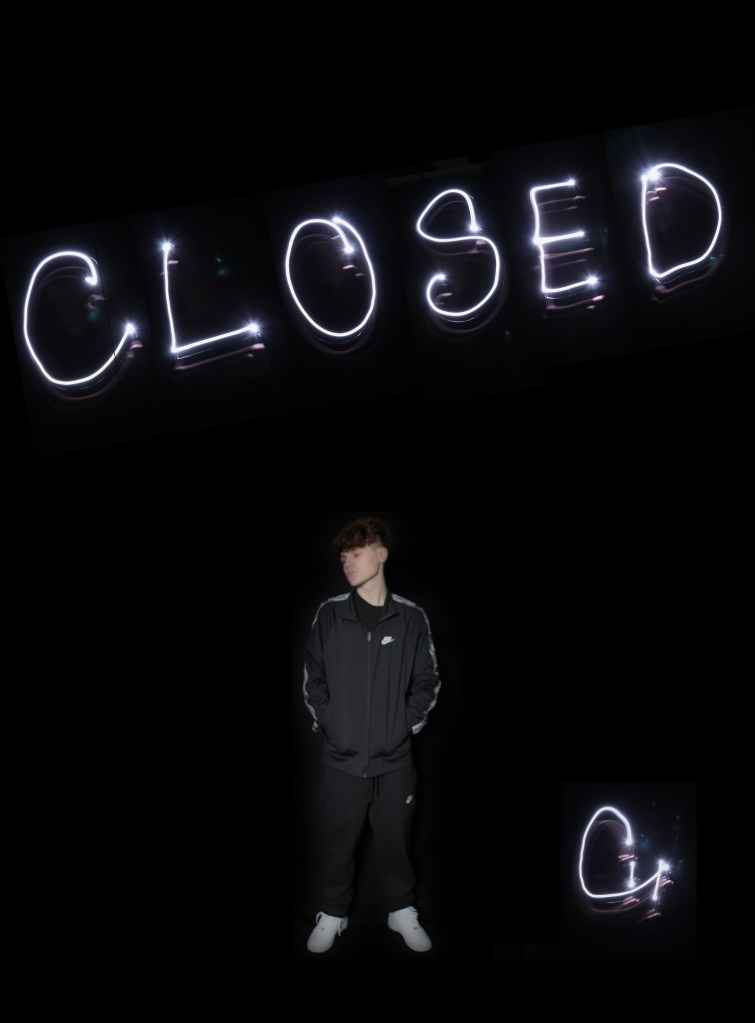
Step One: Choose an effect you wish to create.
Step Two: Sketch out your idea, be as specific as possible.
Step Three: Grab a tripod! Without stabilization, you will just get a blurry mess.
Step Four: Make your photos.
Step Five: Transfer the images into lightroom.
Step Six: Tweak any of the settings like exposure, contrast, color, etc.
Step Seven :Export your best one as LastName_Slow_shutter.jpg
Final Image is due on Tuesday, 2/18.
What I’ll be grading you on.
- Originality of Idea. Don’t just include the effect, have a person interacting with the effect.
- How well you pull off the slow shutter speed photo.
- Final editing in Lightroom.
 Strong Photography 19-20